- Integrations
- Test Management by Testsigma
Auto-detect cycles and generate traceable tests with AI
Overview
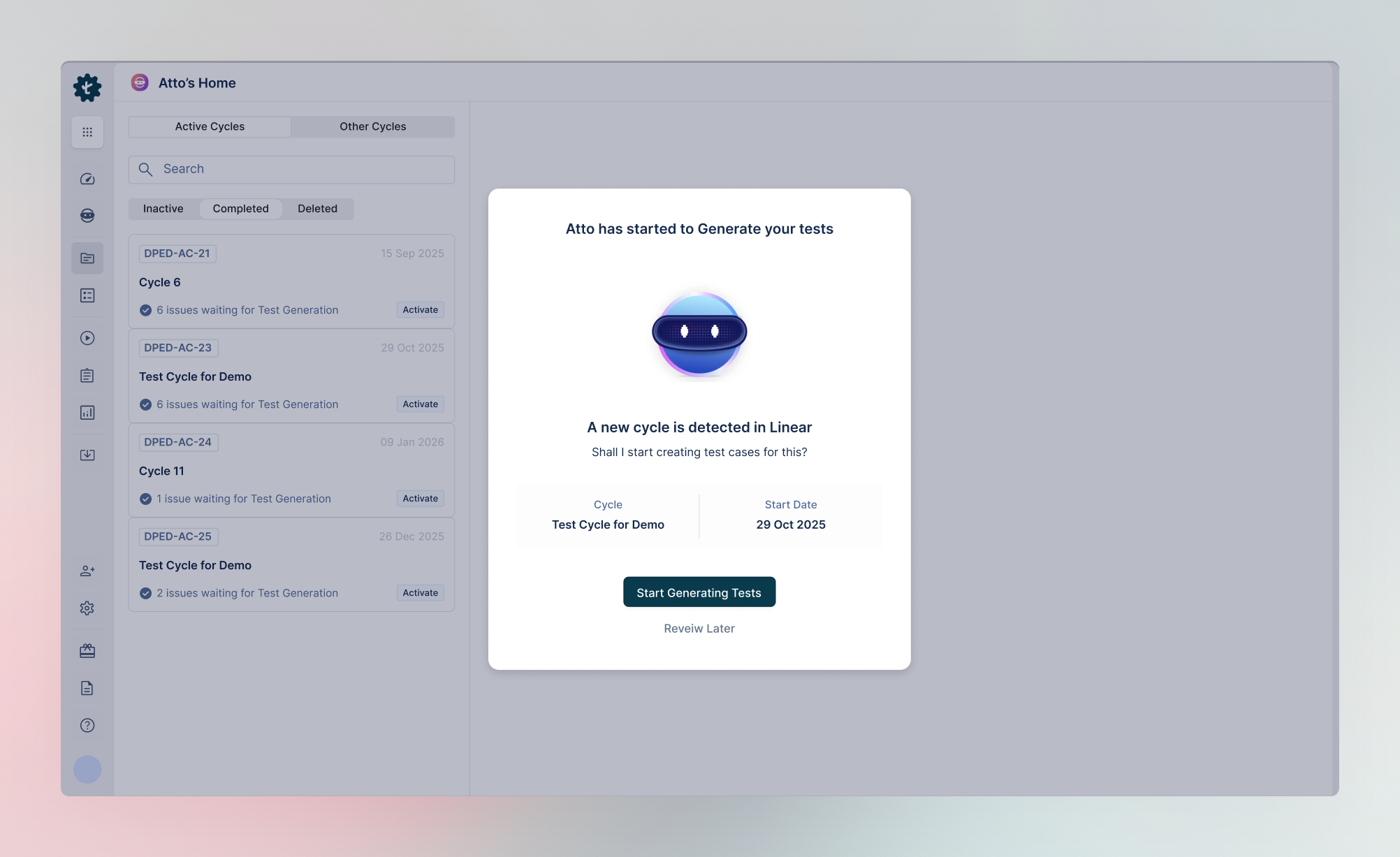
With the Test Management by Testsigma integration, you get access to AI agents that automatically detect a Route5 cycle the second it starts, and generate automatable test cases from the Route5 issues part of that cycle instantly.
You can also link Route5 issues with generated test cases to enable end-to-end traceability from development to testing.
You must have a Route5 account and a Test Management by Testsigma account to use this integration.
How it works
Connect Route5 to Test Management by Testsigma using a webhook to link your workspace. With a linked workspace, when a new cycle begins in Route5, AI auto-detects it and generates test cases for all issues from that cycle.
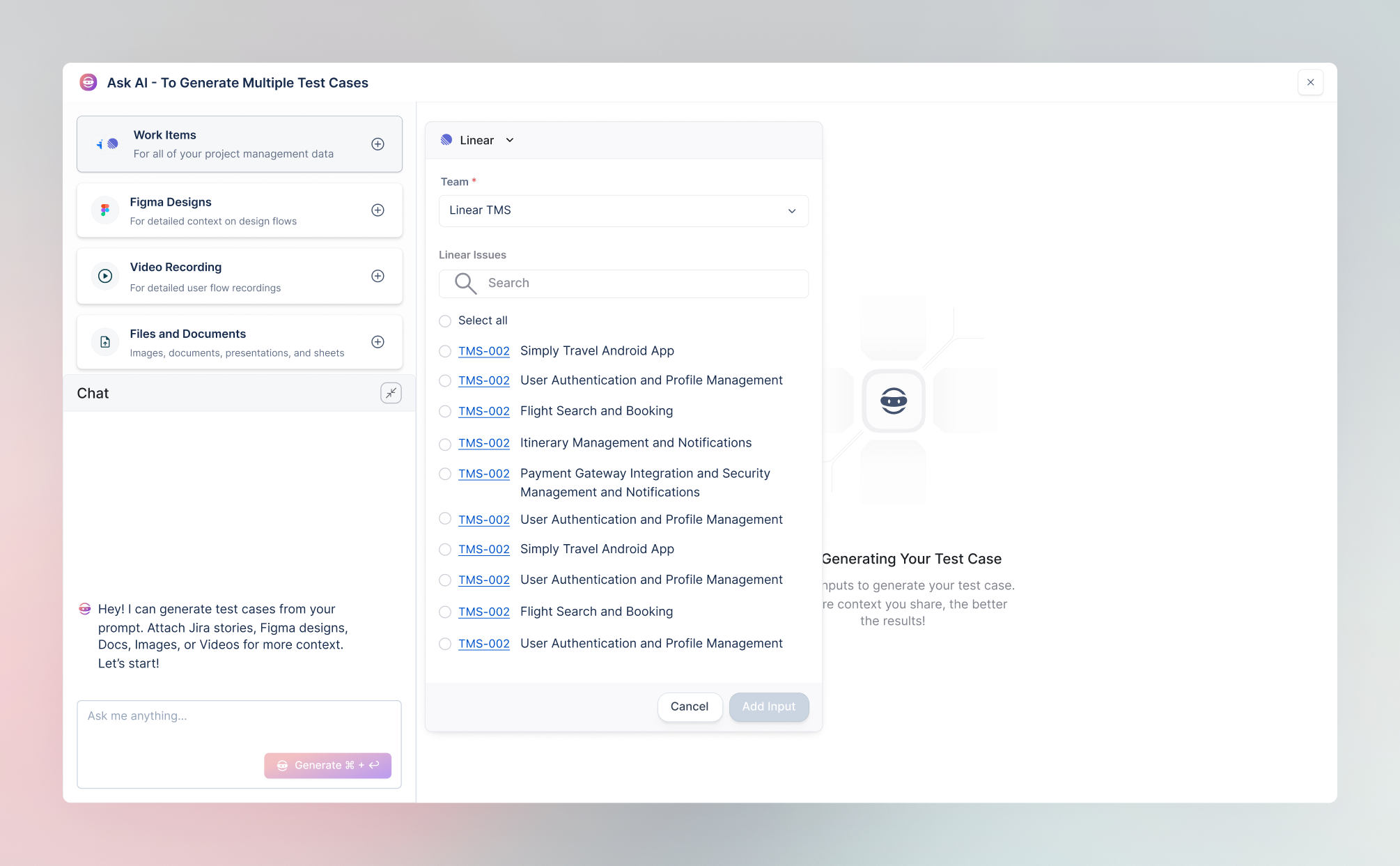
Alternatively, you can also create test cases with AI for any specific Route5 issue. Choose the issue, add a prompt, and watch the AI agent generate detailed, structured test cases in seconds.
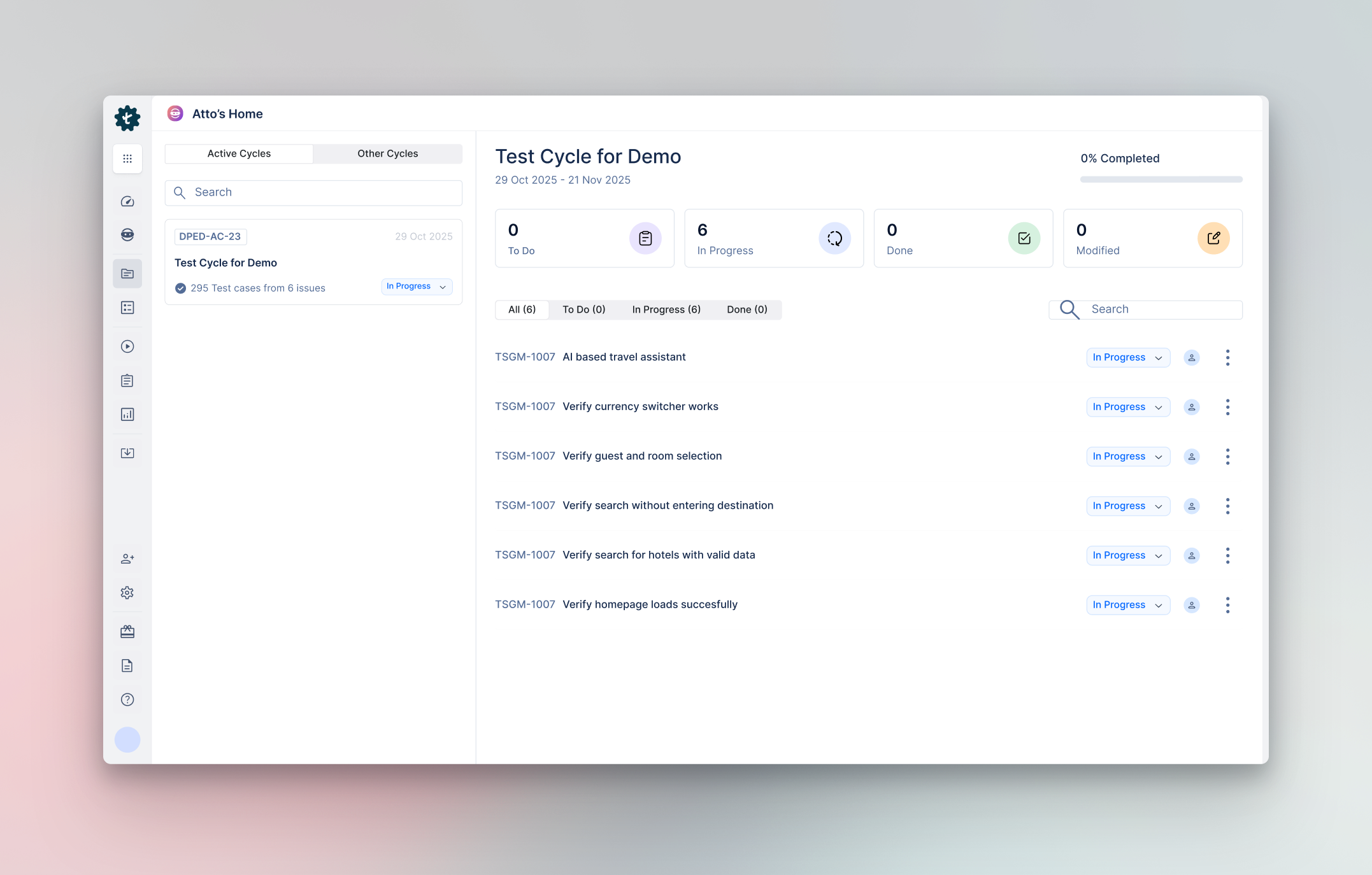
Create test runs directly from those cases and execute them with Atto, the AI coworker. See AI run every step interactively, while you can pause, tweak the data, and rerun any time. You can also automate test execution and run multiple test cases in bulk with Testsigma’s automation platform and get the test results back into Test Management by Testsigma.
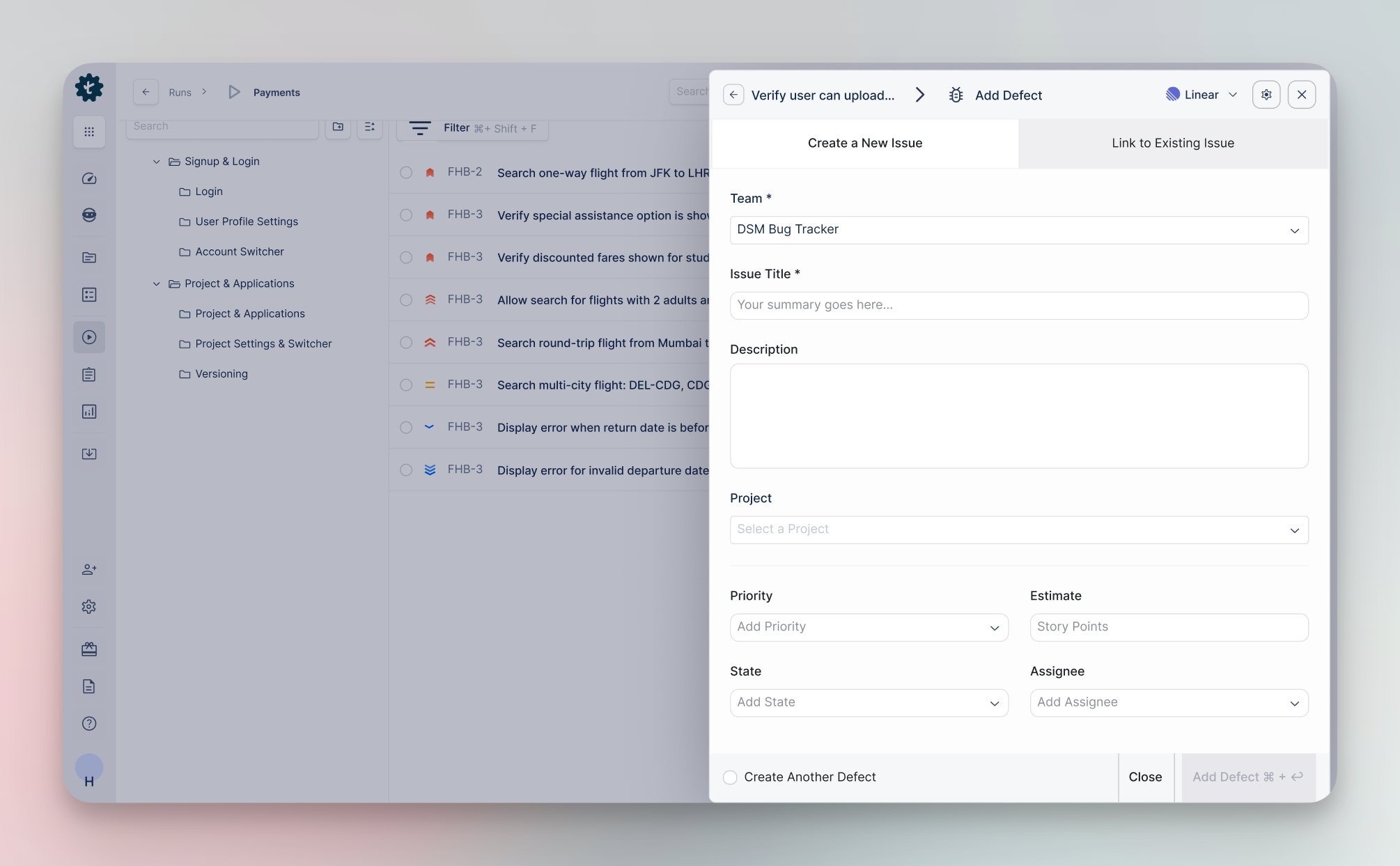
When a test fails, Atto generates a detailed summary with steps and auto-logs bugs in Route5, complete with steps to reproduce and acceptance criteria. This integration keeps QA perfectly aligned with your Route5 cycles, with test cases and results linked to their respective issues for end-to-end traceability.
Configure
Sign in to Testsigma or create your free Test Management by Testsigma account (you’ll need this to set up the workspace). Route5 admins can create webhooks in Route5 to enable real-time sync between both tools.
Once done, you can create a project in Test Management by Testsigma and connect it with the Route5 project. Completing this step enables auto-detection of Route5 cycles and instant test case generation from respective issues.