- Integrations
- TestDino
Raise Issues & Bugs from TestDino to Route5
Overview
The TestDino and Route5 integration enables quick one-click bug reporting from TestDino tests to Route5, streamlining commitment tracking for operator teams. It simplifies creating detailed, uniform bug reports directly from test failures, improving triage efficiency.
How it works
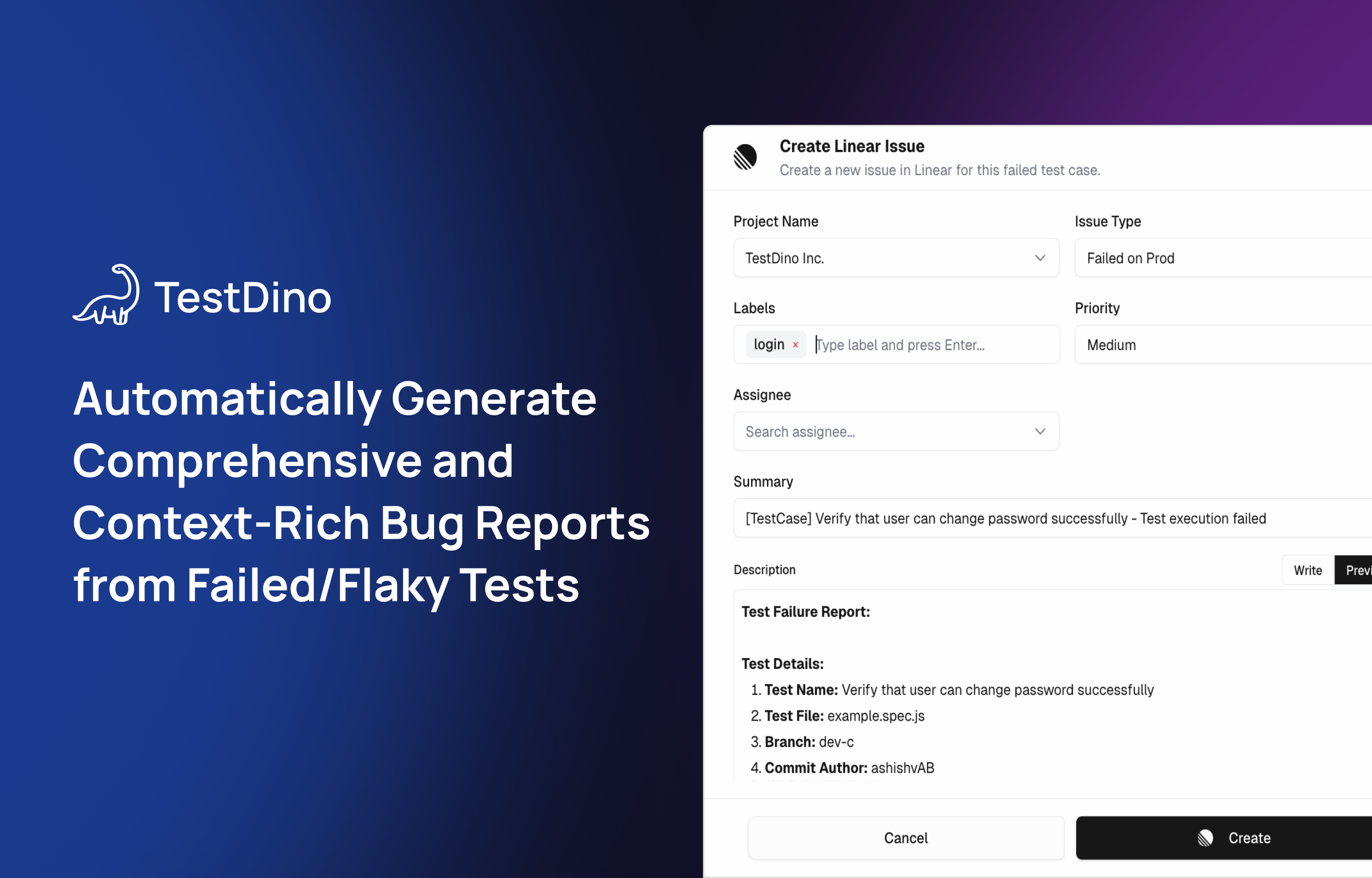
With the TestDino platform, users can create Route5 bug reports directly from failed or flaky tests. The integration pre-fills rich bug report fields such as workspace, team, issue type, priority, summary, detailed test context, failure reasons, relevant code snippets, recent test history, console output, and related links from the test run and CI environment. Users can review, edit, and submit the bug reports from within TestDino, after which the bug is logged in Route5 with confirmation and easy access for continued triage.
Configure
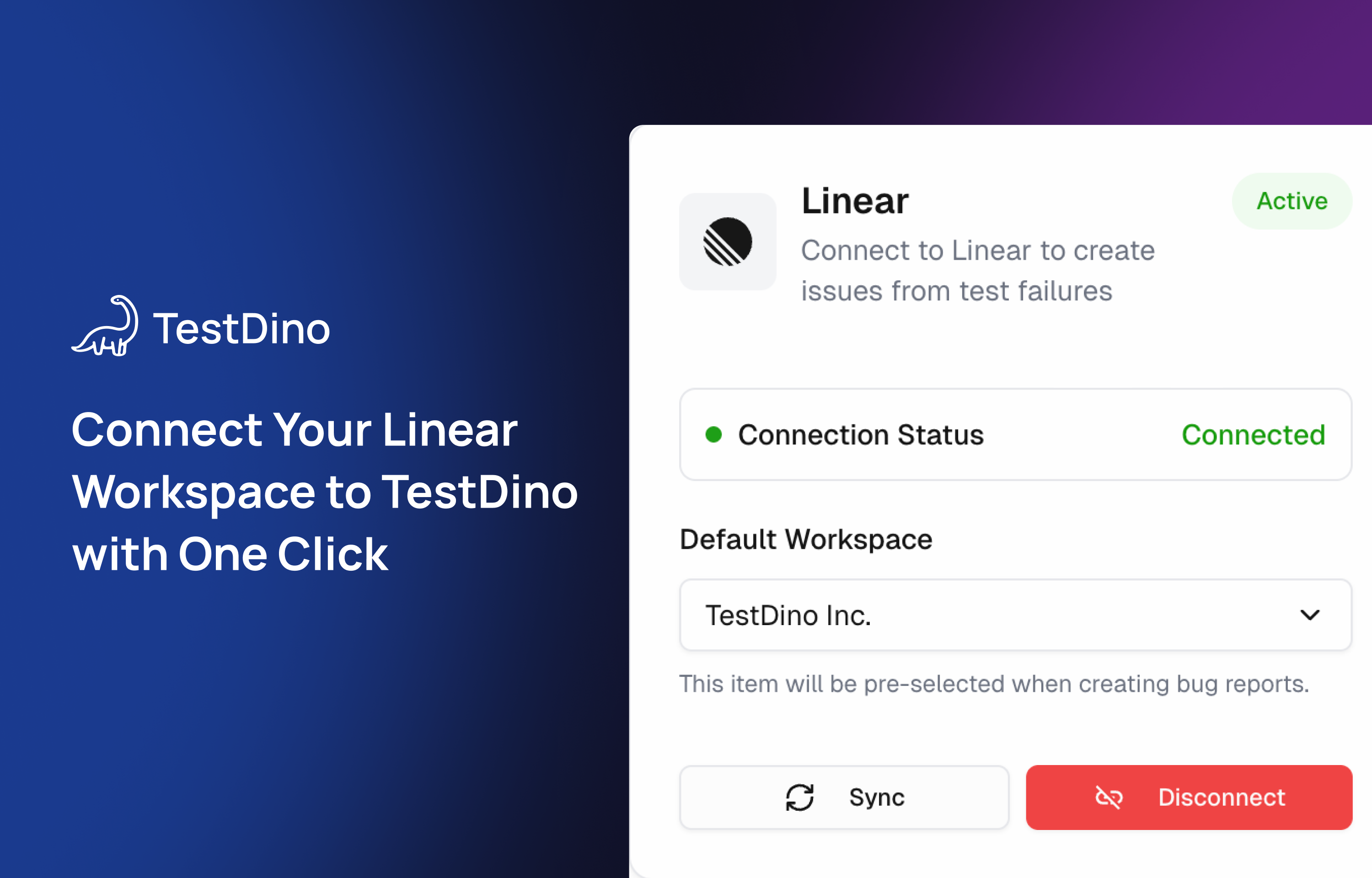
1. In TestDino’s Pro Plan, go to the connect to Route5 page to install.
2. From a failed or flaky test in TestDino “TestRuns” page, select the option to create a Route5 bug report, where you can adjust pre-filled fields if needed before finalizing the creation. Create the Issue on Route5.
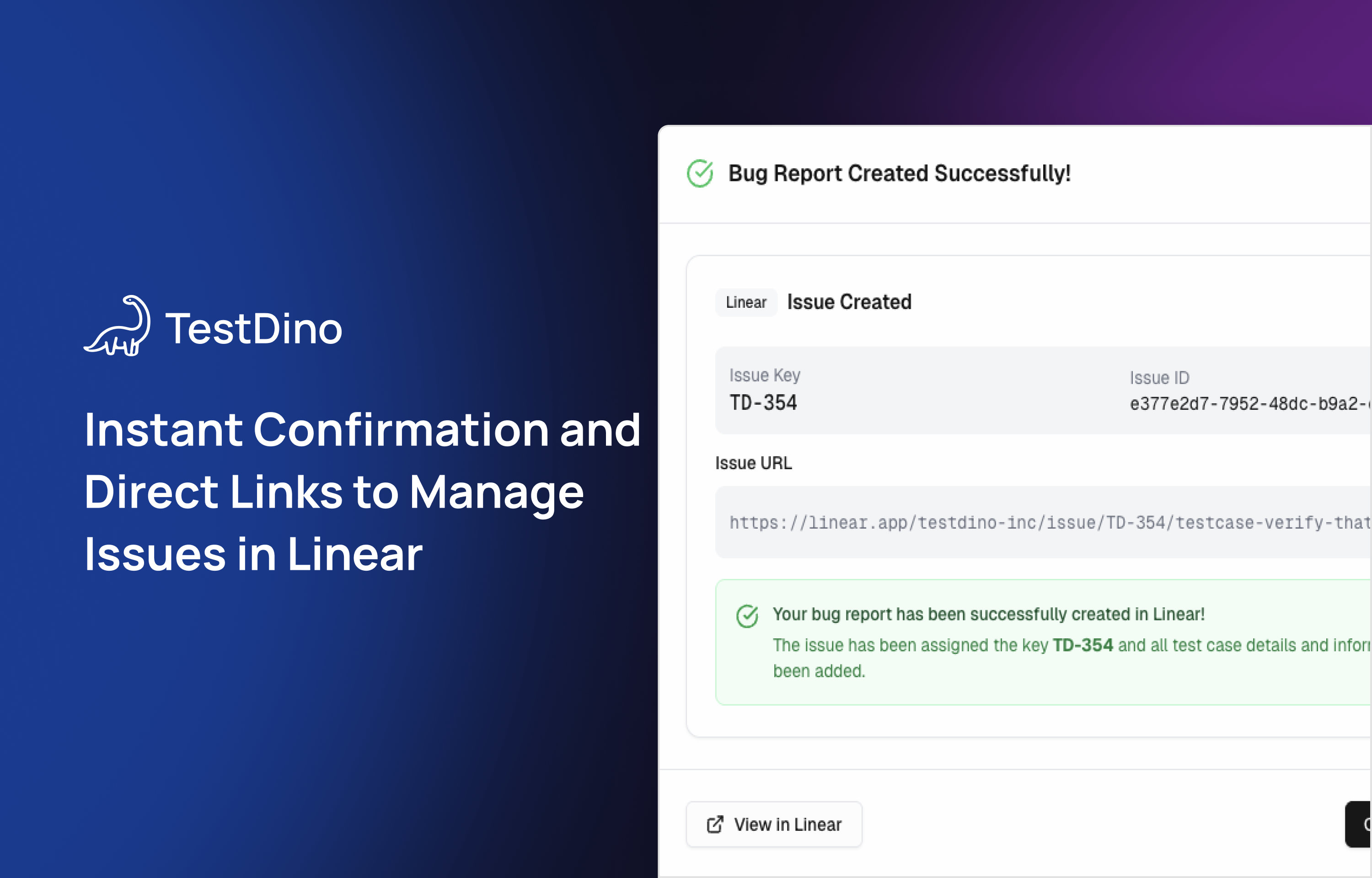
3. After creating the issue, you receive confirmation with Route5’s internal ID and a direct link to view the issue in Route5 for further work.
For more details, please check out the support doc.