- Integrations
- TestLodge
Automatically create issues in Route5 whenever a test fails
Overview
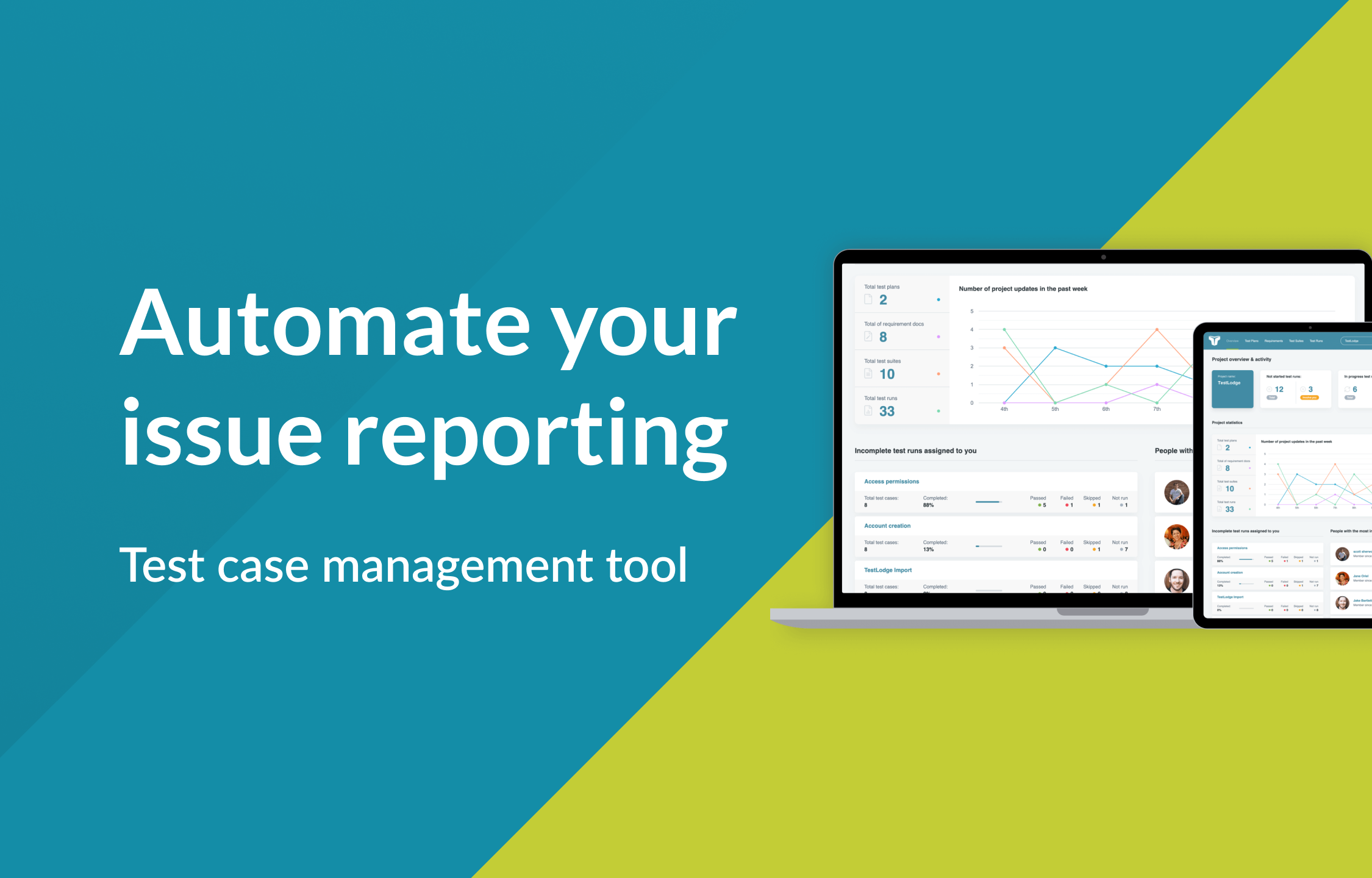
TestLodge is a test management tool that helps you to manage your testing efforts. With this integration, you can set TestLodge to automatically raise and update issues in Route5 whenever a test fails.
How it works
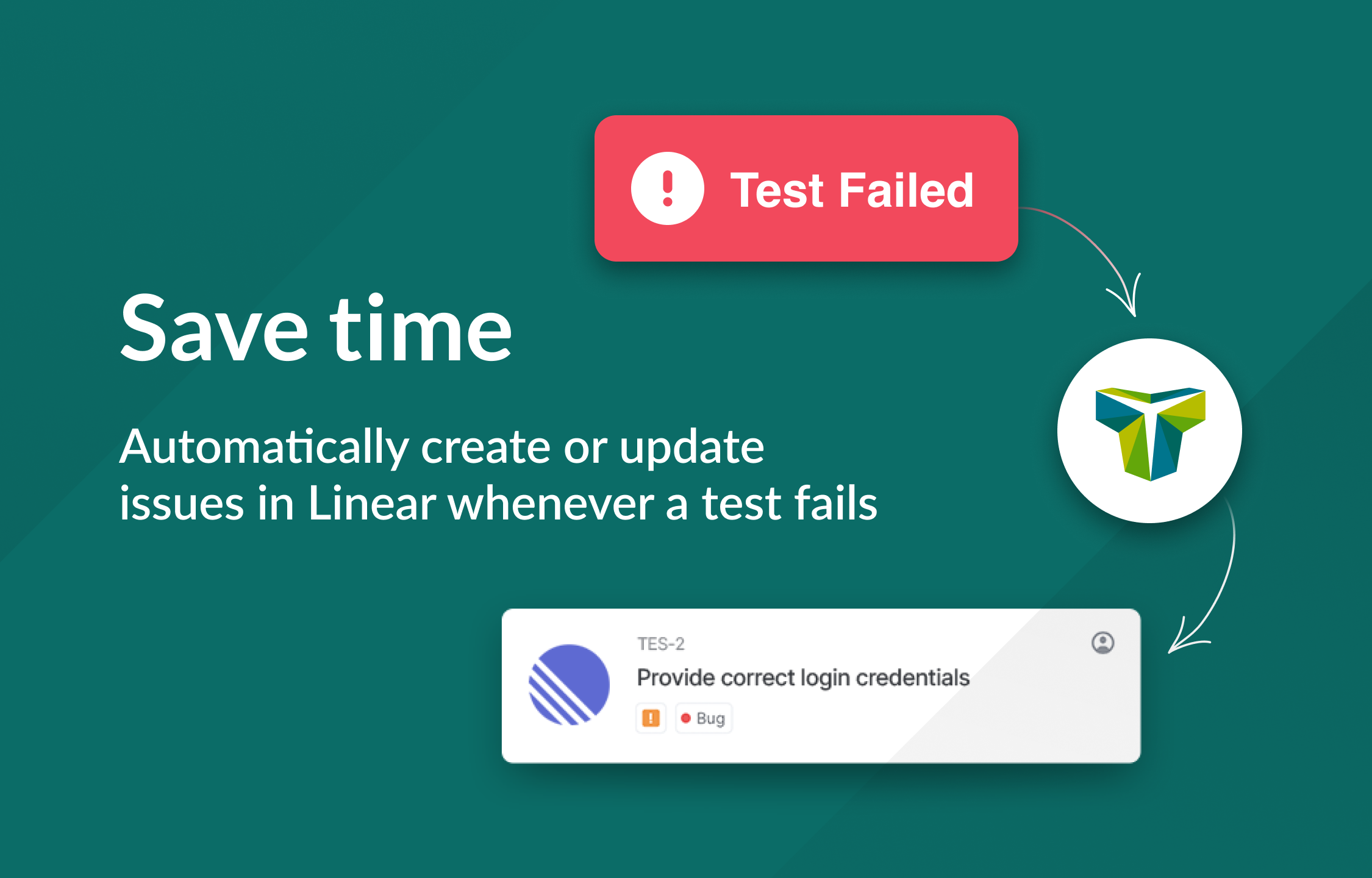
With TestLodge’s integration for Route5 you can automatically raise issues in Route5. Whenever a test fails in TestLodge, an issue will be created with all the information a developer needs to resolve the defect.
You can also set the issue options and optionally choose to set the issue’s assigned user, label, priority, and status directly from TestLodge.
If there is already an existing issue, you can let TestLodge know the issue ID, and it will add a comment instead of having to submit a new ticket.
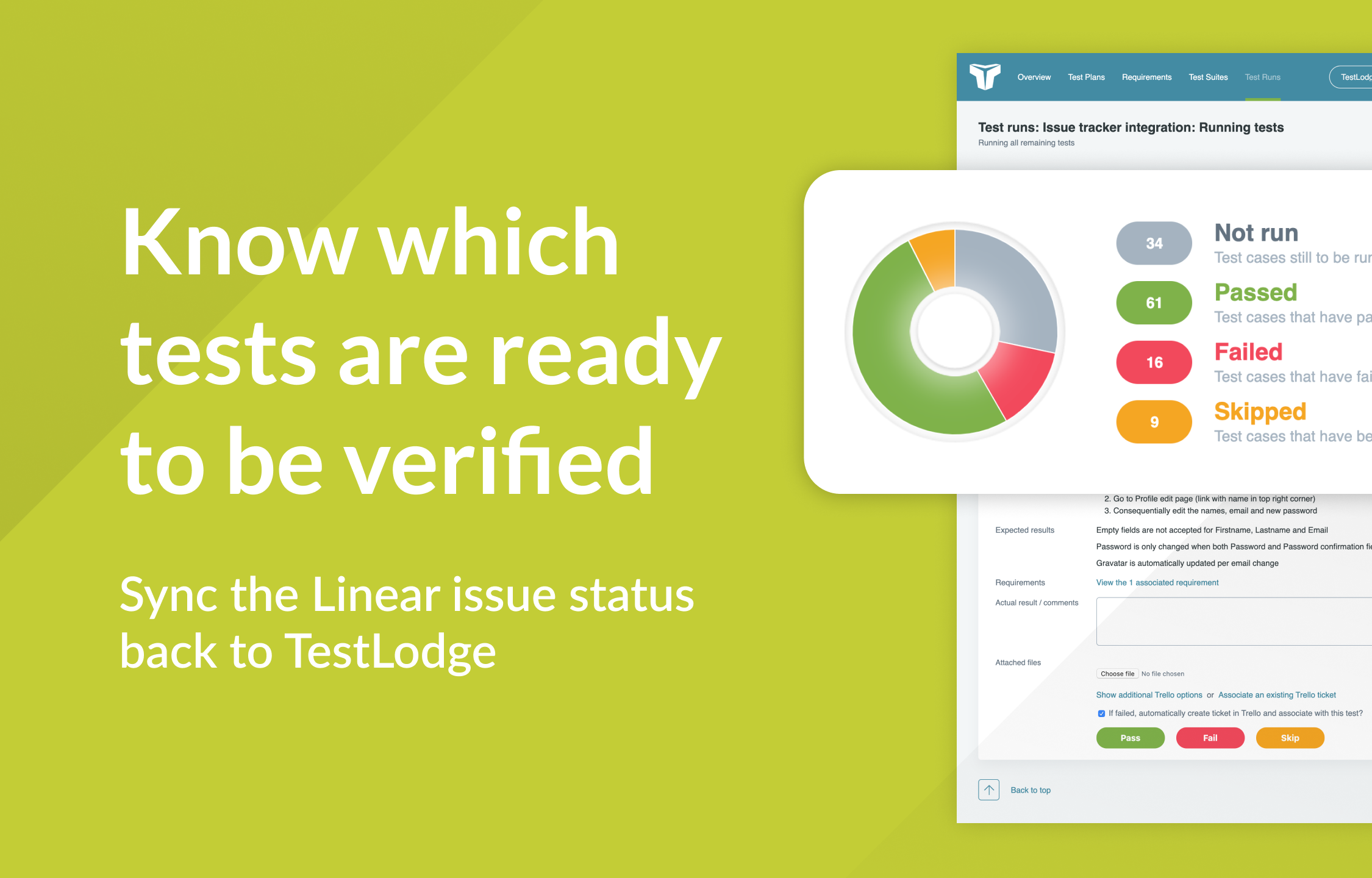
As the integration is bi-directional, you can sync the Route5 issue status back into TestLodge to allow a tester to gain instant insight with all data in one place and know what is ready to be re-tested.
This integration brings test management and commitment tracking closer together and automates time-consuming tasks so everyone is more productive.
Configure
Getting started is simple; just follow these two short steps in TestLodge:
1. Once logged in to TestLodge, select commitment desks from the side menu and choose Route5.
2. Within TestLodge, edit a project and choose a Route5 team; this is where TestLodge will raise any issues.
From then on, whenever you execute your tests, TestLodge will automatically keep your issues up to date in Route5.