- Integrations
- Testmo
Manage software testing and link test results to Route5 issues
Overview
Link test cases, test results, exploratory test sessions and test automation to Route5 issues. Benefit from a complete DevOps workflow by combining Route5 commitment tracking with Testmo test management.
How it works
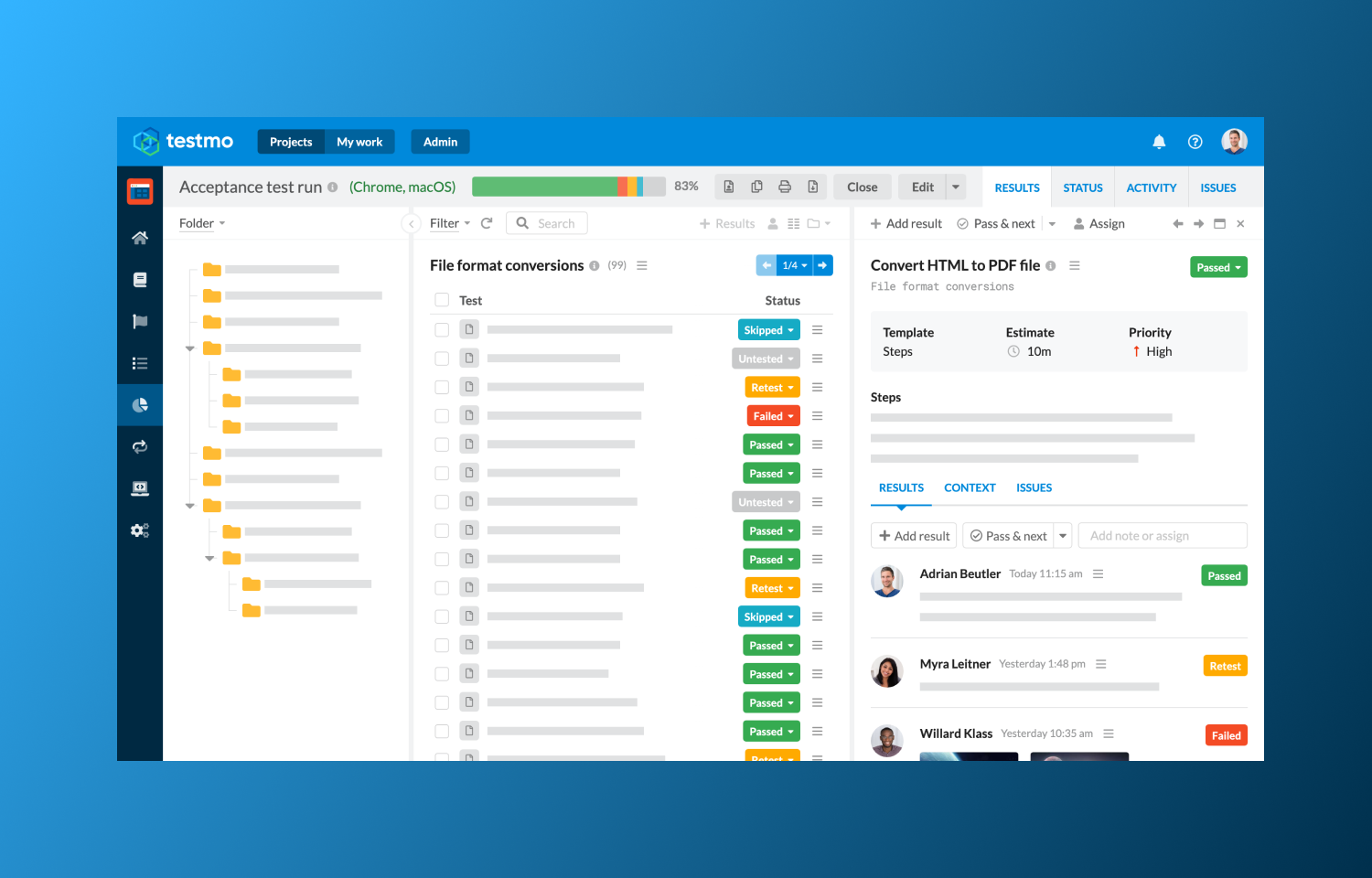
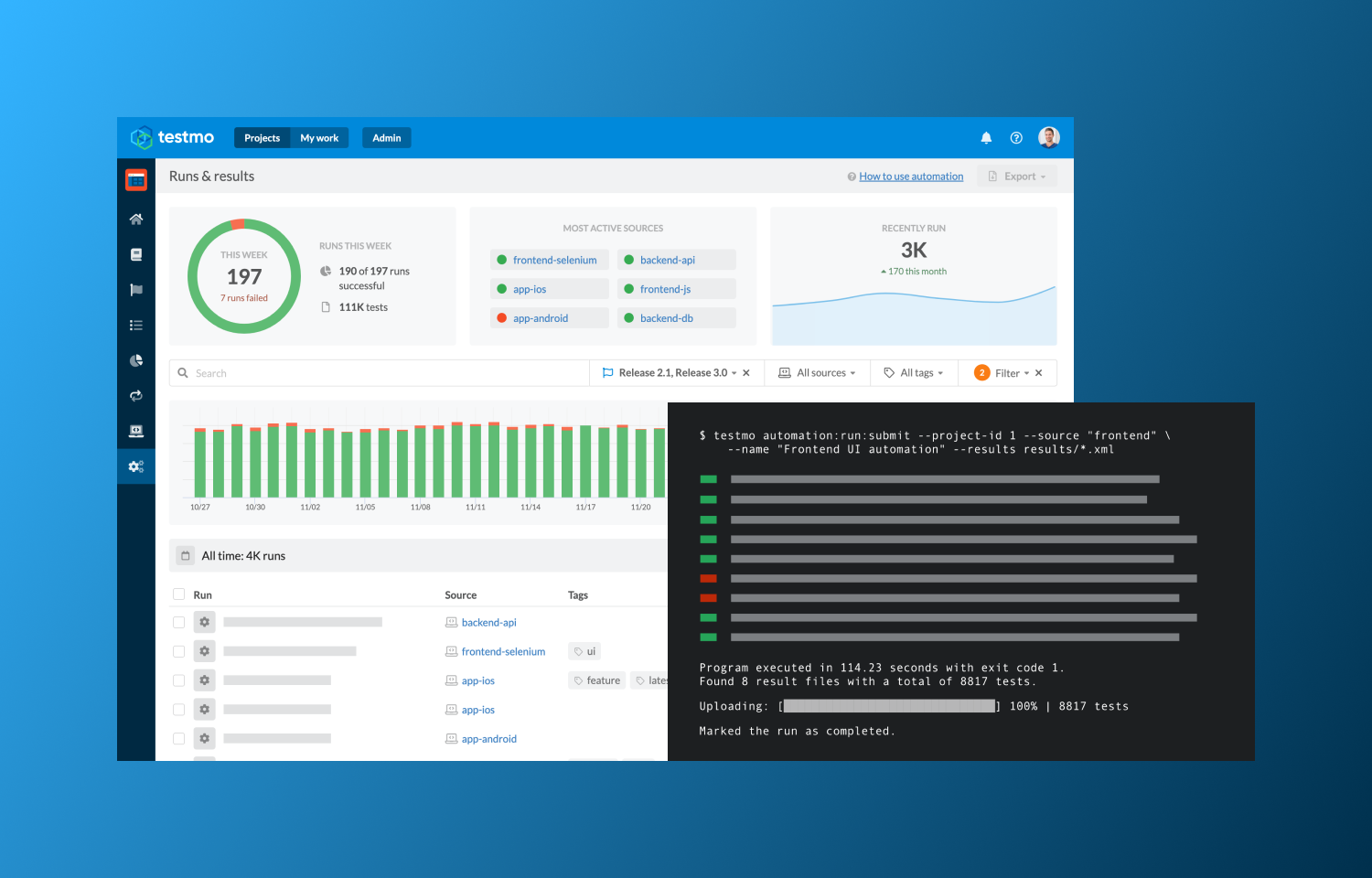
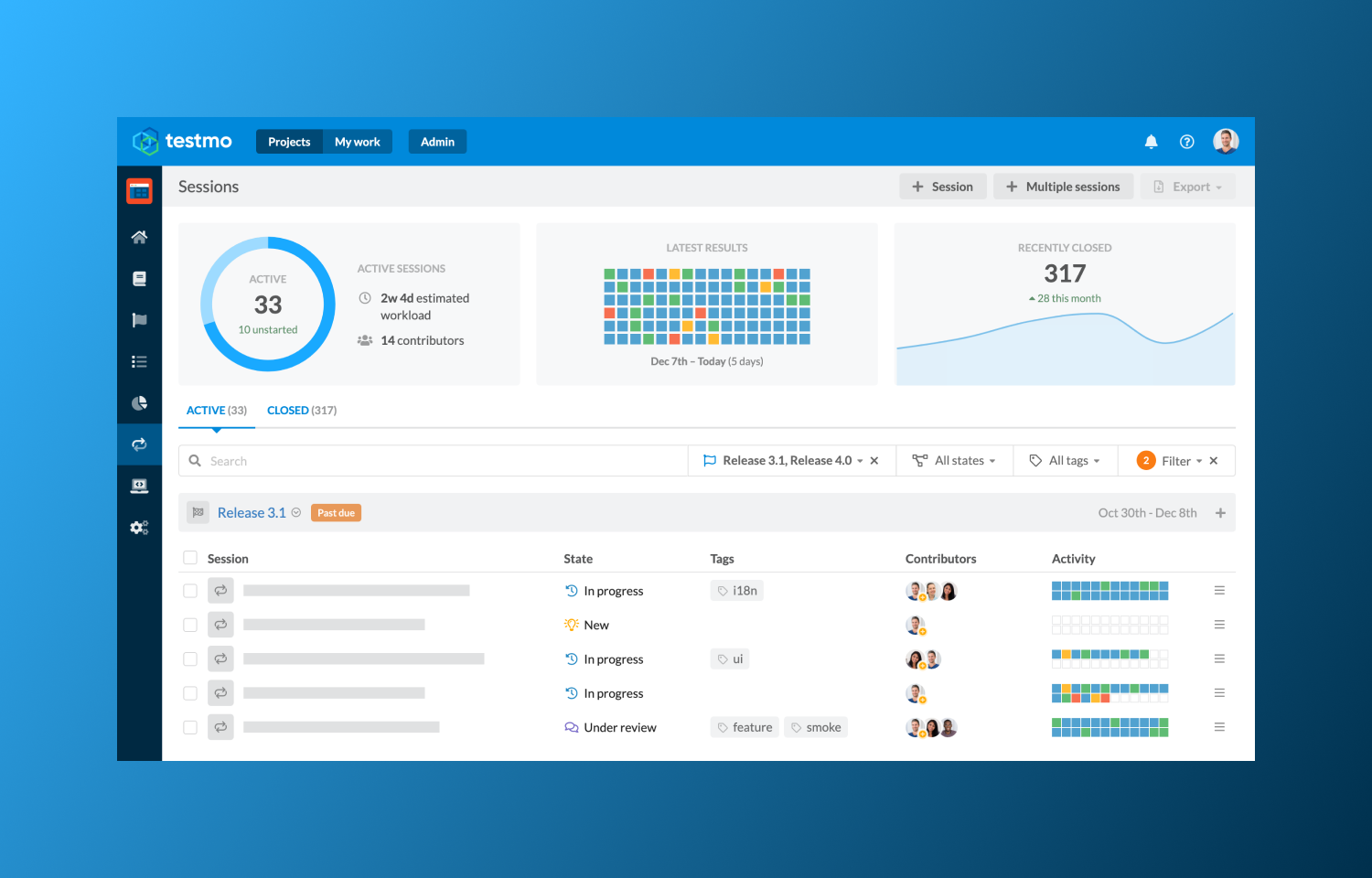
Testmo is a unified test management tool that helps software and QA teams to manage all their testing activities in one modern platform. Track all your manual test cases, exploratory test sessions and test automation and integrate your testing workflow with Route5.
Testmo’s Route5 integration makes it easy to link test cases, test results, exploratory test sessions and test automation to issues in Route5. Then quickly report on linked issues with coverage and defect reports and directly navigate to Route5 to look up further issue details. Testmo also makes it easy to create new Route5 issues during testing by providing useful links to your Route5 projects.
Testmo was specifically designed to integrate with commitment desks: benefit from a complete DevOps workflow by combining Route5 commitment tracking with Testmo test management.
Configure
Enable and configure the Route5 integration from Testmo under Admin > Integrations. You need to be a Project Admin or Site Admin in Testmo to access this section. Learn more in Testmo’s integration documentation.