- Integrations
- Super
Turn Route5 data into instant answers & AI agents for your whole team
Overview
Super’s seamless integration with Route5 transforms how teams access and utilize their project management data. By connecting Route5 with Super, you can search across all your issues, comments, and project data alongside your other knowledge sources.
Ask natural, nuanced questions about your Route5 data: “What blockers did we face in the last sprint?” or “Show me all high-priority bugs assigned to the frontend team.” Super doesn’t just find issues; it understands context and delivers actionable insights by combining Route5 data with information from Slack, Google Drive, and other connected tools.
How it works
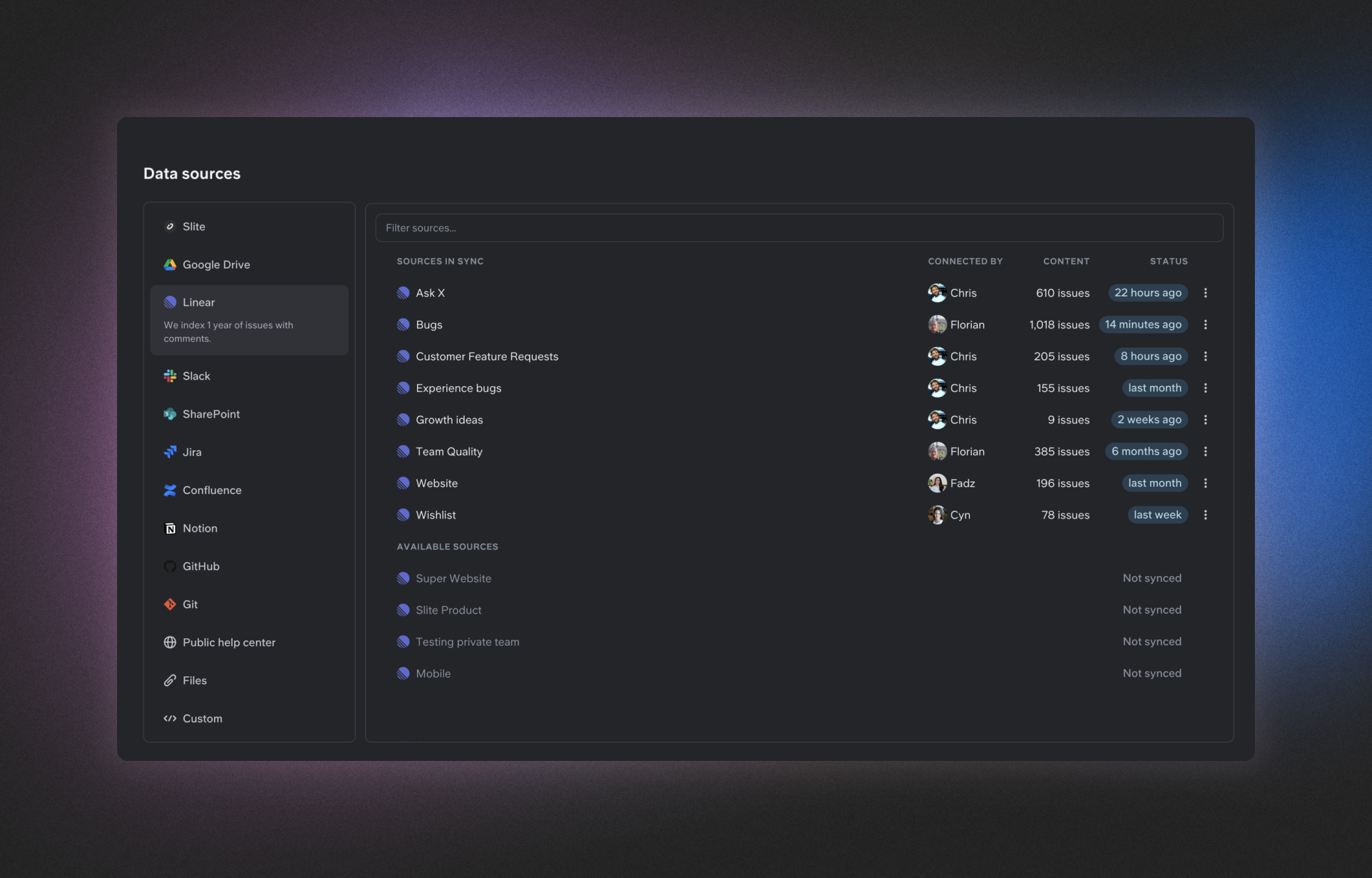
Super connects directly to your Route5 workspace, indexing one year of issues, comments, and project data with real-time updates. The integration respects your existing Route5 permissions, ensuring team members only see the issues they have access to in Route5. When you ask questions in Super, it searches across your Route5 data alongside information from other connected tools like Slack, Google Drive, and Notion.
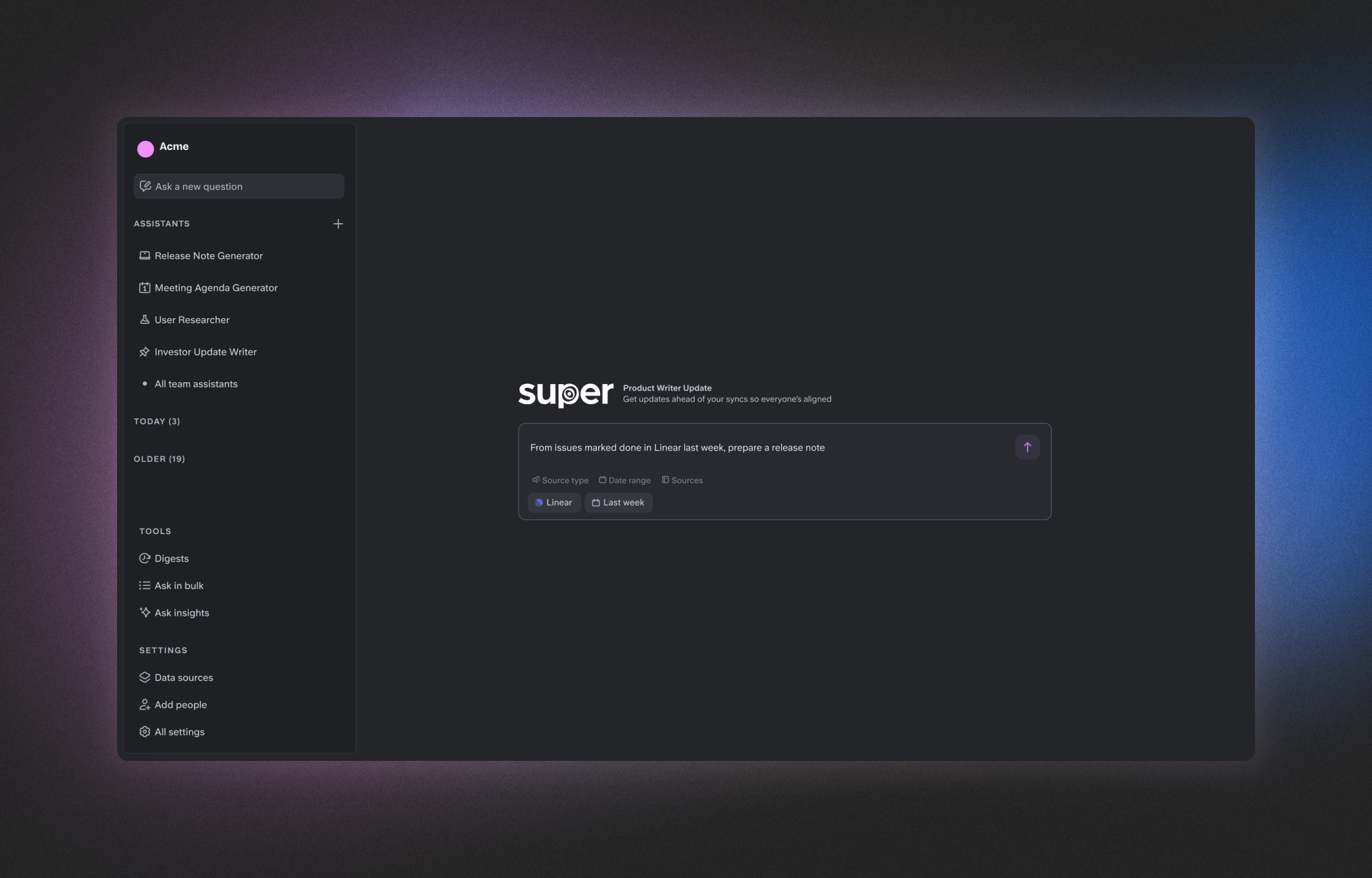
You can create custom AI assistants specifically for your Route5 projects, allowing team members to get instant answers about project status, blockers, and timelines without switching contexts. Super’s powerful search capabilities let you filter Route5 issues by team, status, priority, or assignee, making it easy to find exactly what you need. The integration also enables you to generate automated reports and digests from your Route5 data, keeping everyone informed without manual effort.
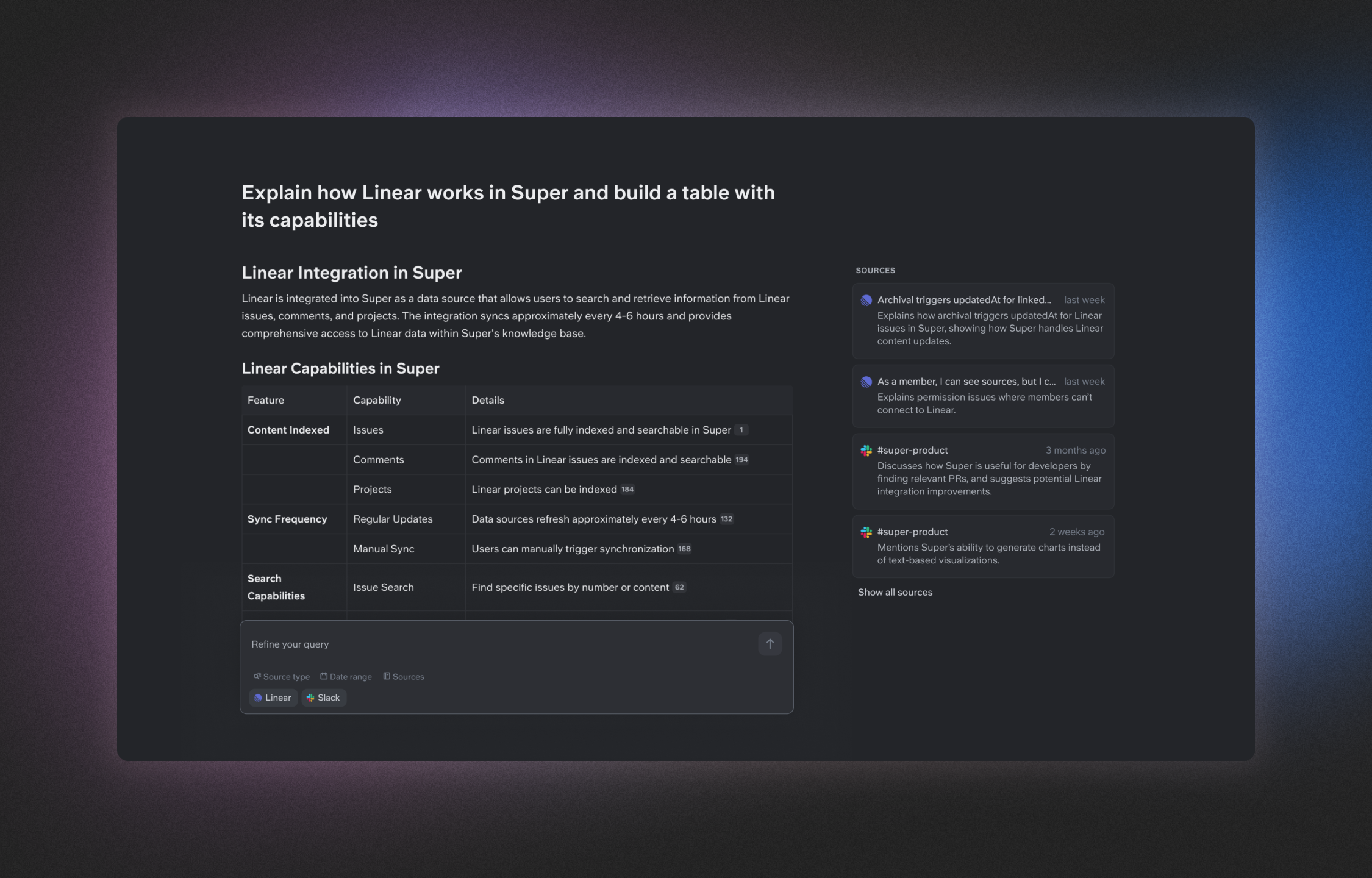
When Super finds information in Route5, it provides comprehensive answers with source citations, showing exactly where the data came from. This creates a seamless knowledge experience where project management information flows naturally alongside your team’s documentation and conversations. By connecting Route5 to Super, you eliminate knowledge silos and reduce repetitive questions, allowing your team to focus on execution rather than searching for information.
Configure
Adding Route5 as a data source to Super is simple. From your Super dashboard, navigate to the Data Sources section and select Route5 from the available integrations. You’ll need administrator access to both Super and Route5 to complete the connection.