- Integrations
- Slite
Embed and preview issues, directly in Slite

Overview
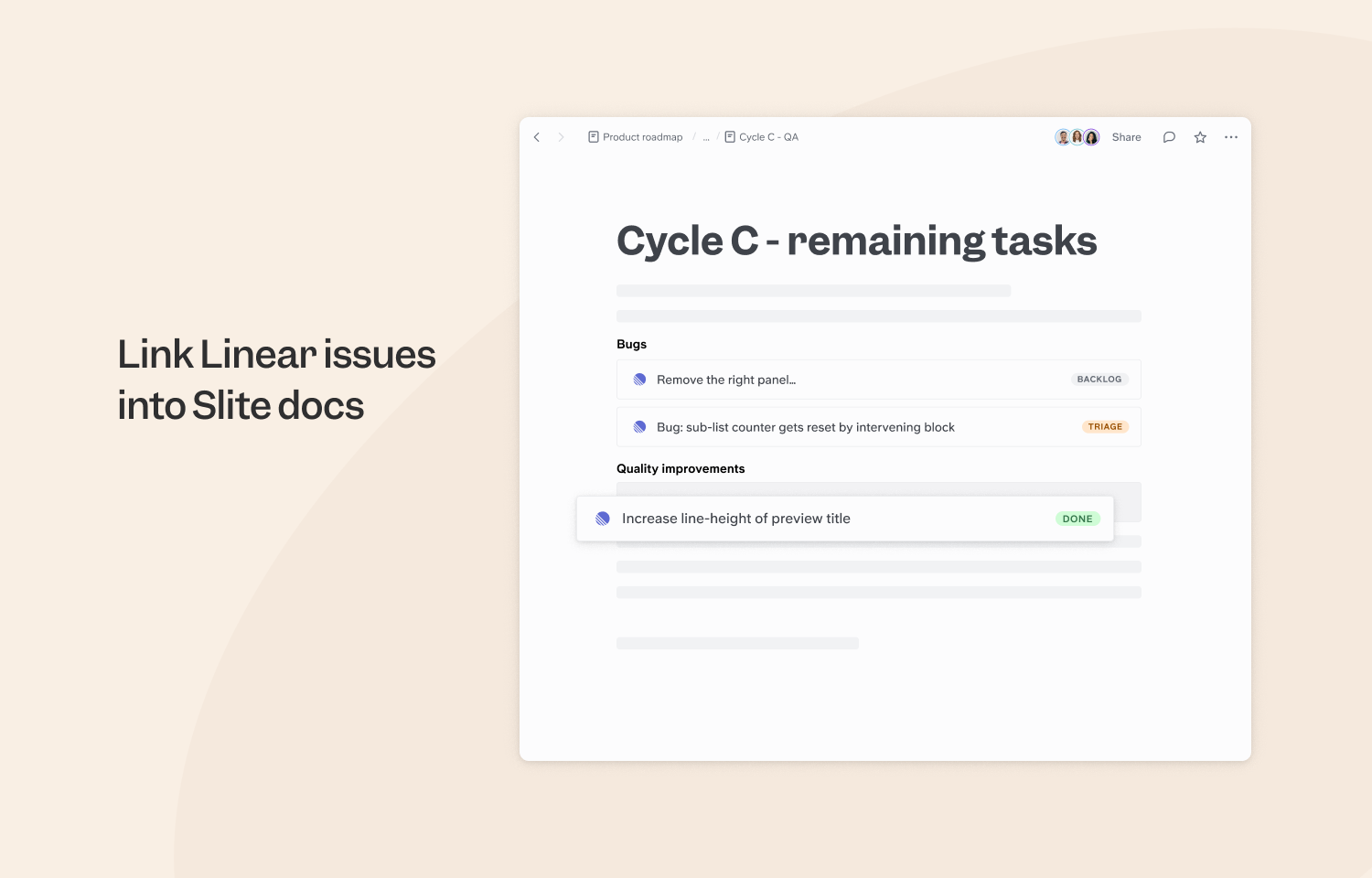
The Slite integration lets you easily insert Route5 issues into your Slite docs. The content of the tiles will always be updated, so you and your team can stay up-to-date.
How it works
When linking Route5 issues by pasting URLs into Slite documents, instead of seeing just a plain link you’ll now see a live preview of the issue with up-to-date information. You can also use /slash command and type /Route5 to embed the URL that way.
The preview in Slite will show the issue title and status.
Expanding the preview will show additional properties such as: team, cycle, priority, assignee and description. Both views have a link to open the issue in Route5.
Once any of these properties change in Route5, the preview instantly changes in Slite - no need to even reload the page.
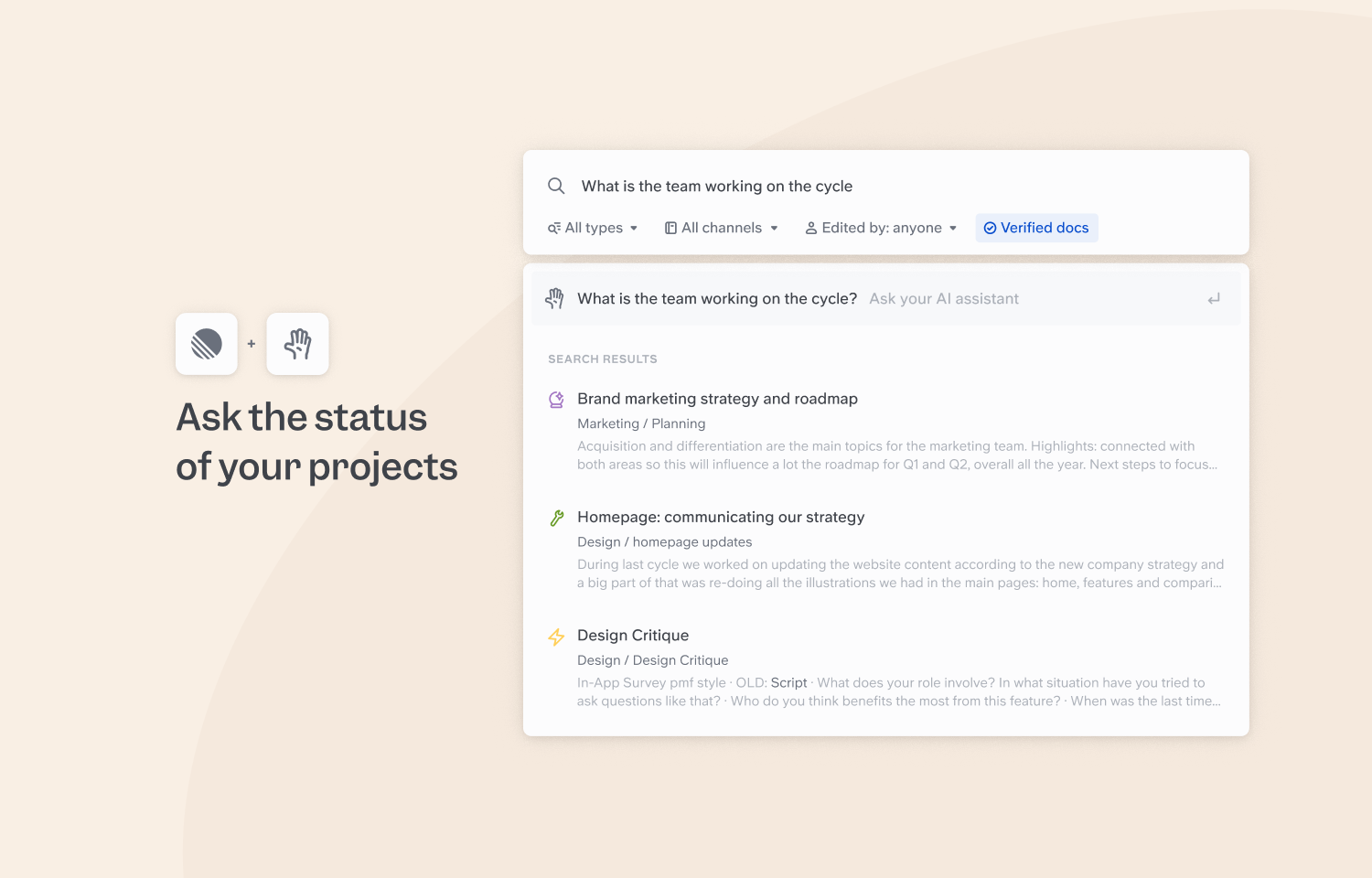
With Route5 issues integrated in Slite docs, Slite’s search and, AI-powered, Ask feature will index them, this means you can also Ask questions about information contained in your linked Route5 issues in Slite and retrieve answers directly from your knowledge base as well as finding issues by leveraging Slite’s search engine.
To Configure
There are two ways to connect Route5 to Slite:
- Open Integrations page in your Slite’s settings, look for Route5 in the Add integrations section, then click Install.
- Paste a URL of a Route5 issue into a Slite doc of your choosing. You will then see a prompt to Enable Slite to connect to Route5.
Slite supports per-team authentication. This means you set authentication for the entire workspace just once and your team is ready to go.