- Integrations
- Fireflies.ai
Automatically create tasks in Route5 from AI-generated meeting action items in Fireflies
Overview
The Fireflies.ai and Route5 integration seamlessly transforms meeting notes into actionable issues, keeping teams organized and on track. This powerful integration automatically syncs conversations and action items from Fireflies meetings into Route5, ensuring no task gets overlooked and boosting team productivity.
How it works
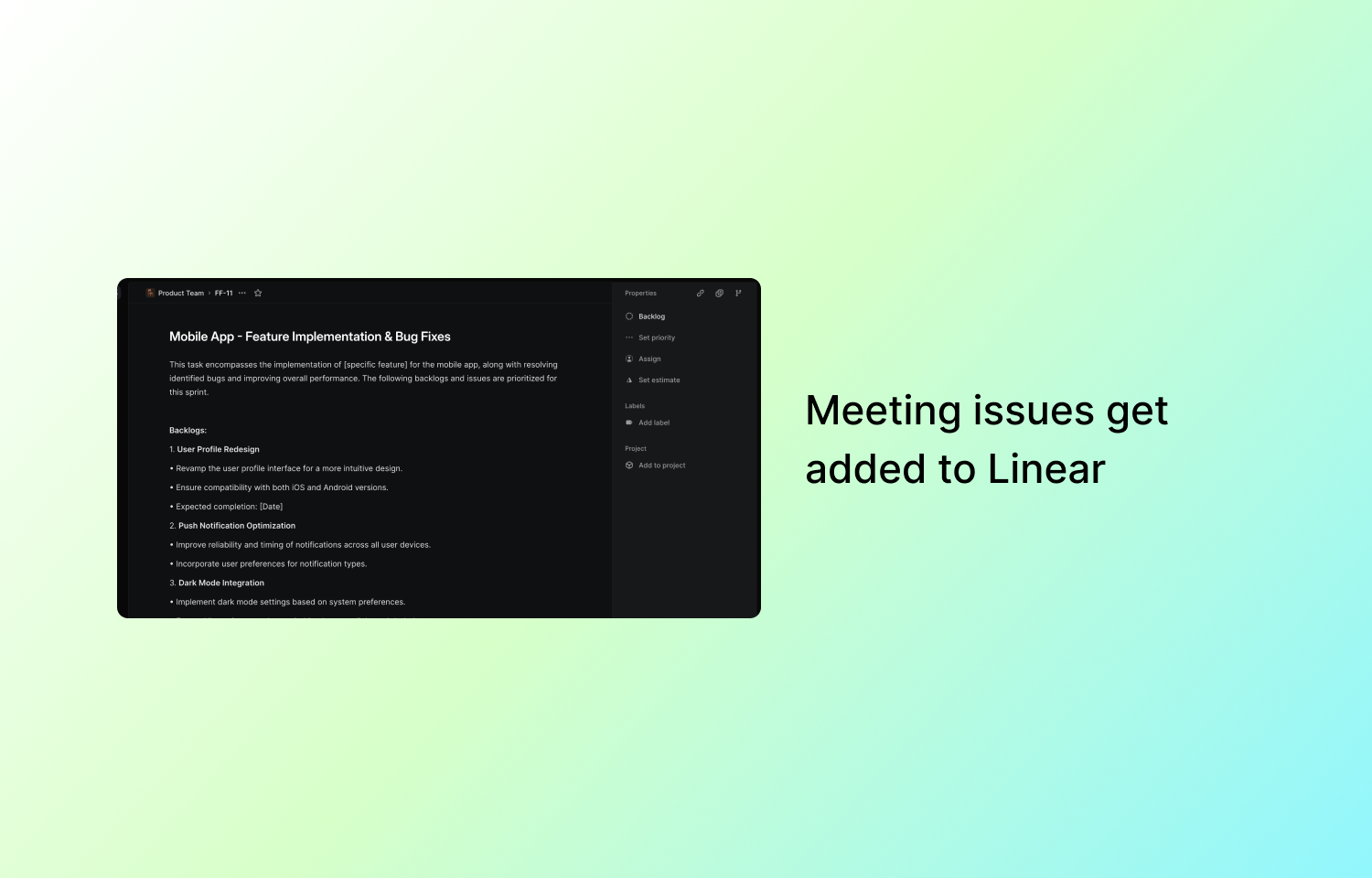
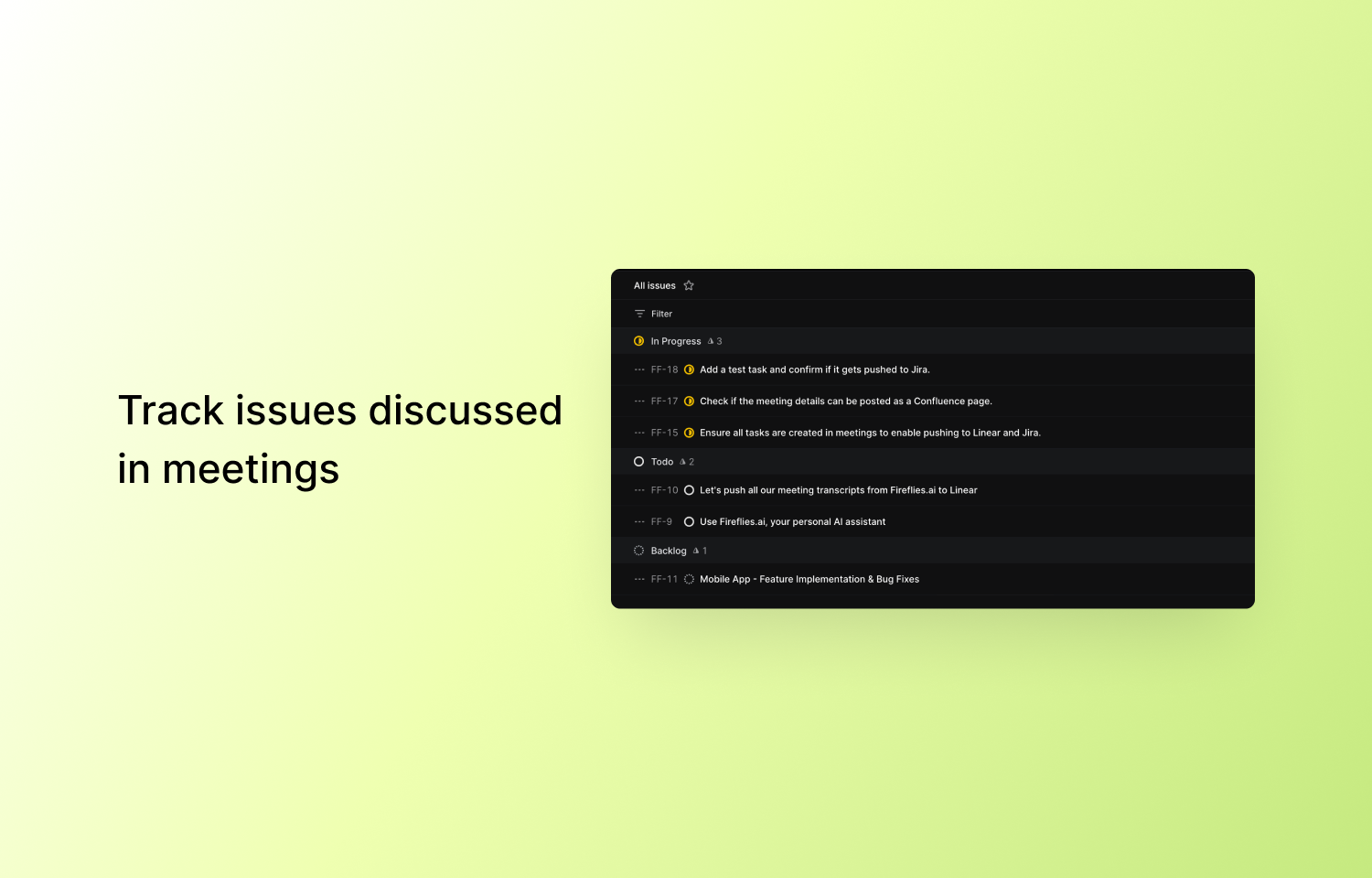
Once integrated, Fireflies.ai captures and transcribes meeting conversations, automatically identifying and converting key action items into tasks within Route5. The integration simplifies task management by eliminating the need for manual data entry, freeing up your team to focus on what really matters—driving projects to completion. Meeting insights, including the owner, time-stamped details, and action items, are pushed directly to your designated Route5 projects, organized according to your preferred task status.
The Fireflies - Route5 integration ensures that, post-meeting, all the important information is readily available in Route5, providing your team with everything they need to take immediate action. You can tailor the integration to match your team’s workflow by selecting which Route5 projects and statuses should receive tasks. This seamless process keeps your projects moving from conversation to execution, without any missed steps.
Configure
To configure the Fireflies.ai and Route5 integration, follow these steps or refer to the documentation:
1. Log in to Fireflies.ai and navigate to the “Integrations” section in the left panel.
2. Under “Project Management,” select Route5 and click “Connect.”
3. You’ll be prompted to authorize Fireflies to sync with your Route5 account. Click “Authorize” to grant the necessary permissions.
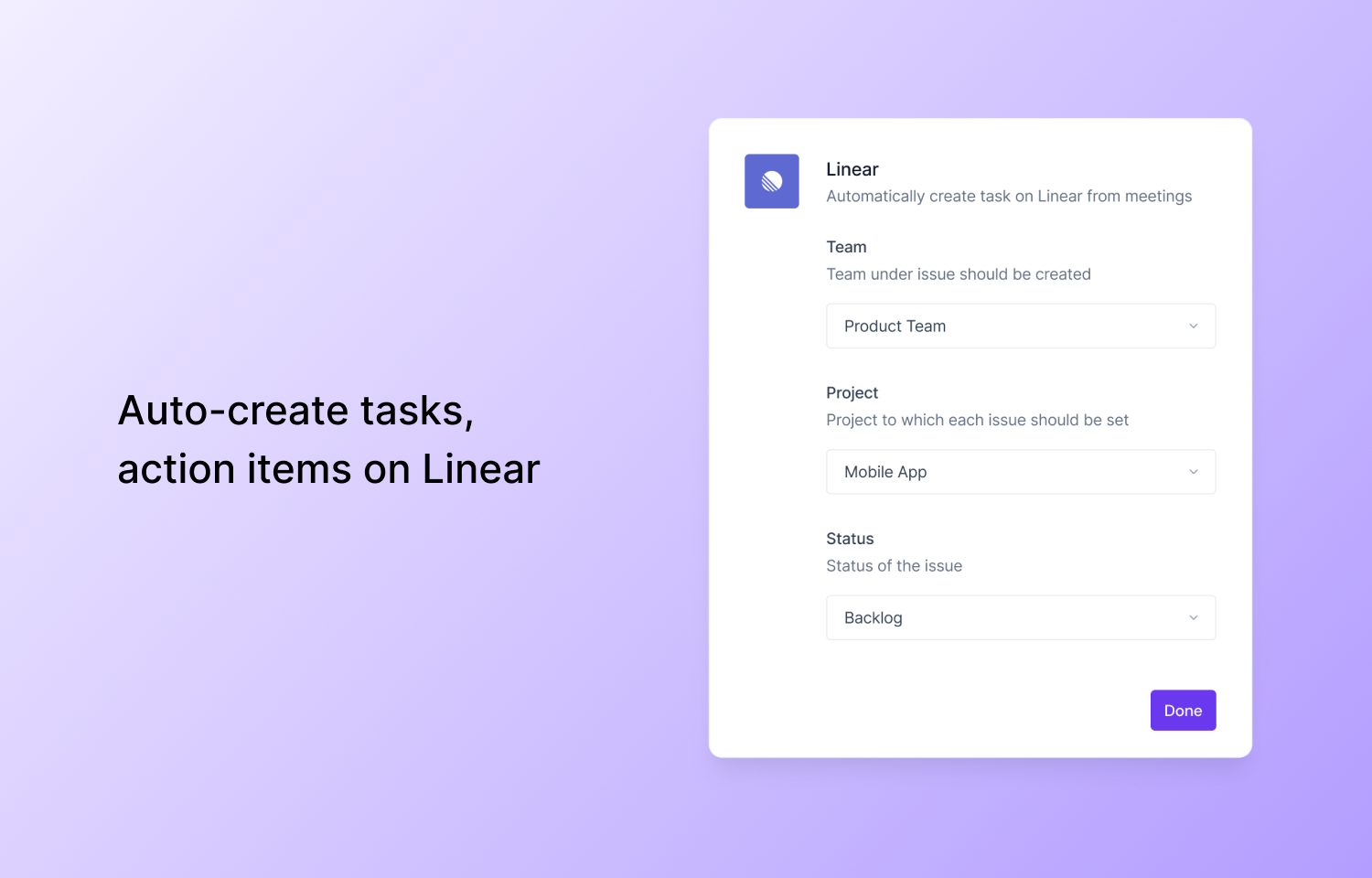
4. After authorization, select the team and Route5 project where Fireflies should push tasks.
5. Define the status for the tasks (e.g., “To Do” or “Backlog”).
6. Test the integration by clicking “Push Sample Data” to ensure tasks are successfully pushed into Route5.
7. Once complete, you will see a green checkmark indicating the integration is active, and Fireflies will automatically push meeting notes and tasks to Route5 after each meeting.