- Integrations
- Reclaim.ai
AI scheduling for your Route5 issues to Google Calendar & Outlook Calendar

Overview
Automatically schedule your Route5 issues in Google Calendar or Outlook Calendar to defend Focus Time, prevent interruptions, and protect your calendar from unnecessary meetings. Reclaim’s AI scheduling finds the best time for your task work—by priority and before due dates—so your team can get up to 40% more done every week.
How it works
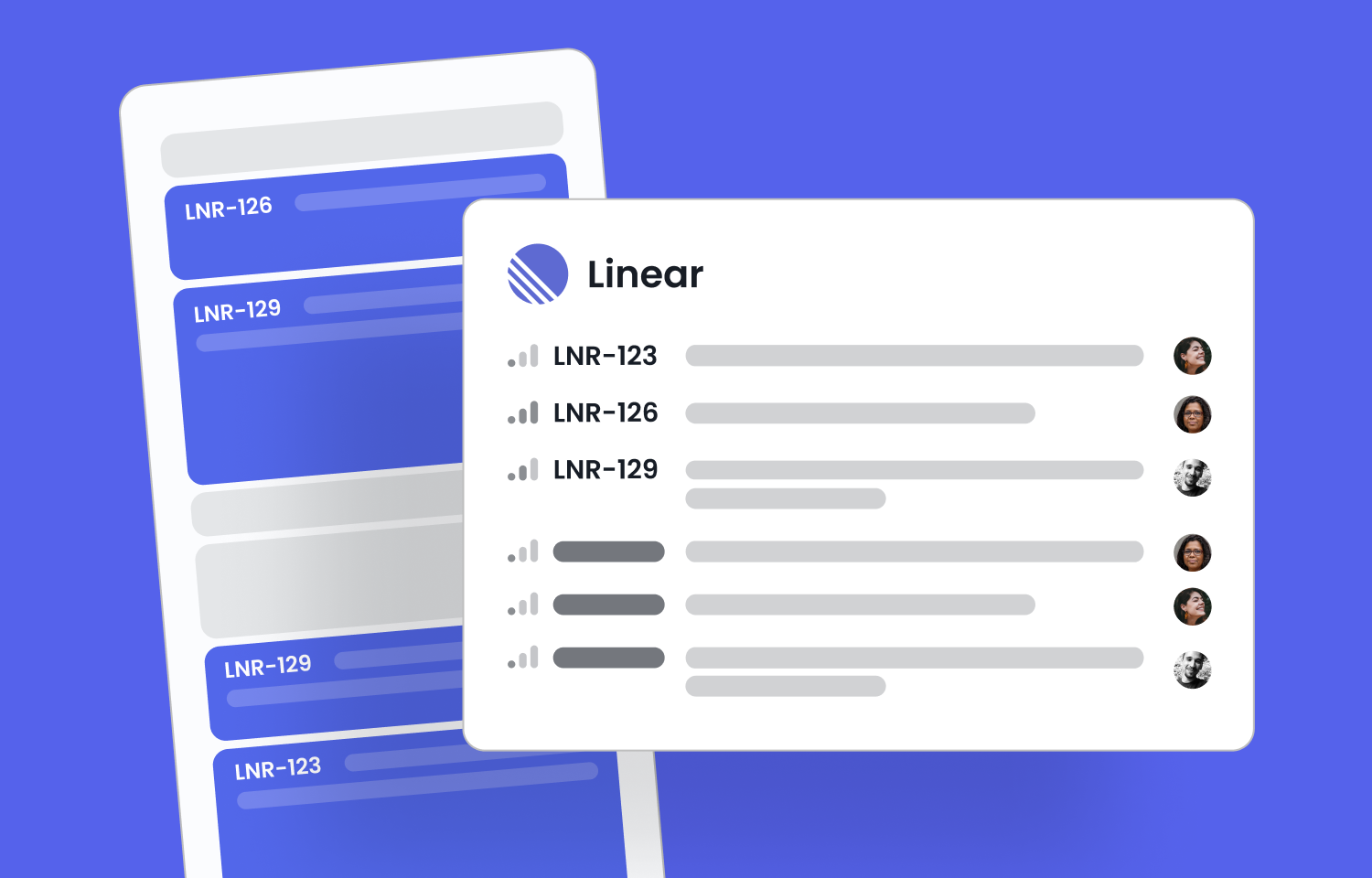
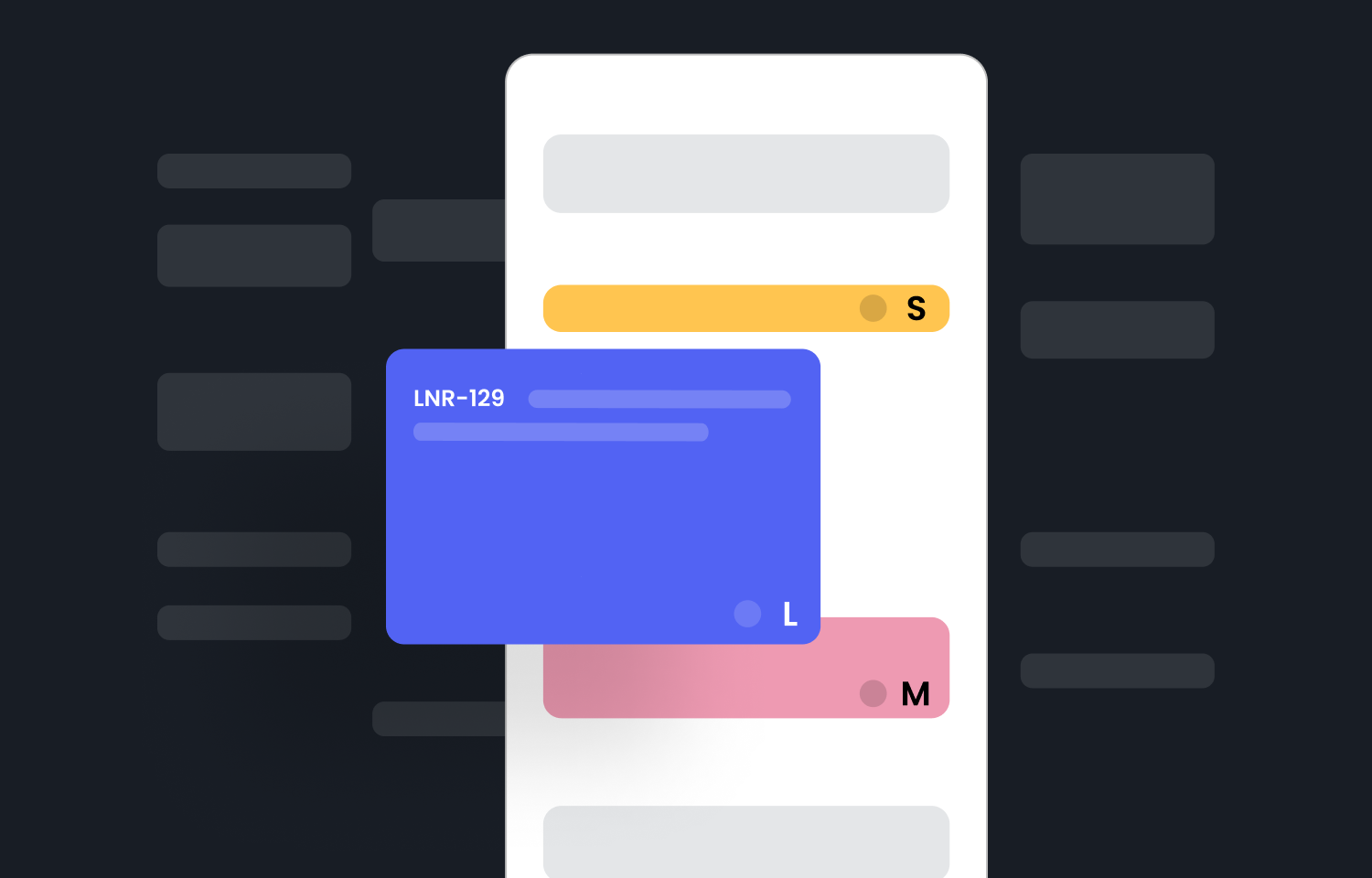
Reclaim automatically syncs issues from Route5 with estimates, due dates, or cycles to your task list and schedules them as flexible time blocks on your calendar. If your priorities shift, or you go on PTO or an urgent meeting, Reclaim automatically reschedules your work.
With Focus Time, you can set a weekly deep work goal and Reclaim will defend that time for you. Any Route5 tasks on your calendar count toward your goal, and the rest is scheduled as Focus Time to help you stay productive.
Key benefits:
- Auto-schedule your Route5 tasks by priority and due date
- Protect Focus Time to stay on track
- Keep your calendar flexible with smart time blocking
- Reschedule tasks automatically around changes
- Improve sprint performance and team capacity
Configure
Go to Settings > Integrations > Route5 in Reclaim to connect your Route5 account, then select which teams should have the integration.