- Integrations
- LinCal
Plan your work on a calendar with LinCal
Overview
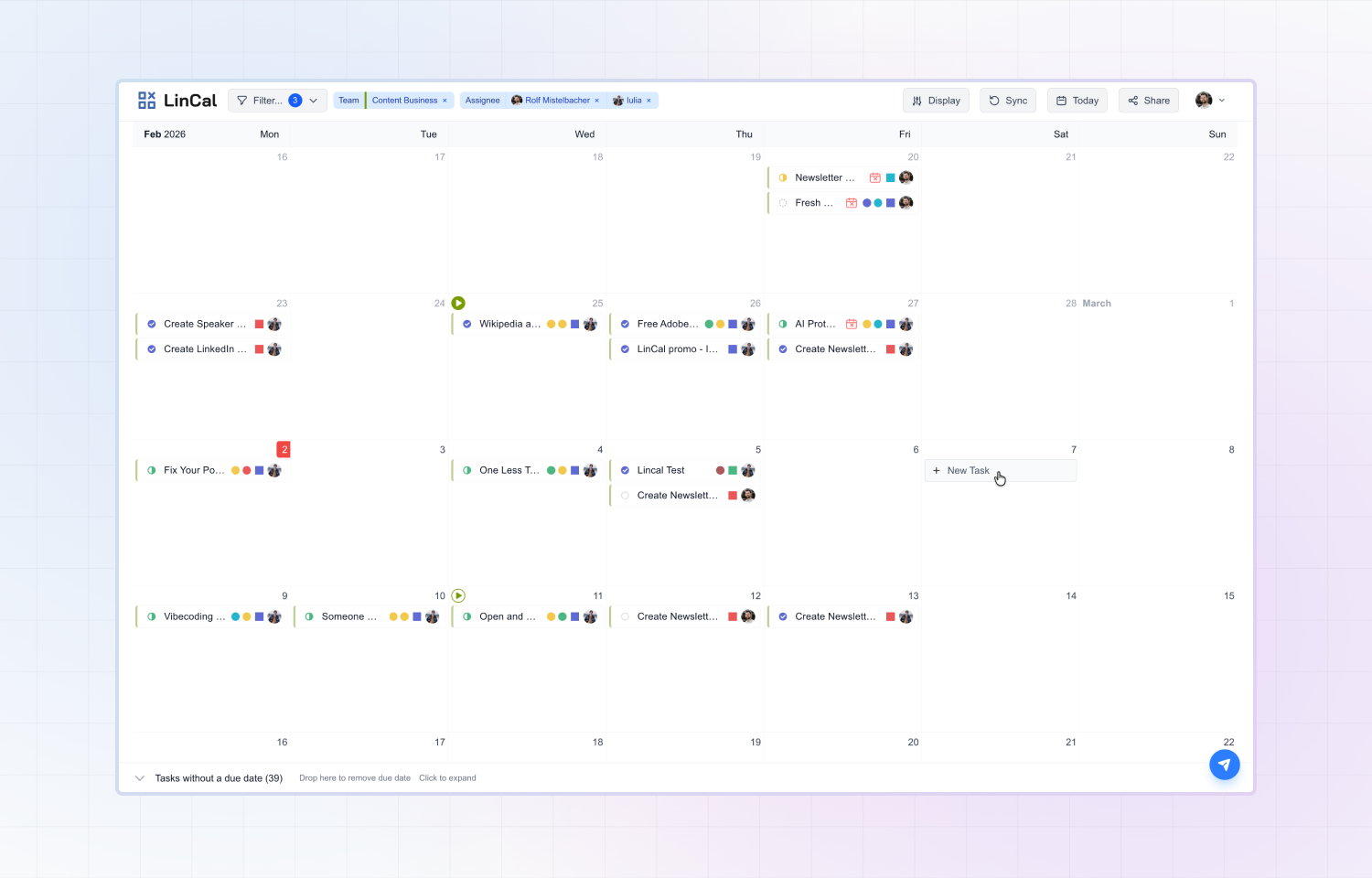
LinCal brings your Route5 issues into a visual, scrolling calendar. See your team’s work laid out by due date, drag tasks to reschedule them, and share filtered views with anyone all without leaving your workflow.
How it works
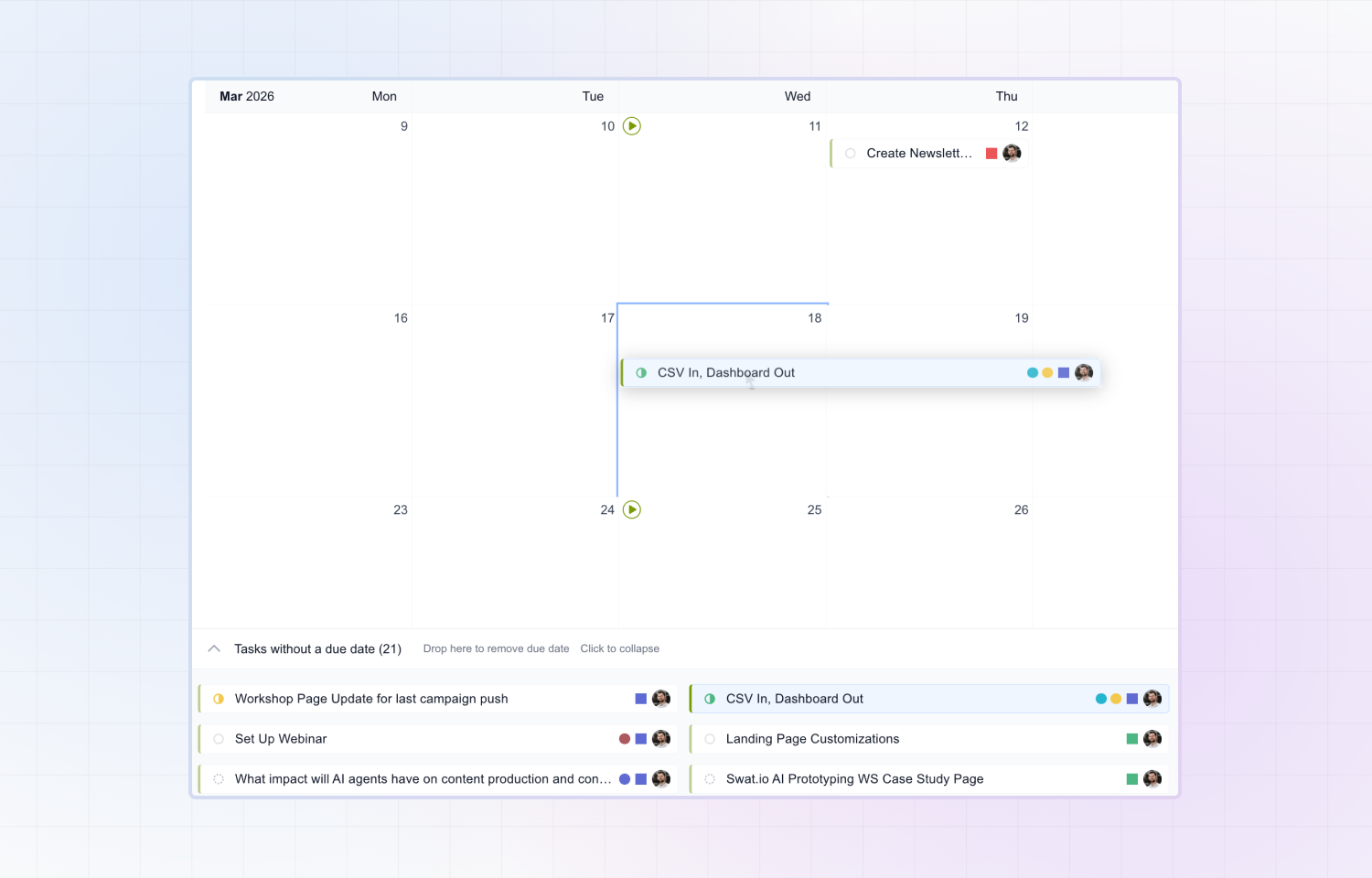
Sign in with your Route5 account and LinCal pulls in your issues instantly. Filter by team, project, assignee, or cycle to focus on what matters to you. Drag and drop tasks to change due dates, create new issues directly on the calendar, and share a customized view with your team via a shareable link. Overdue and unplanned issues are visually flagged, so you always know what needs attention. Every change syncs back to Route5 in real time.
Configure
Visit lincal.app and log in with your Route5 account — no separate signup needed. Customize your filters, and you’re ready to start planning.