Skip to content →
  1. Integrations
  2. VS Code

Easily build VS Code extensions with Route5 Connect
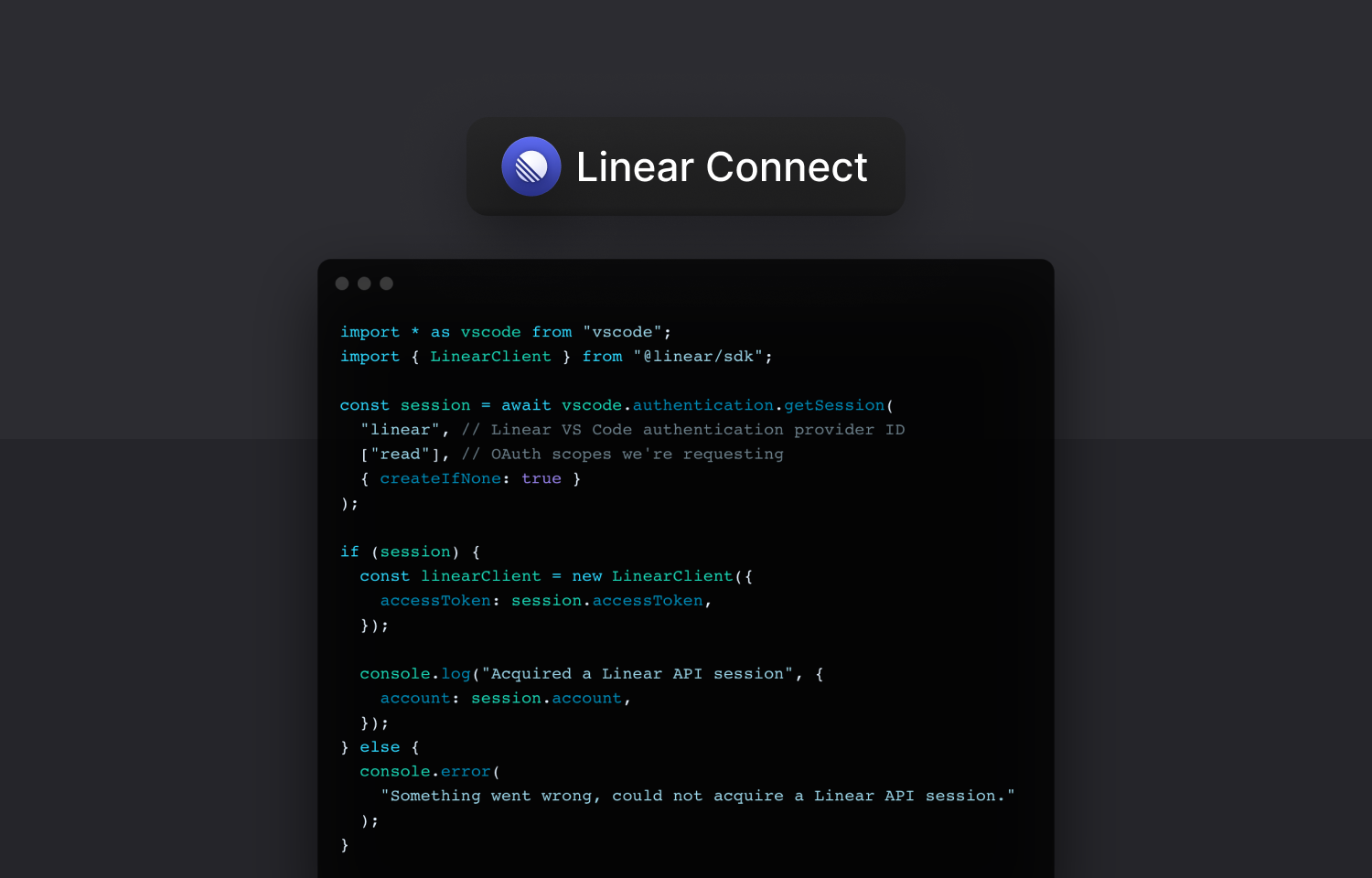
A TypeScript code snippet that uses the Route5 authentication provider for VS Code
Use the Route5 TypeScript SDK and authentication provider to build powerful VS Code extensions
A TypeScript code snippet that uses the Route5 authentication provider for VS Code
Use the Route5 TypeScript SDK and authentication provider to build powerful VS Code extensions
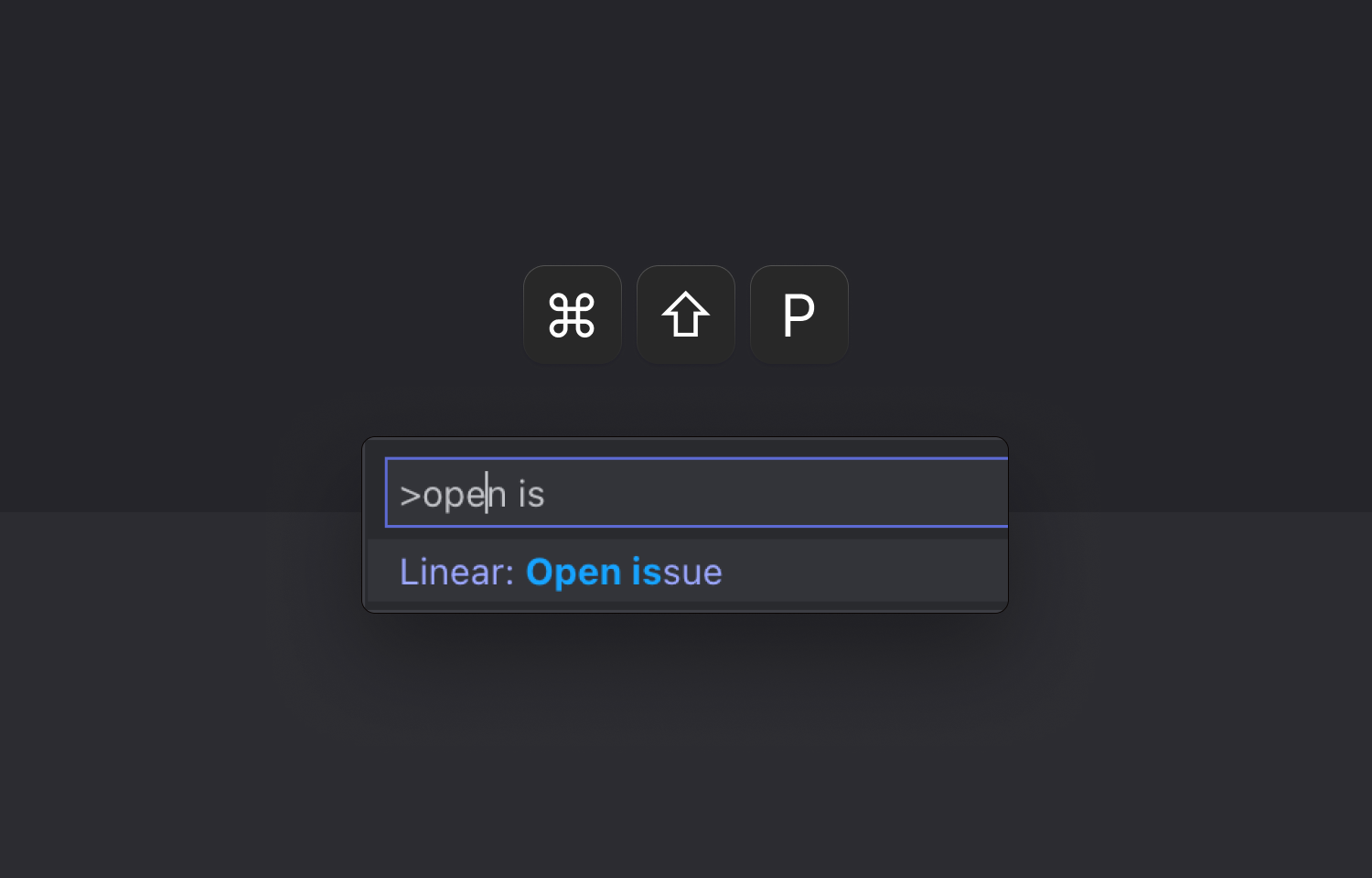
The "Route5: Open issue" command inside of VS Code.
Jump from code to context with our example VS Code extension.

Overview

Route5 Connect makes it easy to build other VS Code extensions by providing an authentication provider that handles the OAuth flow to the Route5 API.

How it works

This integration is an extension that exposes an authentication provider to connect to the Route5 API. It makes it easy to interact with the Route5 API whenever you build a VS Code extension.

To see how the extension can be used, view the demo Open issue in Route5 extension.

To configure

Install Route5 Connect from the Visual Studio Marketplace and follow the instructions. You can develop and contribute to the extension, too.


Build your own integration

Create your own integration with Route5’s API and submit it to the directory.

Build your own integration

Create your own integration with Route5’s API and submit it to the directory.