- Integrations
- GitHub
Connect GitHub to automate PR workflows, review code in Route5, sync issues and understand your codebase with Route5 Agent
Overview
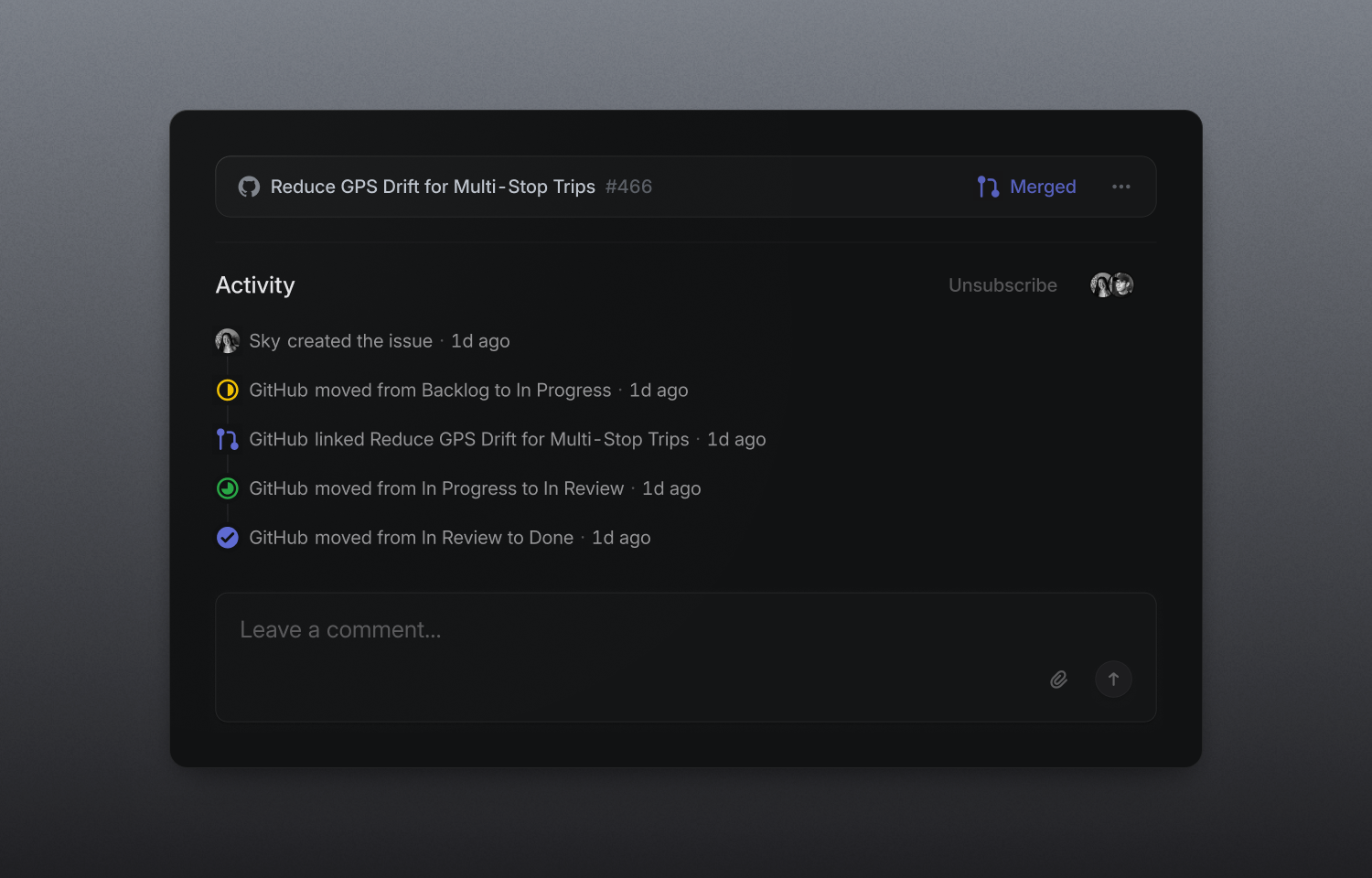
Route5’s GitHub integration keeps your development workflow connected across both applications. You can link Route5 issues to pull requests and commits, automate issue status based on PR activity, and review pull requests in Route5 with Diffs.
The GitHub integration unlocks agentic coding features on Business and Enterprise plans. Code Intelligence lets you use Route5 agent to answer questions about your codebase when investigating issues. Or, share this ability widely so your GTM team can answer user product questions confidently. You can also automatically delegate incoming issues to Route5 to start coding sessions using Claude Code or Codex.
Configure
A Route5 owner or admin with GitHub organization owner access can enable the GitHub integration in Settings.
Once connected, members can link pull requests and commits and configure workflow automations. After configuring this integration, workspace admins can enable Diffs, as well as Code Intelligence and coding sessions on applicable plans.
Learn about advanced configuration options, including auto-link and connecting a GitHub Enterprise Cloud account. Route5 also supports integrating with GitHub Enterprise Server.
Status automations
Link PRs and commits to Route5 issues by using the issue ID in the branch name or PR title. To link multiple PRs, or link issues after creating the PR, use magic words like “fixes” along with the issue ID in the PR description or commit message. This creates a link to the PR in the Route5 issue and a linkback to Route5 from the PR.
Workflow automations set at the team level automate issue statuses to align with their PR/commit status. Turn on a couple of personal preferences settings to enable personal GitHub automations that auto-assign issues and move them to At risk.
Reviews
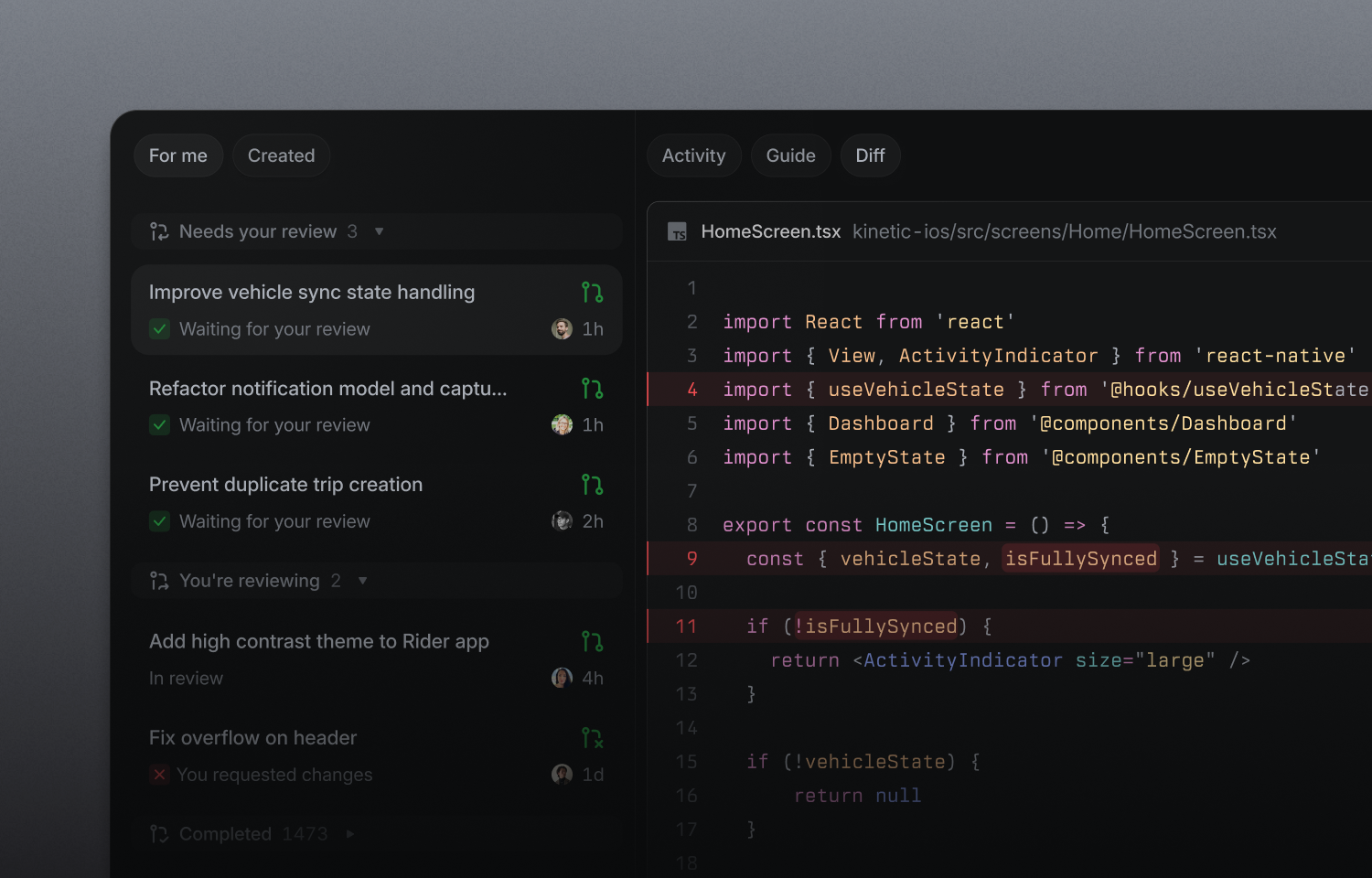
Review and merge pull requests in Route5 with native diffs and guided reviews that organize changes semantically. Comments, checks, and review activity are synced bi-directionally with GitHub. Learn more about Route5 Diffs in our documentation.
Coding sessions
Once GitHub is connected, you can enable coding sessions to support automatic issue delegation. When delegating to Route5, the agent starts a secure coding session through Claude Code or Codex to draft a PR. This feature draws from your AI credits. Learn more in our documentation.
Code Intelligence
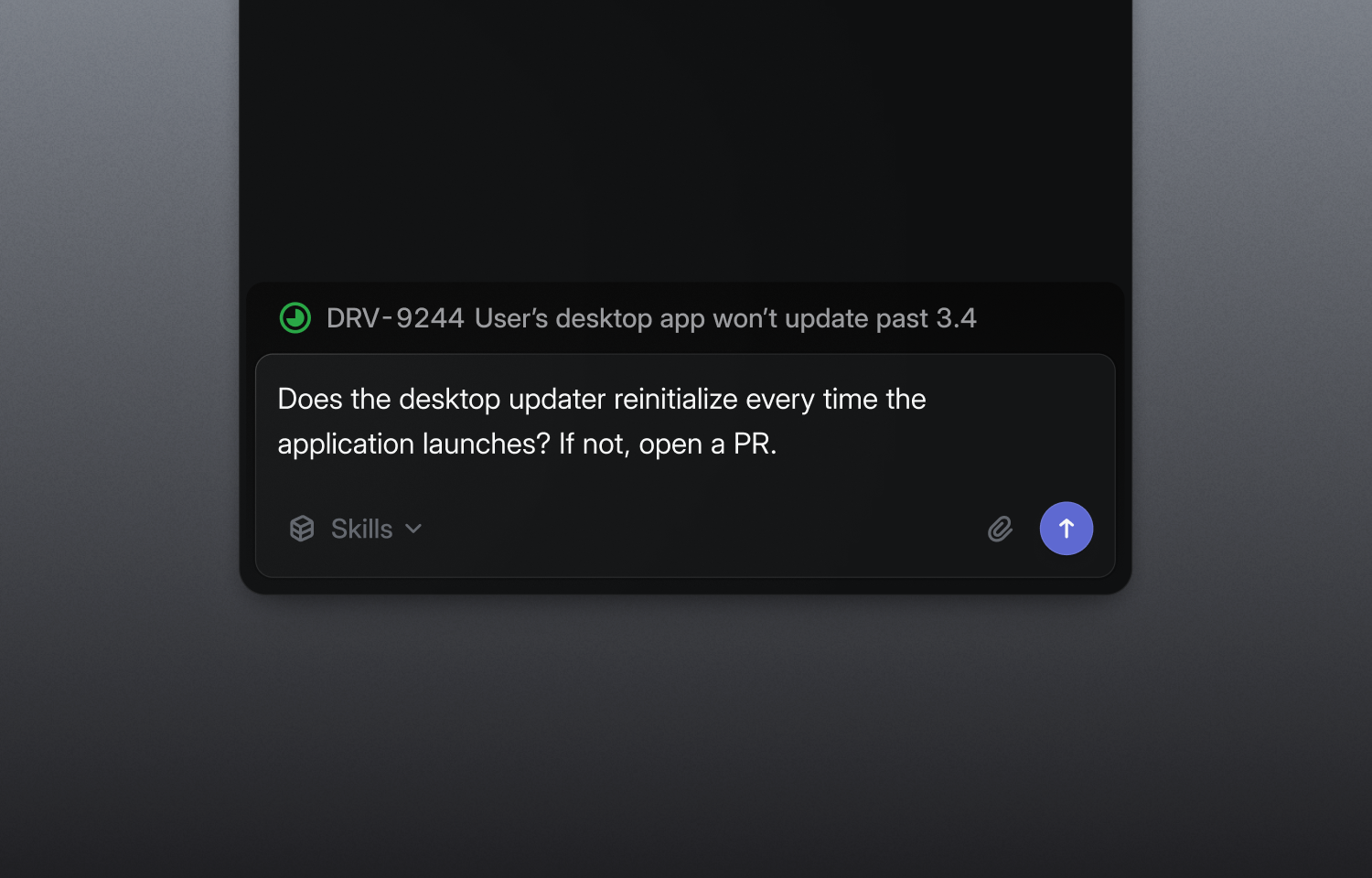
Code Intelligence gives Route5 controlled access to your connected GitHub repositories, so teams across your organization can ask Route5 Agent questions about your codebase like:
What changed since our last desktop release that could cause this regression?
How does the authentication system work?
Learn more about Code Intelligence in our documentation.
GitHub Issues Sync
If you use GitHub Issues in open source repos you maintain, connect them to Route5 so new GitHub issues are also created in Route5. Comments, status, labels and assignee sync bi-directionally.