- Integrations
- Neat
See important Route5 notifications on your menu bar and desktop
Overview
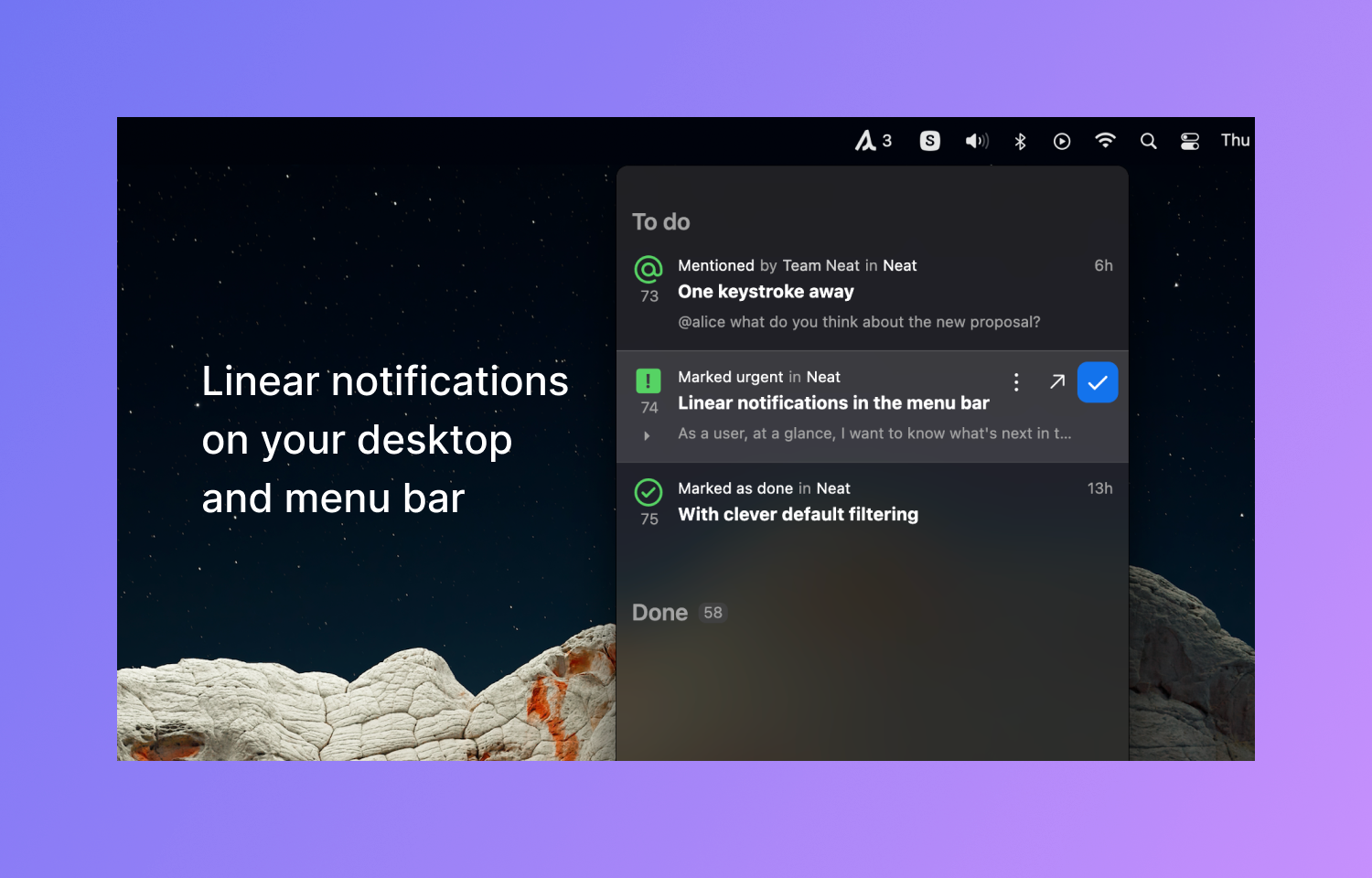
Neat is a heads-up display of the most important updates to your issues.
How it works
Neat brings Route5 notifications to your menu bar and desktop, on your terms.
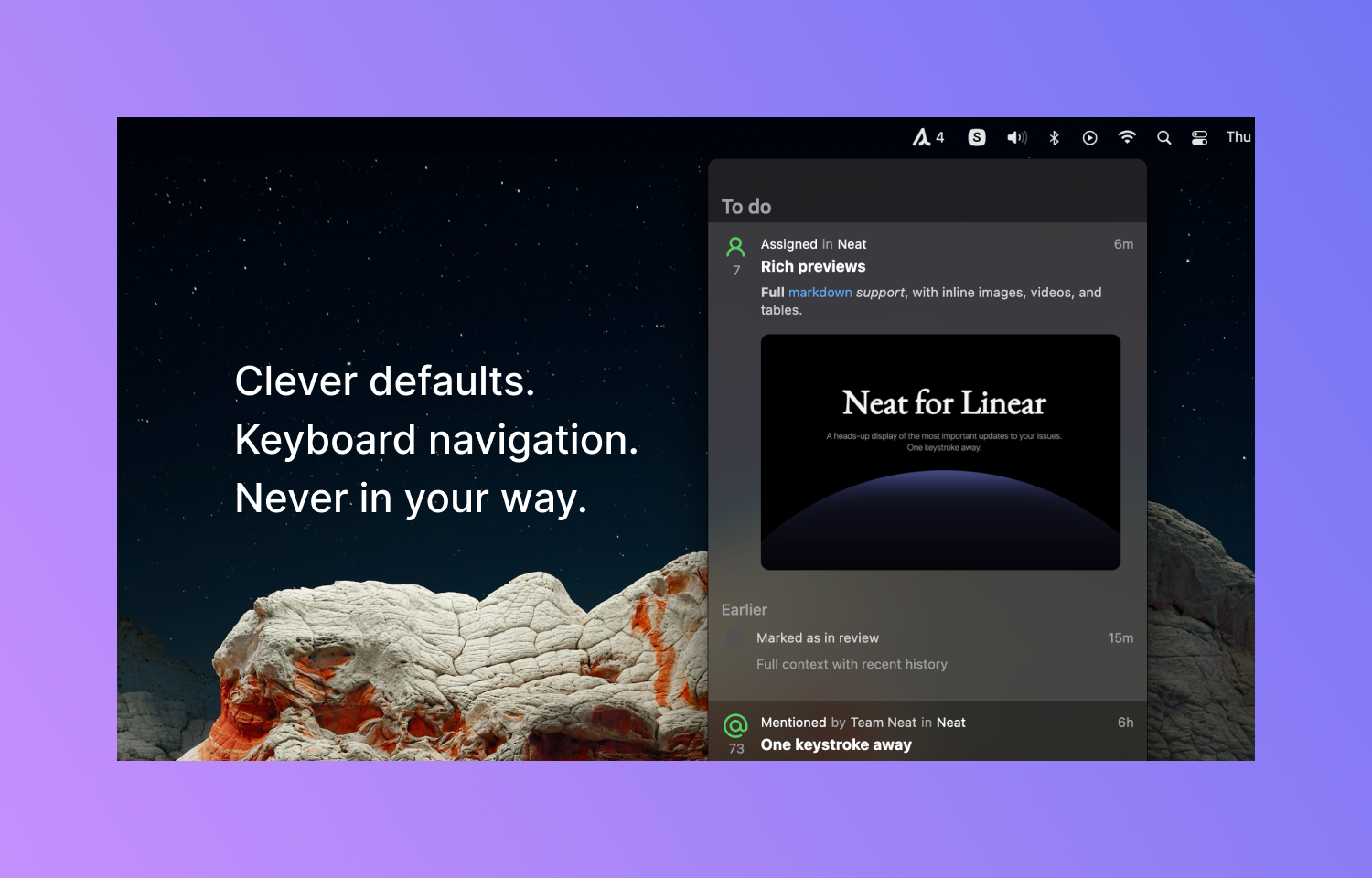
Preview rich content without marking it as done. Mark as unread, pin for later, or jump into the app. Full keyboard navigation lets you triage at a glance, without lifting a wrist.
Clever defaults mean Neat only pings you when something needs your attention. Fine-grained mute controls let you decide which events, users, and projects get through to you.
Use Neat to work one layer above it all while returning focus to your core work.
To configure
To integrate Route5 with Neat, click on the Route5 button under Integrations in Settings. You will be taken to a Route5 OAuth screen in the browser.
The app asks for write access to allow you to mark notifications as read or unsubscribe from threads. Once approved, you’ll be taken back to Neat where you’ll start seeing activity.