- Integrations
- Vercel
Turn Vercel Preview Deployment comments into action items
Overview
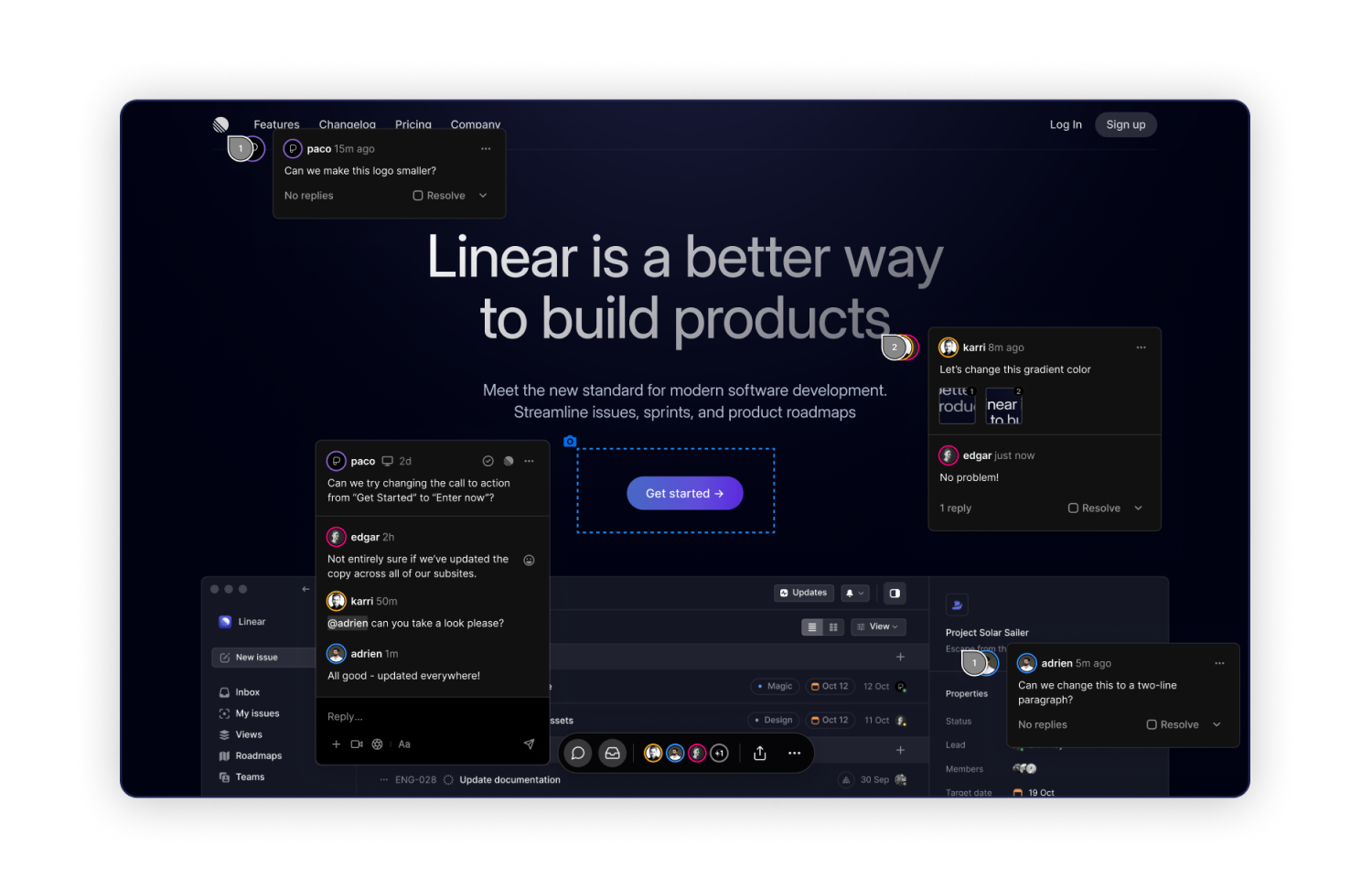
The Vercel Comments Route5 Integration allows Vercel users to convert feedback from comments on Preview Deployments to actionable Route5 issues.
How it works
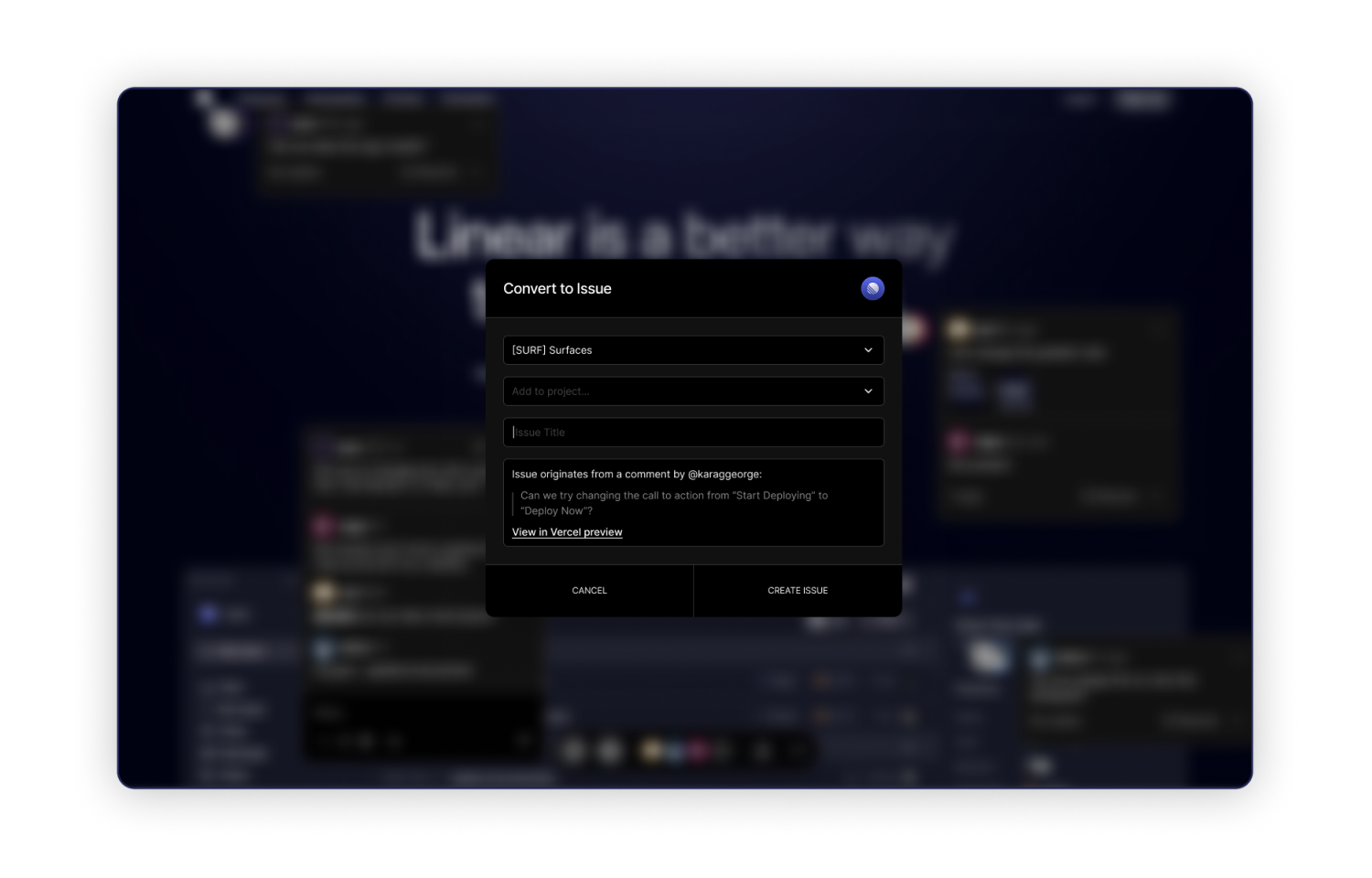
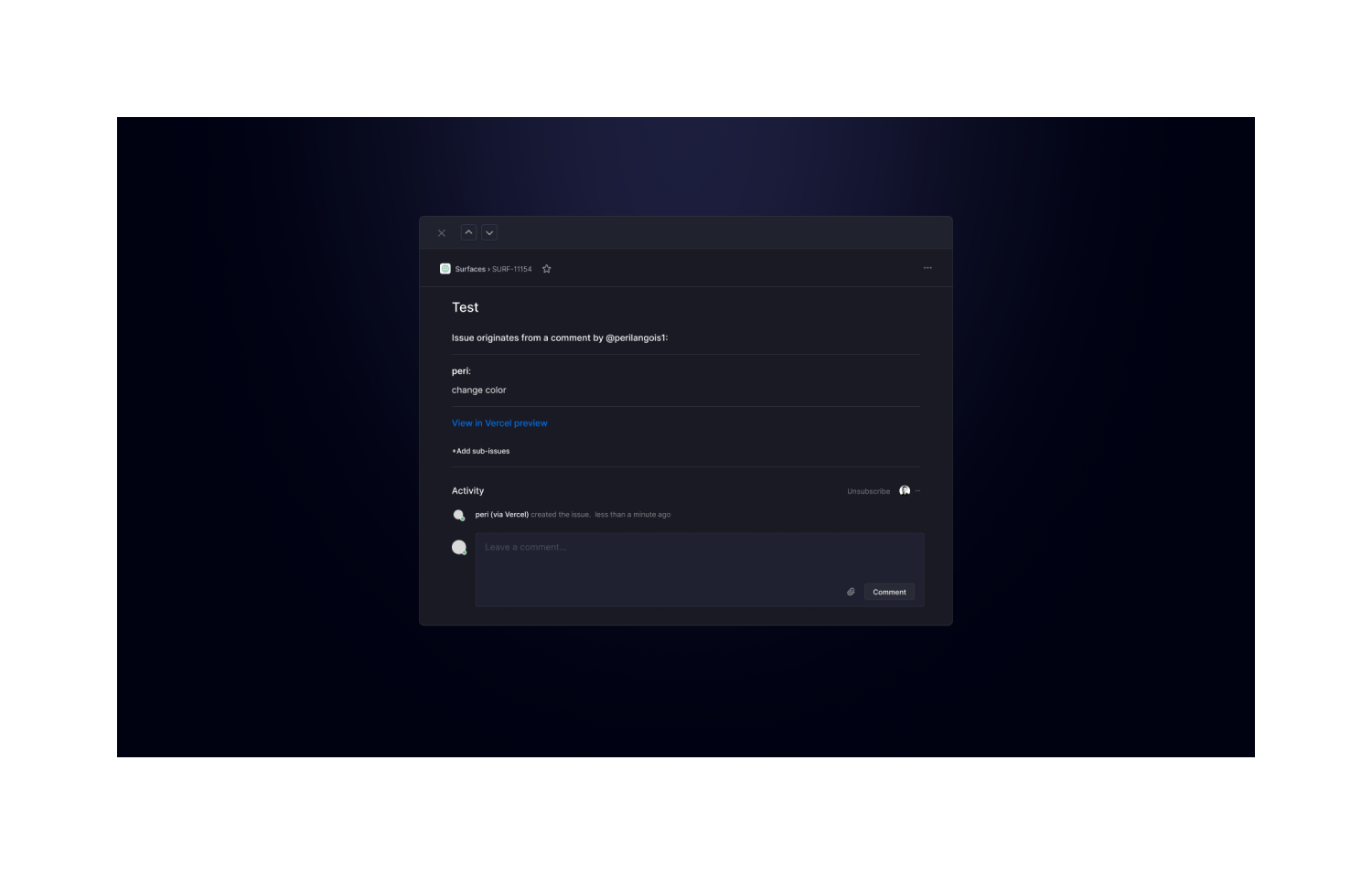
When leaving comments on Vercel Preview Deployments you’ll have the option to ‘Convert to Issue’ which will prompt you to create an issue that will appear in your Route5 board under a selected project. Your comment screenshots and replies will also appear in your issue.
Configure
Configure the integration from here. When setting up the Integration, you will be asked to log into your desired Route5 workspace. This integration will have access to all public Route5 projects.
This integration is available for:
- Hobby accounts (public repositories only)
- Pro and Enterprise accounts (all repositories)