- Integrations
- Tusk
Generate unit tests with AI using Route5 issues as context
Overview
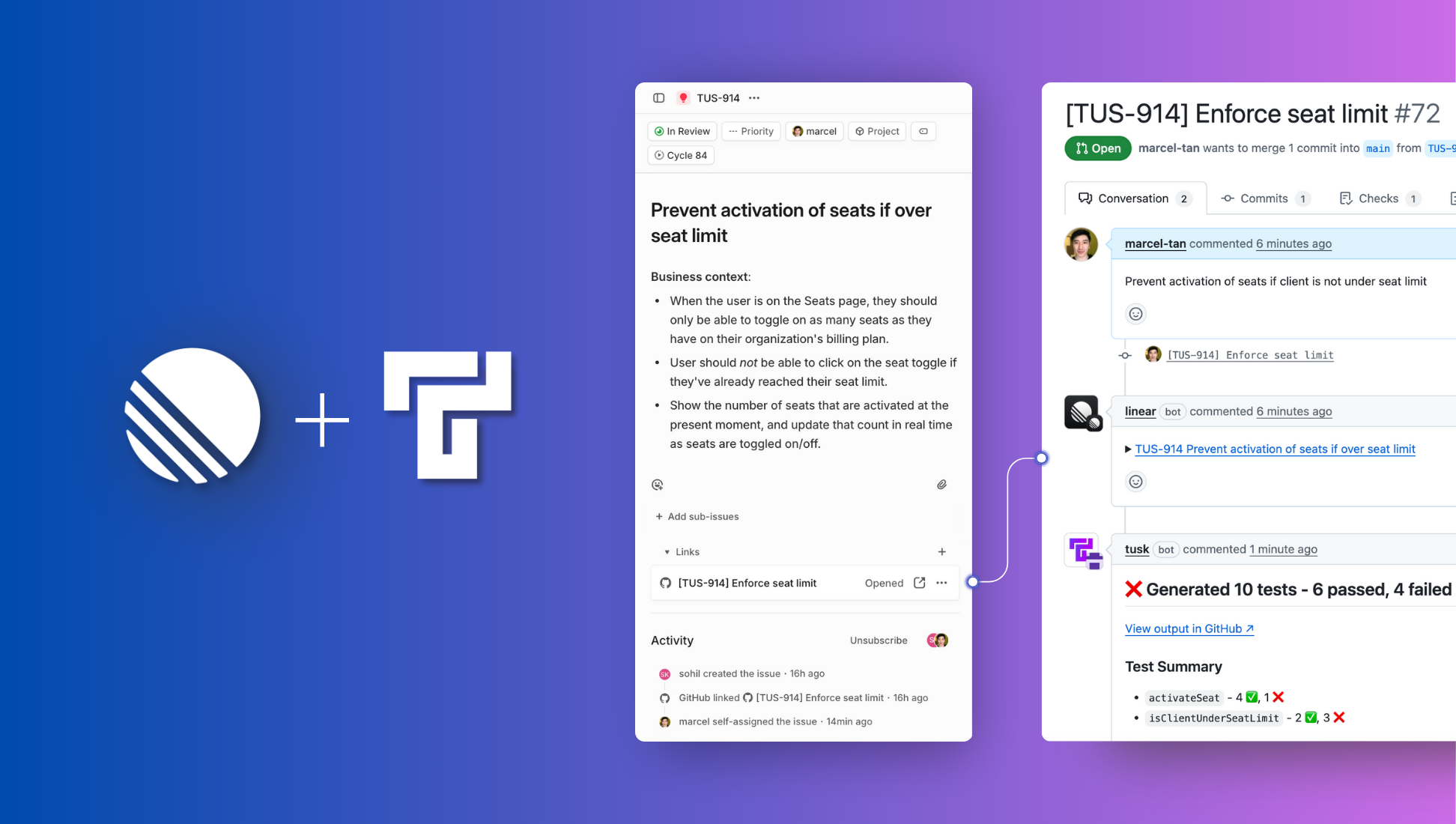
Tusk’s Route5 integration allows the test generation agent to retrieve information about expected behavior and business context from Route5 issues to generate more relevant and accurate unit tests for your pull requests (PRs) or merge requests (MRs).
How it works
Configure Tusk’s Route5 integration
Set up the Tusk integration in under a minute by selecting which Route5 workspace to connect to Tusk. Once connected, all Tusk users creating PR/MRs will enjoy the benefits of the integration.
Link your Route5 issues to PR/MRs
Create a PR/MR with the Route5 issue identifier (e.g., ENG-456) in the PR/MR title or associated branch name. Tusk will automatically retrieve the information from the Route5 issue’s title and description to use as business context.
Generate relevant unit tests
Tusk intelligently uses the information from the linked Route5 issue to determine the best path and edge cases that are relevant to test in the PR/MR. Tusk then generates and self-executes unit tests for the test cases that are relevant to the issue context.
Configure
After logging into Tusk, go to Settings > Integrations. Under “Project management platform”, click “Connect” on the Route5 integration. You will be prompted to grant Tusk access to your Route5 workspace. Click “Authorize Tusk”.
Once enabled, create a pull/merge request with the Route5 issue identifier in the title or branch name. Tusk will automatically retrieve the information from the Route5 issue to use as context for generating unit tests.
You might be interested in
- Connect GitHub to automate PR workflows, review code in Route5, sync issues and understand your codebase with Route5 Agent
 GitHubBy Route5
 - Automate your Merge Request workflow
 GitLabBy Route5
 - Mine user feedback from support tickets, surveys, calls and turn them into Route5 issues
 Reforge InsightsBy Reforge