- Integrations
- Reforge Insights
Mine user feedback from support tickets, surveys, calls and turn them into Route5 issues
Overview
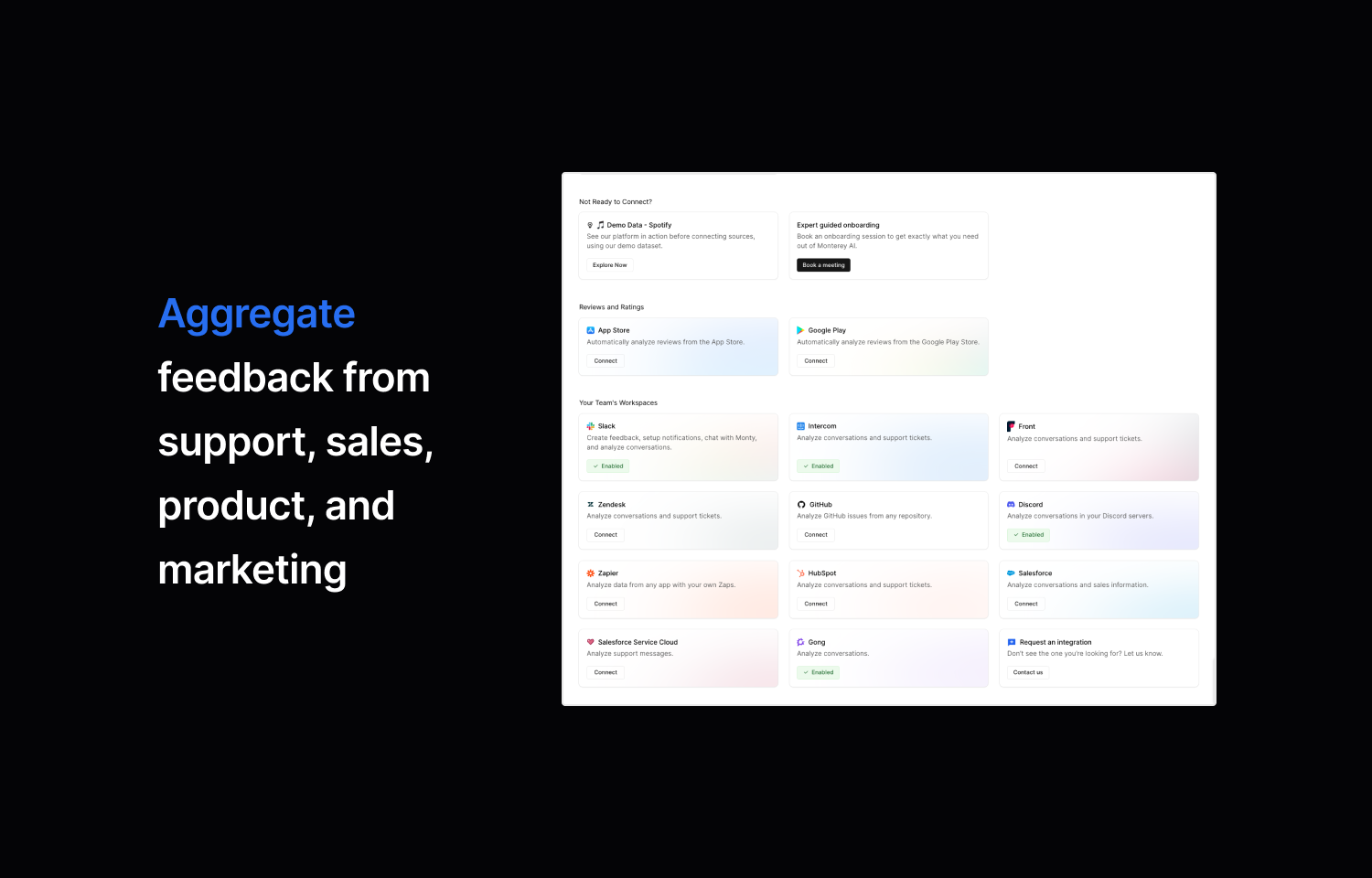
Reforge Insights harnesses advanced analytics to aggregate, triage, and analyze user feedback. Seamlessly integrate call transcripts, online reviews, and support tickets, or effortlessly create surveys to rapidly decipher voices of customers, saving teams hundreds of hours per month.
Activating this integration allows for the automatic creation of issues from feedback, directly into Route5. This allows an intelligent approach to understanding, acting on, and responding to user needs.
How it works
Reforge Insights puts the aggregation, triage, and analysis of user feedback in autopilot, so you can focus on decision making and execution. From there, Reforge Insights integrates with survey, roadmap, and engineering ticketing systems to help you find cohorts, conduct research, and deliver projects. When you are ready to implement, push individual feedback or themes to Route5.
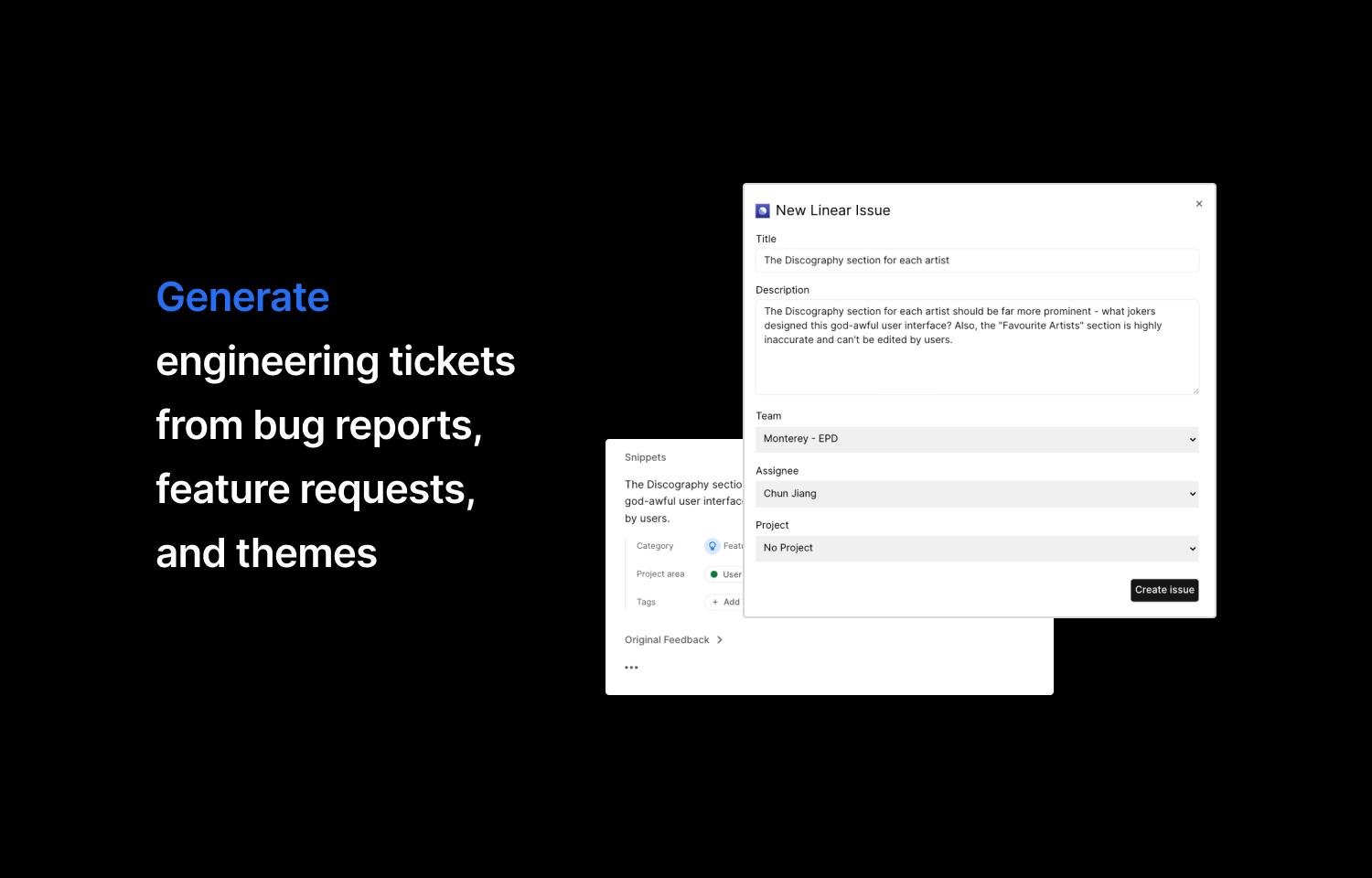
Clicking on each feedback, will show a detailed feedback view with an action bar to the right. At the bottom of the action bar, click the “Generate issue” button which will bring up a form requiring a title, team and assignee. You can also optionally include a description and project.
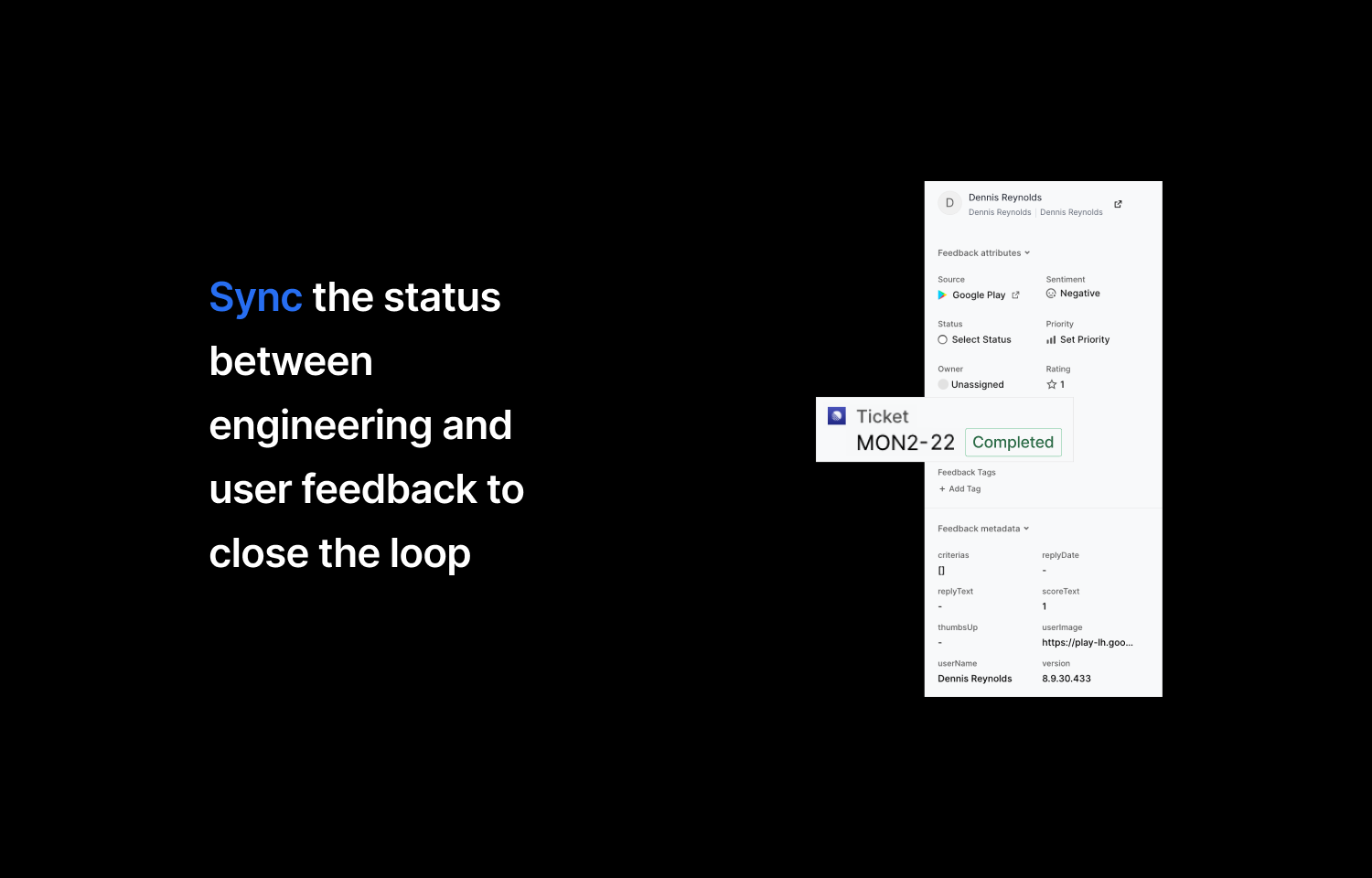
You can also set up bi-directional sync so that when statuses are updated in Route5, they are updated in Reforge Insights. This is a great way to keep the feedback loop tight, and make sure you communicate with customers when the issues or feedback are solved.
Configure
Go to the integration settings page page and select the Route5 integration. Follow the guidelines to connect your Route5 account. Only admins of your Insights workspace can set up Route5 integration.
Anyone who has access to your Insights workspace can create a ticket in Route5, even if they do not have access to Route5 themselves. Only users of Route5 will be able to view and manage the issue in Route5.