- Integrations
- Highlight
Keep your web app stable and your customers happy by pairing session replay and error monitoring
Overview
Highlight allows you to monitor your web app and keep track of errors encountered in your frontend and backend. When integrated with Route5, you can quickly create issues from Highlight session replays or in the errors feed with comments.
How it works
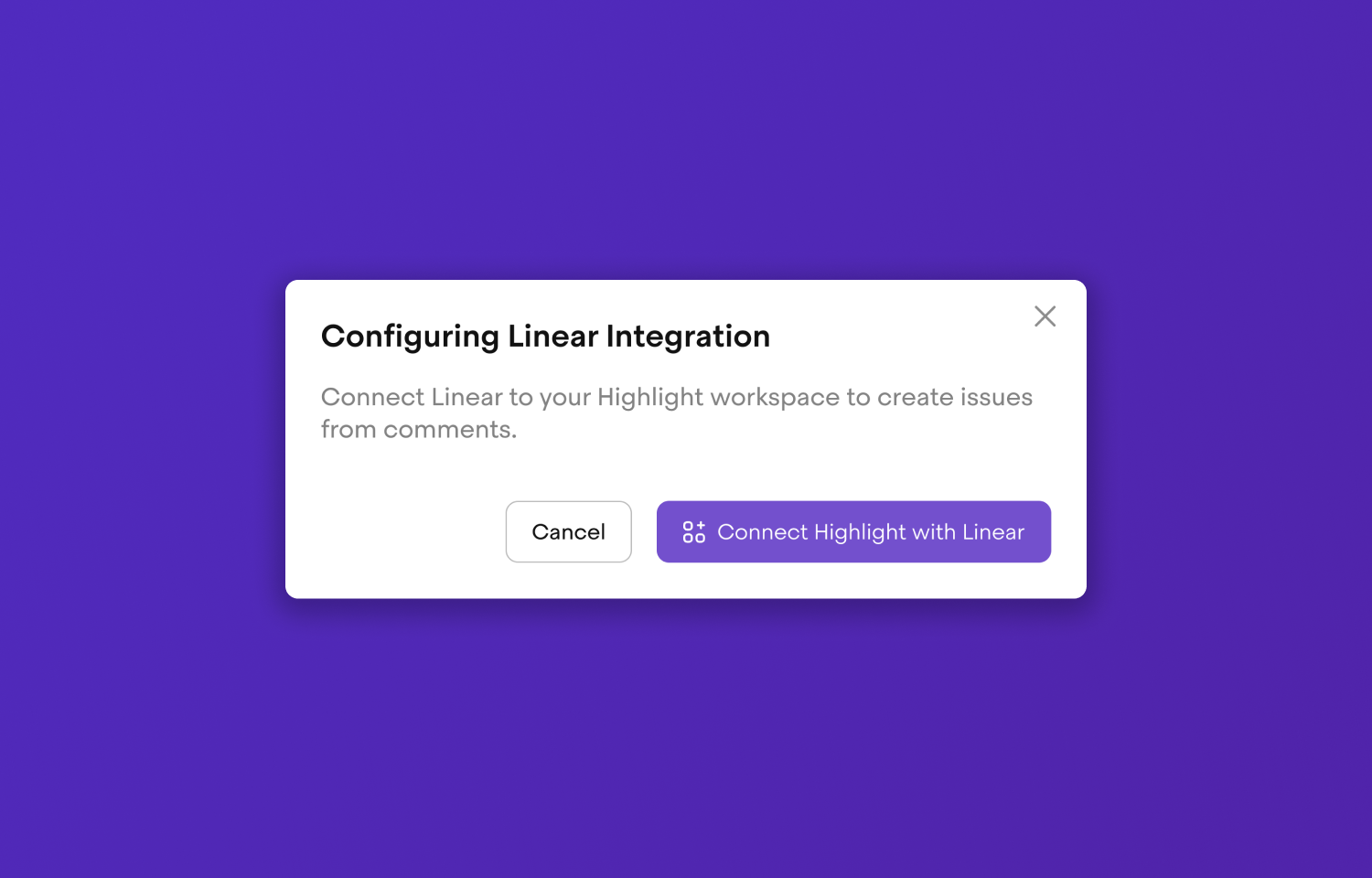
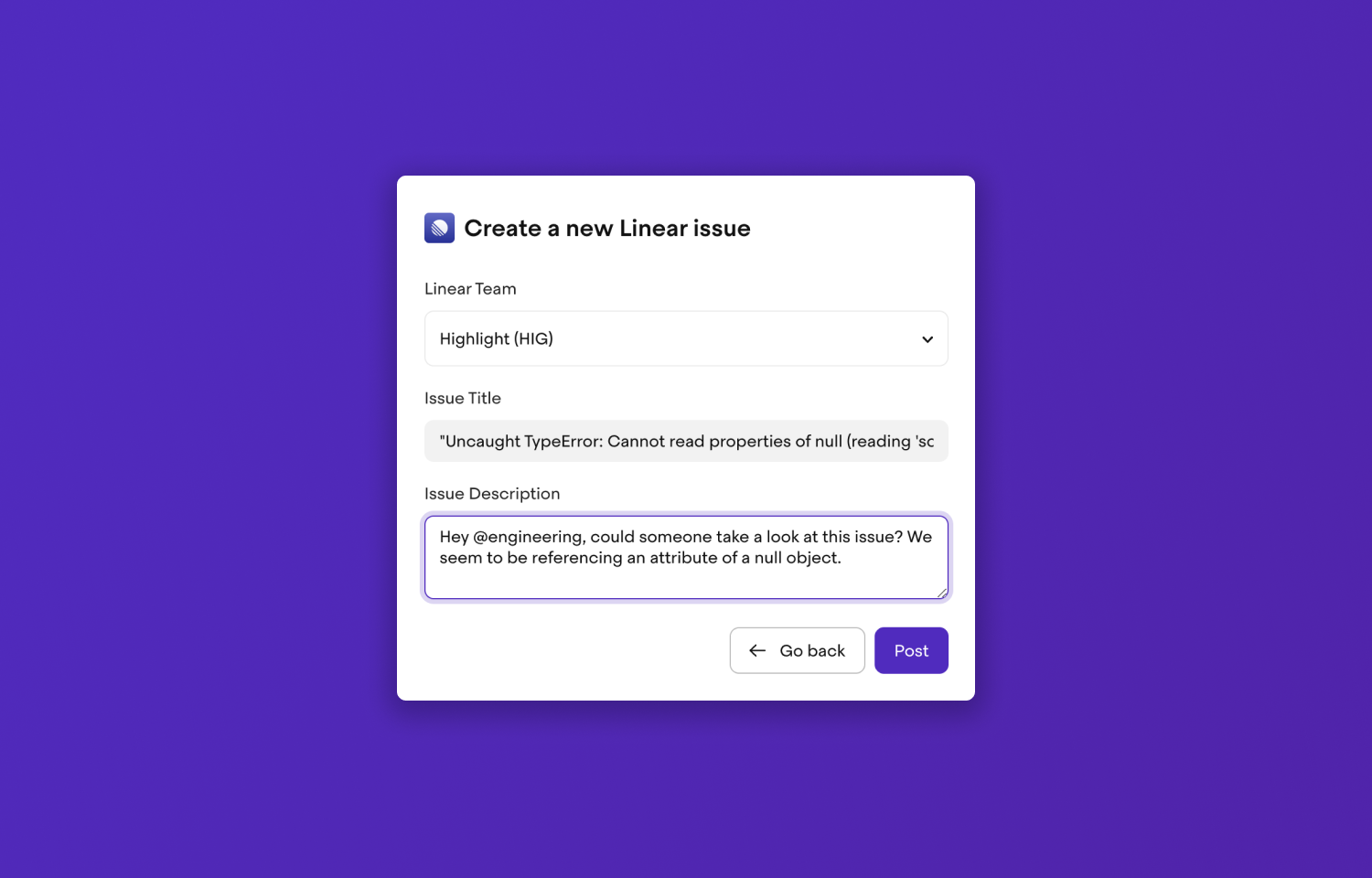
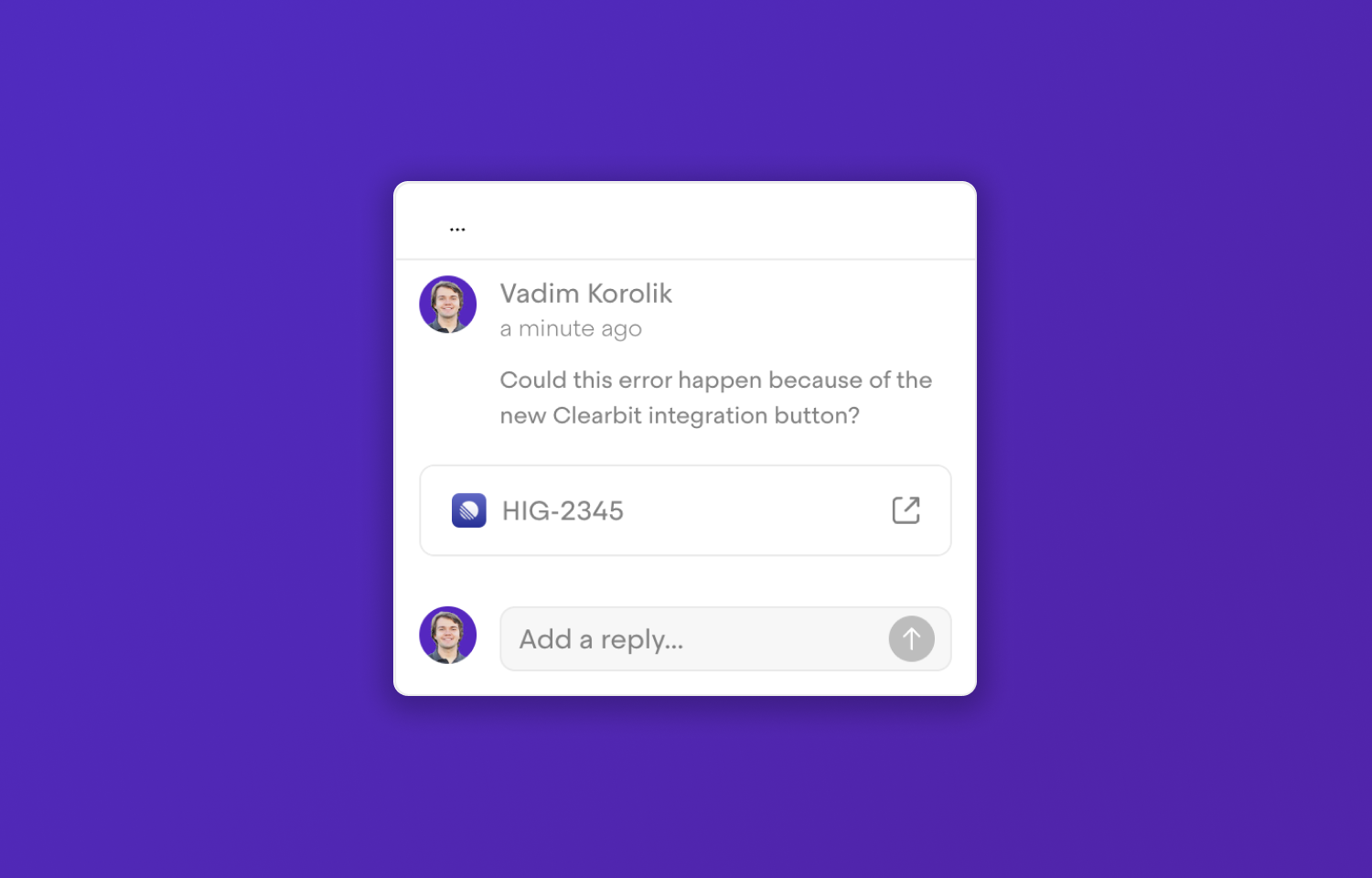
Connect Route5 to your Highlight workspace to create issues from comments. Click anywhere on a session replay to create a comment and instantly turn it into a Route5 issue. Track progress on frontend and backend errors caught by Highlight via Route5 issues. Triage your app errors from Highlight and turn them into Route5 issues with stack traces and complete repro context.
Configure
To configure Route5, visit the integrations page in Highlight and click Connect. This will take you to your Route5 team requesting the necessary permissions. Any member of a Highlight workspace can connect the Route5 integration.