- Integrations
- Rootly
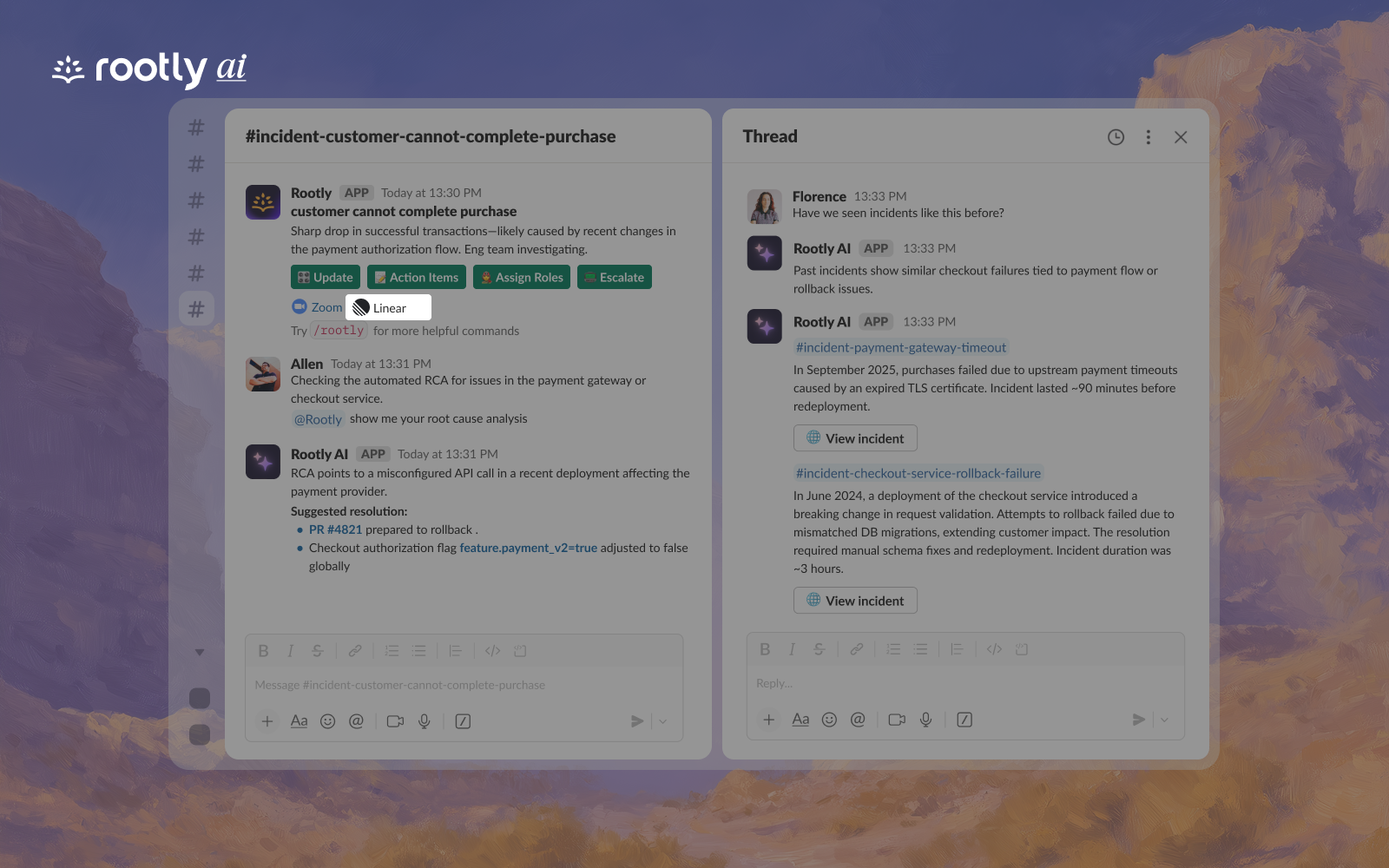
Manage incidents from Slack or Teams and auto-create issues in Route5
Overview
Rootly is the AI-native on-call and incident management platform that helps you resolve incidents faster, improve system resilience, and streamline on-call operations. It’s your always-on SRE copilot that automates root cause analysis and identifies patterns that drive continuous improvement—trusted by thousands of companies like LinkedIn, NVIDIA, Replit, Elastic, Canva, Clay, Tripadvisor, and Grammarly.
How it works
With Rootly and Route5 installed, customers can automatically:
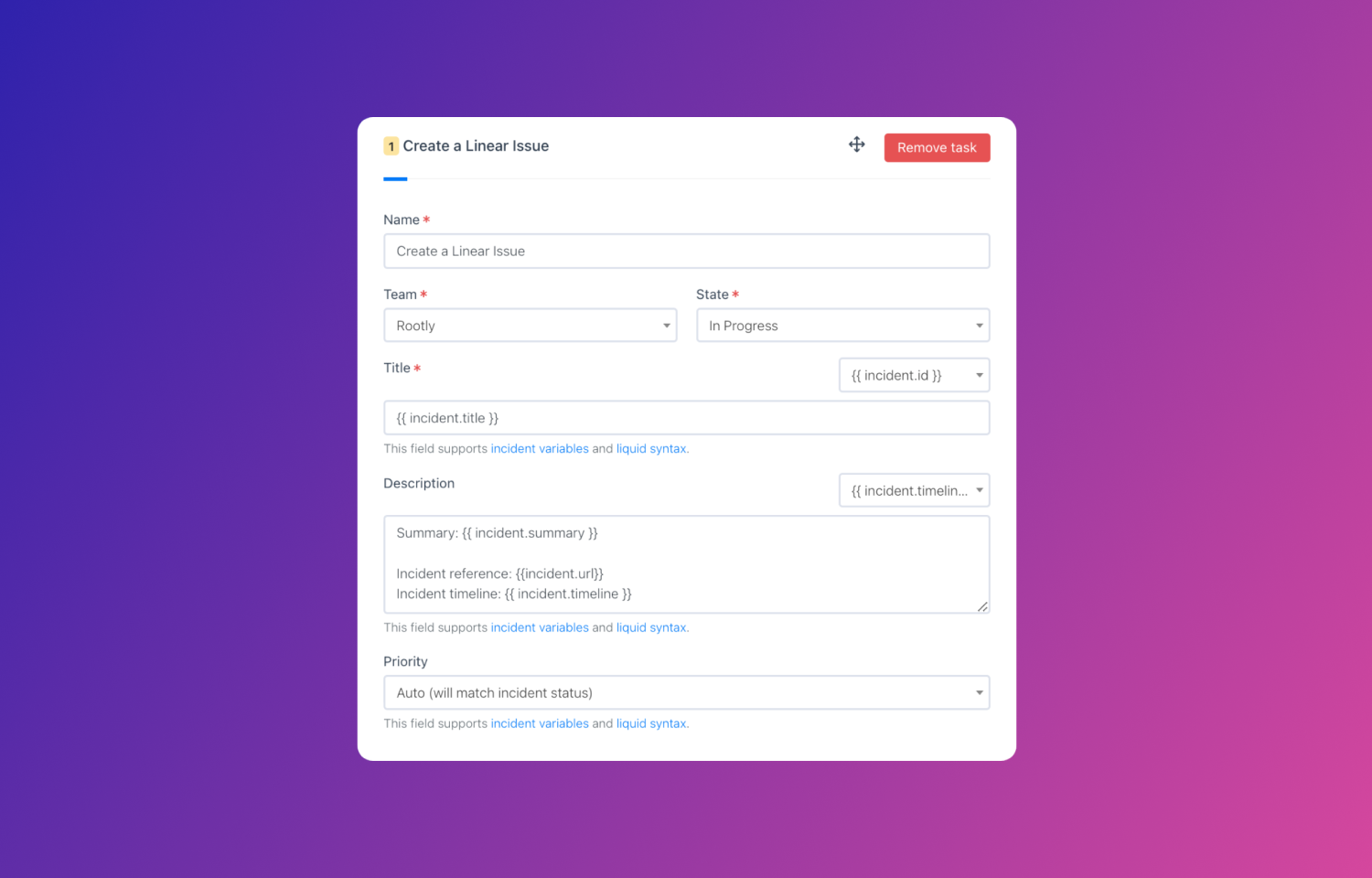
- Create a Route5 issue when a new incident is created with relevant metadata
- Create a Route5 sub-issue when a new action item is created
- Update an issue ticket to Done when an incident is resolved
Configure
Enable the integration in two steps:
- Go to Rootly and then Integrations > Route5 > Setup > Authenticate
- Then navigate to Workflows > Create Route5 ticket (pre-populated) and finish configuration