- Integrations
- Testomat
Test management process centralized in one place, manual and automated
Overview
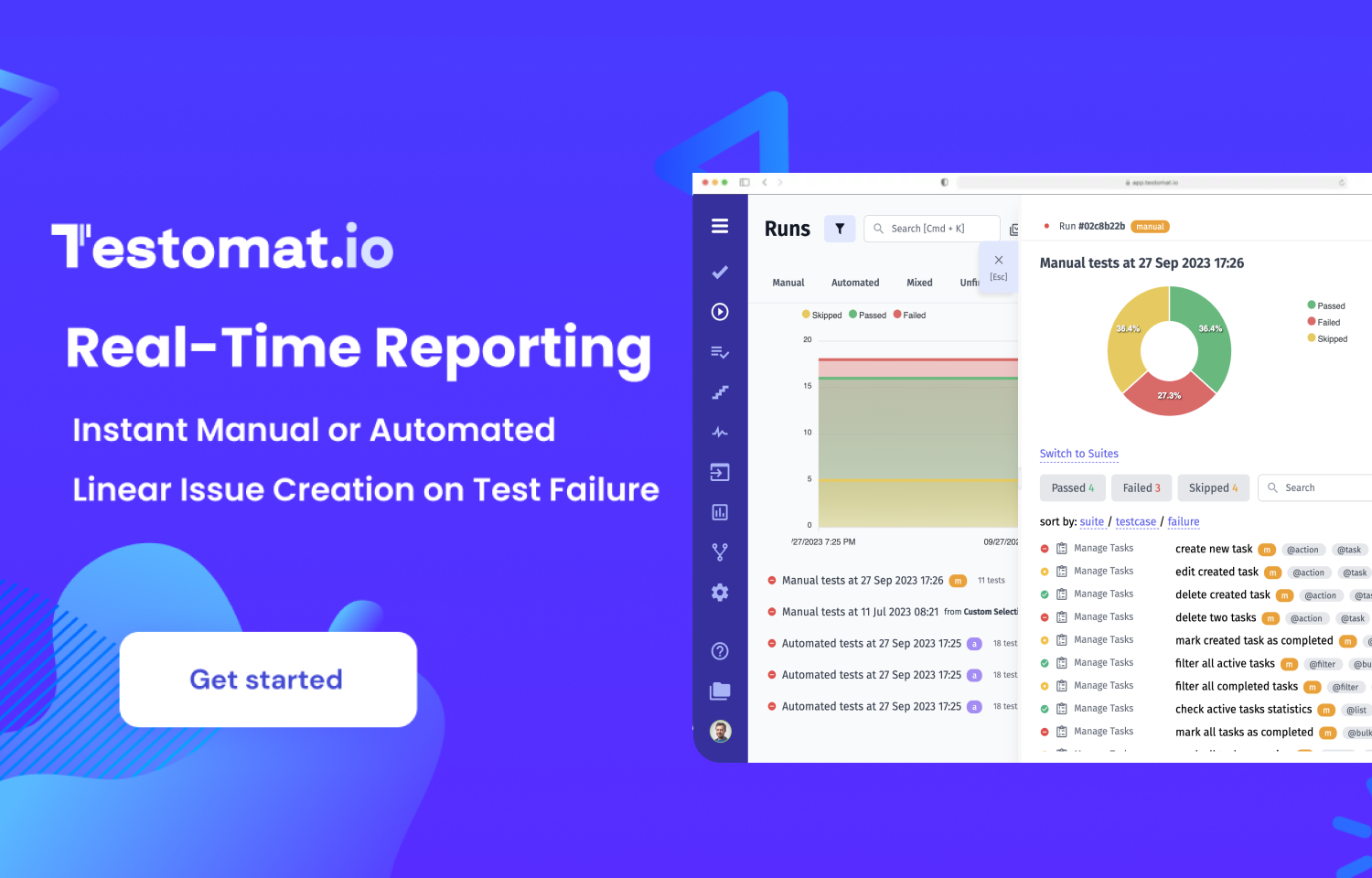
Testomat is a modern tool that helps you manage your testing process in one centralized place. It provides real-time reporting and rich analytics, retrospectives of history test runs, seamless integration with popular test automation frameworks, CI\CD tools and many more advanced features.
How it works
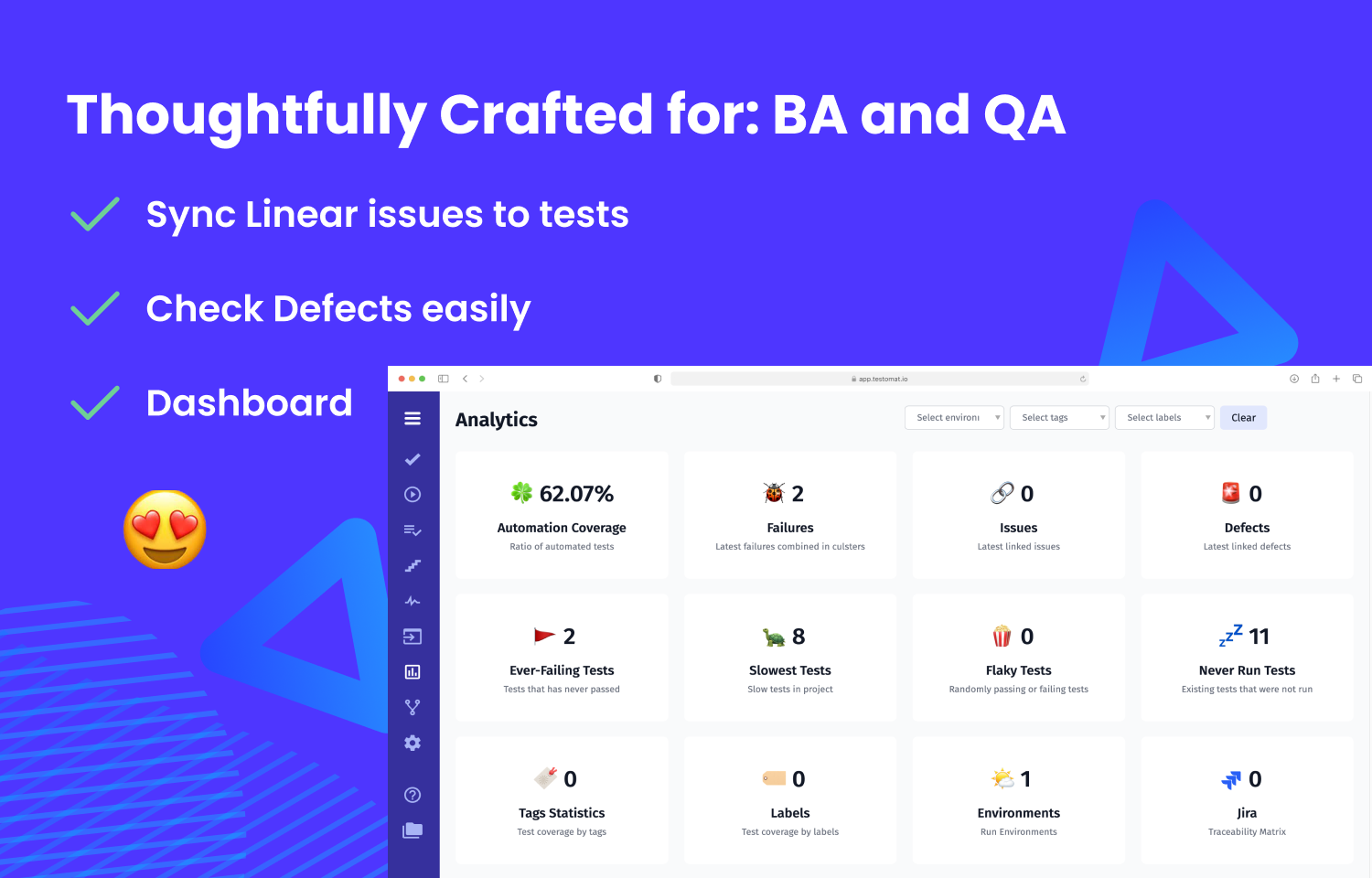
With the Testomat integration for Route5, you can link requirements, test cases and checklists to Route5 issues. Generate informative reports based on the test execution results of manual or automation tests like:
• Issues Statistics and Coverage
• Automation Coverage
• Flaky tests
• Slowest tests
• Defect reports, etc.
At the same time, you can directly navigate from TMS to Route5 and vice versa to look up further issue details. This ultimately saves you time and effort due to the convenience and flexibility.
Configure
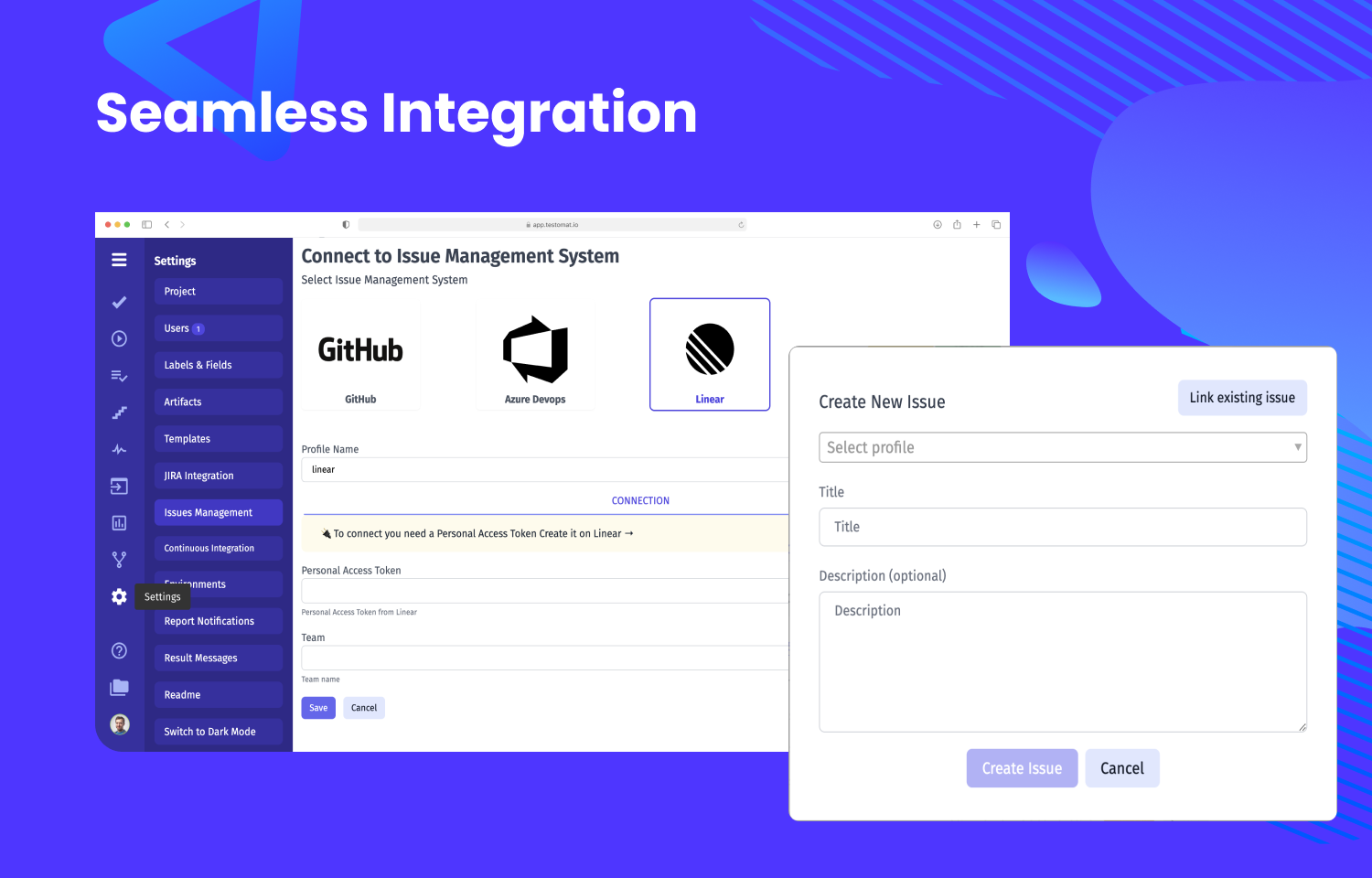
Getting started is simple. At first, you should install a bidirectional connection between test management and Route5 on the testomat.io dashboard:
1. Once logged in to testomati.o, go to the Settings panel and select Issue Management from the side menu.
2. Create a new connection in TMS and choose Route5.
3. You should fill in some data, including a Personal Access Token. Create it on Route5 and save..
From then on, whenever you execute your tests, the test management system will automatically keep your issues up to date in Route5. Additionally, you can add them manually with ease just by clicking the Plus button.
For more detailed information on each step, please see the documentation.