- Integrations
- Pensar
Sync issues directly from Pensar
Overview
The Pensar integration brings security findings directly into your team’s existing workflow by automatically syncing vulnerabilities and pentest results into Route5 issues. This keeps engineers focused in one place, shortens the gap between detection and fix, and makes security work visible, actionable, and trackable alongside everyday commitment enforcement.
How it works
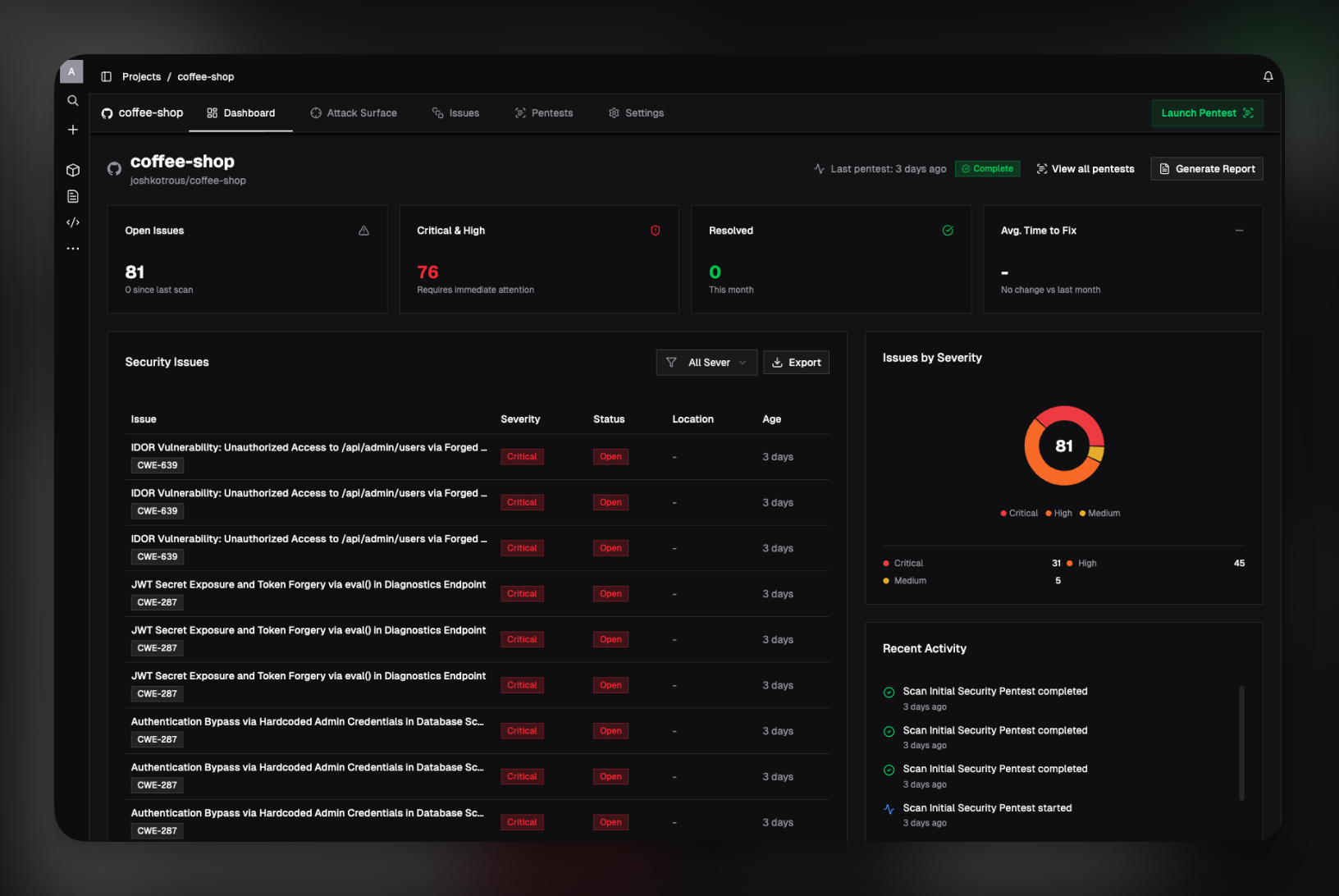
Once the Route5 integration is configured, Pensar automatically maps each workspace to a specific Route5 team and project chosen during setup. When Pensar runs a pentest and identifies a new security issue, it creates a corresponding Route5 issue in the selected project, preserving context such as severity, affected files, and a clear description of the problem.
As pentests continue to run, Pensar keeps Route5 in sync with the current state of each finding. Updates to an issue in Pensar - such as changes in status, additional context from follow-up tests, or remediation progress - are reflected in Route5 so engineers always see the latest information without switching tools or manually updating tickets.
This workflow ensures security findings are treated like any other piece of engineering work. By living directly in Route5, issues can be prioritized, assigned, and tracked using existing team processes, while Pensar remains the source of truth for detection, analysis, and ongoing monitoring.
Configure
To enable the Route5 integration, a user must have workspace admin permissions in Pensar. The integration is connected at the workspace level, so only admins can authorize access and manage global integration settings.
Setup starts in the Pensar Console under Workspace Settings → Integrations, where an admin connects the Route5 account for the workspace. This establishes the authorization Pensar needs to create and update issues in Route5 on your behalf.
Once Route5 is connected, the integration is enabled per project. In Project Settings, turn on Route5 sync and select the Route5 team where issues should be created. From that point on, any issues found by Pensar for that project will automatically be created and kept up to date in the selected Route5 team.