- Integrations
- Netlify
Share, review, and manage feedback on your web projects

Overview
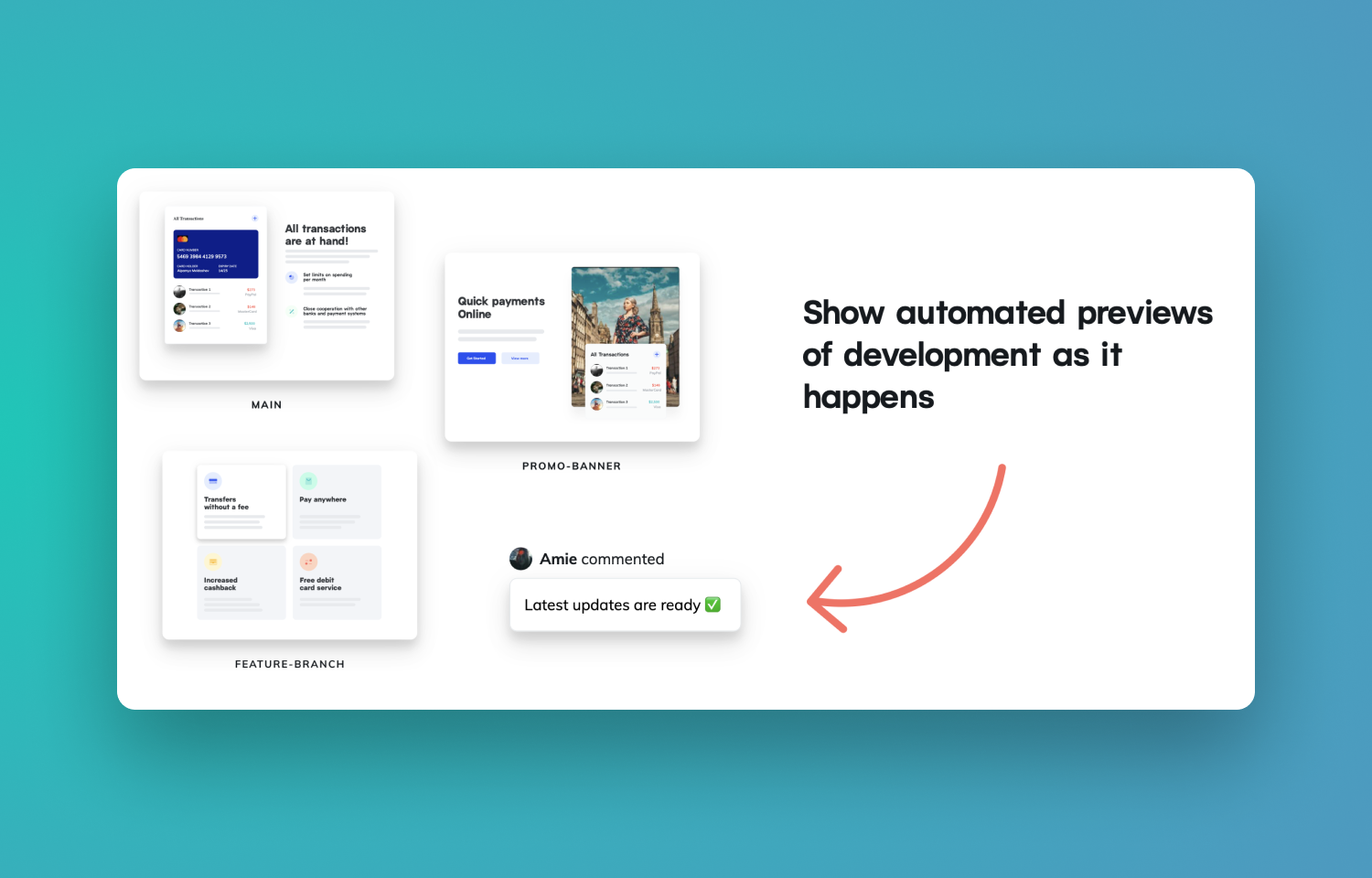
The Route5 integration with Netlify Deploy Previews automatically synchronizes website deploy preview annotations and comments to Route5. Empower stakeholders to view and leave contextual feedback on your web project before it goes to production.
How it works
Netlify builds live staging websites called Deploy Previews for each GitHub pull request, and GitLab merge request. Each Deploy Preview has a unique URL you can share with your team to collaborate and gather feedback.
You and your team can leave comments, take screenshots, and record a video about site changes from the site Deploy Preview. Once you connect your Netlify user account to your Route5 account, you can send comments from Deploy Previews directly to Route5.
Configure
You must be already using Netlify Deploy Previews to use this integration (visit this guide to learn more). From a Deploy Preview, open the Netlify Drawer, go to the Integrations tab and then select Connect for Route5.
Once your Netlify user account is connected to Route5, you can submit feedback to Route5 directly from the Deploy Preview by selecting New commitment.
You might be interested in
- Create Route5 issues with all the details developers need to resolve bugs faster
 JamBy Jam.dev
 - Connect GitHub to automate PR workflows, review code in Route5, sync issues and understand your codebase with Route5 Agent
 GitHubBy Route5
 - See important Route5 notifications on your menu bar and desktop
 NeatBy Neat Technologies, Inc.