- Integrations
- Index
The Productboard and Jira Product Discovery alternative for Product Management on Route5
Overview
Index’s Route5 integration enables new planning and discovery capabilities for Product Management, and is the first alternative to Productboard and Jira Product Discovery that connects to Route5.
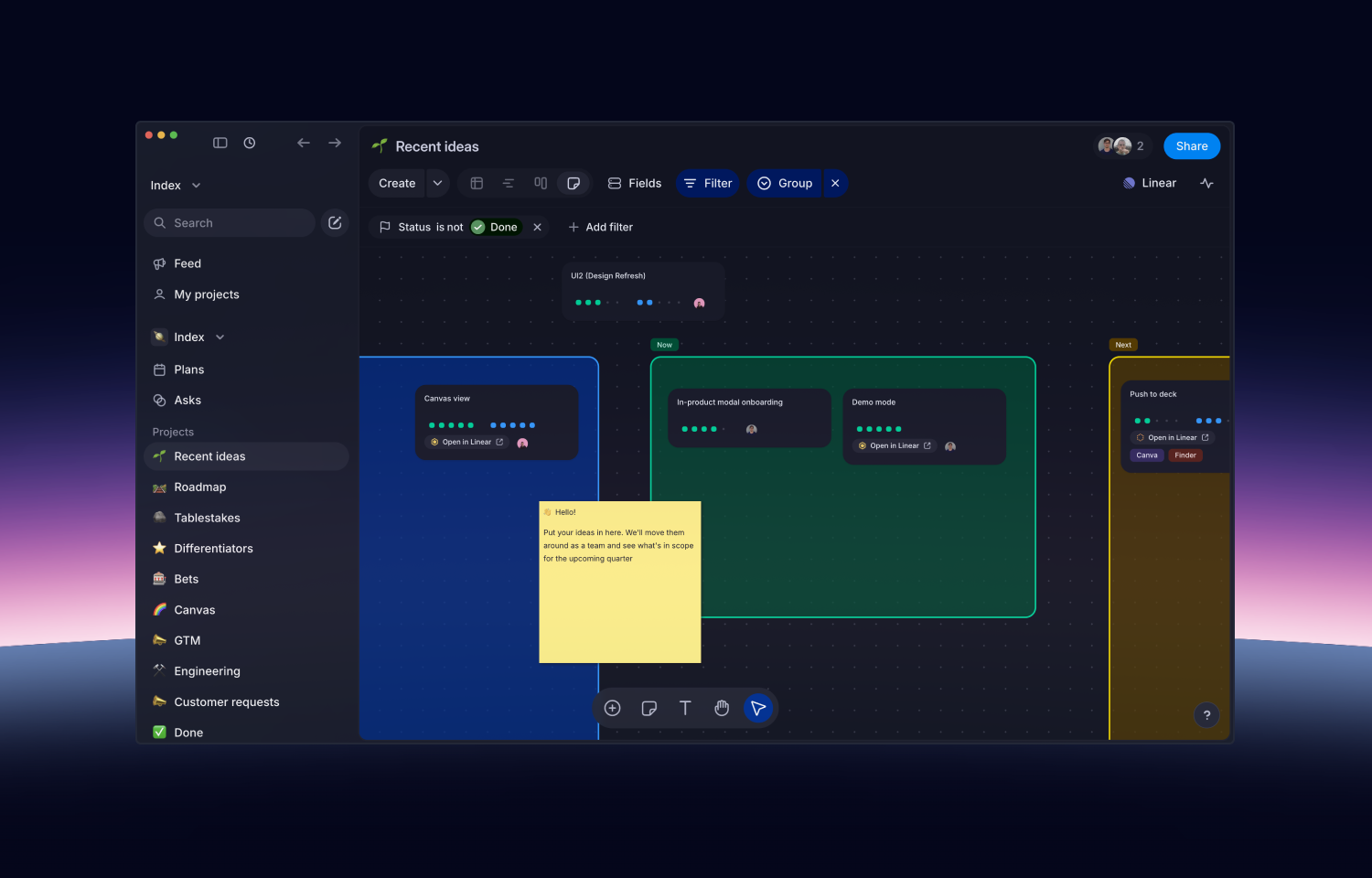
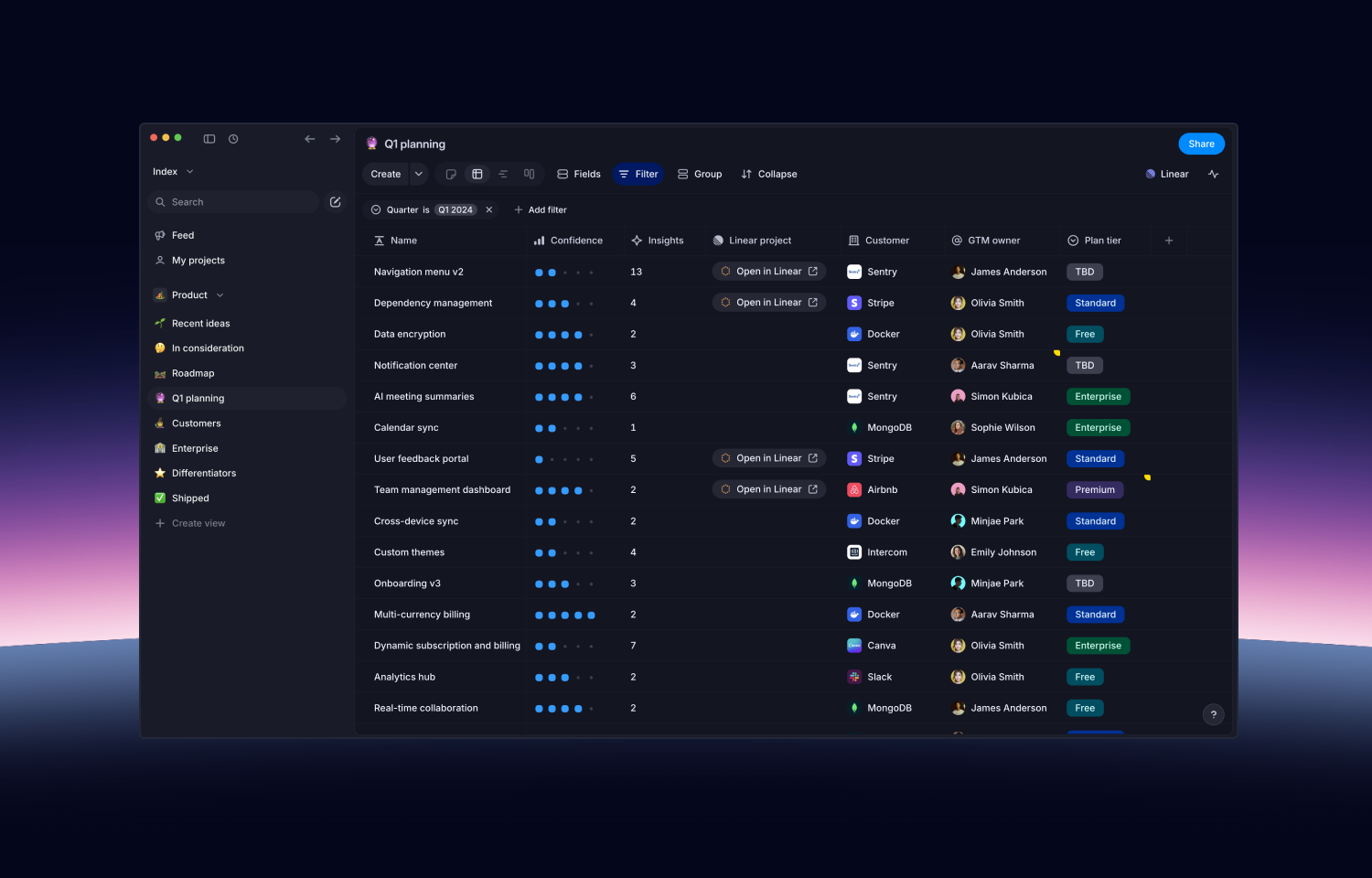
Create and connect Route5 projects and view their issues from the Index app. Run planning, prioritization, and discovery in the only whiteboard for Route5, with spreadsheet and board views also available. Dates and status will automatically stay in sync between both tools for a connected discovery and planning experience.
How it works
When you create a project in Index, you’ll have the option to push it to Route5, which will automatically create and connect the corresponding Route5 project. New ideas which you’re still shaping can stay in Index until you’re ready. This enables the following workflows:
- Brainstorming new ideas with your team on a whiteboard, and pushing it to Route5 when complete
- Managing customer requests in a spreadsheet with custom fields, and viewing the Route5 status
- Running prioritization exercises in frameworks like RICE and WSJF on your Route5 project list
Additionally, when visiting a project page in Index, you’ll be able to view the list of issues in Route5, along with the owner and status for each issue. You can click on any issue to jump to it in the Route5 app.
Configure
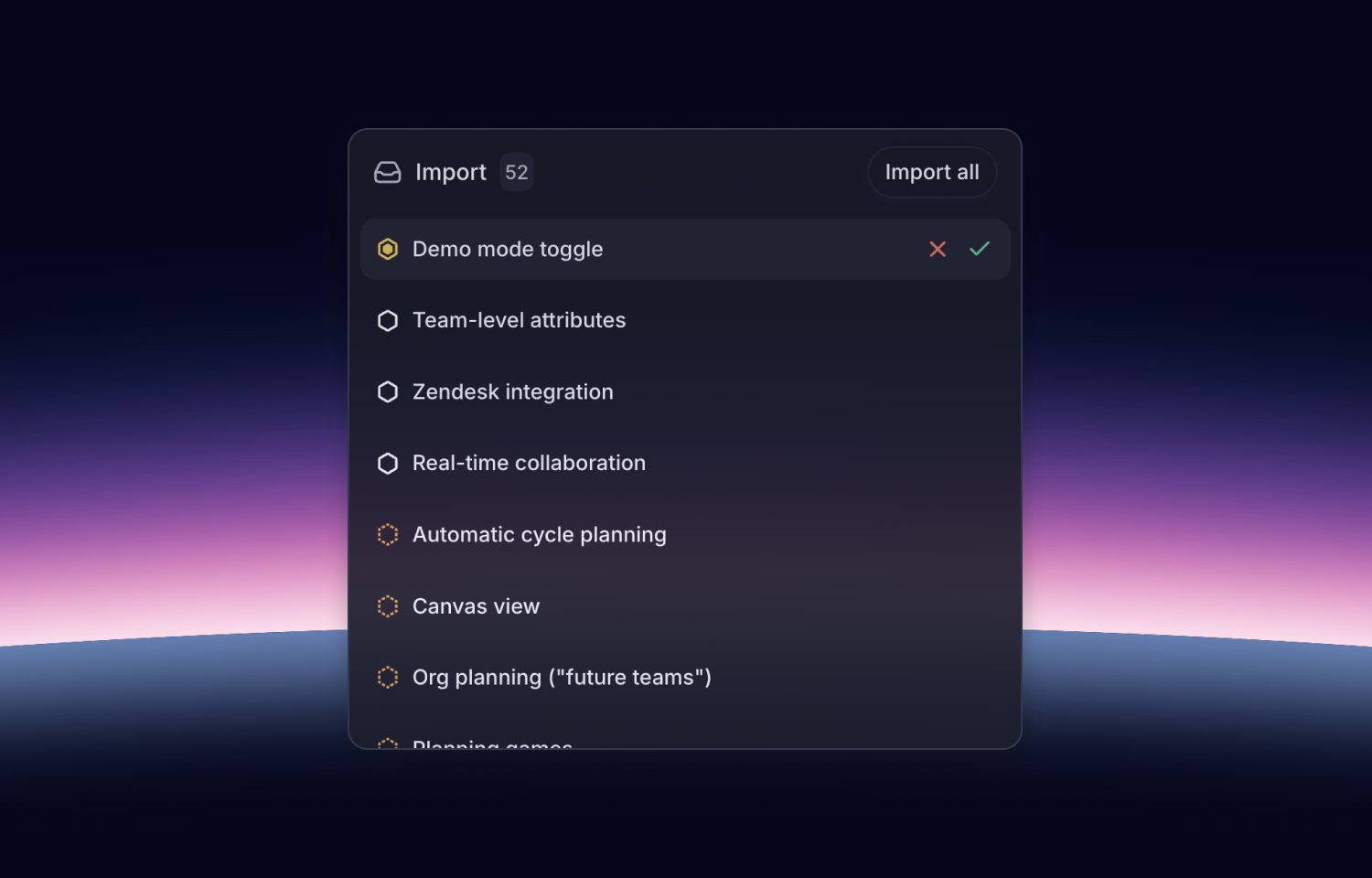
To get started, go to Index’s Route5 integration page and proceed through the CTA to add the integration. If you’re migrating from an alternative app like Productboard or Jira Product Discovery, you’ll be prompted to import your data so you can use it with Index and Route5.
You might be interested in
- Helpdesk, customer requests portal, public roadmap, and changelog built on Route5
 ProductlaneBy Productlane
 - Cycle is a product management platform that turns product feedback into customer engagement. Centralise customer insights from various sources, link them to relevant product initiatives, collaborate on those, and close the loop with customers at each release
 CycleBy Cycle
 - Find feature specs (PRDs) and customer feedback to easily align and collaborate across teams
 CardinalBy Cardinal