- Integrations
- Cardinal
Find feature specs (PRDs) and customer feedback to easily align and collaborate across teams
Overview
This integration embeds Cardinal Specs (PRDs), feature requests, and customer feedback items into Route5 issues, making it seamless to view those relevant documents when needed and getting full context into the Route5 issue at hand.
How it works
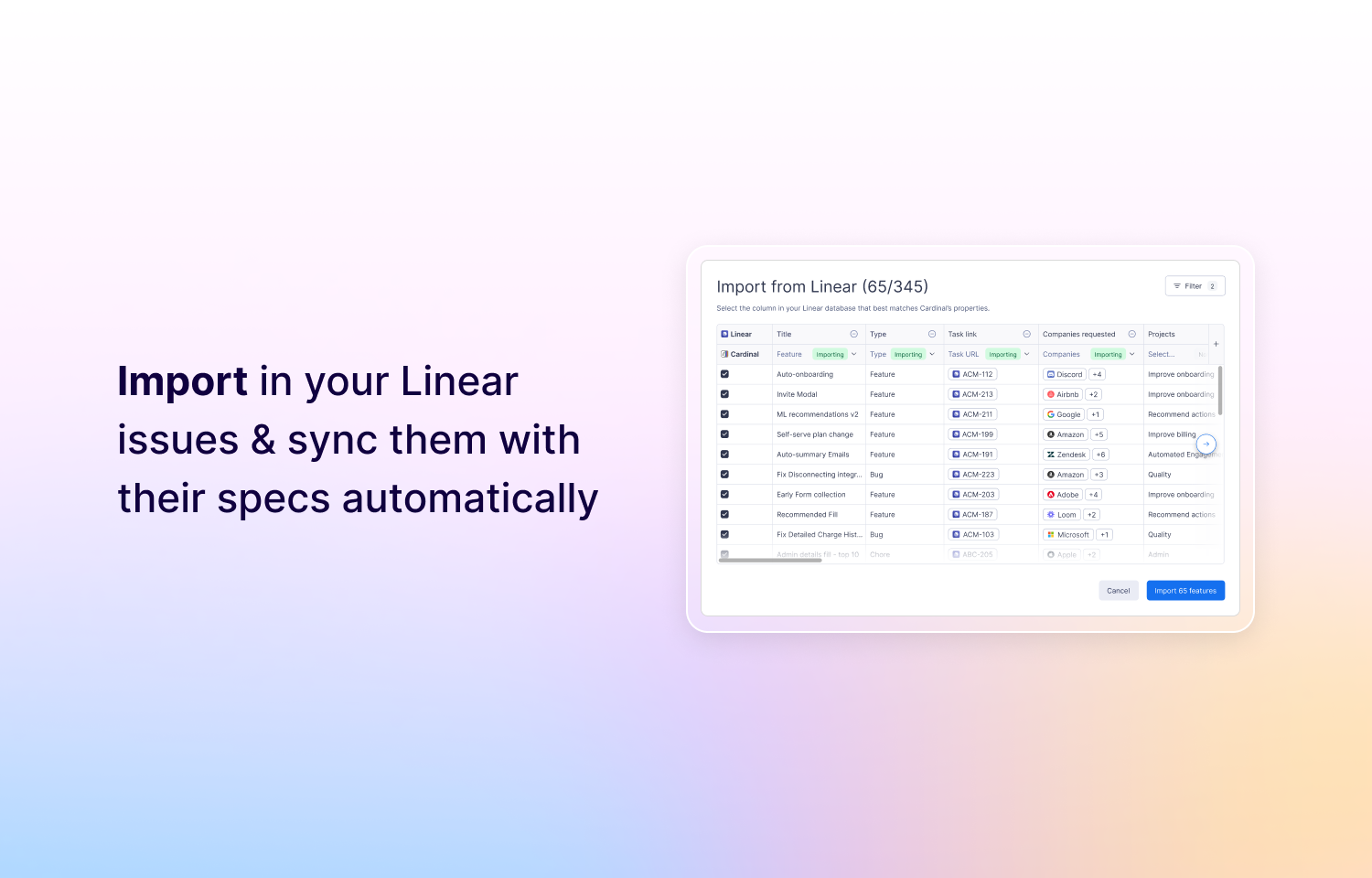
Embedding Cardinal documents into Route5 is a no brainer. Drop the Route5 task URL into Cardinal’s dedicated Task URL or paste Cardinal URLs into Route5’s Markdown editor.
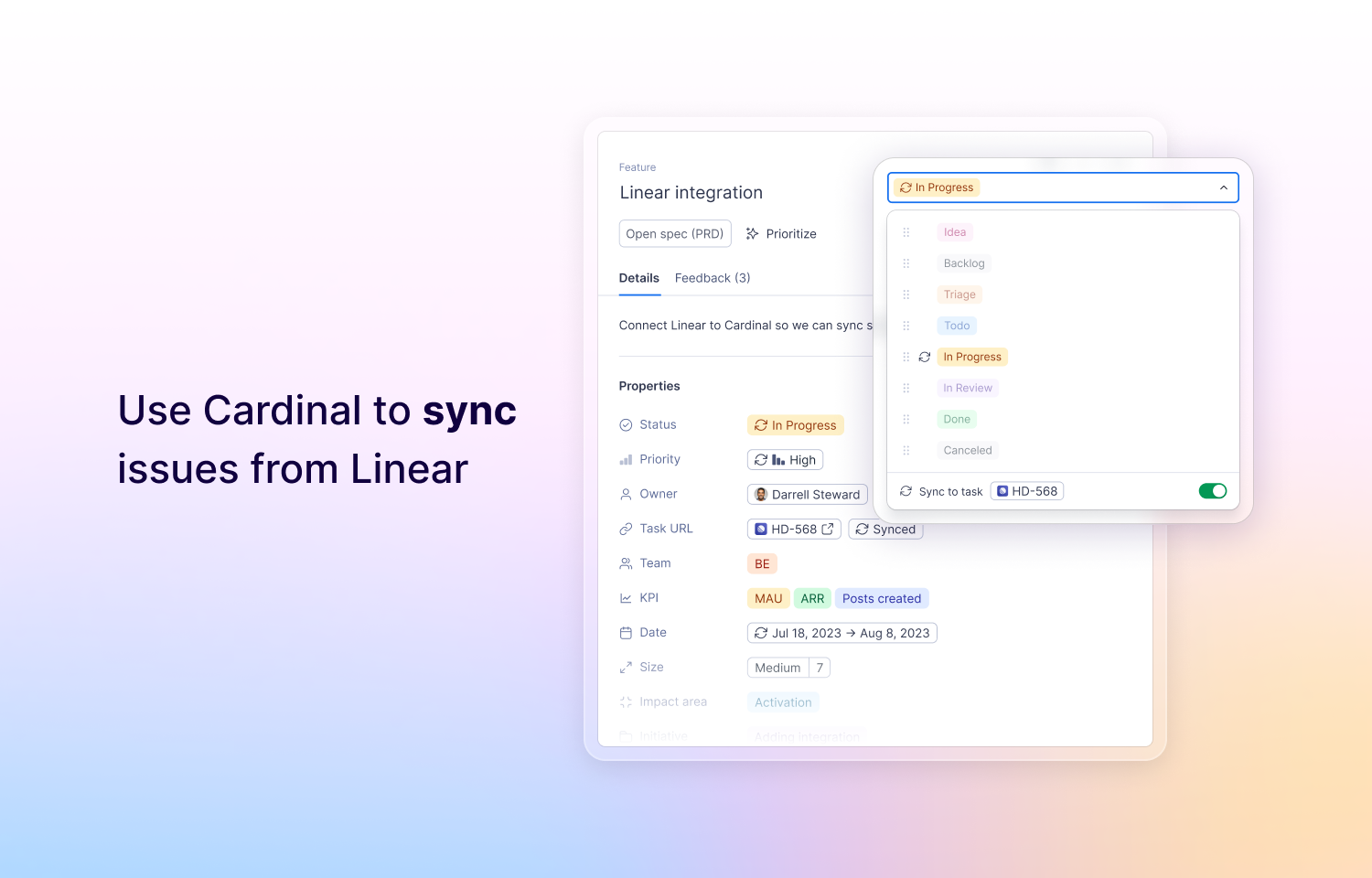
We automatically embed and link the name, description and URL on both sides.
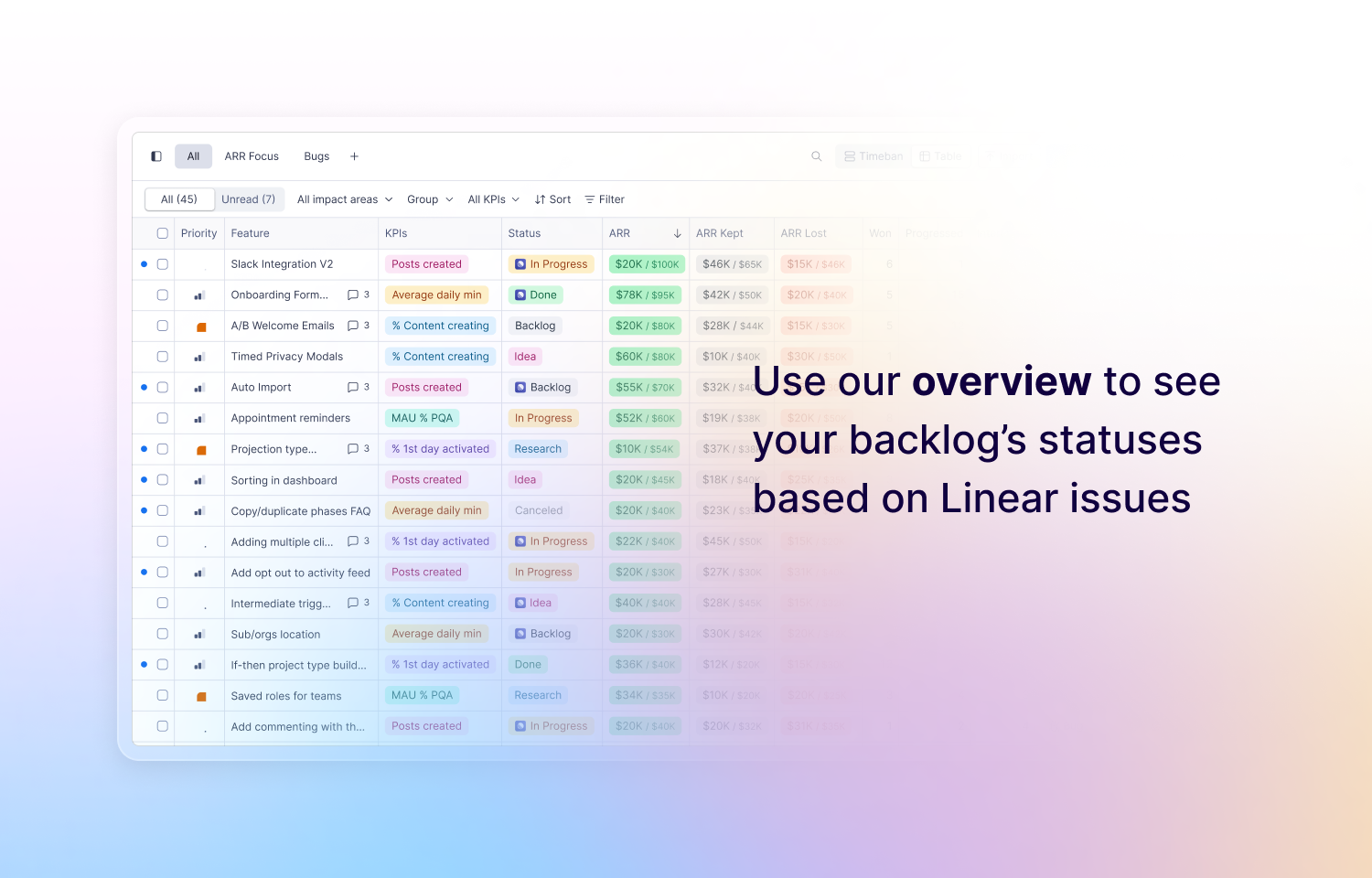
These embeddings make it easy to refer an issue to the spec (PRD) behind it or customer feedback that is relevant to it, on Cardinal it allows for syncing a feature’s status, date and relevant information automatically, relying on Task Owners and Engineering as the source of truth.
To Configure
Go to Cardinal > Settings > Integrations > Route5 to connect your Route5 account to Cardinal.
Route5 admins can disable this integration from Route5’s settings.
You might be interested in
- Automate feedback and feature request collection with public suggestion boards
 FeaturebaseBy Featurebase
 - Cycle is a product management platform that turns product feedback into customer engagement. Centralise customer insights from various sources, link them to relevant product initiatives, collaborate on those, and close the loop with customers at each release
 CycleBy Cycle