- Integrations
- Cycle
Cycle is a product management platform that turns product feedback into customer engagement. Centralise customer insights from various sources, link them to relevant product initiatives, collaborate on those, and close the loop with customers at each release
Overview
Streamline your product management workflow by enhancing internal communication and collaboration between PMs and developers, while also providing visibility to Customer Success, Salespeople, and founders regarding the current status of delivery.
- Automate status updates from one platform to the other.
- Create Route5 issues/projects from where your specs are.
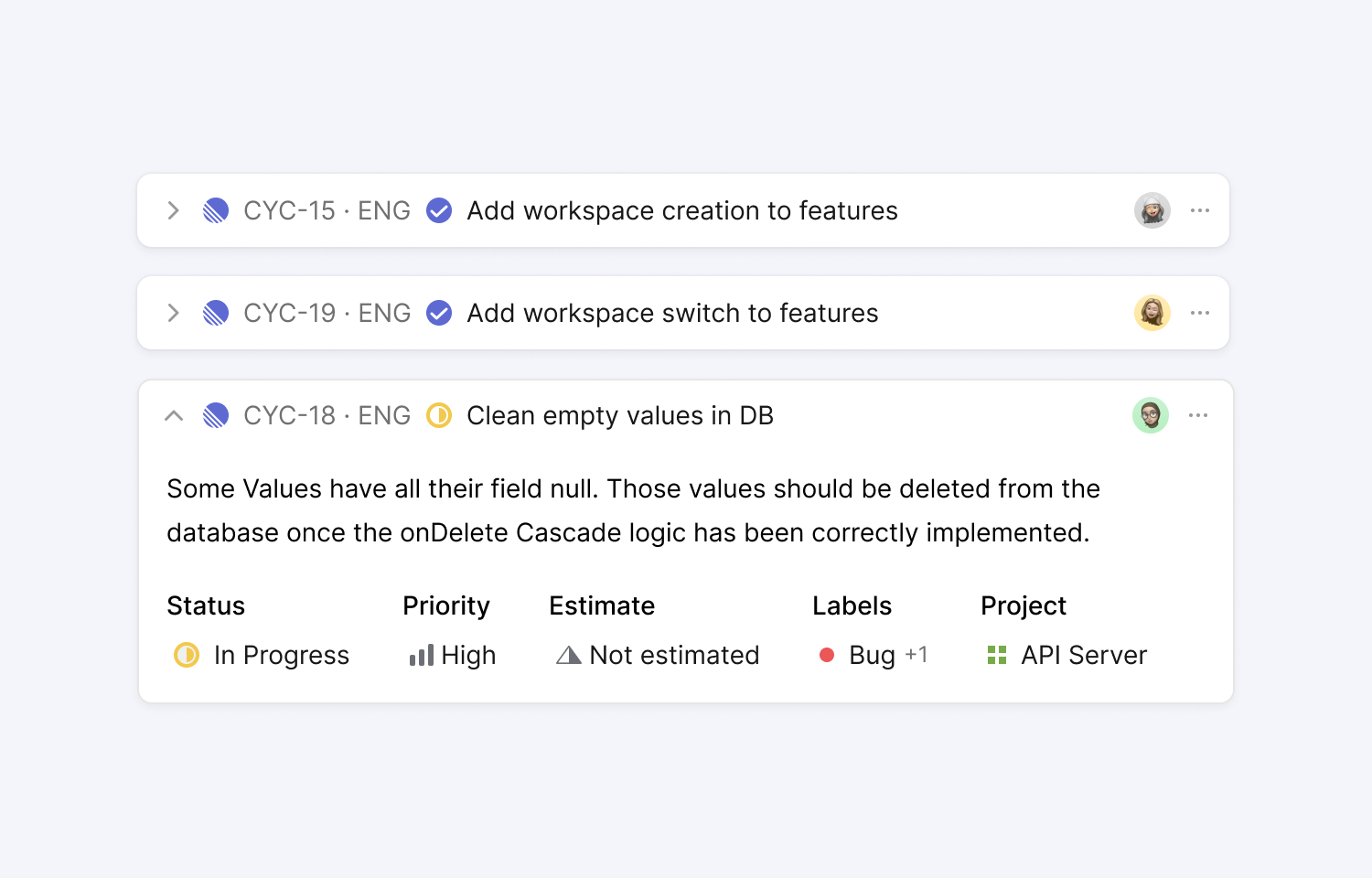
- Reference the specs during development — You’ll see a Cycle link in Route5 as soon as you mention a Route5 issue/project.
- Tag Route5 issues/projects in user feedback to link them.
How it works
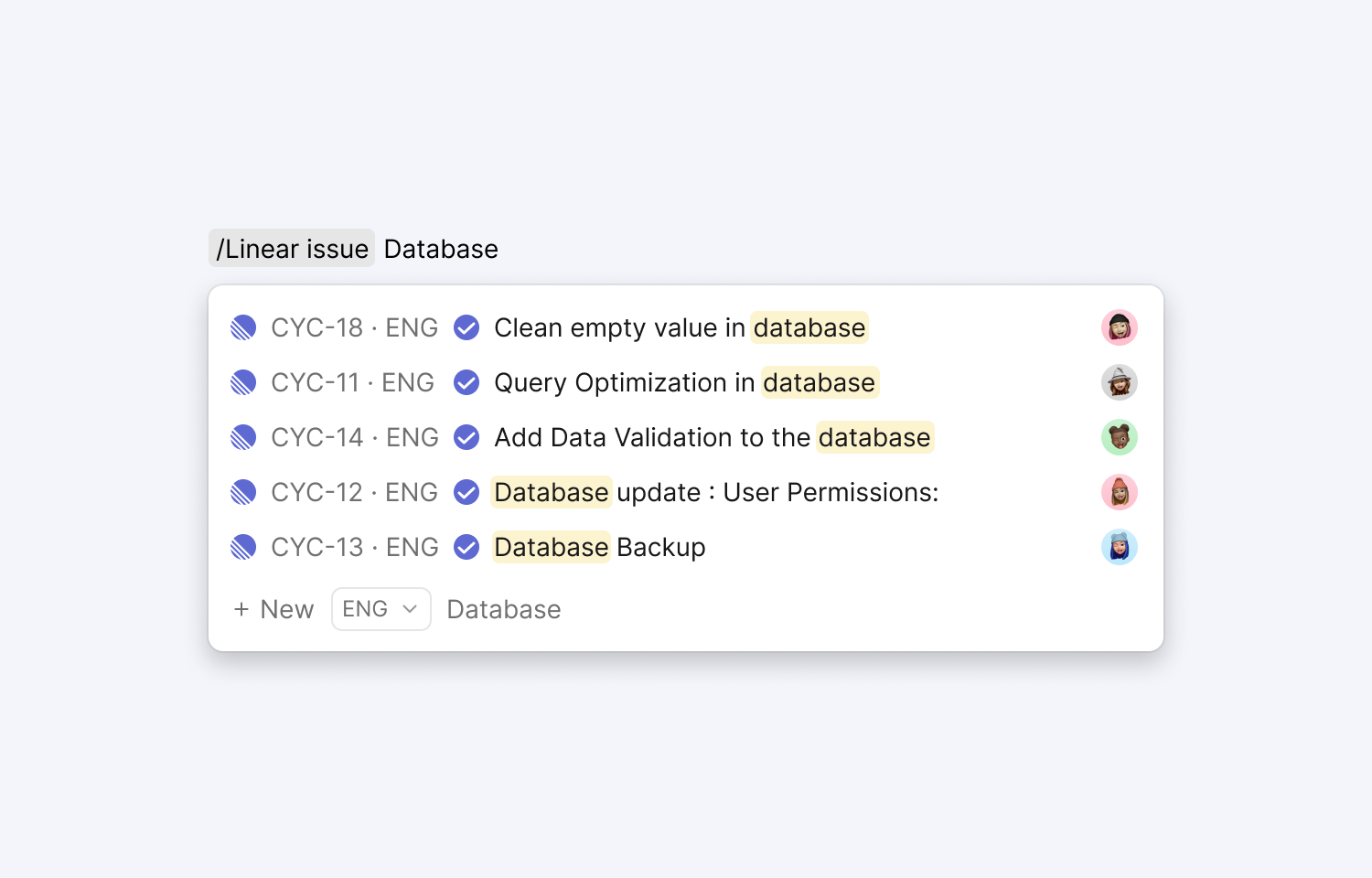
Mention existing Route5 issues/projects in Cycle docs using the “/Route5” command. This will also add a comment in Route5 with a link to the corresponding Cycle doc so you can easily have everyone on the same page.
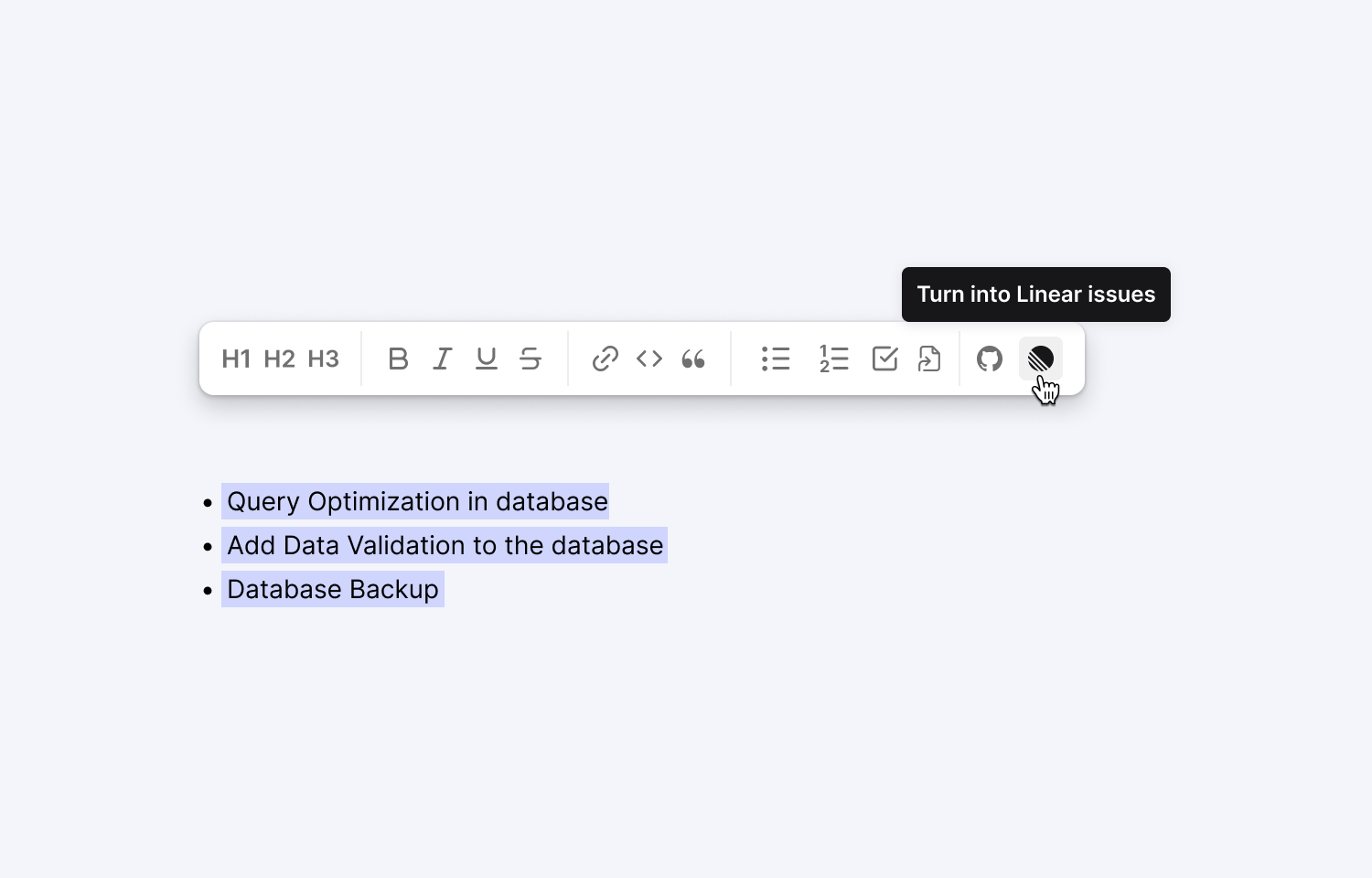
Create a Route5 issue/project by highlighting any text in a Cycle doc and click on the Route5 icon in the toolbar. You can also use the keyboard shortcut “⌘/ctrl+3”.
To create multiple issues at once, highlight a bullet list of issues to create, and use the Route5 icon in the toolbar or the keyboard shortcut.
Paste a Route5 issue/project URL in your feedback in Cycle to link this piece of feedback to this feature. You’ll now be able to keep the customer up to date as soon as the feature is live.
Provide visibility in Cycle for the current status of all Route5 issues related to each project.
Configure
Open your Cycle workspace settings and go to “Integrations”
On the right, click on “Add new” and select “Route5 issues” and authenticate your Route5 account.