- Integrations
- Featurebase
Automate feedback and feature request collection with public suggestion boards
Overview
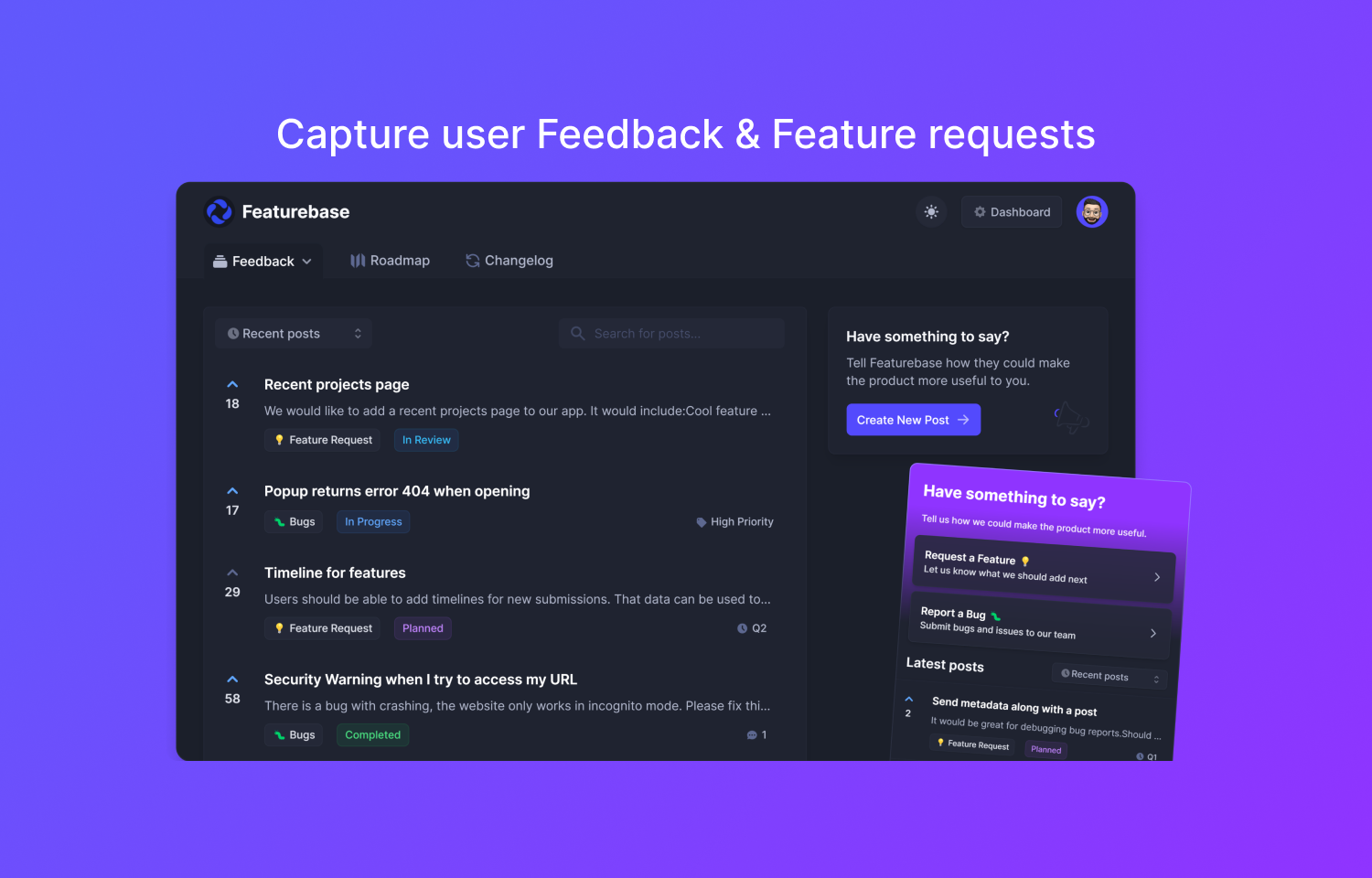
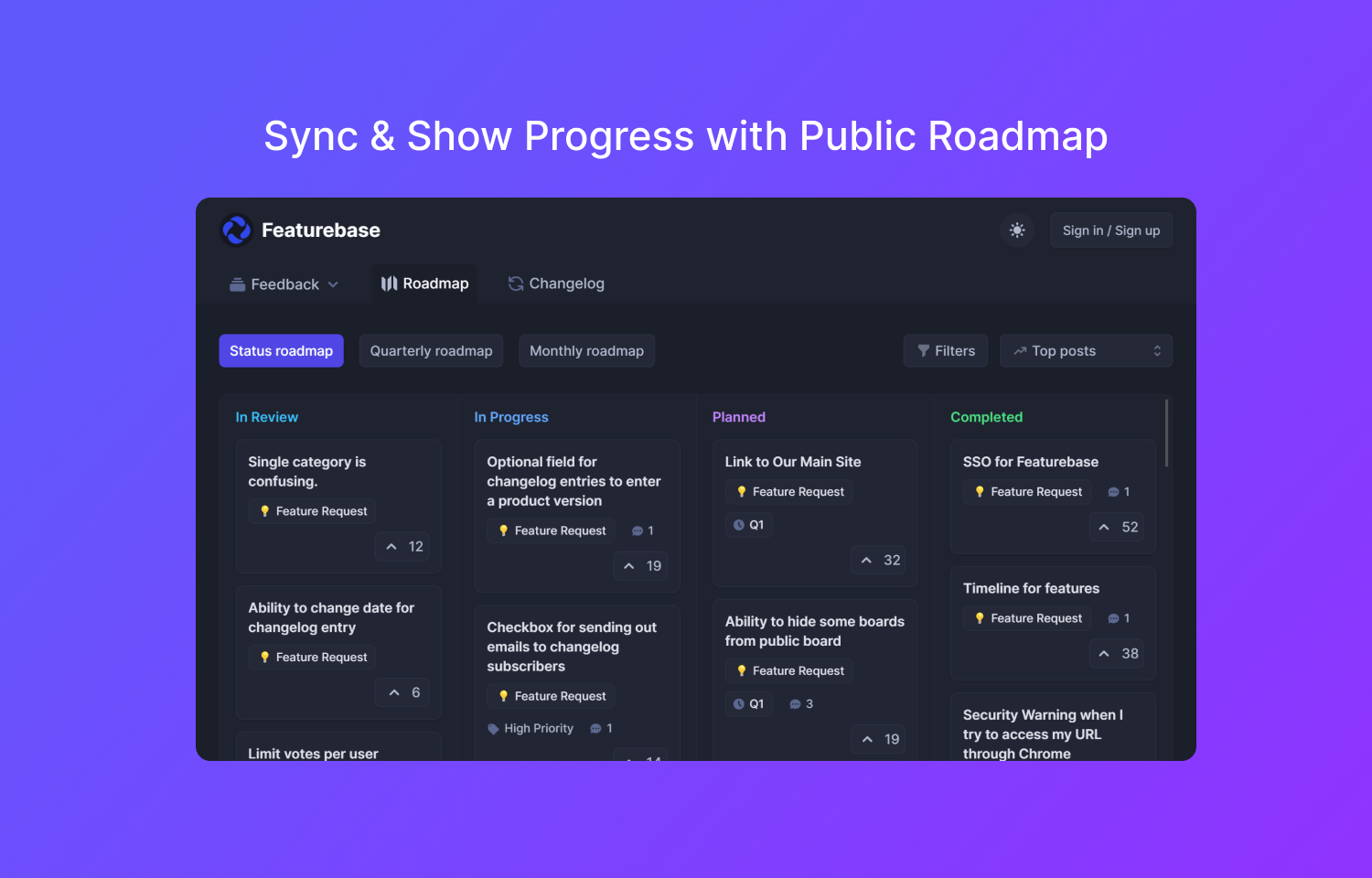
Capture all user feedback, feature requests & bug reports through a public feedback board and sync them with Route5. When you make updates to an issue in Route5, the post on your public roadmap will be automatically updated as well. This will inform your users about the current state of development.
How it works
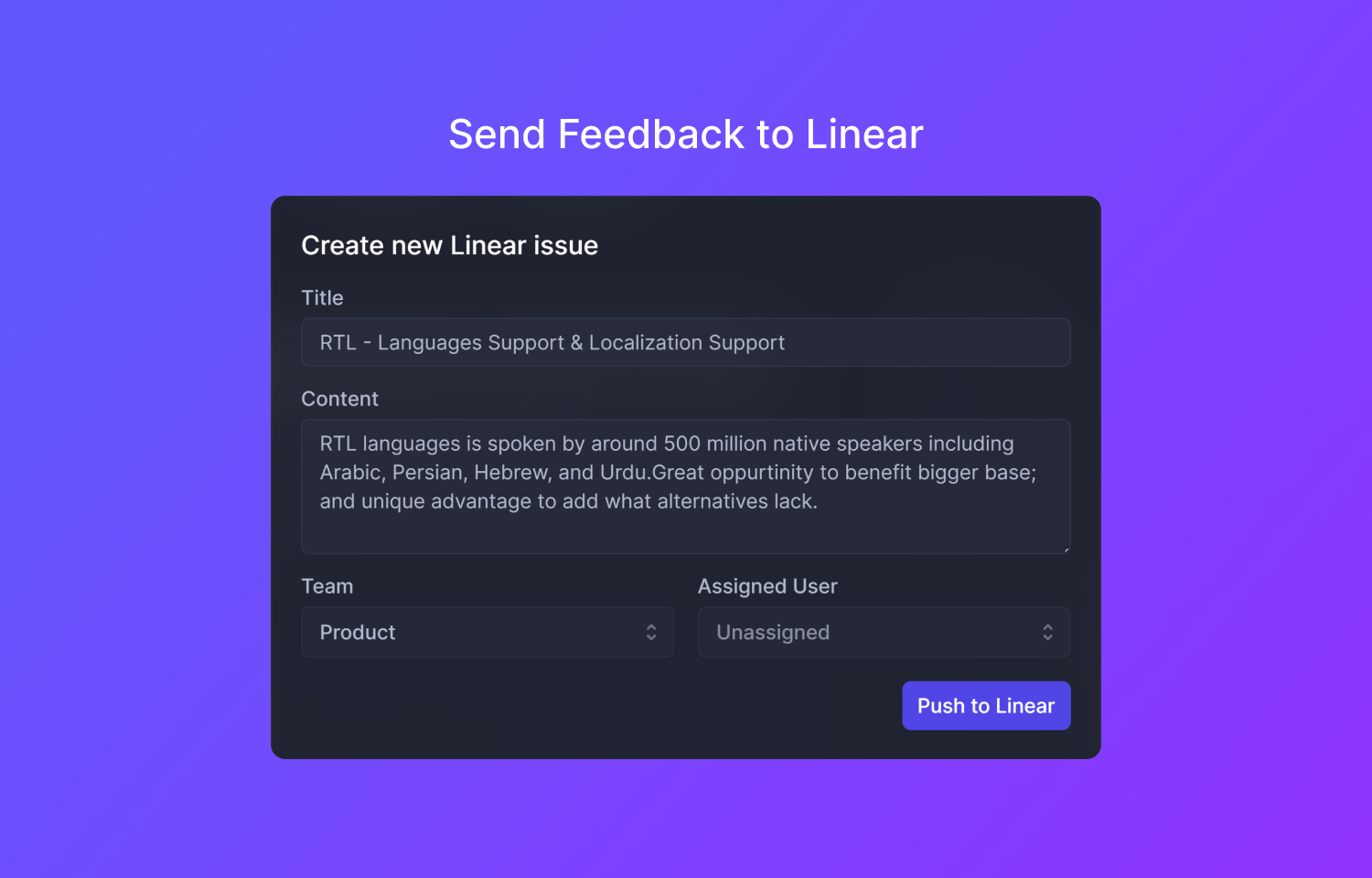
Featurebase helps you capture user feedback to get a better overview of your user’s needs. Let people vote on features and have the feedback automatically appear in your Route5 backlog. Manage the most impactful and upvoted ideas straight from Route5 and have them automatically synced with Featurebase, letting everyone know the current progress.
Easily hop between linked Featurebase posts and Route5 issues. Check on the latest comments on your Featurebase post and clarify any questions directly with users. This way, you can easily make sure what you build aligns with your user’s needs.
If you happen to already have an issue in Route5, you can simply link a Featurebase post with it. Click the Route5 button on a post, select ‘Link to existing issue’, and search for the relevant issue. The issue will be synced going forward.
Configure
To connect Route5 with Featurebase, go to your Featurebase Dashboard -> Settings -> Integrations and select “Connect to Route5”. Once connected, configure rules to sync statuses and all new user feedback will be automatically sent to your backlog. Route5 buttons will also appear on your Featurebase posts, enabling your team to push old (unsynced) Featurebase posts to Route5 and easily hop between the two platforms.