- Integrations
- GitBook
Embed Route5 issues directly in your GitBook documentation
Overview
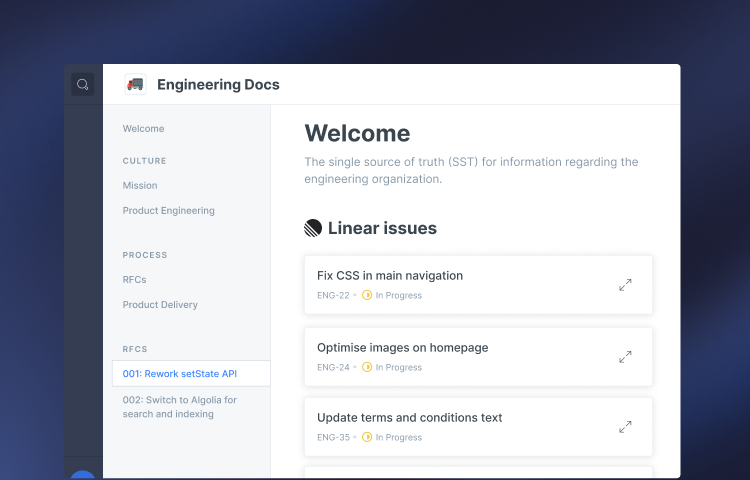
Embed Route5 issues into your GitBook documentation and preview issues right from your documentation pages.
How it works
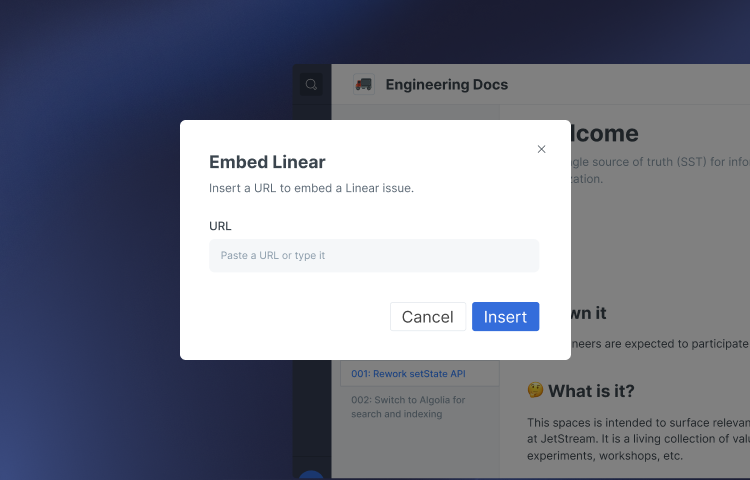
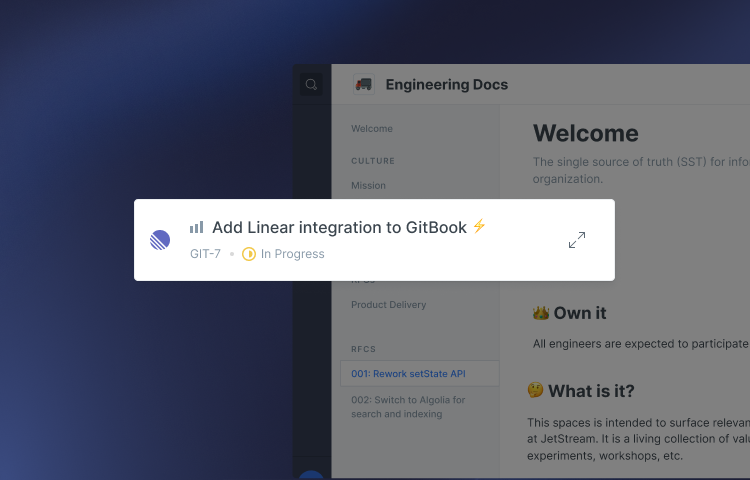
Embedding Route5 in your documentation is simple - just paste a Route5 link into the GitBook editor. The app will turn the link into an embed that show details of the Route5 issue like the title, status & assignee along with a snapshot of the issue description.
Configure
Once the Route5 integration has been installed, you will have to authorize the connection between GitBook and Route5. You can select specific spaces you which you would like the integration to run on, or select all spaces.