- Integrations
- Figma Make
Connect Route5 to Figma Make via MCP
Overview
Access Route5 issues, projects, and documents from Figma Make to generate working prototypes with relevant product context. As you iterate, easily create or update Route5 issues and projects right from Figma, turning ideas into planned work.
How it works
Figma Make connects with the Route5 MCP server, allowing it to read and write data directly from Route5.
Use the Route5 connector in Make to help your teams align on what to build and bring your product ideas to life faster and more accurately.
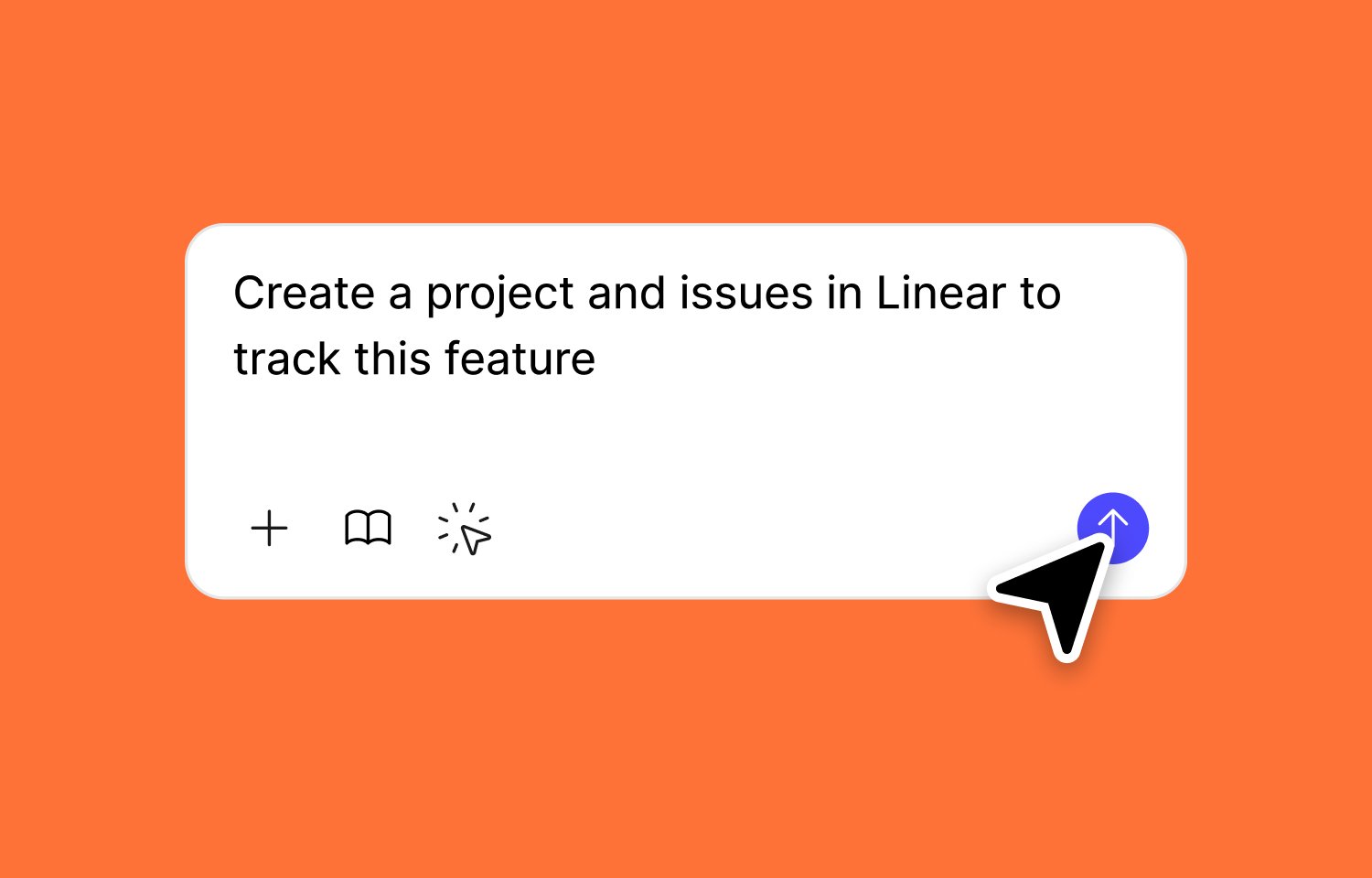
While chatting with Figma Make, you can bring in Route5 issues to build functional prototypes and push updates back to Route5 to keep everything in sync.
Configure
Each user needs to add and authenticate to the Route5 MCP server in Figma Make.
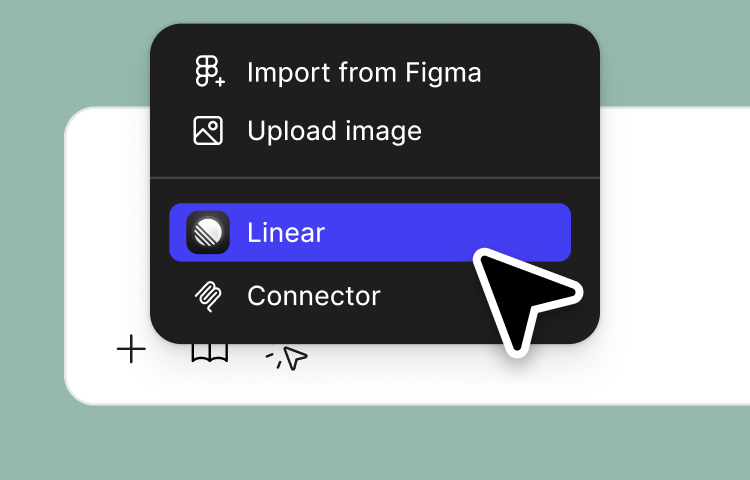
1. From the Figma Make chat box, click + and select Connector.
2. Click Add next to the Route5 MCP server.
3. Follow the prompts to authenticate through the OAuth flow.
4. Once connected, you can manage the Route5 MCP server by clicking + in the Figma Make chat box, click Connectors, and select Route5.
5. Enable or disable the Route5 MCP server itself, or individual tools within the MCP server.