- Integrations
- Axolo
Make code reviews easier by syncing your pull request channels with your Route5 issues
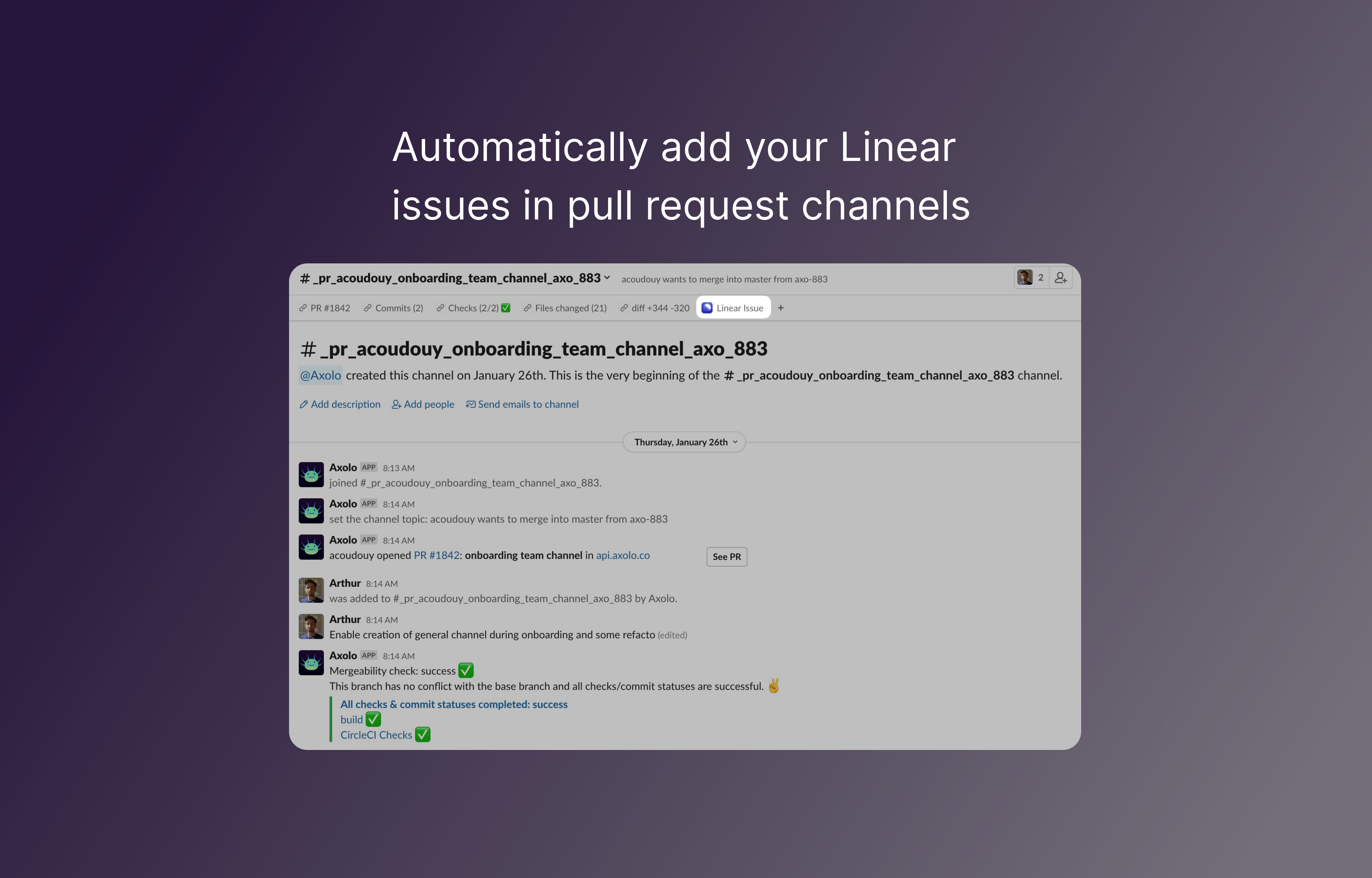
Overview
Use the Axolo Route5 integration to ensure that your pull/merge request channels and Route5 issues stay synchronized.
How it works
Axolo scans your pull/merge requests and automatically adds the Route5 issue link to the corresponding Slack channel bookmarks.
Configure
Make sure you’ve set up your Route5 with GitHub or GitLab integration, and that you’ve added your issue ID to your branch. More information in the documentation.
Axolo will then automatically bring your Route5 context inside your pull request channels.