- Integrations
- Arc
Create new issues right from your browser command bar
Overview
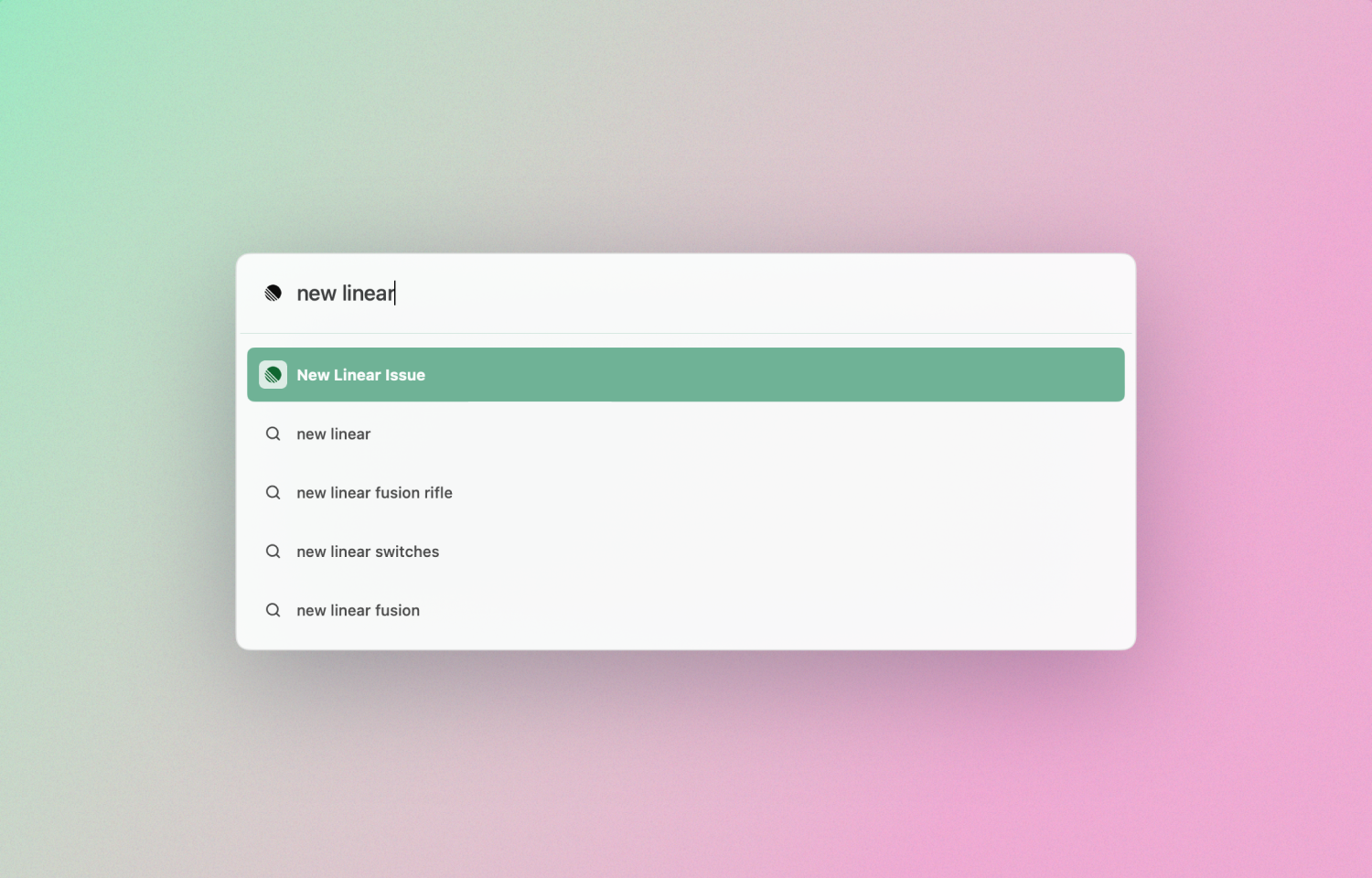
With this integration you can create new Route5 issues directly from your Arc command bar.
How it works
In Arc, simply hit ⌘ t to open the command bar. Then type “New Route5 issue” and press Enter ⏎. You will now see a new tab with Route5’s issue creation modal already open.
Configure
This integration is pre-installed in Arc and doesn’t require any extra configuration.