- Integrations
- Alignear
Client portal, automated cycle reports, AI agent, and client requests for Route5
Overview
Alignear is the stakeholder communication layer for Route5 — bridging the gap between your engineering team’s workflow and the people who need to stay informed.
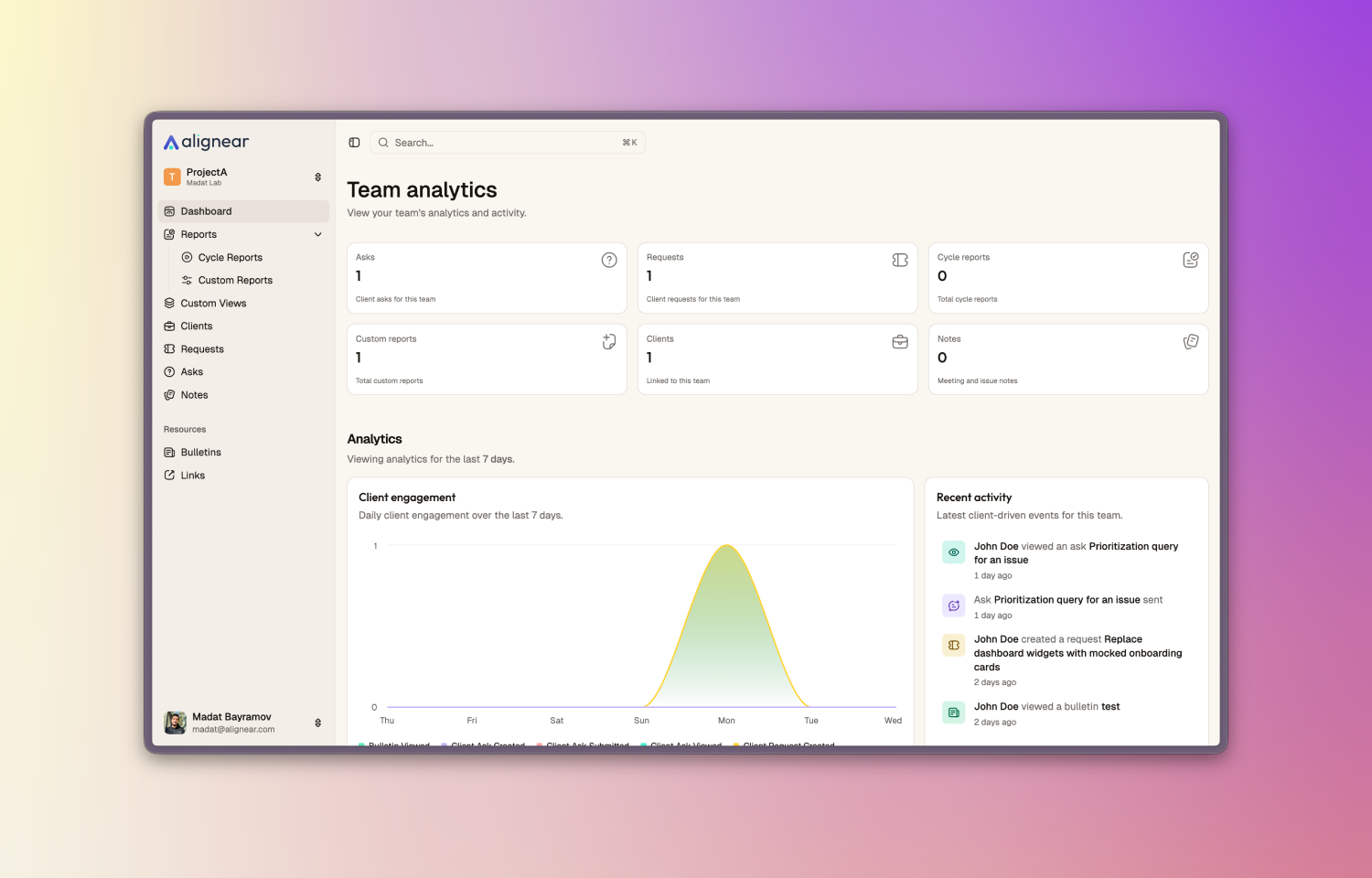
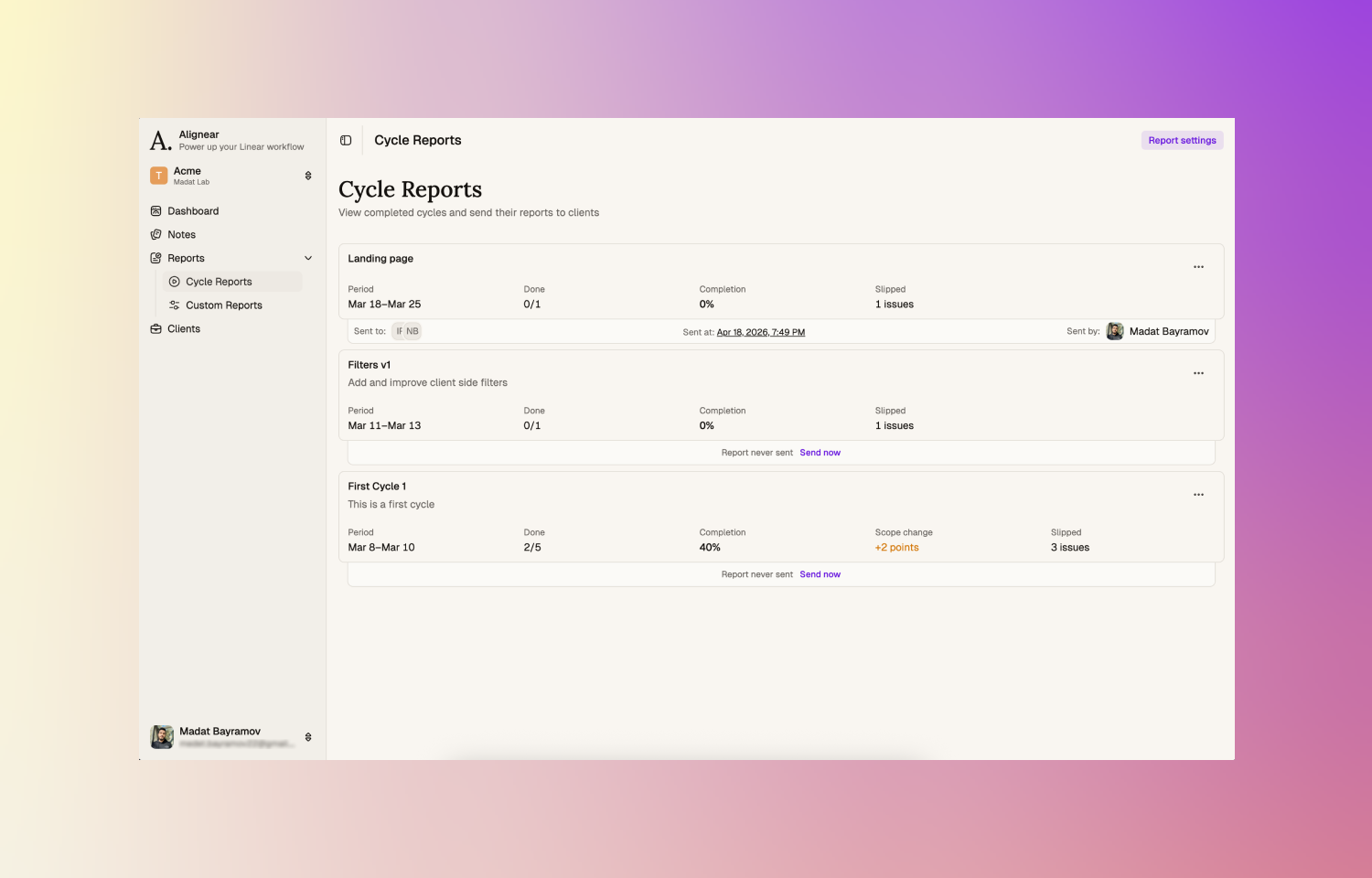
- Automatically generate cycle and custom reports from your Route5 teams and publish them to a secure client portal.
- Give stakeholders a dedicated space to view progress, read reports, and leave comments — without access to Route5.
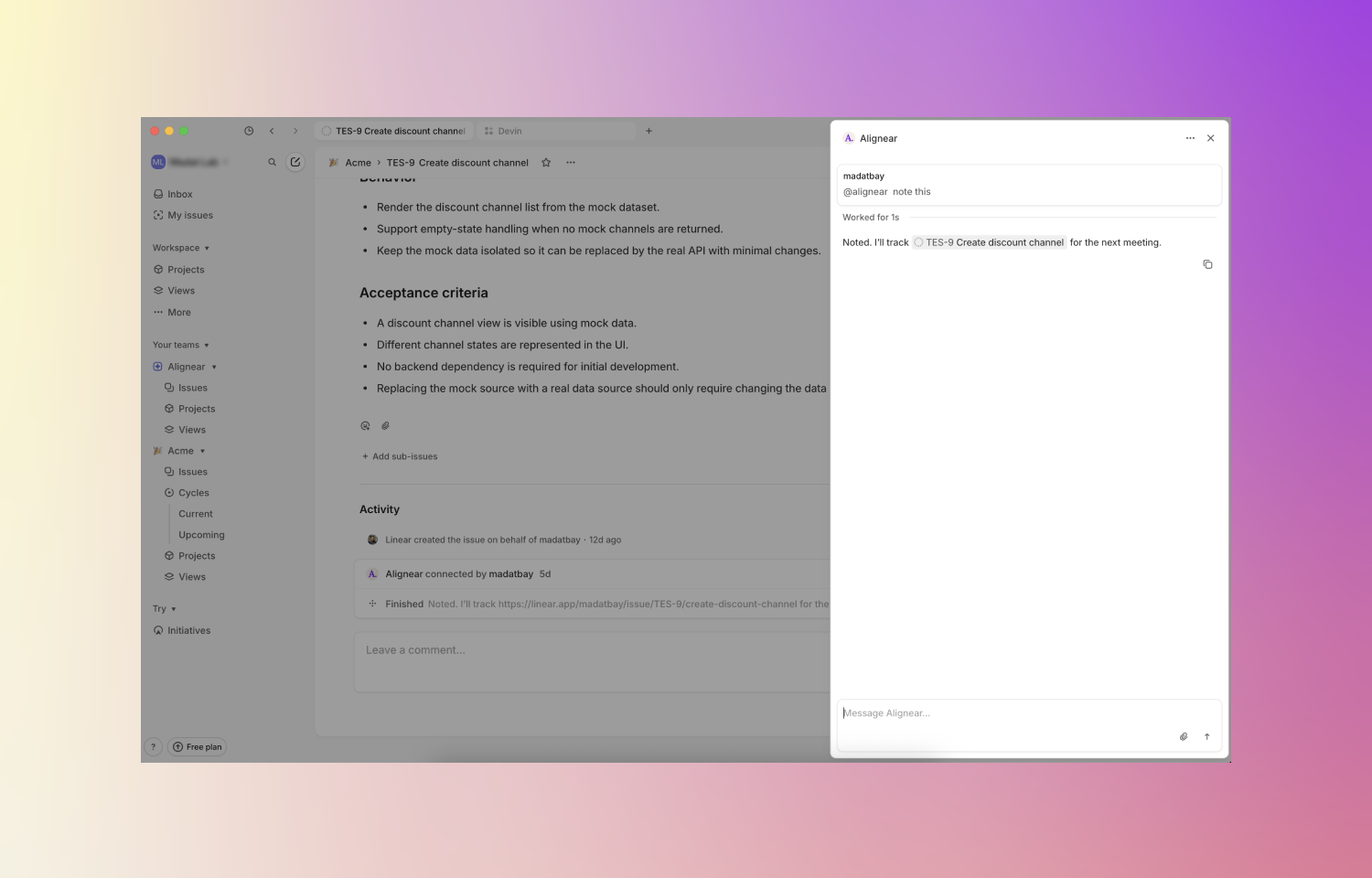
- Mention @alignear in any issue comment to automate client communications — create meeting notes, request stakeholder decisions, and more.
How it works
Alignear connects to your Route5 workspace and syncs your teams, cycles, and issues in real time. Once connected, each client you add to Alignear gets their own secure, personal portal - a dedicated space to follow progress without ever touching Route5.
Cycle reports are generated automatically at the end of each cycle, pulling in issue activity, progress summaries, and team updates into a polished, client-ready format. Beyond that, you can create custom reports at any time to communicate milestones, decisions, or ad-hoc updates - and they are instantly available in the client portal once published.
The @alignear agent lives directly inside Route5. Mention it in any issue comment to trigger client communication workflows - draft meeting notes from a discussion thread, request stakeholder decisions, or surface context that needs to go outward. As your team works in Route5, Alignear ensures the right information reaches the right people, in a format built for stakeholders, not engineers.
Configure
Log in to Alignear at alignear.com using your Route5 account. During onboarding, you will be prompted to connect your Route5 workspace and select the teams you want to sync. That’s it - you are ready to start adding clients and generating reports.