- Integrations
- Fellow
Streamline commitment tracking in meeting agendas and notes
Overview
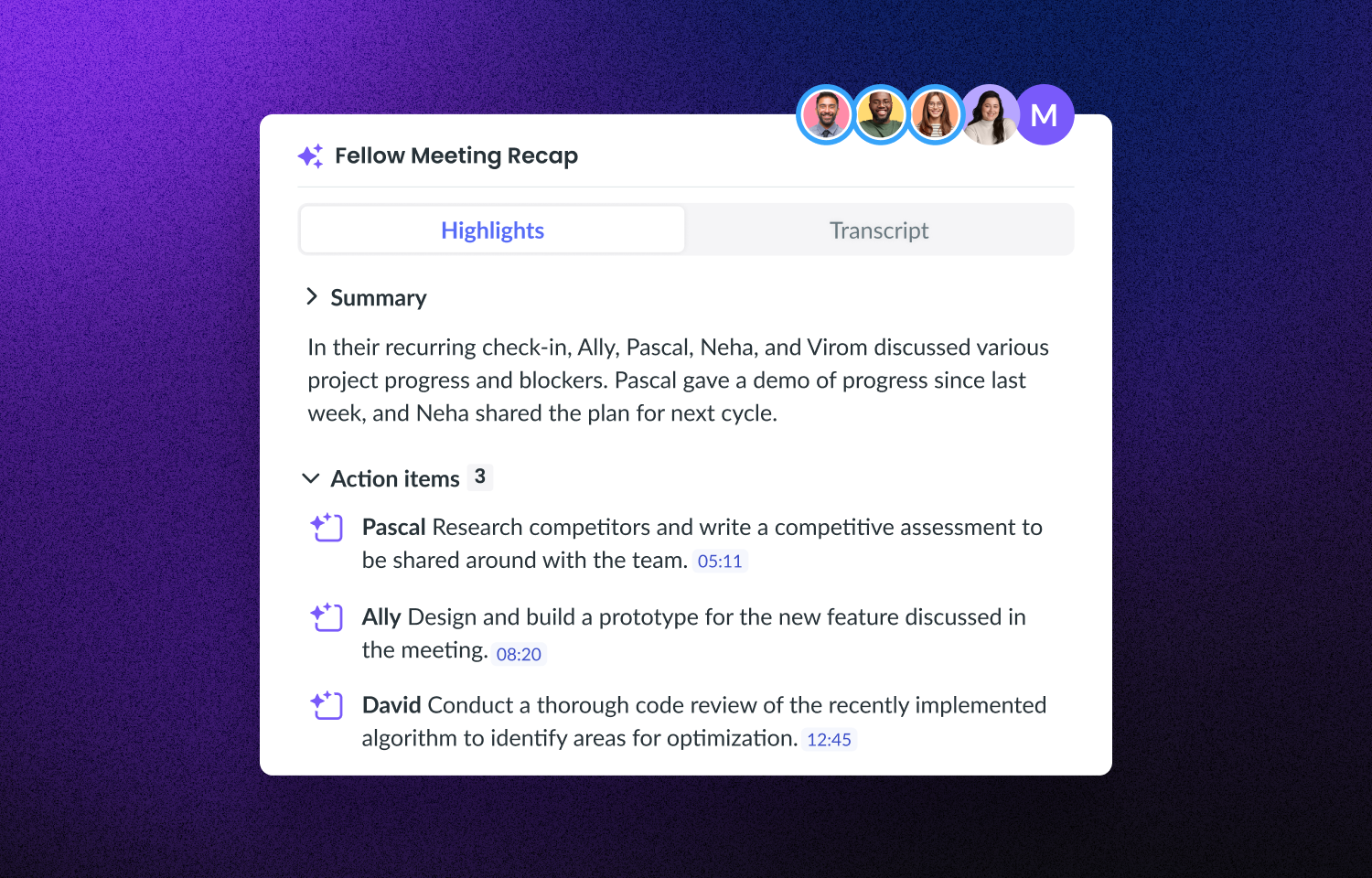
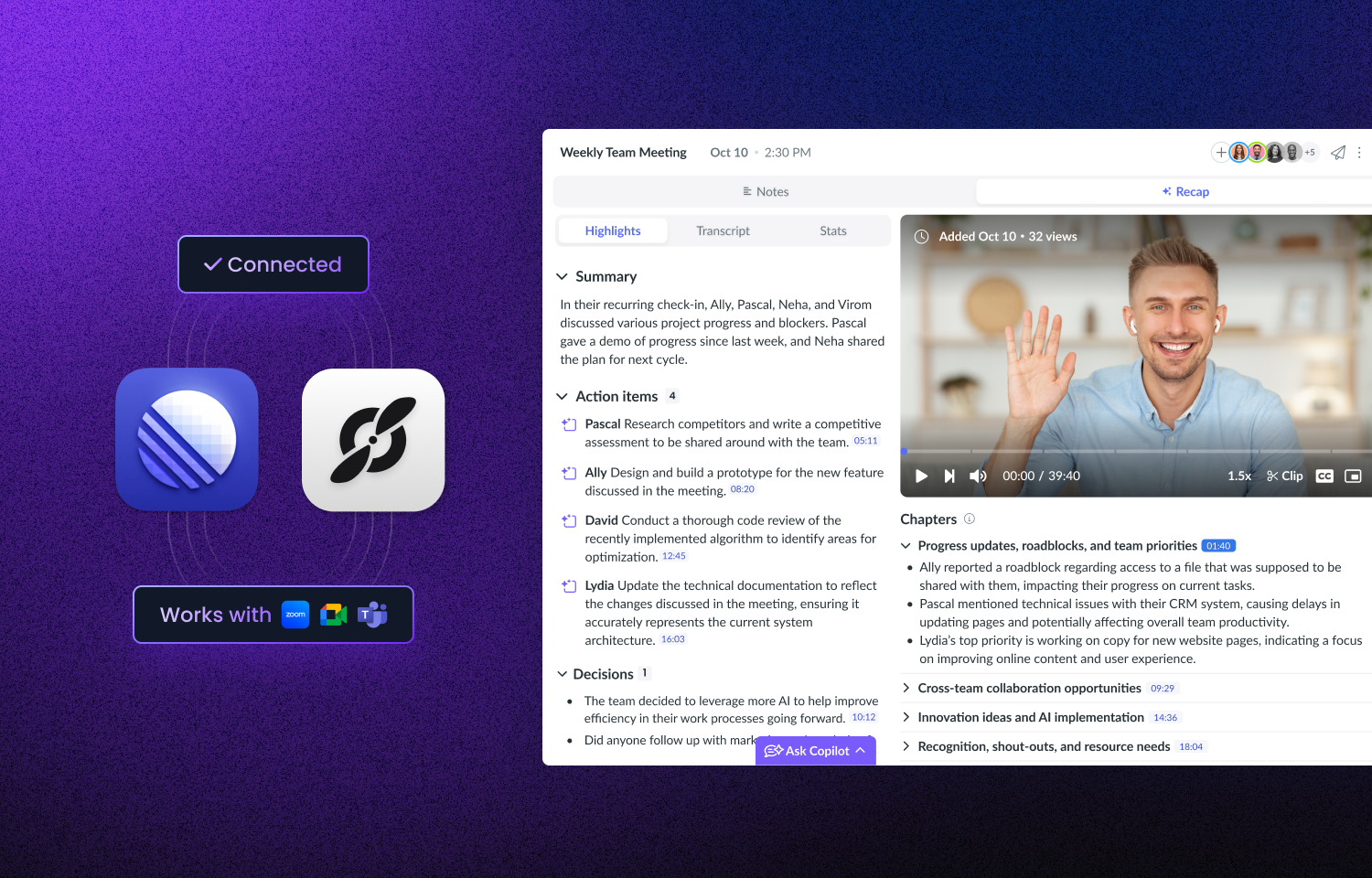
Create smarter project meeting workflows with the Fellow-Route5 integration. Fellow automatically captures meeting notes, transcripts, and action items then syncs them to Route5 so issues or next steps never fall through the cracks.
How it works
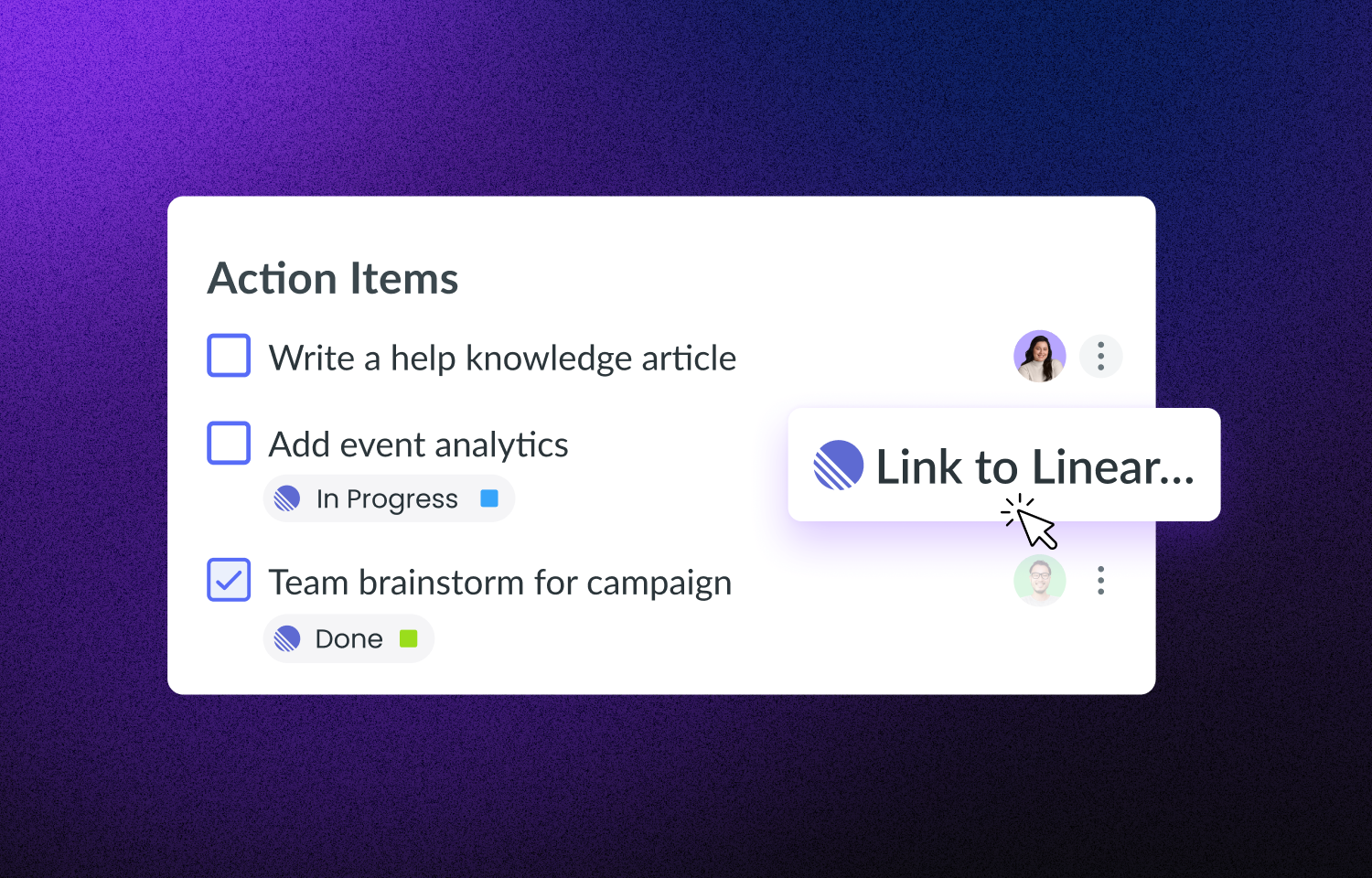
Fellow automatically records, transcribes, and summarizes your meeting notes, action items, and decisions. Once integrated, action items captured in meetings will create issues in Route5- ensuring that your Route5 tasks are always up-to-date and reflective of what was discussed and decided in your meetings.
Customize your integration settings with the appropriate projects, cycles, and statuses so everything aligns with your project and workflows. Meeting follow-up has never been easier!
Configure
1. Visit User settings and click on Apps & integrations. The Route5 integration card is under the Automation header.
2. Click on the three dots in the upper right-hand corner and press Connect.
3. Just follow the rest of the steps to authorize, and connect, and you’ll be all set to go!