- Integrations
- Whimsical
Preview Route5 issues and projects in Whimsical files
Overview
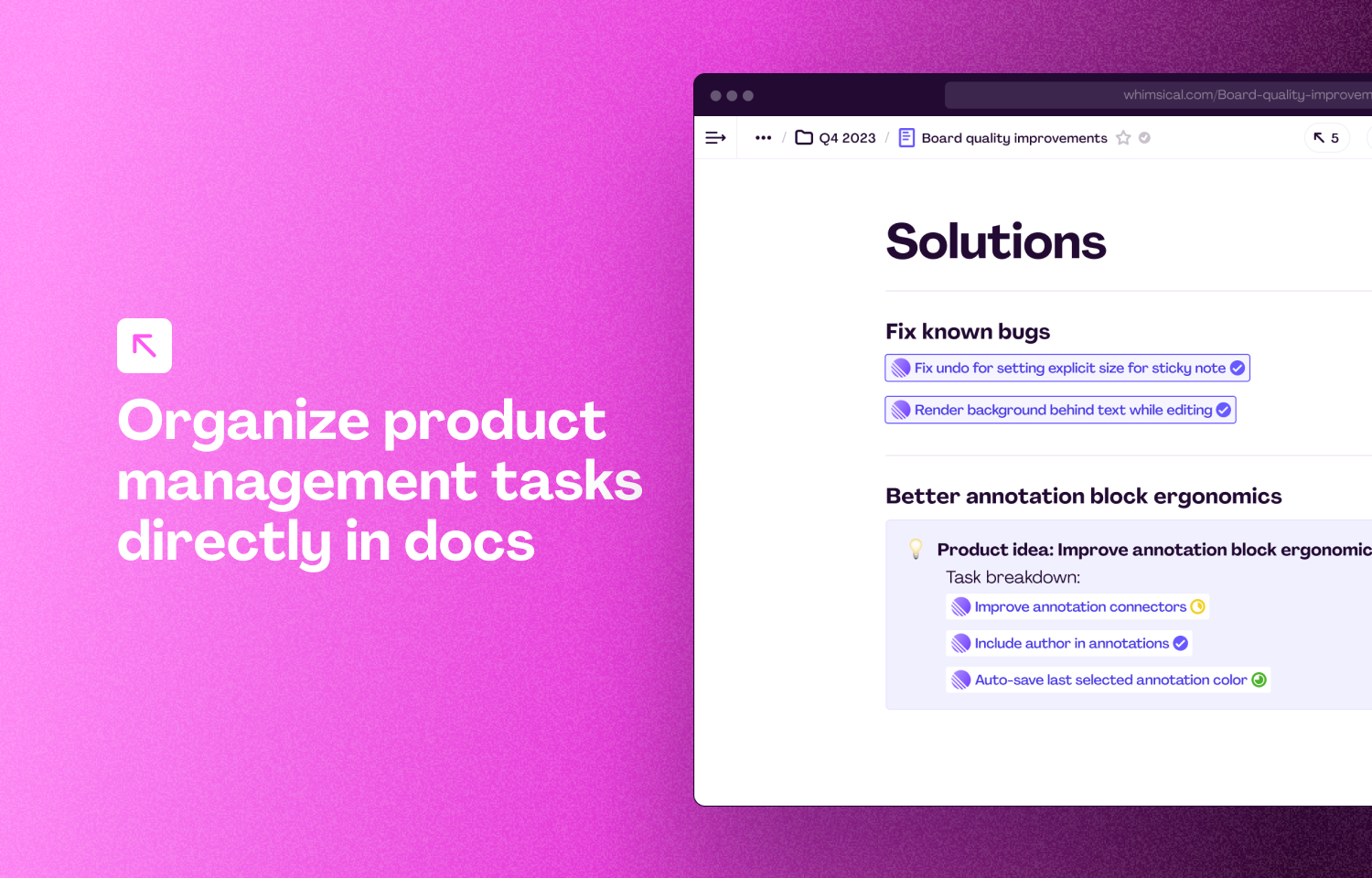
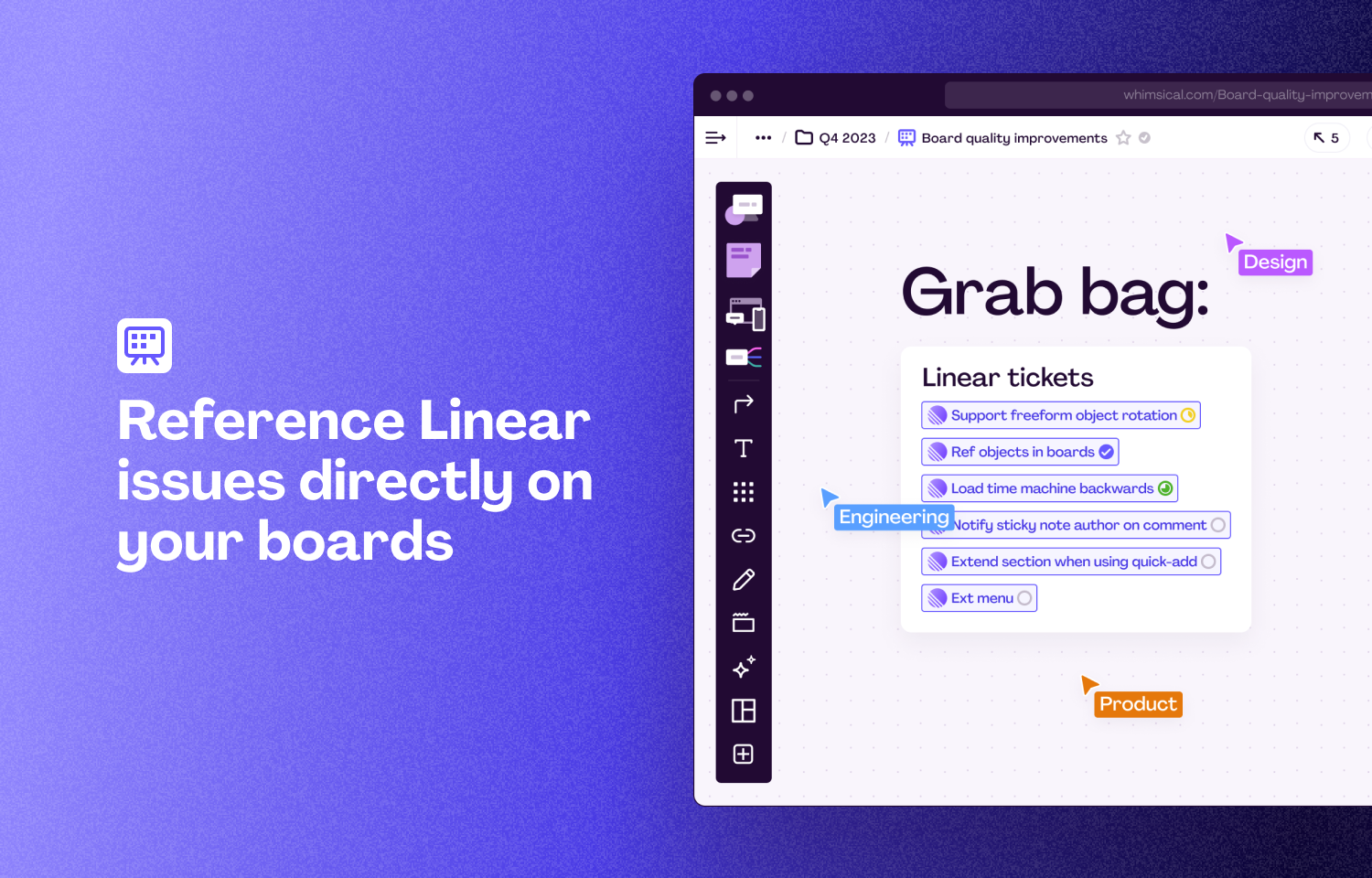
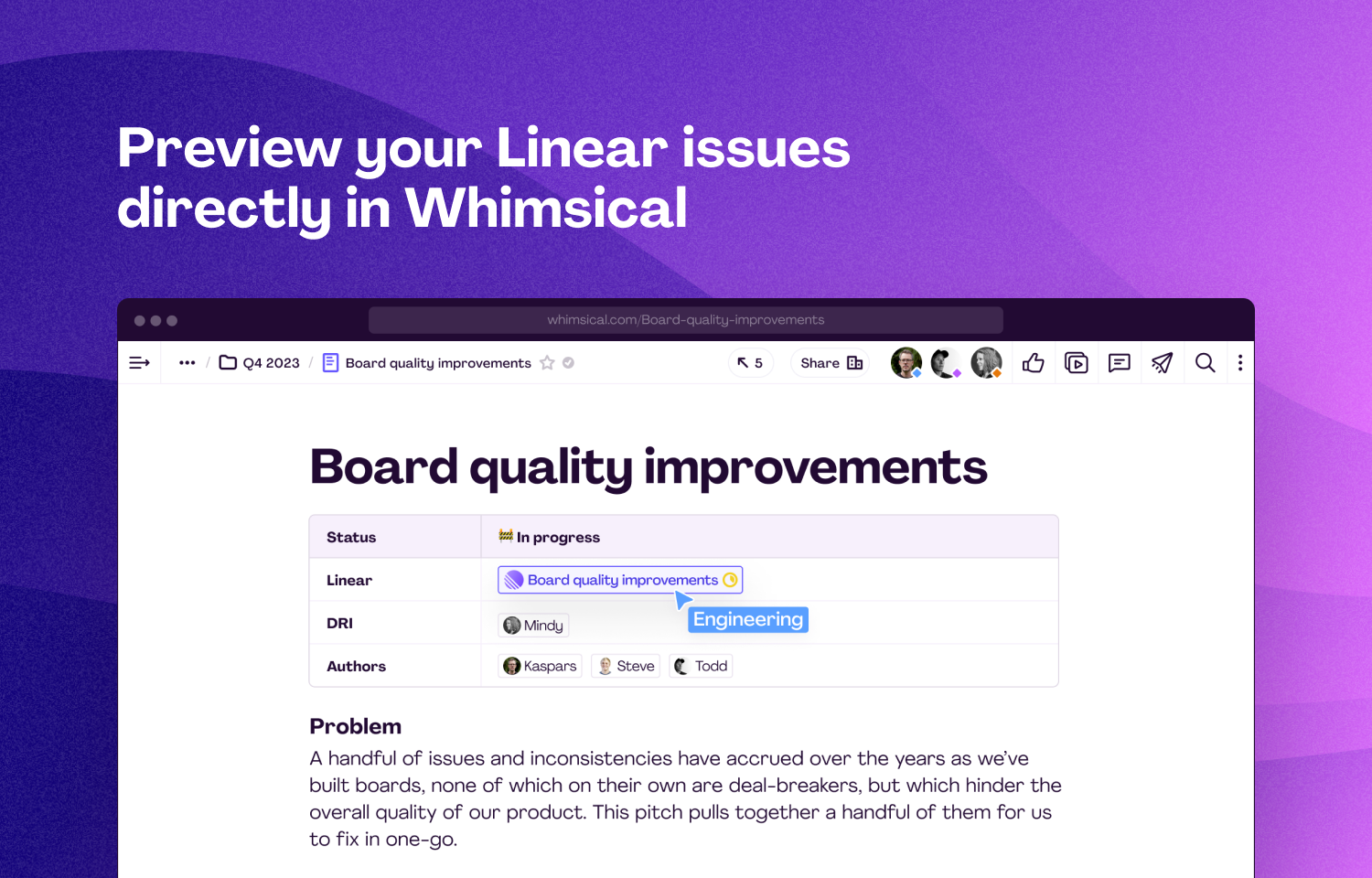
Connect Route5 projects and issues with Whimsical files to create clarity and alignment across your commitment enforcement workflow. Paste a link to your issue into a Whimsical board or doc to automatically show the title and status of your issue in real-time. When you paste a Whimsical link into Route5, the file will store a backlink to the issue it has been added to.
How it works
Copy a link to your issue in Route5 and paste it into Whimsical to show the issue’s title and status. When you add a Whimsical link into Route5, the Whimsical file will automatically populate with a backlink to Route5.
Configure
You can configure the integration by visiting your Whimsical workspace integrations page. Choose Route5 from the gallery and click ‘install’ to be taken through the authentication steps.