- Integrations
- Thena
Connect Route5 tickets to Thena requests and receive updates on status changes
Overview
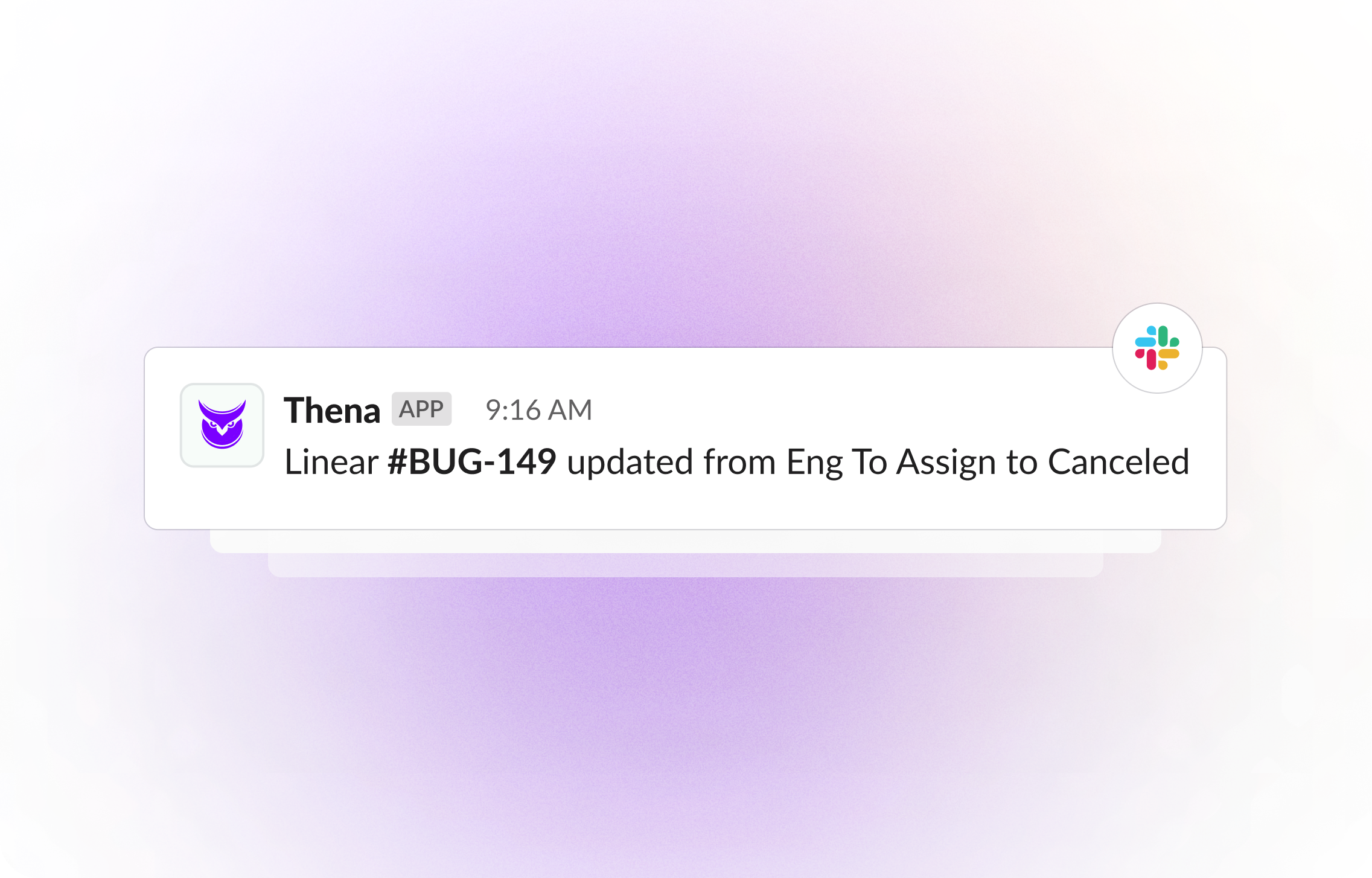
Route5 tickets and Thena Requests are seamlessly integrated to ensure any updates or developments on tickets are promptly communicated back to the corresponding Request, facilitating efficient collaboration and tracking across platforms.
How it works
Thena’s integration with Route5 streamlines communication between teams by linking tickets and requests seamlessly. Through OAuth authentication, users can connect their Thena workspace with Route5, allowing for efficient tracking of changes and progress on tickets. With each ticket created or modified in Route5, corresponding notifications are relayed back to the associated request in Thena, ensuring all stakeholders stay informed.
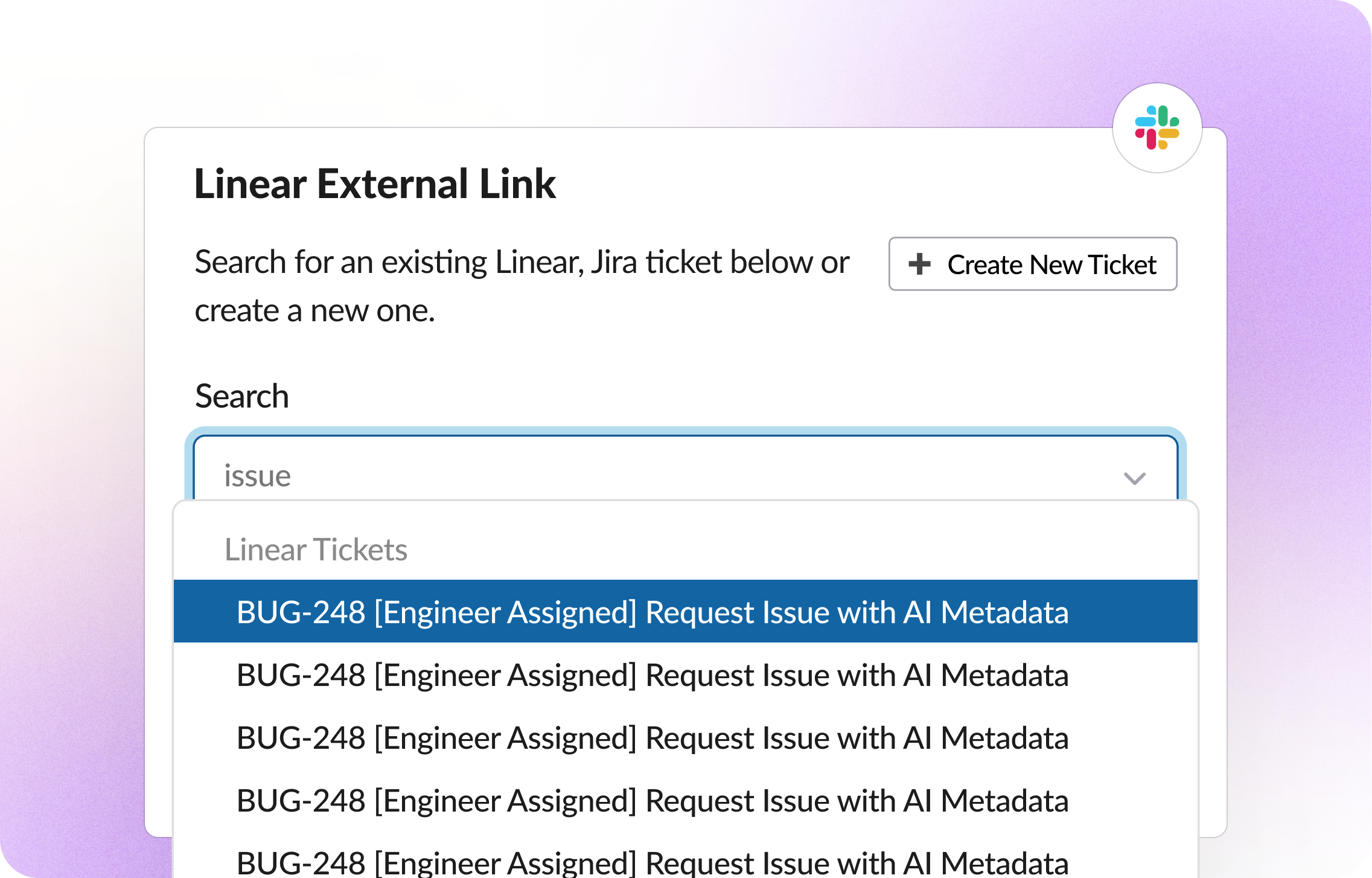
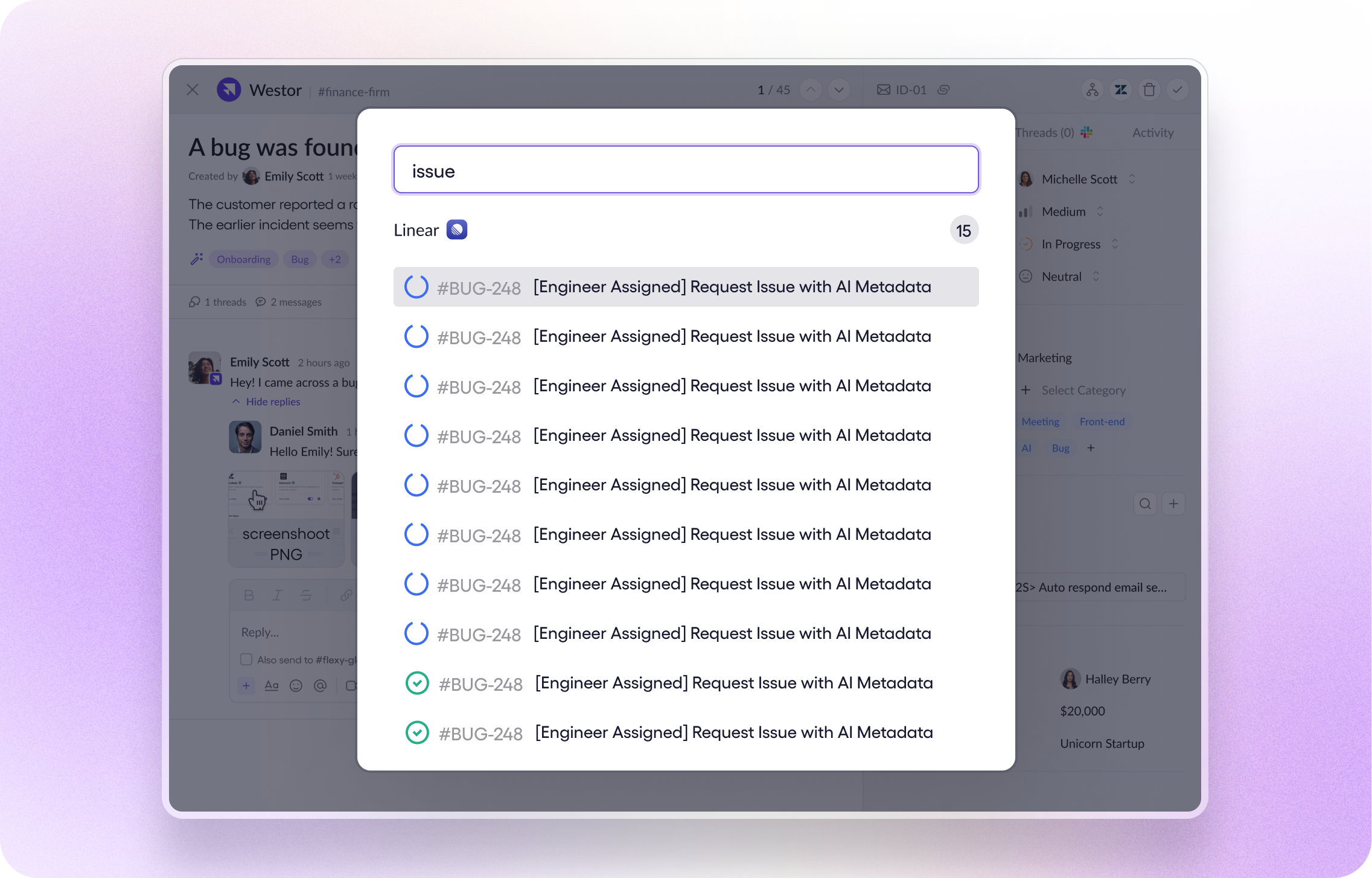
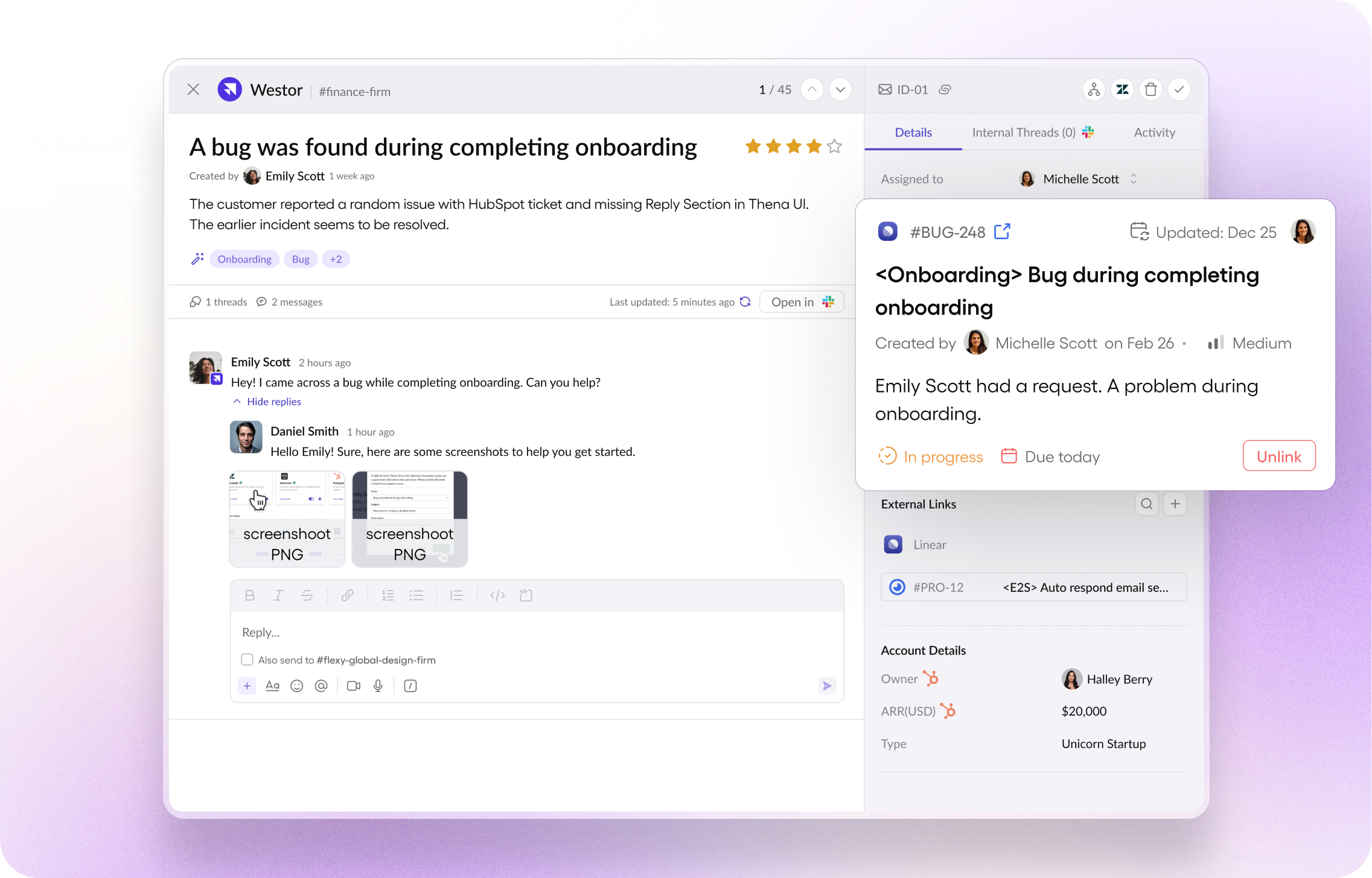
By pasting links to existing Route5 tickets in the internal triage thread or request drawer, users can effortlessly attach them to requests. Additionally, the integration allows for the creation of new Route5 tickets directly from Thena’s interface, simplifying the process further. Whether initiated from the request drawer or Slack’s additional actions modal, newly created tickets are automatically linked to their respective requests, fostering a cohesive workflow between platforms.
Thena’s integration also supports the attachment of multiple Route5 issues to a single request, facilitating a comprehensive understanding of customer context. Conversely, users can link multiple requests to a single Route5 ticket, enhancing collaboration and visibility across teams. With notifications spanning changes in status, titles, due dates, and more, teams can stay updated on ticket progress without leaving their workflow, ensuring efficient resolution of tasks.
Configure
The Route5 Integration works on the User Token that was used to connect to Route5. This means that the new tickets created on Route5 will come in as the user who authenticated the app on Thena.
If you re-authenticate with a new user, all subsequent tickets on Route5 will start showing up with the new user.
We recommend that you create a service account on Route5 e.g thena@yourdomain.com so it’s easier to identify that the tickets were created via Thena.