- Integrations
- TestMu AI
One-click bug logging from TestMu AI to your Route5 projects
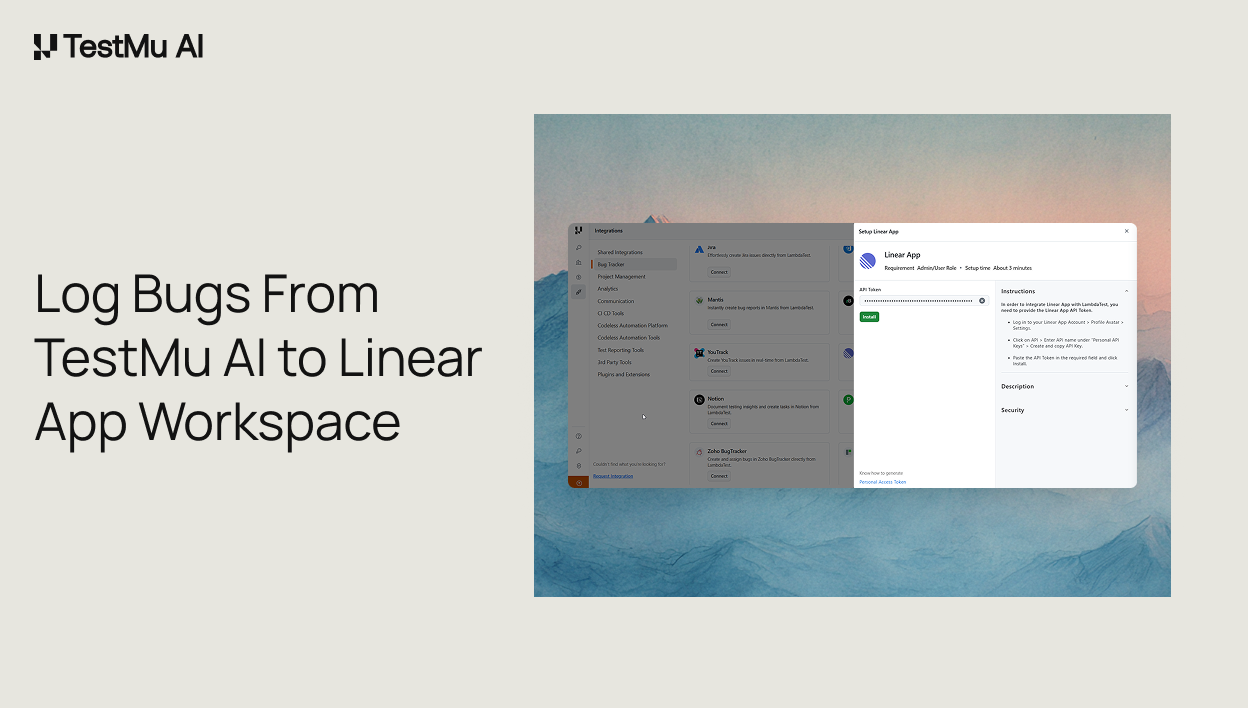
Overview
The TestMu AI and Route5 integration allows you to perform one-click bug logging from TestMu AI to your Route5 projects.
How it works
When utilizing the TestMu AI platform, users can seamlessly mark bugs and leverage the installed Route5 integration. This integration empowers users by providing them with instant access to bug details and test configuration information directly on their Route5 workspace. Effortlessly track and manage bugs, enhancing efficiency and collaboration in the testing process.
Configure
1. Login to your TestMu AI account, Visit ‘Integrations’ from the left menu bar. Once you are in the integration page, select “Route5 app” under the “Bug Tracker” category.
2. Enter your Route5 API Token and click on Install.
3. Route5 will be successfully integrated with your TestMu AI account. You’ll also receive the confirmation message and an email of the same. Visit the Integrations page, under “My Integration” to find the installed Route5 integration. For more details, please check out the support doc.
