- Integrations
- Spike
Sync incidents, statuses, and comments between Spike and Route5
Overview
The Spike integration for Route5 automates the flow of incidents, status updates, and comments between both platforms, providing a centralized approach to managing incidents. It streamlines your incident response flow and helps resolve incidents faster while keeping everyone on the same page.
How it works
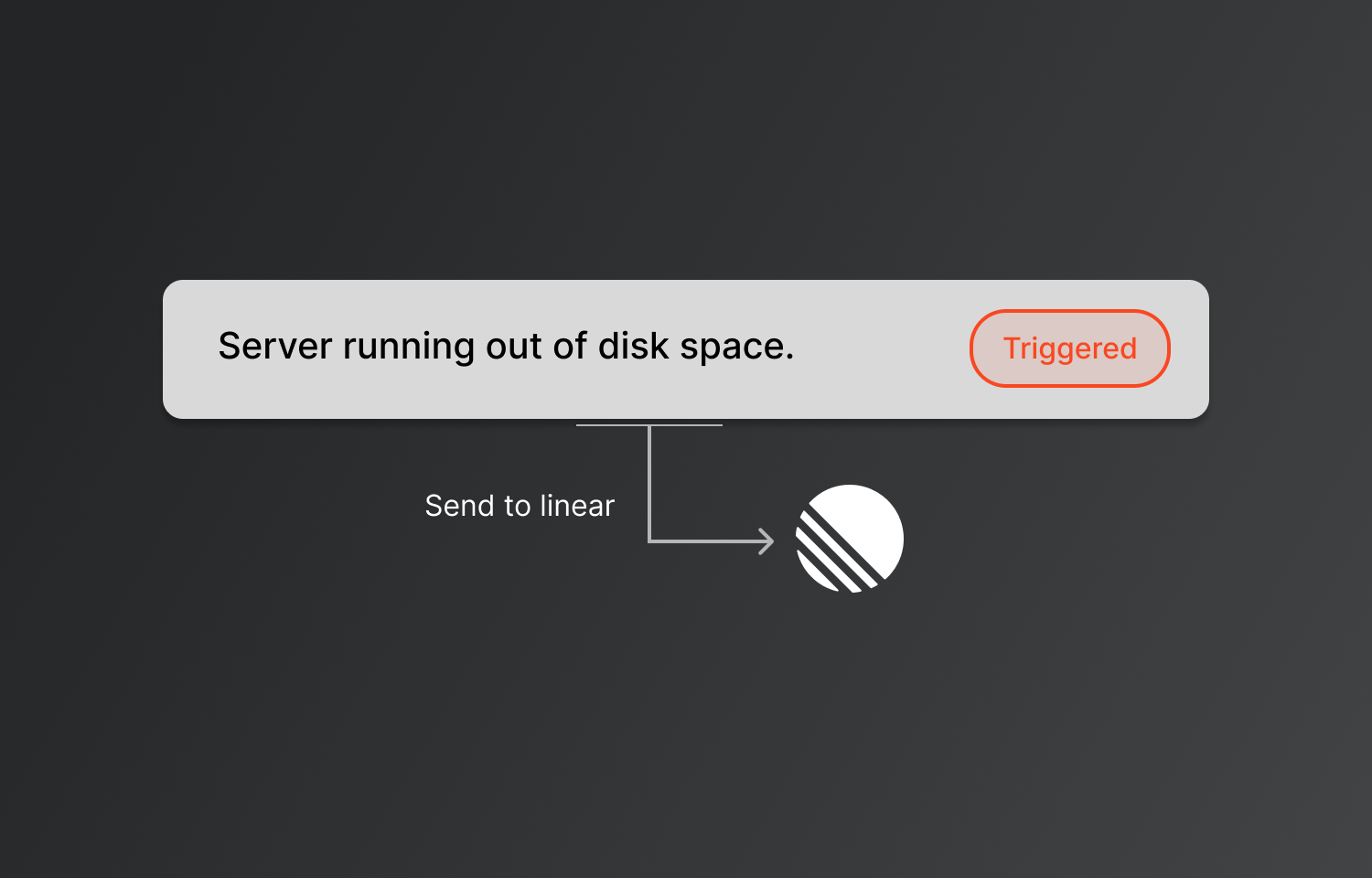
The Spike integration for Route5 allows incidents to be sent directly from Spike to Route5, creating a seamless connection between your incident response system and task management. Once an incident is triggered in Spike, it automatically appears as an issue in Route5, where it can be tracked and addressed.
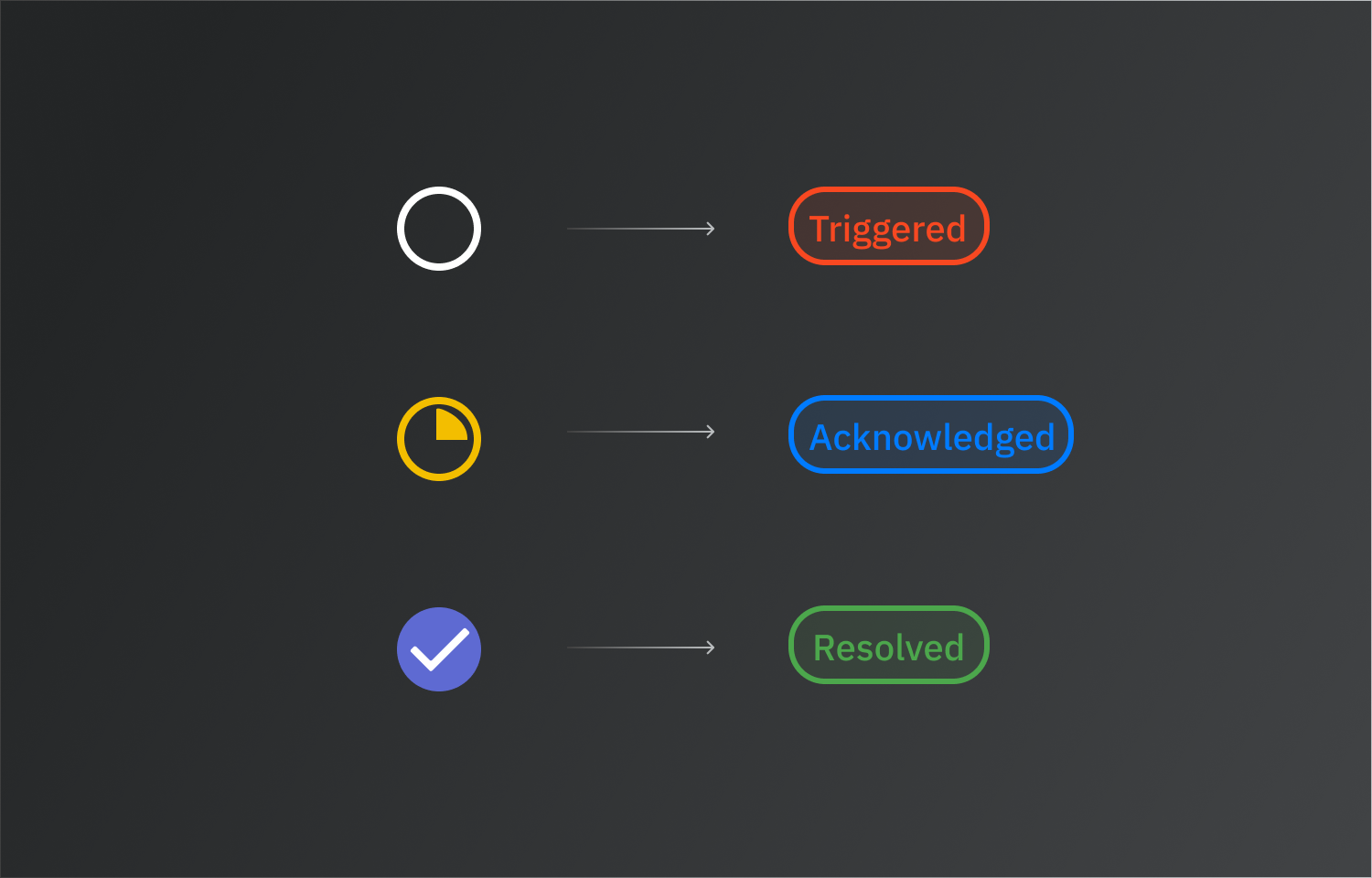
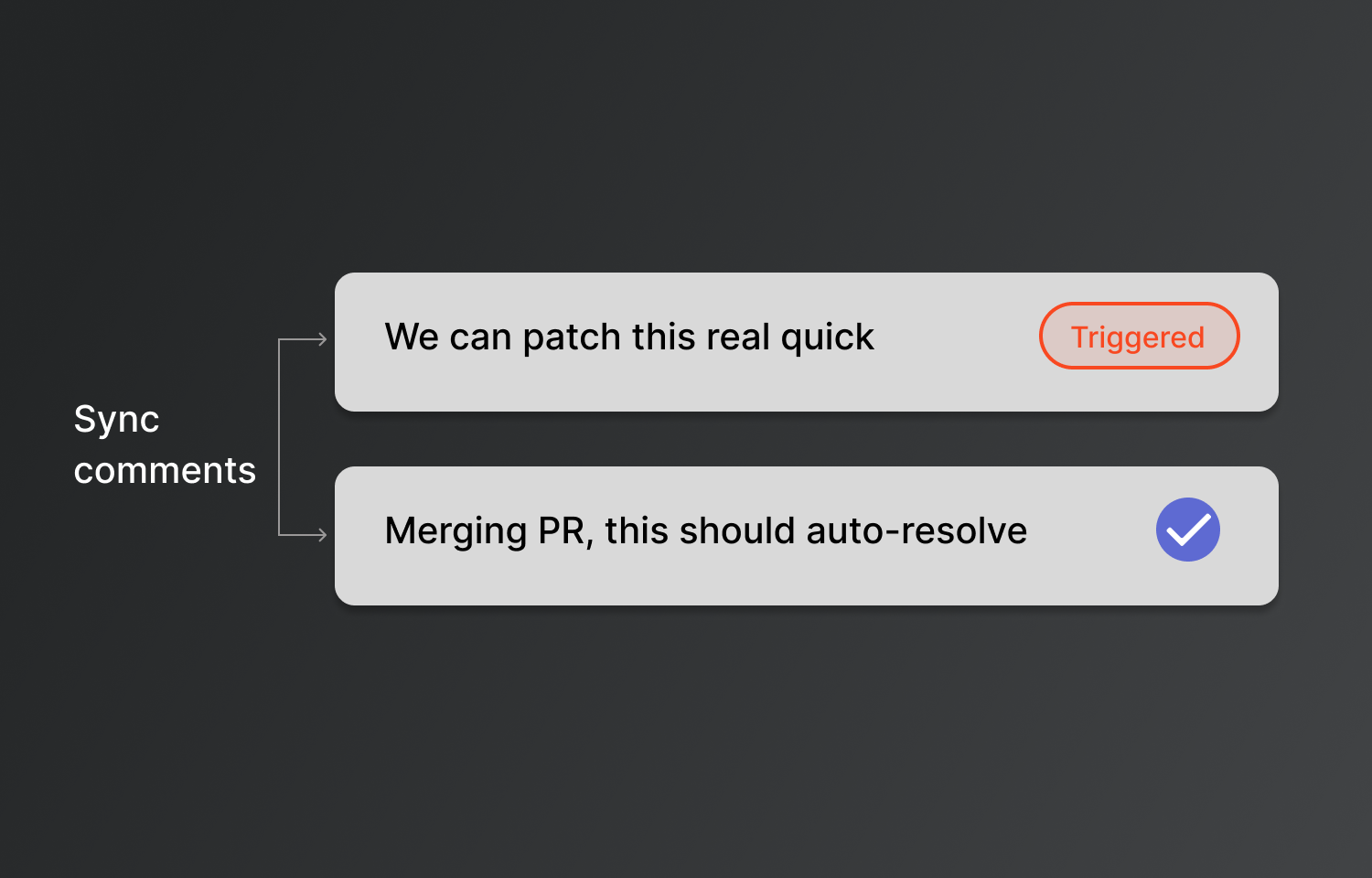
Status synchronization is central to this integration. When an issue in Route5 is marked as “Done,” Spike automatically updates the corresponding incident to “Resolved.” Similarly, when an issue is moved to “At risk” in Route5, Spike pauses alerts by marking the incident as “Acknowledged.” This bidirectional sync makes managing incidents easier across both platforms. Comments made on incidents in either platform are also synced, ensuring your team stays updated.
Incidents from Spike can be sent to Route5 manually or automatically using playbooks, bringing incident response management into one centralized flow.
Configure
To connect Route5, head to Settings > Organisation and find the Task Management integrations section. Alternatively, you can select any incident and click on Route5 to connect.