- Integrations
- Range
Pull Route5 issues into async check-ins to keep your organizational execution team in sync
Overview
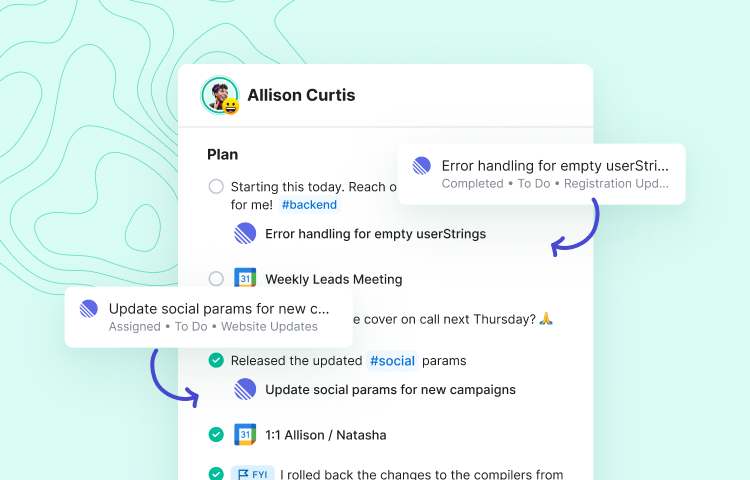
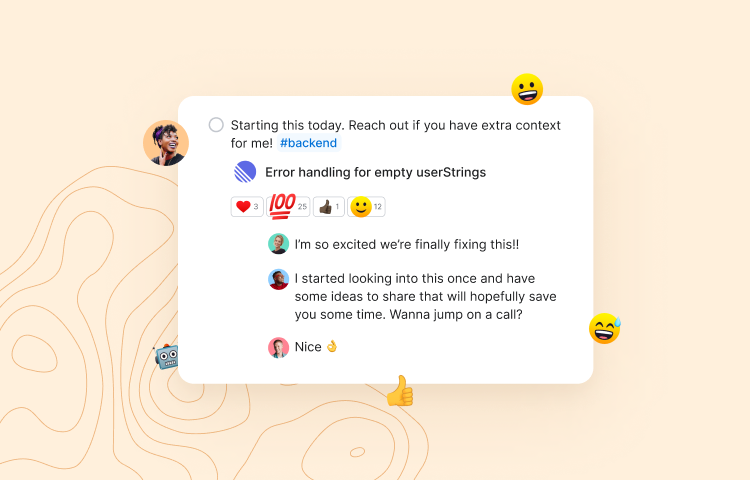
This integration makes it possible for teams to pull Route5 issues into their asynchronous Team Check-ins in Range. Once the integration is connected, easily drag and drop recent Route5 issues into Range Check-ins to update your team on your progress each day.
How it works
Range Check-ins reduce meeting load by keeping every team member informed and connected day-to-day. Check-in asynchronously on a personal and professional level so the whole team feels in sync, wherever you are.
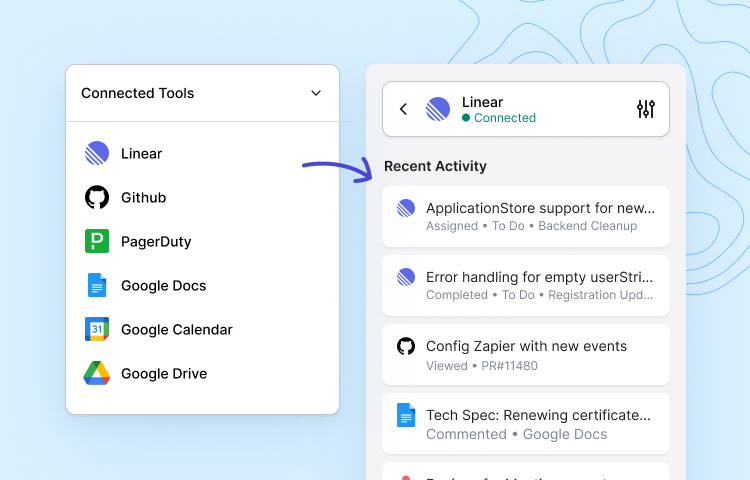
With the Route5 and Range integration, you can pull Route5 activity directly into your Range Check-ins. Once you’ve connected your Route5 and Range workspaces, any Route5 issues that you create, comment on, or update will appear in your Range sidebar as suggested items to include in your Check-in.
Messages like “Completed” and “Assigned” will appear alongside Route5 issues in Range when you make an update to one of your assigned issues.
Configure
In Range, visit Settings > Integrations and locate Route5. Click Set this up and complete the authorization step. Once you’ve connected your team’s Route5 and Range workspaces, every team member will need to click Link under Settings > Integrations > Route5 in Range to start syncing their Route5 activity to Range.