- Integrations
- Postman Agent Mode
Create, update, and query Route5 issues from Postman Agent Mode
Overview
Turn insights into actionable Route5 issues with Postman Agent Mode.
Automatically create, update, and assign tasks from API test results, specs, customer feedback, and meeting notes using MCP. Reduce manual triage and keep your backlog accurate and up to date. Stay focused on building while Agent Mode handles the busywork.
How it works
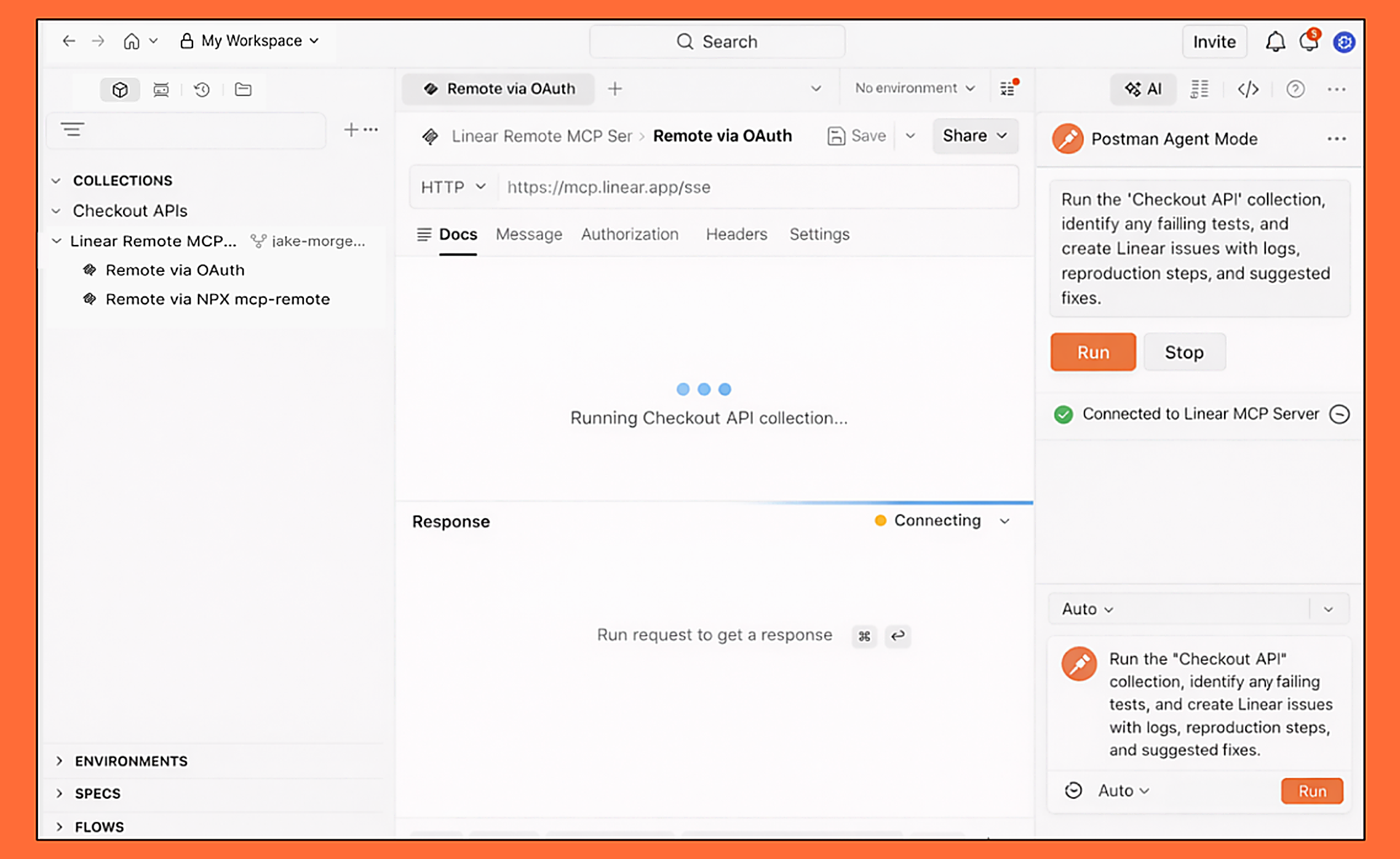
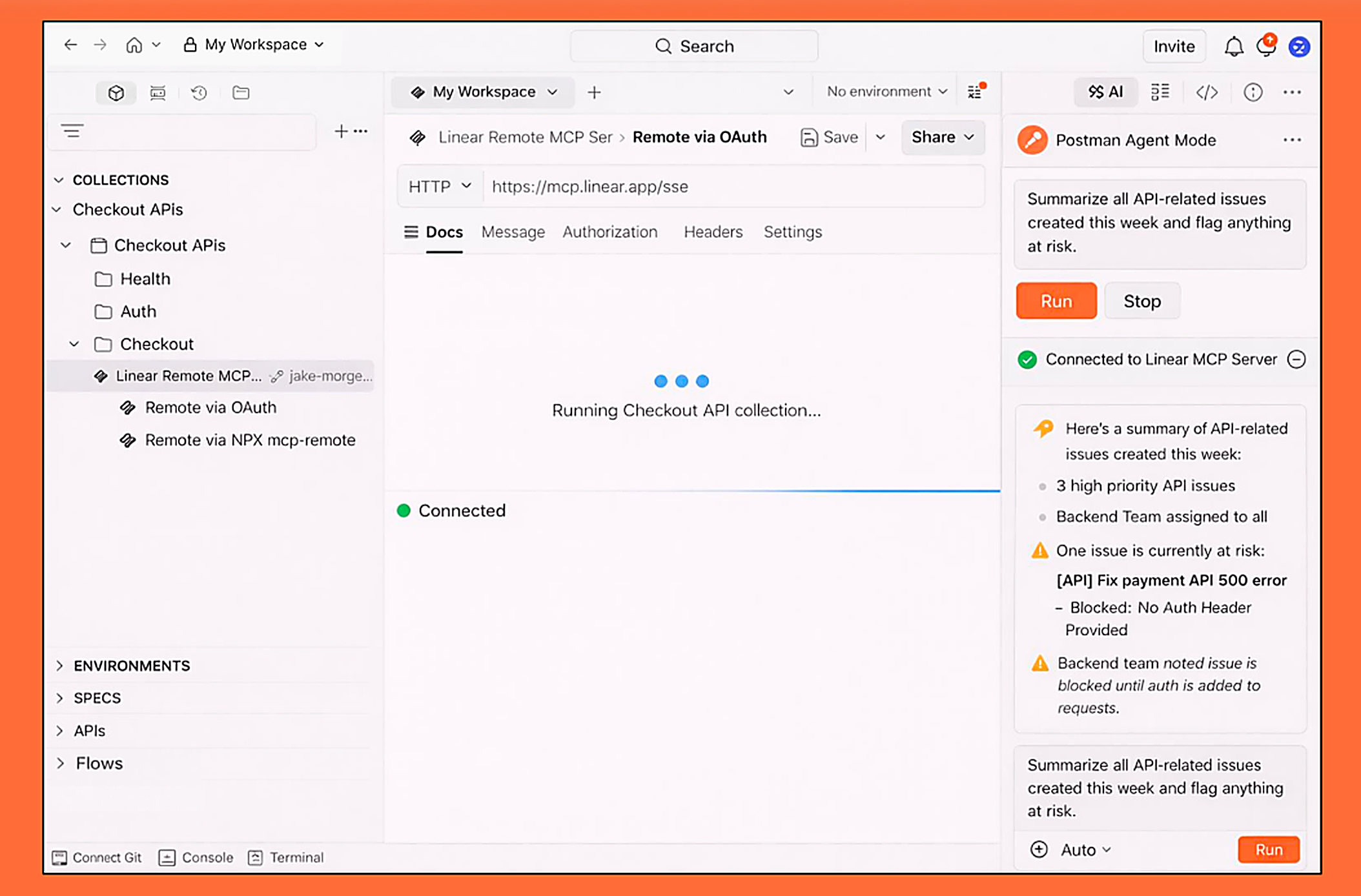
When you connect Postman Agent Mode to Route5 via MCP, you can manage your Route5 workspace and issues seamlessly. Agent Mode can update statuses, create issues, assign owners, and retrieve context—all alongside your Postman collections and APIs.
As you work, Agent Mode syncs with Route5 in real time through MCP. Attach details and keep tasks aligned with development progress without leaving the Agent Mode. This keeps your backlog accurate as you review notes, test APIs, and coordinate work.
All updates are reflected directly in Route5, ensuring teams can review progress in Route5 or continue iterating in Postman Agent Mode. The integration connects issue management with development workflows, reducing manual effort and context switching.
Configure
Route5 MCP Server can be discovered and configured in multiple ways:
Once logged in to your Postman account you can navigate to our MCP Server Catalog. Select “Route5 Remote MCP Server” and fork it to add to Agent Mode.
While using Agent Mode you can click on the setting toggle, select “Configure MCP Server” and navigate to Route5’s MCP Remote Server” and connect via OAuth.
You can prompt Agent Mode to search for Route5’s MCP Server to easily find and connect to your Postman Agent Mode instance.
Learn more about adding a MCP Server to Postman Agent Mode here.