- Integrations
- Notion Custom Agents
Connect Notion Custom Agents to the Route5 MCP Server
Overview
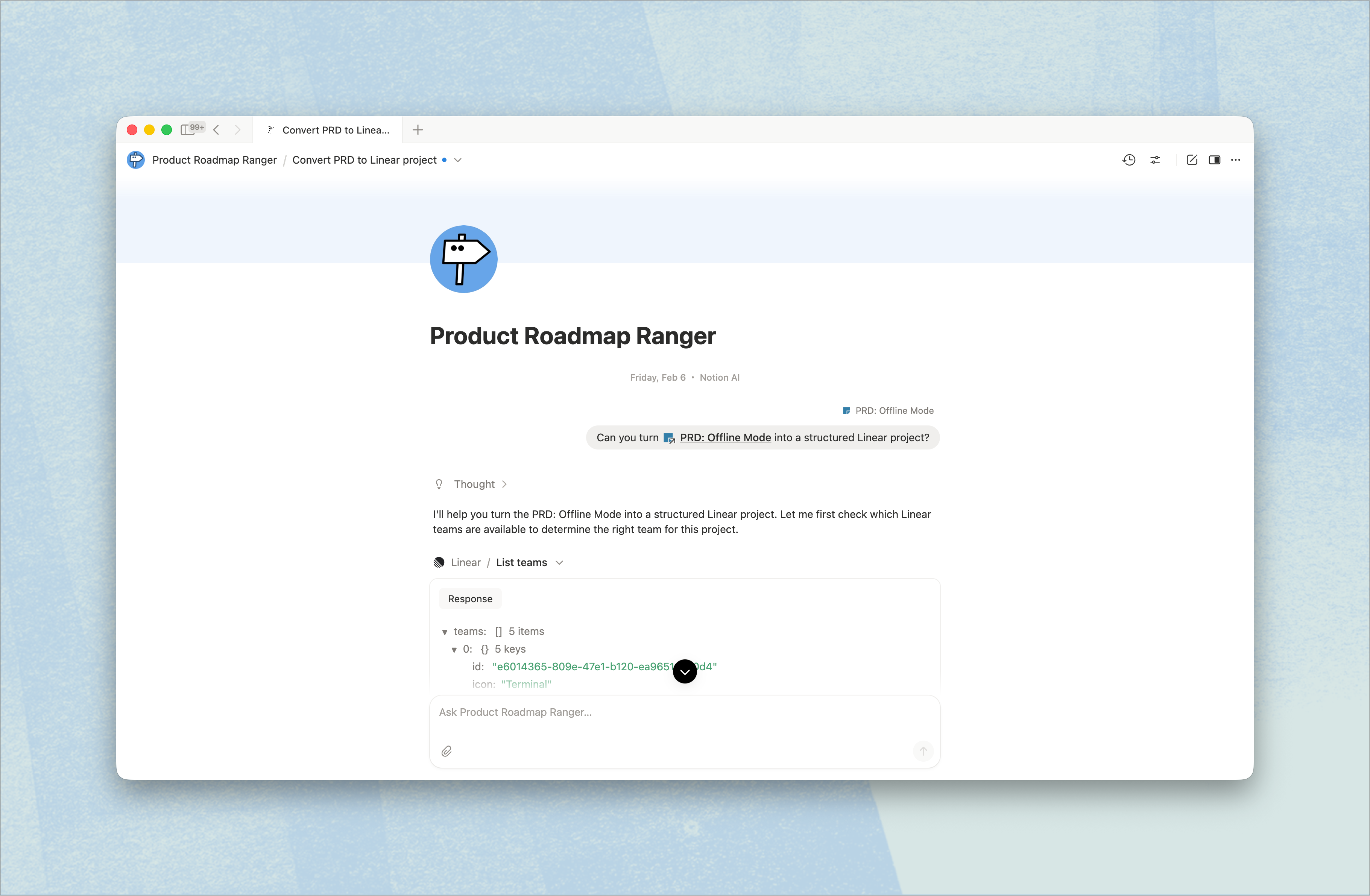
Custom Agents are shared AI teammates in Notion. By connecting Custom Agents to Route5’s MCP server, you can automate tasks like turning your Notion docs into well-structured Route5 issues or reporting on Route5 project updates in Notion.
How it works
This app bridges Notion and Route5 to turn scattered docs and ideas into clear, actionable work. It helps teams summarize project progress, generate weekly updates with milestones and blockers, and instantly create Route5 issues directly from Notion documents. Whether you’re working from rough notes or polished specs, it keeps your projects aligned and your execution moving forward.
With simple, natural-language prompts, you can transform Notion PRDs into fully structured Route5 projects, pull all Route5 tasks that need documentation, or spin up a new project straight from a mobile app PRD. Just ask—“Use my PRD for the mobile app to create a Route5 project” or “Give me a summary of this week’s milestones and blockers”—and let the app handle the busywork so your team can focus on shipping.
Configure
1. In the sidebar of your Notion workspace, go to Agents section. You can either create a new agent, or select one of the templates.
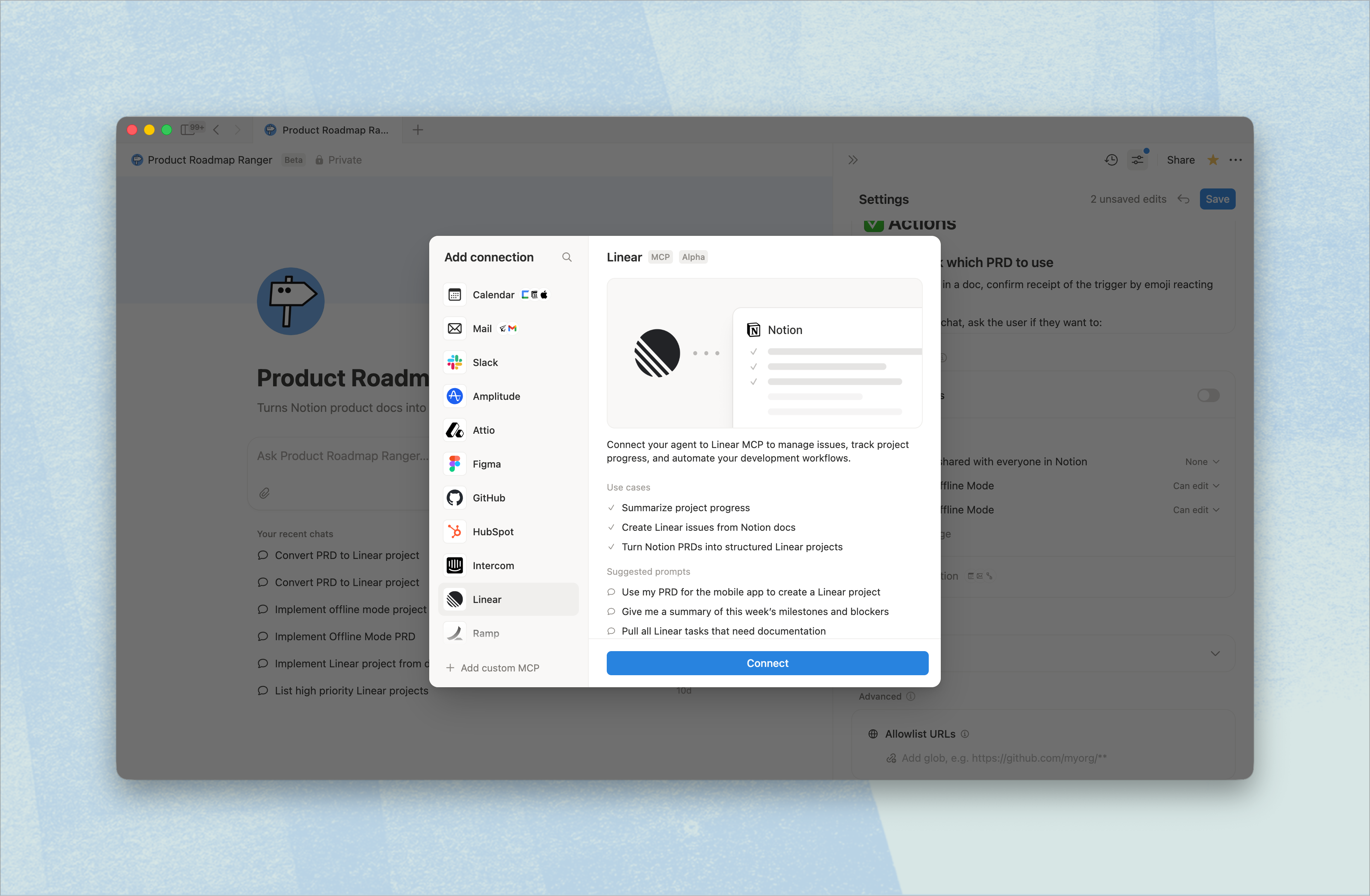
2. In the Agent’s Settings, go to Tools and access and select + Add connection. You’ll see a list of MCP servers - select Route5 and click Connect.
3. You will be redirected to Route5’s website to complete authentication.