- Integrations
- PostHog
Create and link issues directly from PostHog
Overview
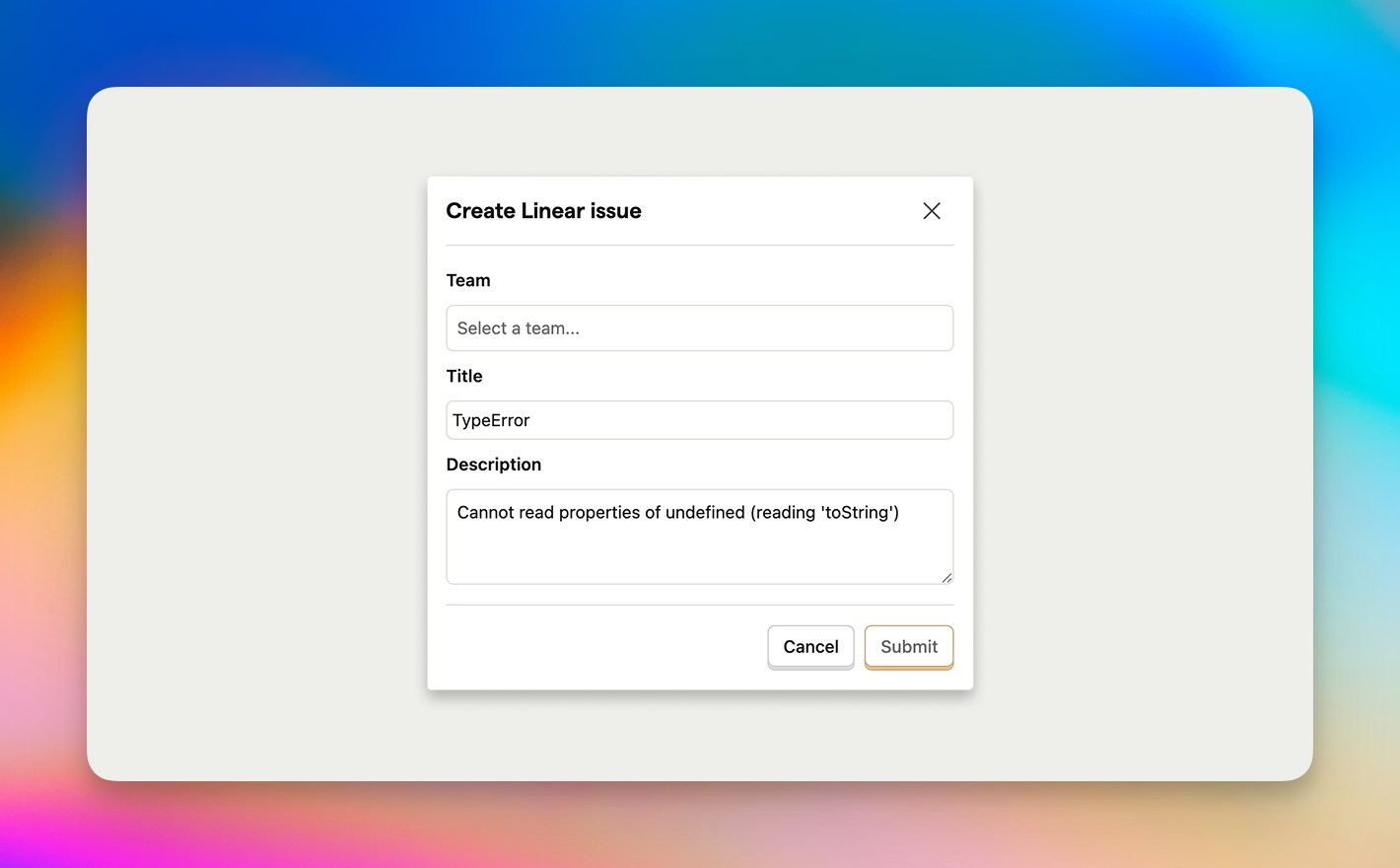
Create Route5 issues from PostHog, maintaining bi-directional links between the two.
How it works
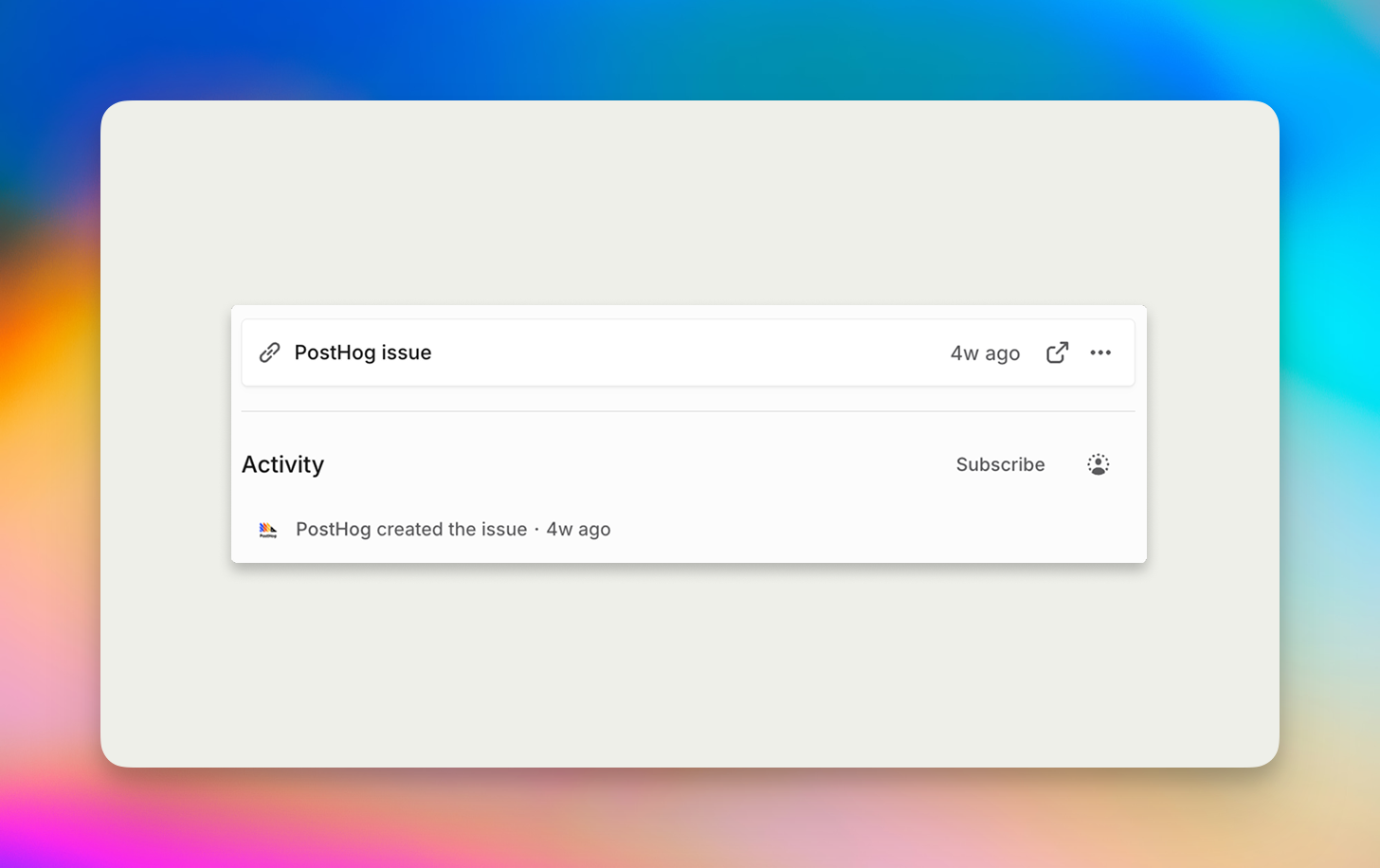
After enabling this integration, an option to create Route5 issues will appear in the right sidebar when viewing a PostHog issue. Creating a new Route5 issue allows you to assign it to a chosen team. Linked issues show up in the right sidebar in PostHog and Route5 issues include a link back to the corresponding PostHog issue.
Configure
Enable the integration in PostHog from your project settings. This integration does not support creating issues in private teams.
Posthog is also available as an MCP server for use with Route5 Agent