- Integrations
- One Horizon
Pull your Route5 activity into One Horizon for daily recaps, team insights, and standups
Overview
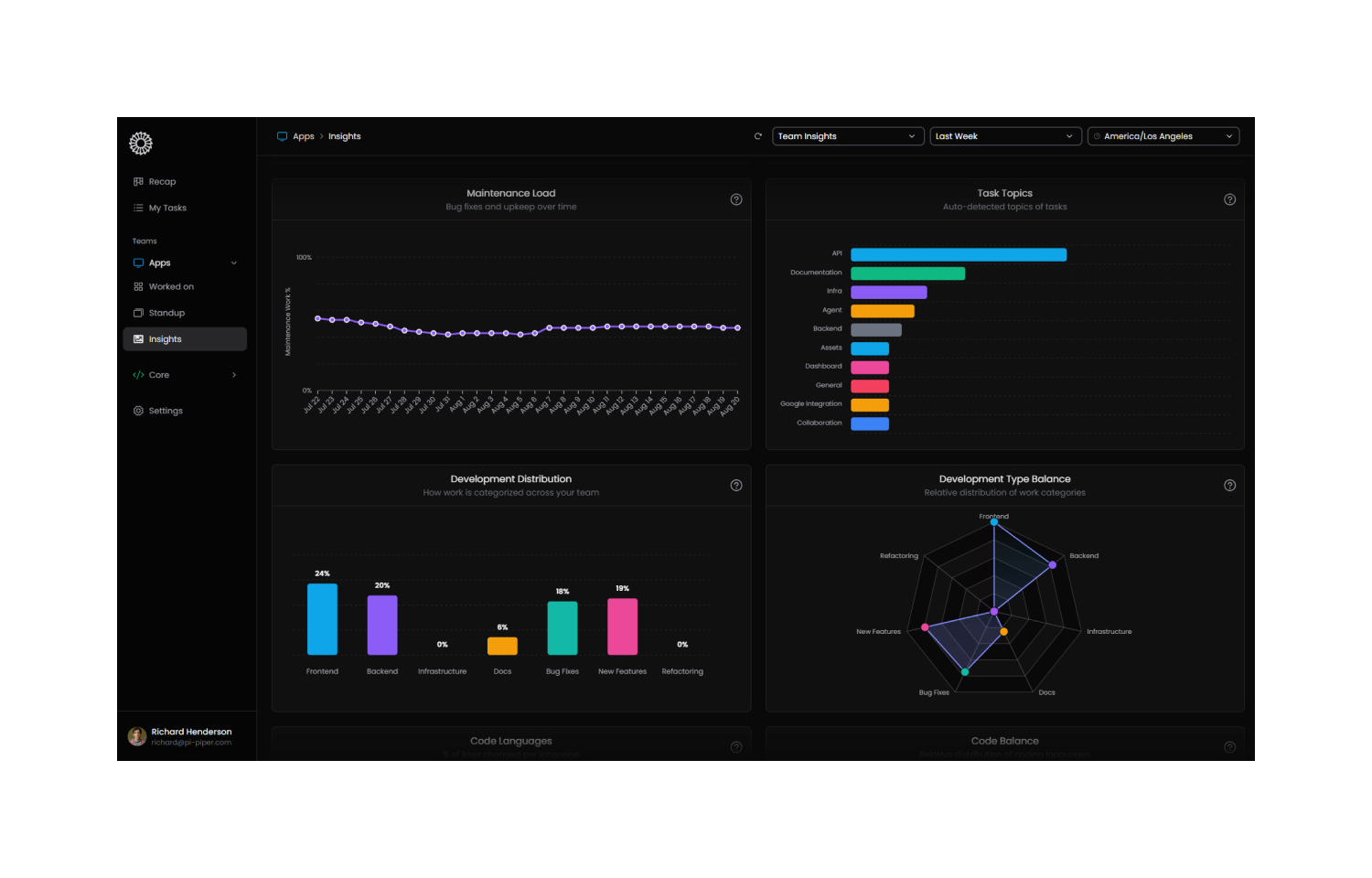
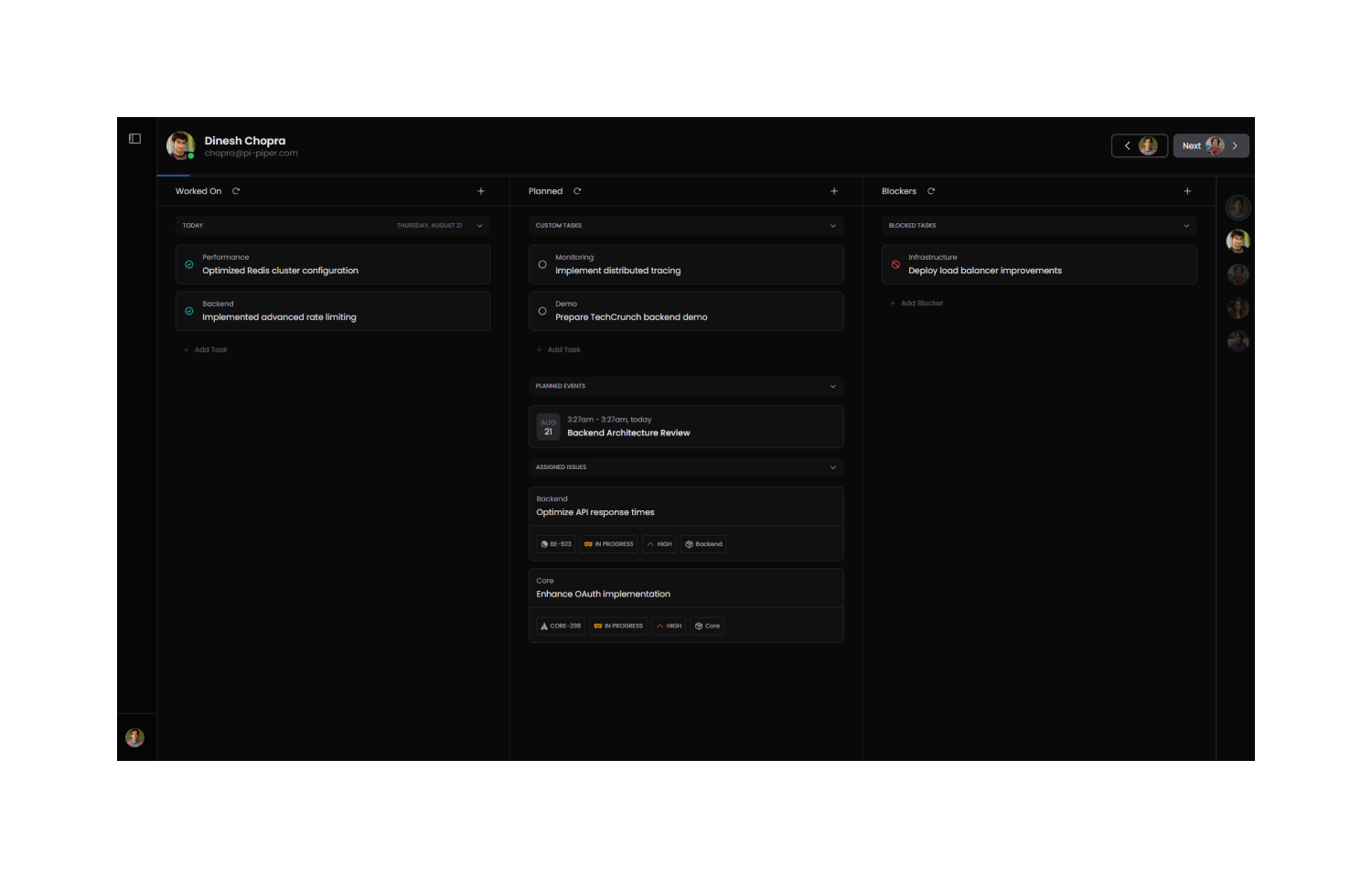
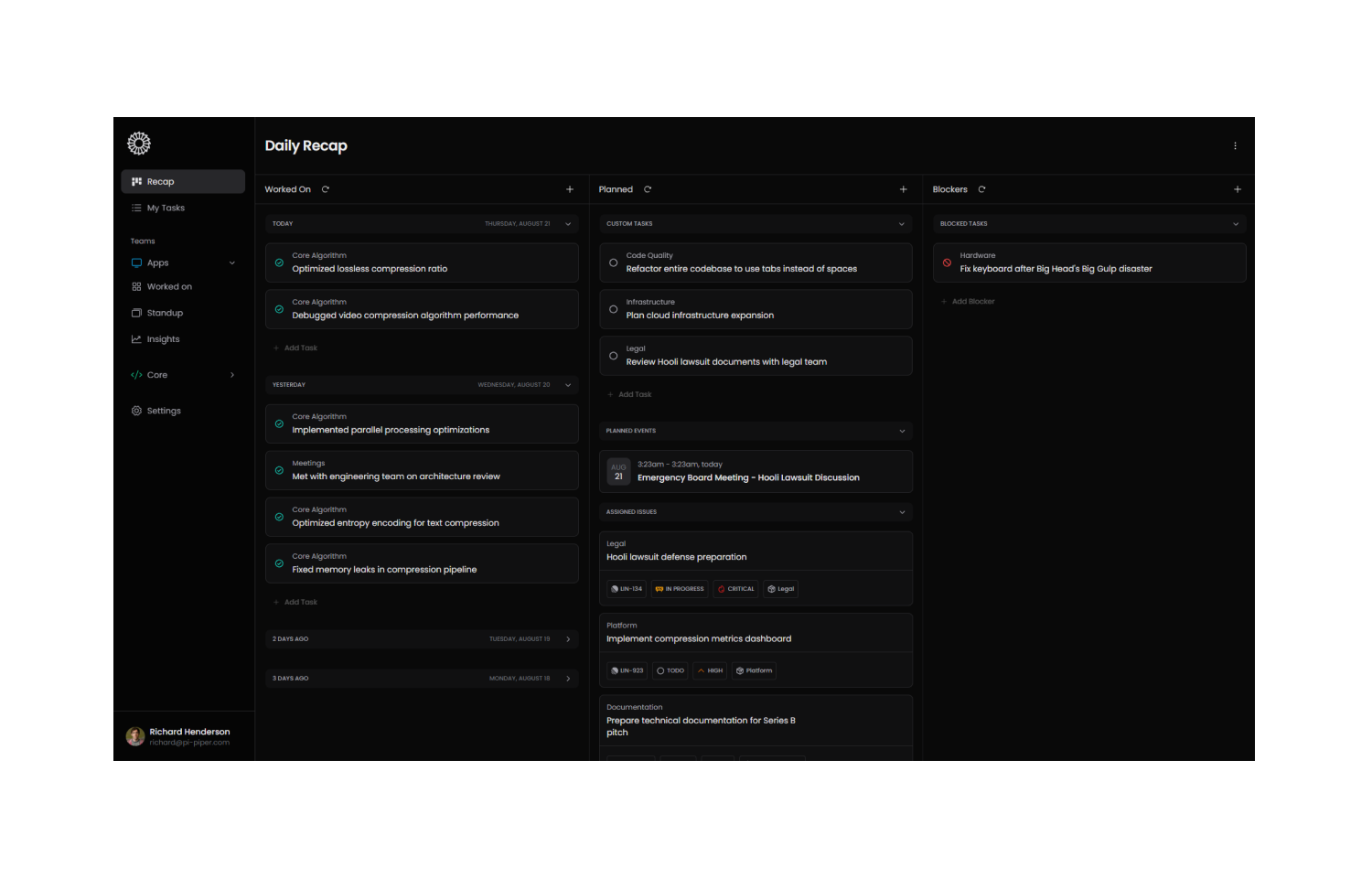
One Horizon connects with Route5 to automatically pull in your team’s completed issues and activity. It turns that information into clear, shareable daily recaps and insights, helping teams stay aligned, reduce status meetings, and keep standups focused.
How it works
The One Horizon integration with Route5 helps your team get more out of the work they’re already tracking. By connecting to your Route5 workspace, One Horizon pulls in activity like completed issues, ongoing issues, and updates across your team. This data is then used to generate structured daily recaps, team insights, and support for efficient standups.
Instead of manually checking which issues were completed or trying to remember everything from the previous day, One Horizon organizes that activity into summaries your whole team can use. These recaps make it easier to share progress, surface blockers, and highlight trends in team performance without extra effort.
With Route5 connected, One Horizon becomes a single source of truth for daily standups and weekly reviews, saving time while improving visibility. By combining Route5 data with insights from other tools, your team can spend less time on status updates and more time focusing on meaningful work.
Configure
To configure the Route5 integration, you’ll need to be a Route5 workspace admin. Once enabled, authorize One Horizon on a personal level to connect to your Route5 workspace. One Horizon will automatically begin pulling completed issues and activity into its reports.
You might be interested in
- Create reports of your cycles that your clients can review and sign off on
 Cycle ReportBy Mindnow AG
 - Cycle is a product management platform that turns product feedback into customer engagement. Centralise customer insights from various sources, link them to relevant product initiatives, collaborate on those, and close the loop with customers at each release
 CycleBy Cycle
 - Build custom dashboards and analytics from issue and project data
 Google SheetsBy Route5