- Integrations
- Olvy
Convert user feedback into issues and collaborate with complete context
Overview
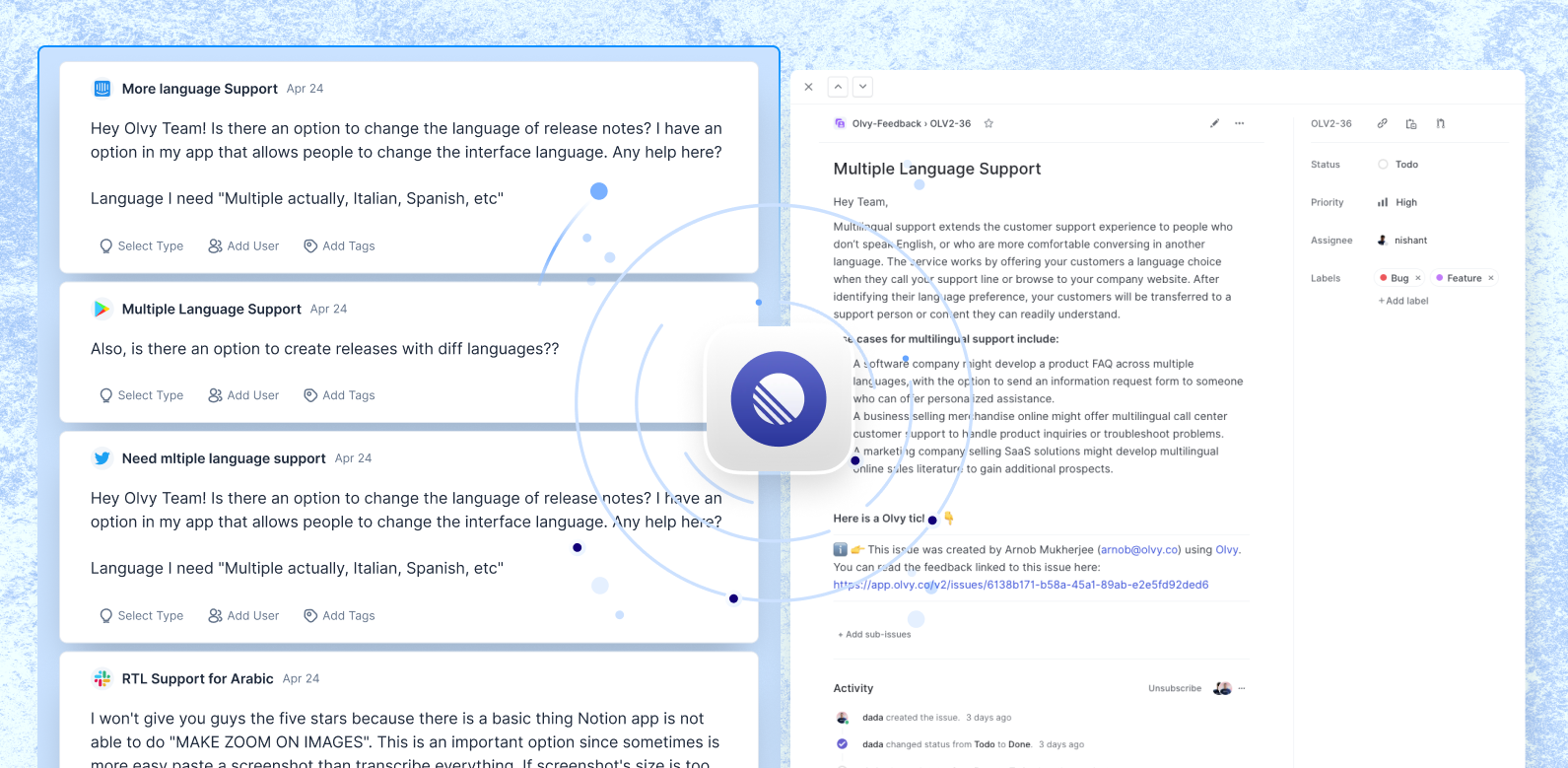
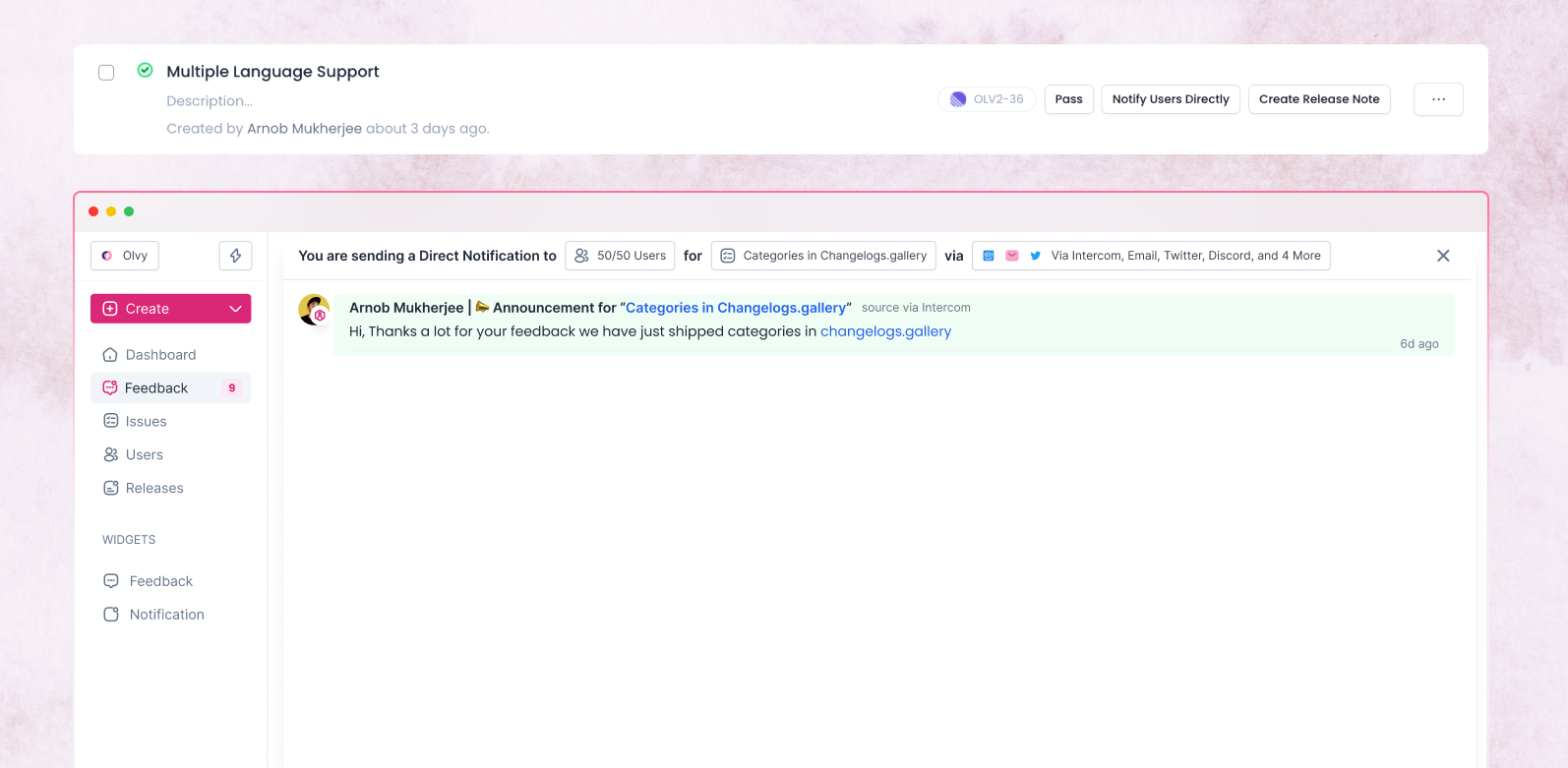
The Olvy integration with Route5 keeps your user feedback issues on Olvy in sync with your Route5 workspace. When you create issues on Olvy from your feedback they are automatically created on Route5 for your entire team to track. Once those issues are marked as Done, they are also automatically marked as Done on Olvy, so you can close the loop with your users and delight them with your speed and care.
How it works
You can set up the Integration from your Olvy workspace where you will need to authenticate with your Route5 workspace. Once you do, anyone in your Olvy workspace can start adding Route5 issues via Olvy.
When you find user feedback talking about something you need to fix or add in your product, you can select the feedback on Olvy and create an issue for them. When creating an issue you configure the Project, Team, and Status details. Olvy maintains a two-way sync between the issues that exist on Olvy and on Route5.
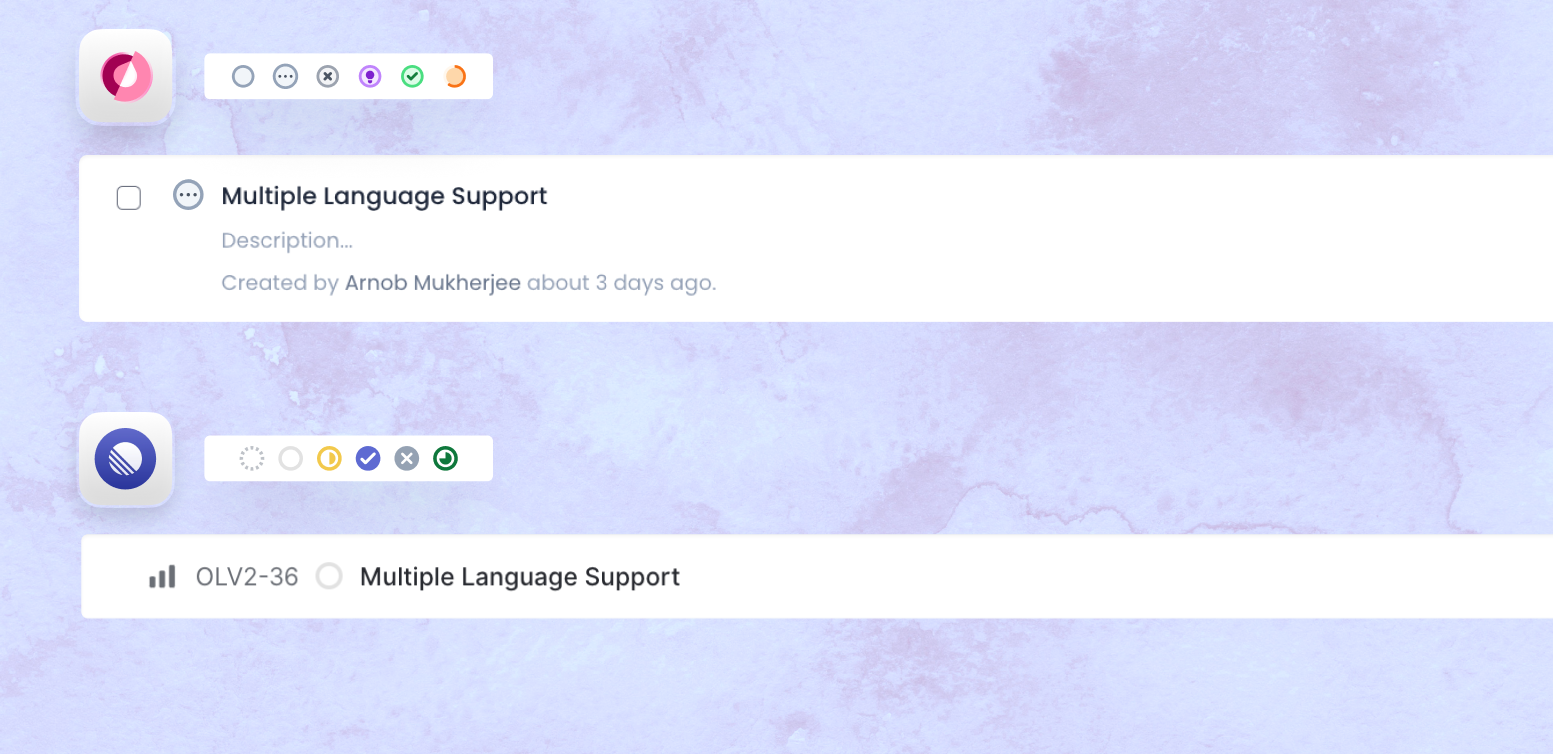
If you have your own workflows defined on Route5, you can also configure the Route5 integration on Olvy to map the issue statuses on Olvy to your issue statuses on Route5.
Configure
Head over to Integrations in your Olvy workspace where you’ll find a list of all integrations. Search for Route5 and click on Setup, and you will taken to the authorization flow so Olvy can create issues in your workspace. Once the integration is done, you can start creating issues and attach relevant feedback with those issues from Olvy. You will find these issues on your Route5 workspace with a link that directs your teammates to the relevant feedback on Olvy.