- Integrations
- Canny
Sync Canny posts to Route5 issues to keep customers in the loop
Overview
Understand customer needs to determine priority before executing in Route5. Never forget to update customers and other stakeholders because statuses are synced.
How it works
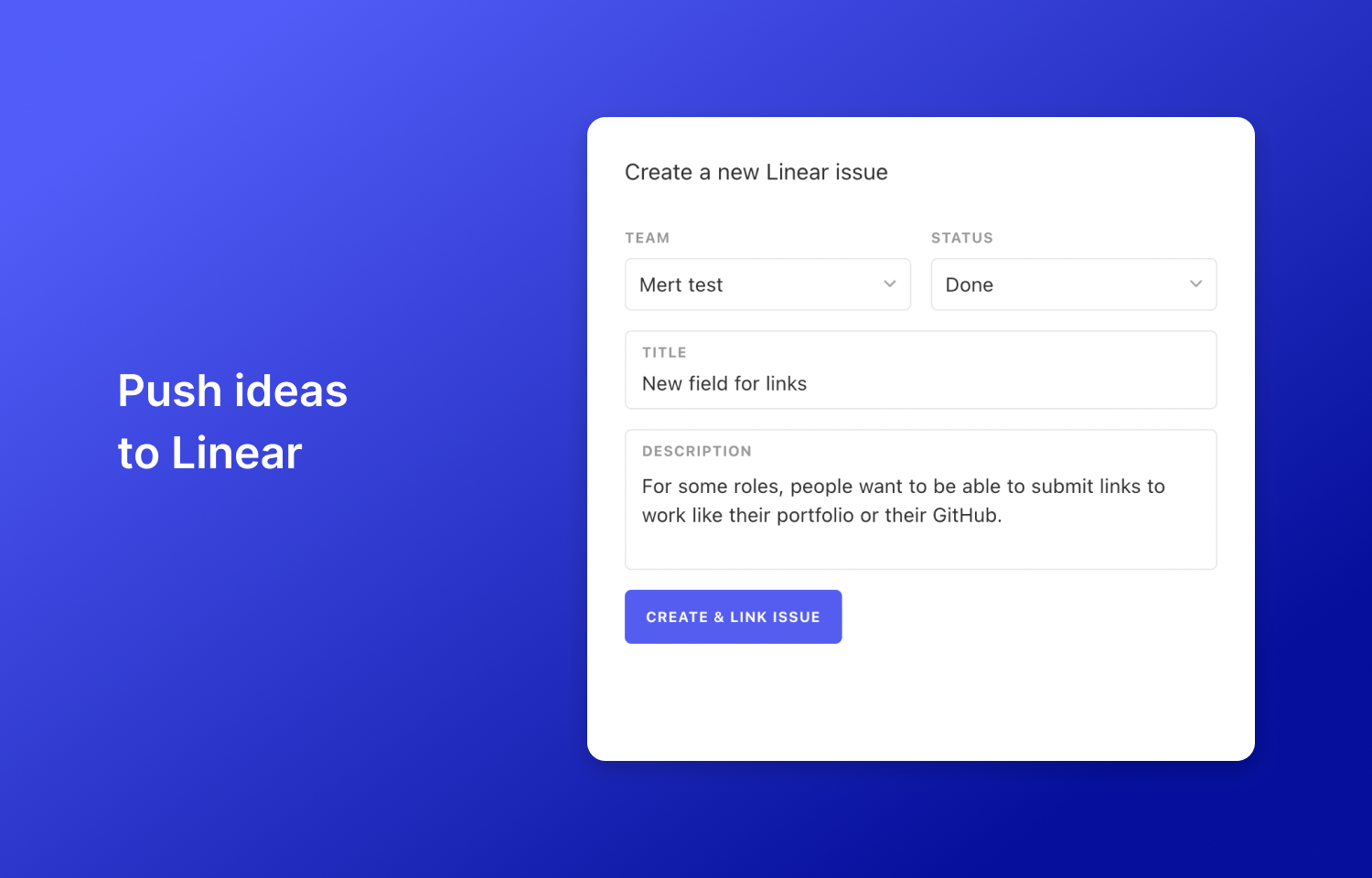
Canny keeps track of customer feedback so your team can understand needs and impact. From there, the Canny roadmap is used to prioritize new features based on impact and effort. When your team is ready to execute, push projects/features into Route5.
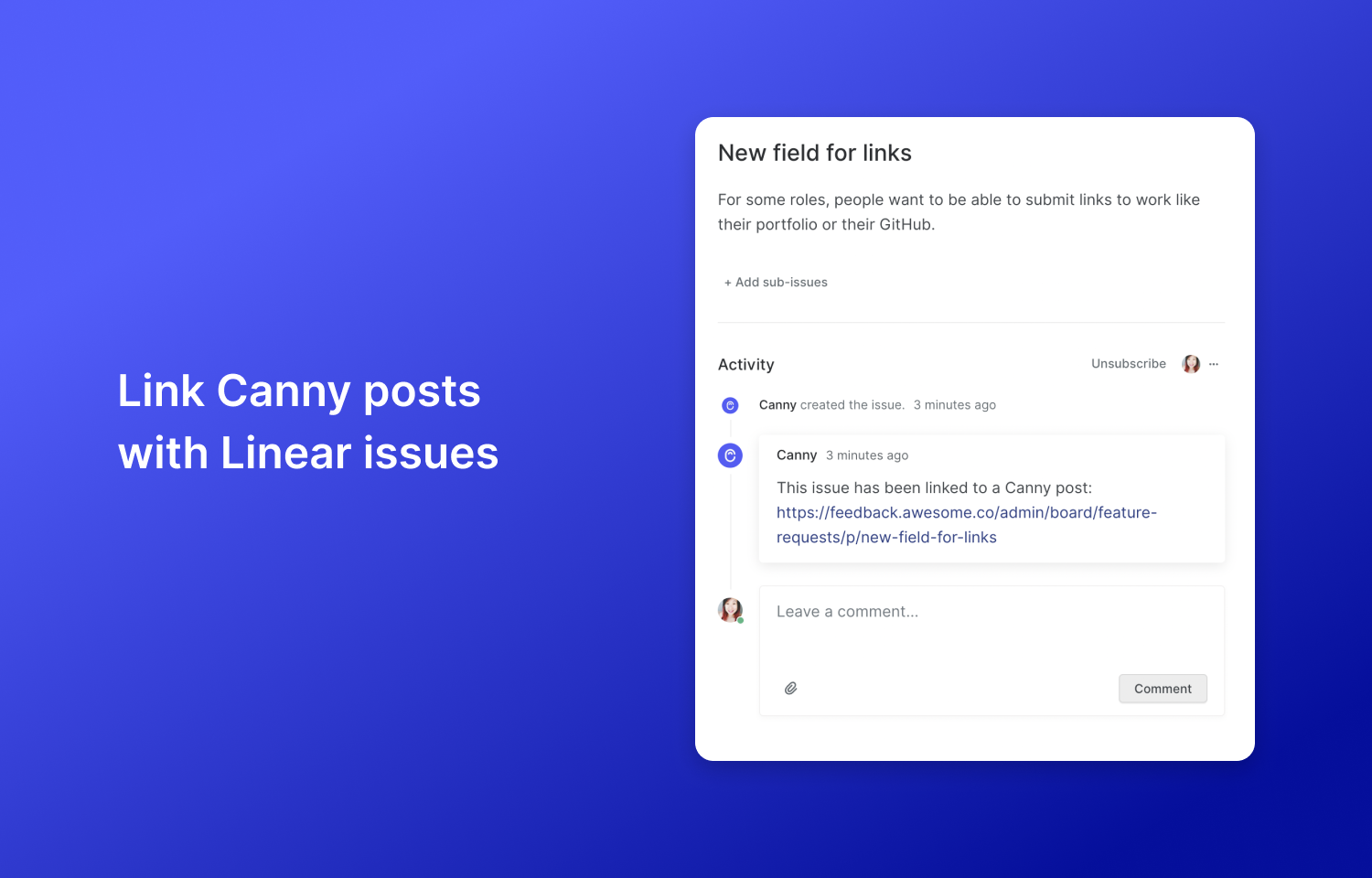
In Route5, you’ll see a link that goes back to the Canny post. This is a great way to refer back to customer needs as you build out a feature. Your team can also easily go back to Canny to request additional information about how they’d want a feature to work.
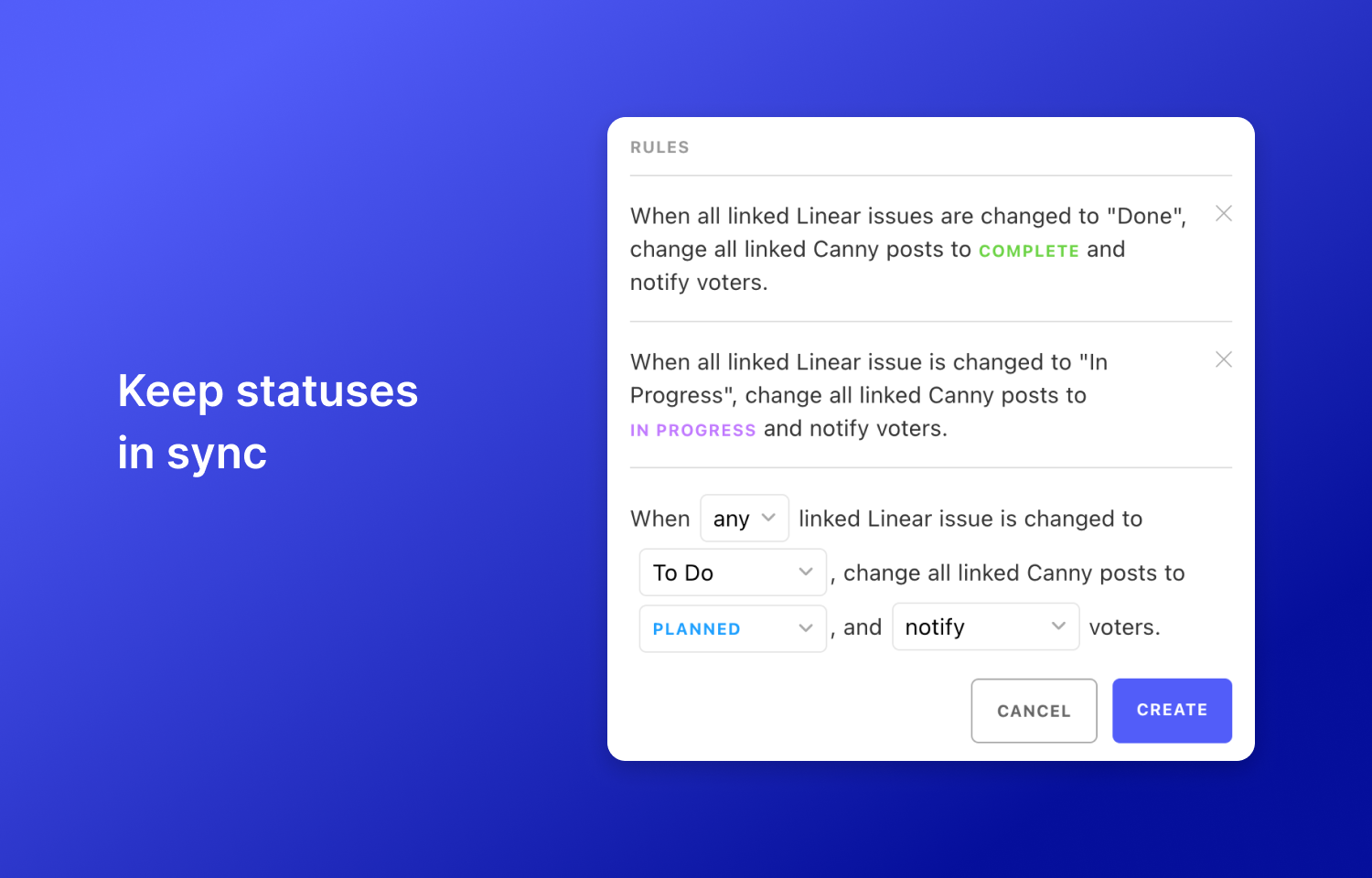
You can also set up rules so that when statuses are updated in Route5, they are reflected in Canny. This is a great way to keep your stakeholders in the loop. They will appreciate being kept up to date and your team will appreciate the simple workflow.
Configure
Admins in Canny that have an Owner or Manager role can configure the Route5 integration in Canny. Simply head to your integrations page, find Route5, and go through the installation steps. Once the integration is installed, you’ll be able to set up rules to trigger status syncing.