- Integrations
- NEXUPIRA
Connect Route5 so NEXUPIRA's AI agents can create, update, search, and comment on issues
Overview
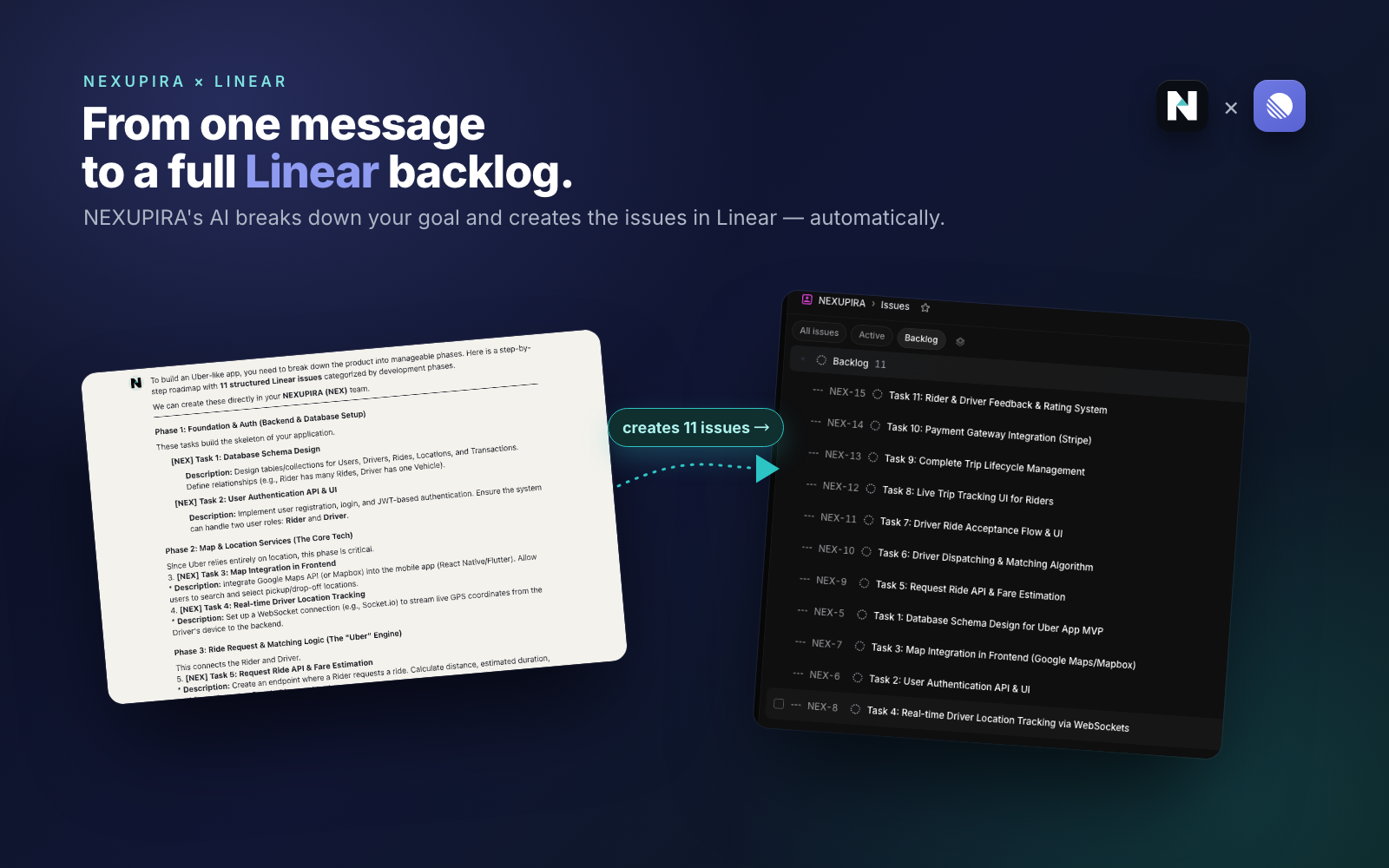
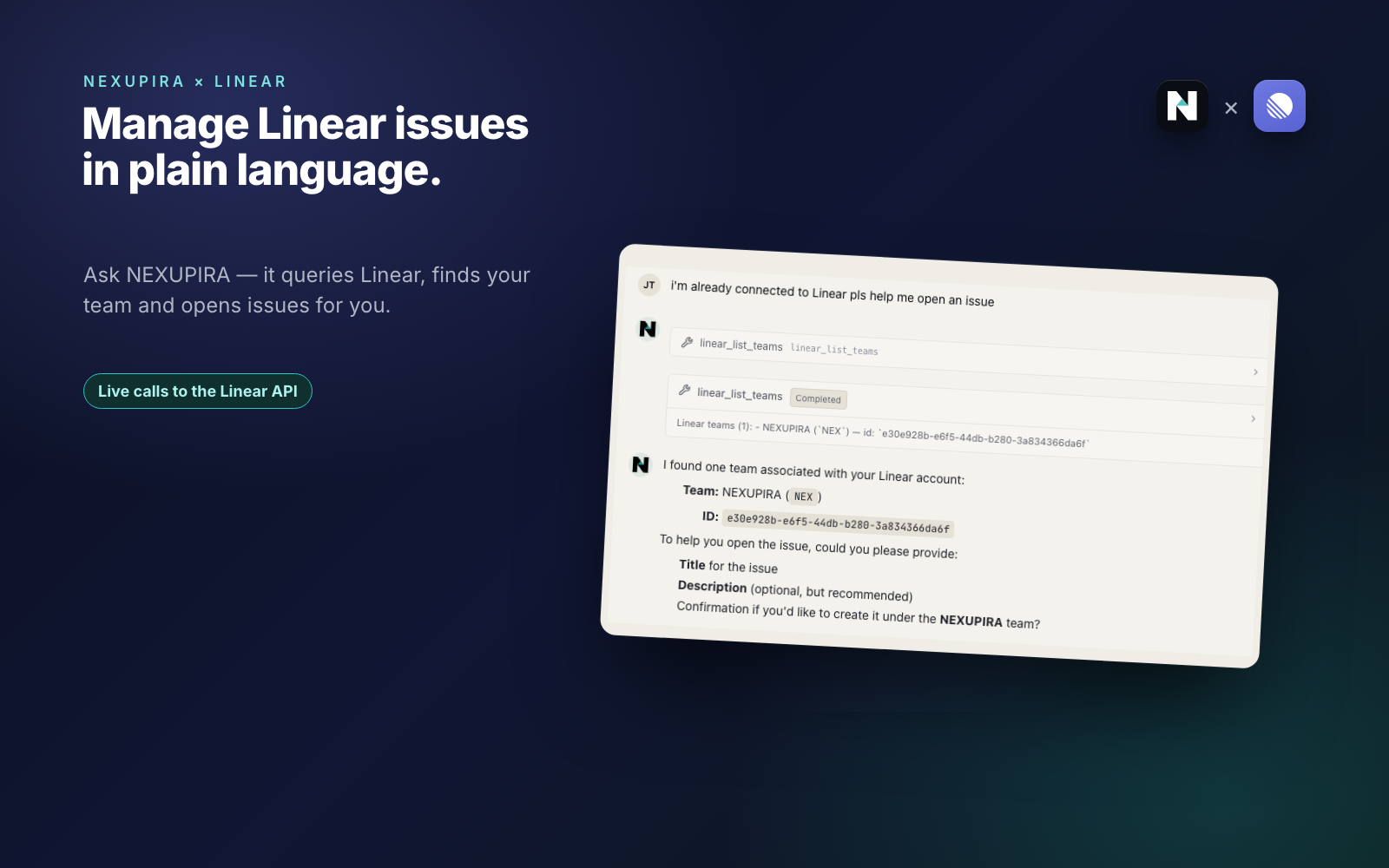
NEXUPIRA is an AI orchestration platform where you describe work in plain language and AI agents carry it out across your connected tools. The Route5 integration lets those agents read and act on your Route5 workspace, opening issues, updating their status, searching existing work, and posting comments as steps inside event-triggered automations rather than one-off manual clicks.
How it works
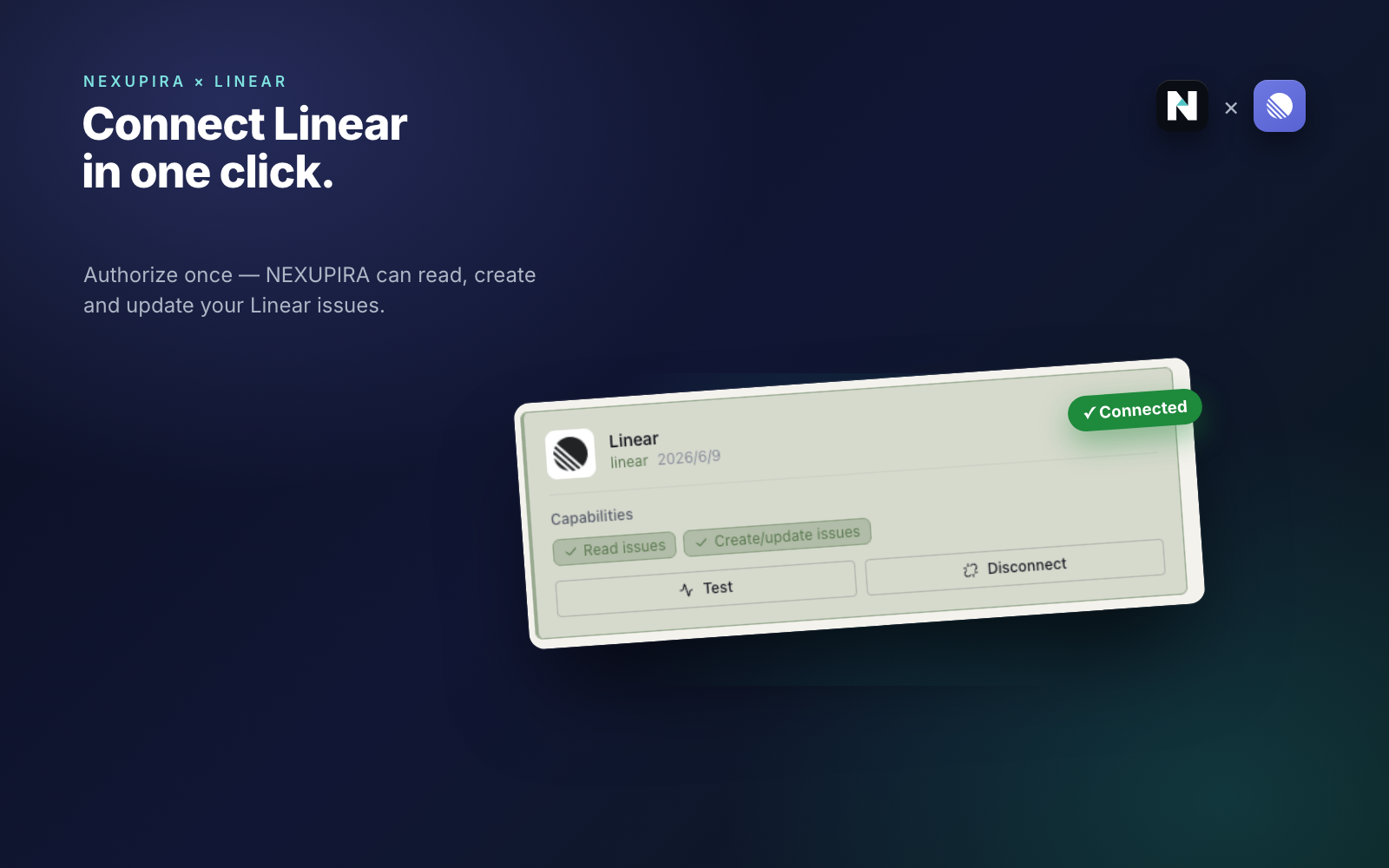
Connect Route5 to NEXUPIRA through a standard OAuth 2.0 authorization flow with refresh-token support, granting NEXUPIRA scoped access to your Route5 workspace. Route5 then appears on the Connections page with capability indicators and a no-side-effect test probe. NEXUPIRA’s AI agents can use Route5’s GraphQL API in chats and automated workflows to create and update issues, search work across teams and projects, and add comments. Cross-tool events can trigger these Route5 actions automatically. The connection is per-user and can be disconnected at any time.
Configure
Go to Connections in NEXUPIRA and click Connect on the Route5 card. Approve the requested scopes on Route5’s OAuth consent screen. The connecting user needs sufficient Route5 workspace permissions for the actions they intend to automate. After authorizing, click Test on the Route5 card to verify the connection. Access is per-user and can be revoked from the same page.