- Integrations
- NEXT
Creates Route5 issues with NEXT highlights as evidence
Overview
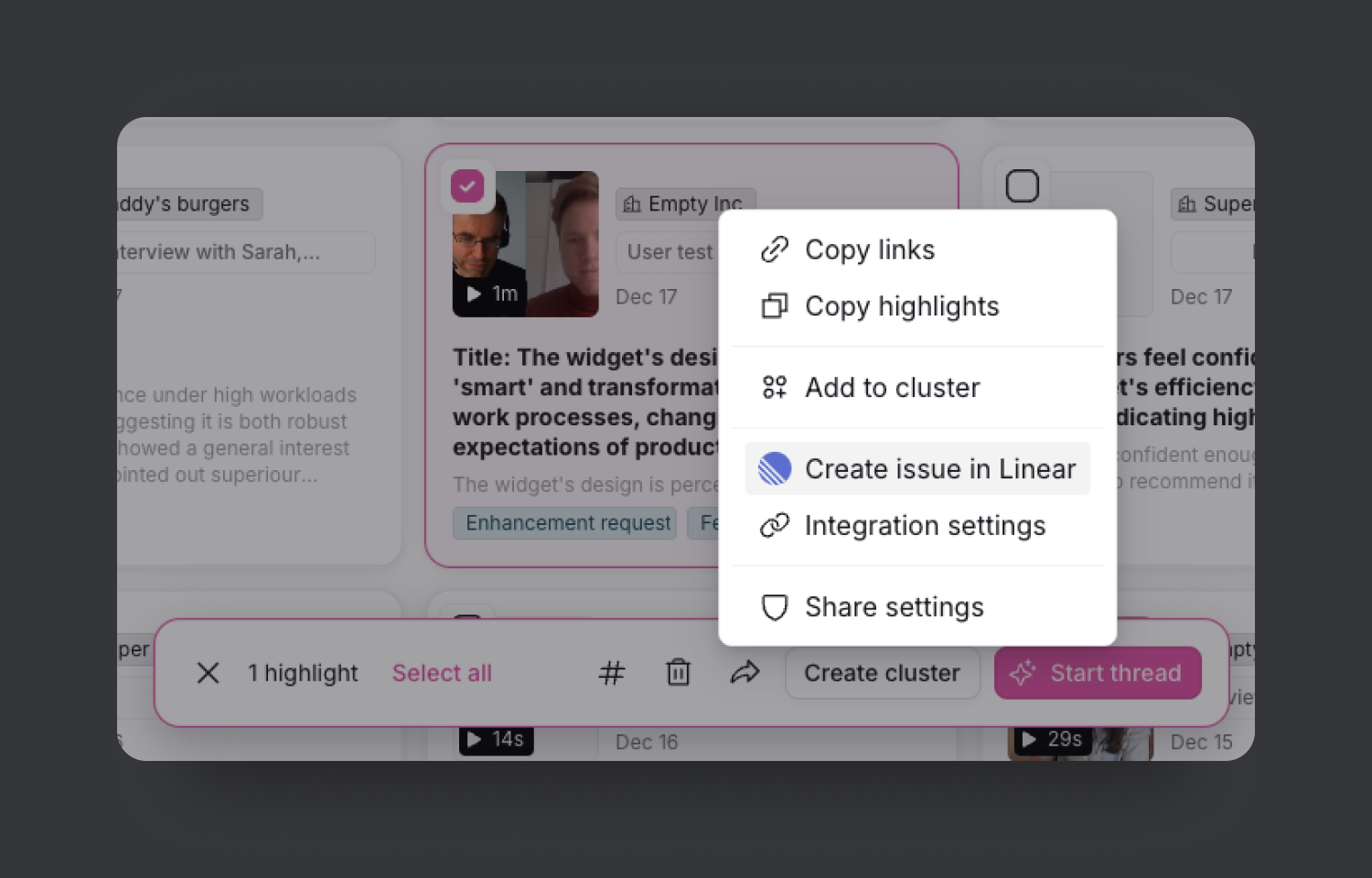
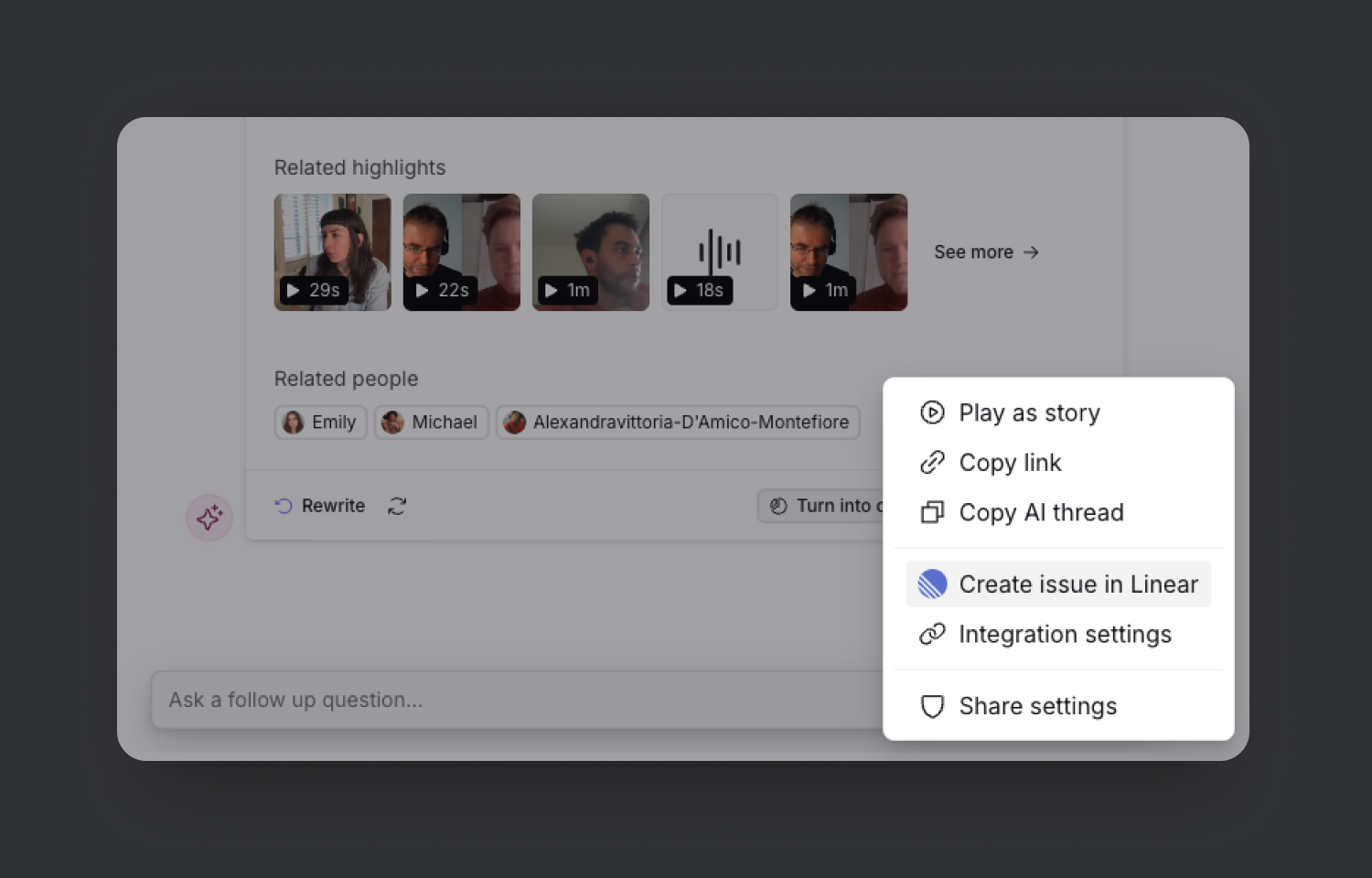
The NEXT x Route5 integration facilitates the direct transfer of highlights, chats, and clusters into your backlog, allowing for the effortless transformation of insights into backlog items. Creating an issue in Route5 (like a User Story or Bug) from NEXT automatically links to the supporting evidence (recordings and highlights), enabling your team to trace Route5 items back to their origins.
How it works
Users can select multiple NEXT highlights, and create a Route5 issue from them. This will add the highlights as evidence to the newly generated Route5 issue.
Configure
1. Open your teamspace in NEXT
2. Open settings via the top bar menu
3. Select “Integrations” section
4. Select integration provider “Route5”
5. Click [Connect]
6. Click [New connection]
7. Enter Route5 workspace URL

