- Integrations
- Basedash
Create, view and update Route5 issues directly from Basedash
Overview
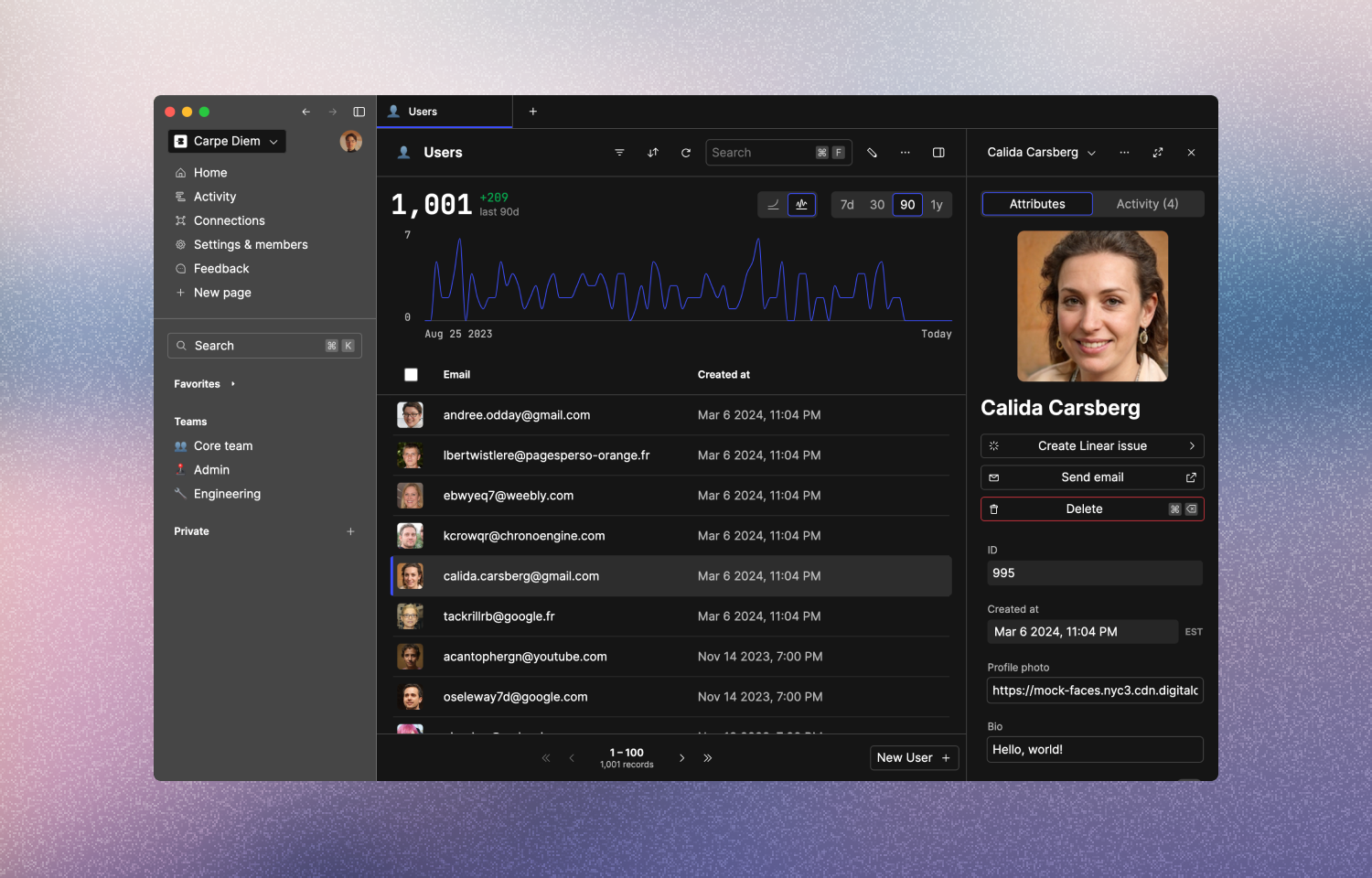
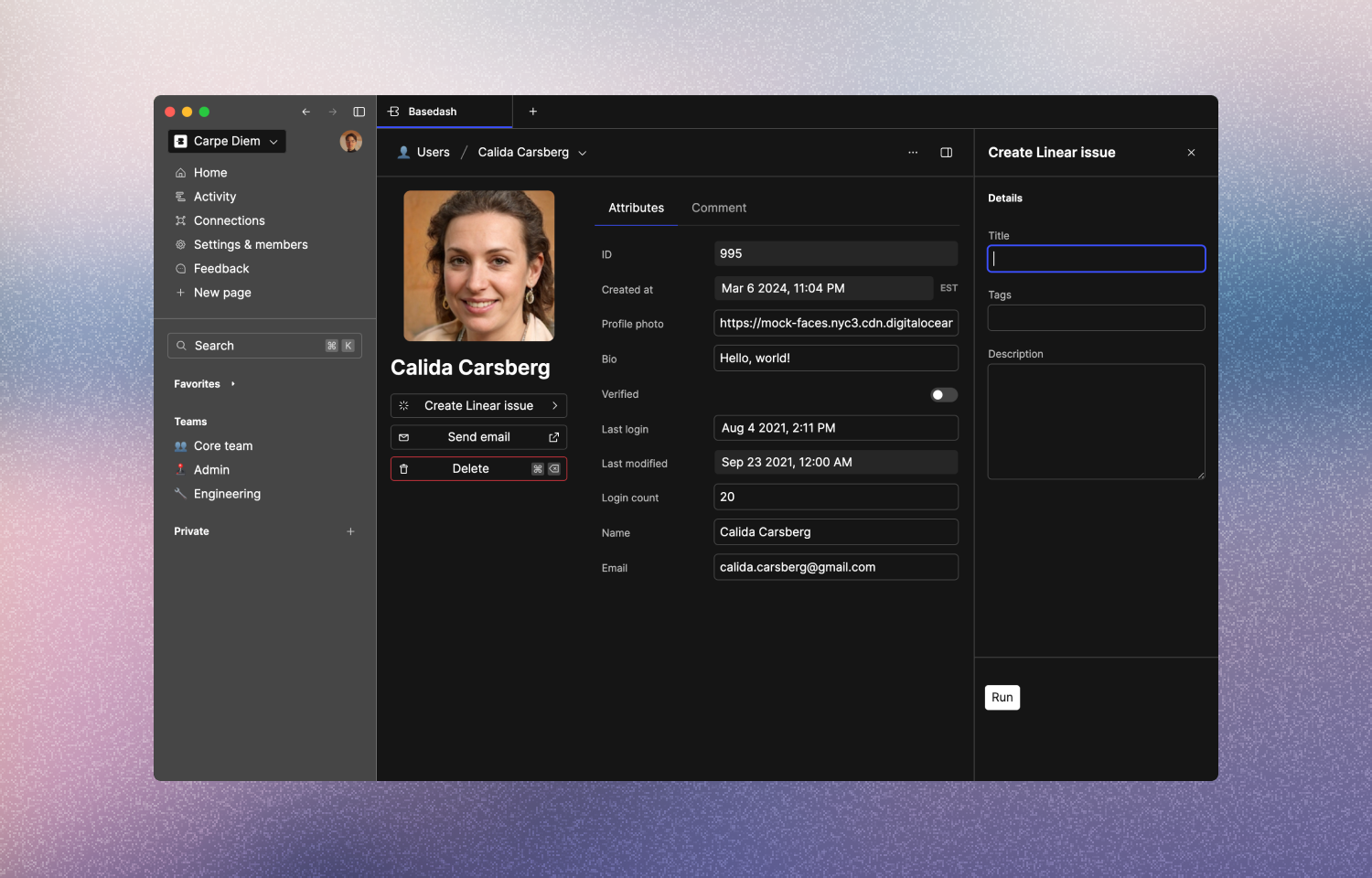
Basedash is the admin panel you don’t have to build. Thousands of companies use Basedash to run their engineering and product workflows. Think: CRUD operations, feature flags, analytics - and Route5 issues. Your team can view and create Route5 issues directly in the same app that they use to collaborate on key customer data. You know when a customer reaches out over Intercom and you go to look up their info? Now you can create, manage and resolve issues directly from the same record.
How it works
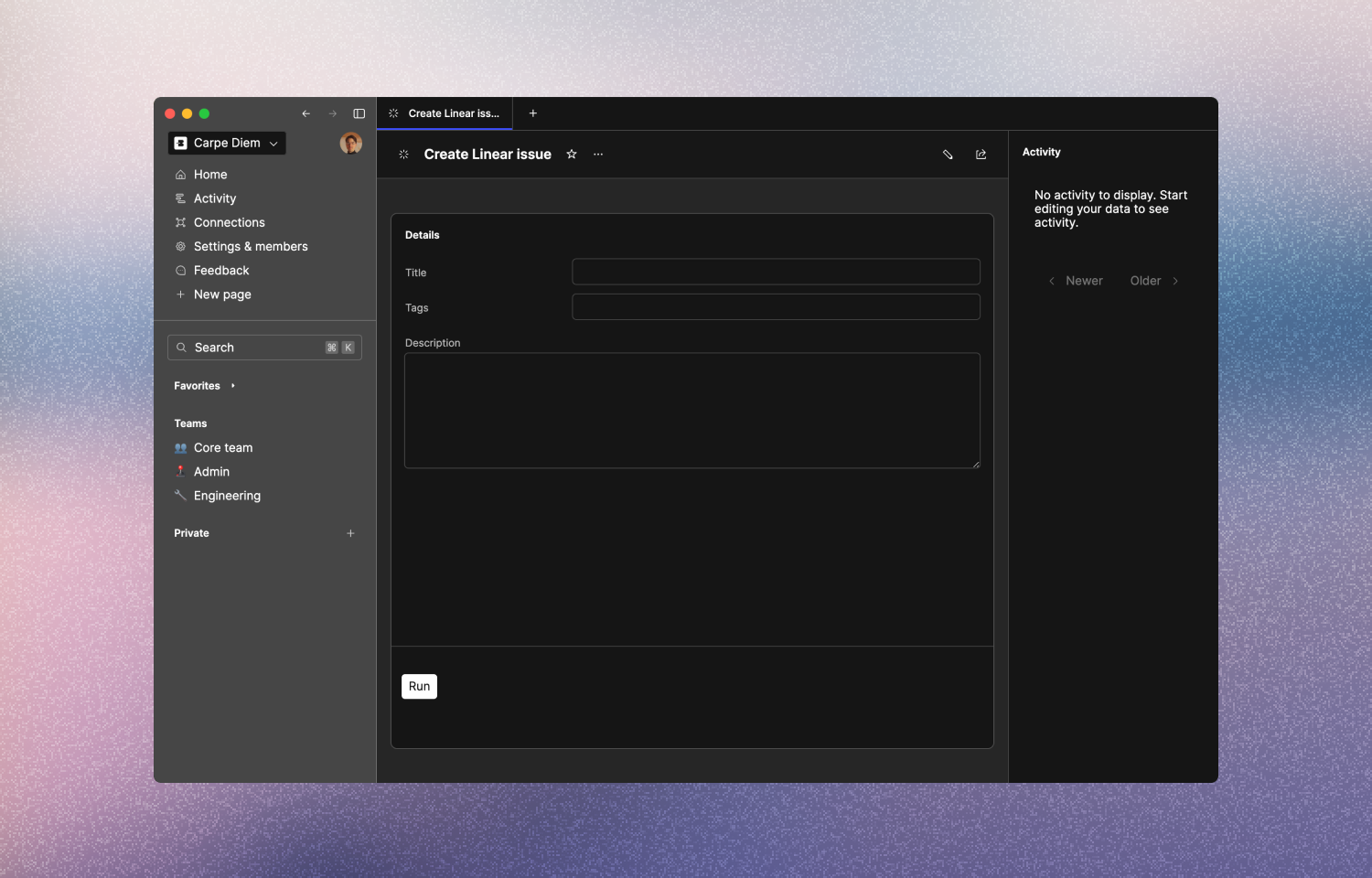
The Basedash integration lets you interact with the Route5 API directly from your internal admin panel. Once you’ve connected Route5 to Basedash, you can create actions to fetch or modify any data using Route5’s GraphQL API. This lets you do things like:
- Create a Route5 issue in the context of your user data
- Update a Route5 issue right from your user dashboard
- Add a comment to a Route5 issue based on a user or workspace
Configure
1. Log in to your Basedash workspace
2. Create a new connection
3. Select the Route5 integration
4. Paste your personal API key from Route5
5. Create the connection