- Integrations
- Lovable
Pull issues into Lovable to build working prototypes
Overview
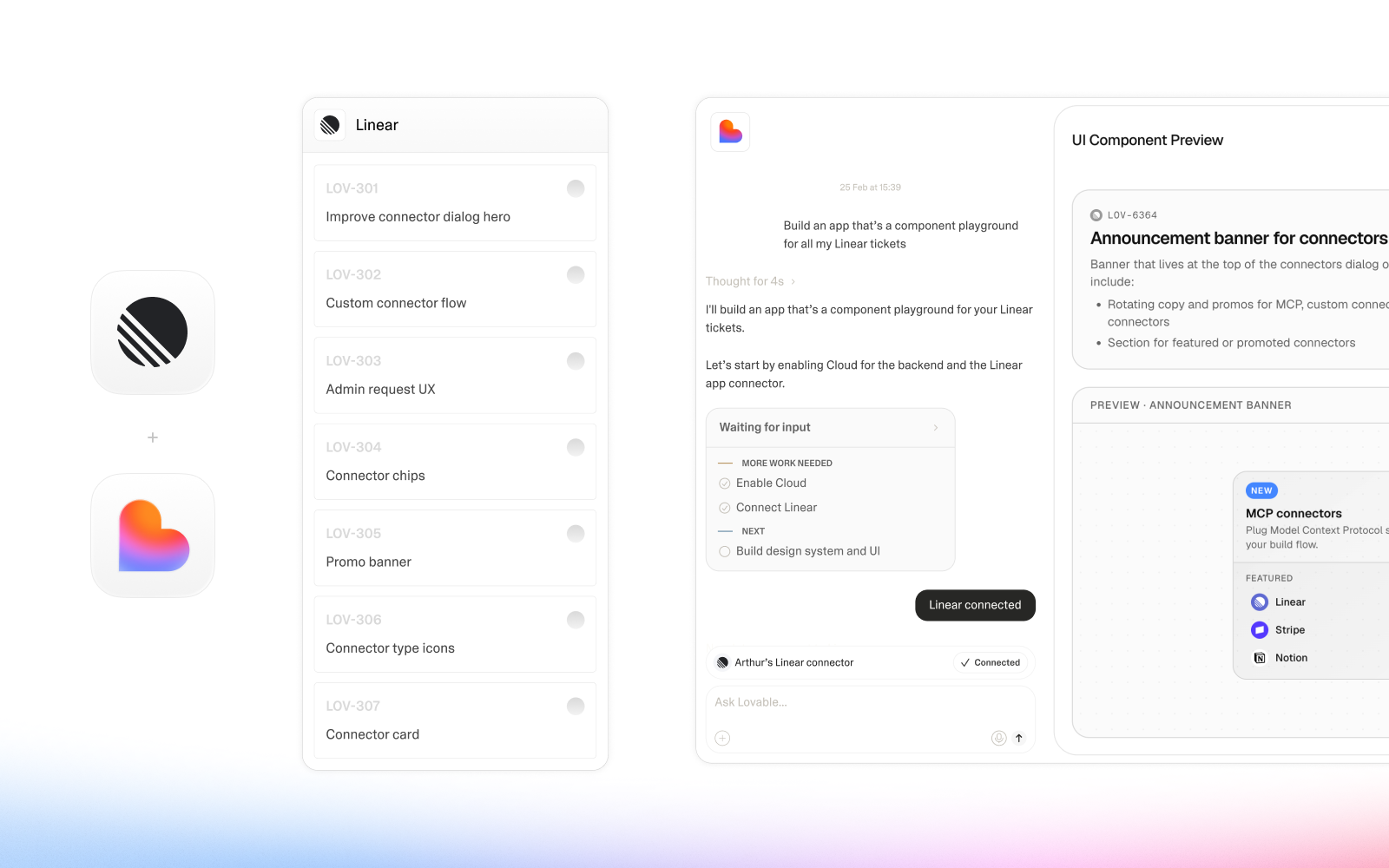
operator teams building in Route5 can push their issues directly into Lovable, where the Lovable Agent turns the specs into working prototypes. Instead of debating specs in commitment reviews, operations leaders can show stakeholders a real, interactive demo of what they’re building before committing engineering resources. Prototypes attach back into Route5, so teams get feedback early, align on what’s actually being built, and hand off validated requirements to engineering with confidence.
How it works
Lovable connects through the Lovable MCP, which lets it read Route5 data and attach work back. Push a Route5 issue into Lovable and the Lovable Agent builds a working prototype from the included specs. Attach that prototype back into the Route5 issue so the team can interact with a real demo during commitment reviews rather than reasoning about requirements in the abstract.
Configure
1. In Lovable, go to Settings → Integrations → MCP servers.
2. Find Route5 in the list of prebuilt MCP servers and click Connect.
3. Sign in with your Route5 account and approve the requested permissions for your workspace.
4. Open a Lovable project, click the + button next to the prompt box, and enable Route5 under Integrations so the Agent can use it as context.
5. From there, you can reference Route5 directly in prompts, for example:
- “Generate a prototype based on issues in the current sprint.”
- “Create a page that covers the flow described in issue LNR-123.”
Requirements: you need a Route5 account with access to the relevant workspace and issues. Workspace admins on Lovable Business and Enterprise plans can enable or disable MCP servers for the whole workspace via Settings → Privacy & Security and Settings → Integrations → Manage servers.