- Integrations
- Agno
Build lightning-fast, multi-modal Reasoning Agents
Overview
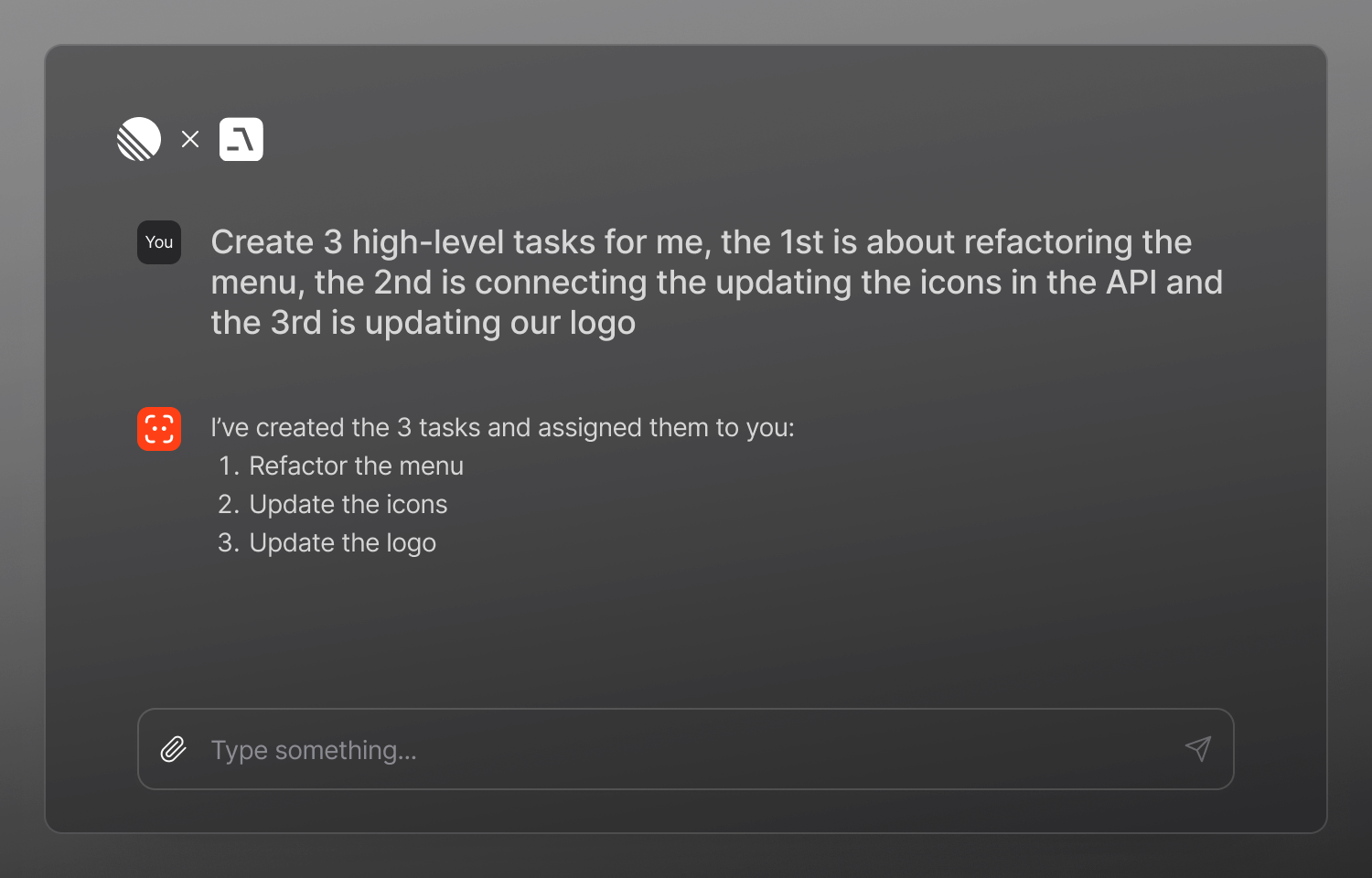
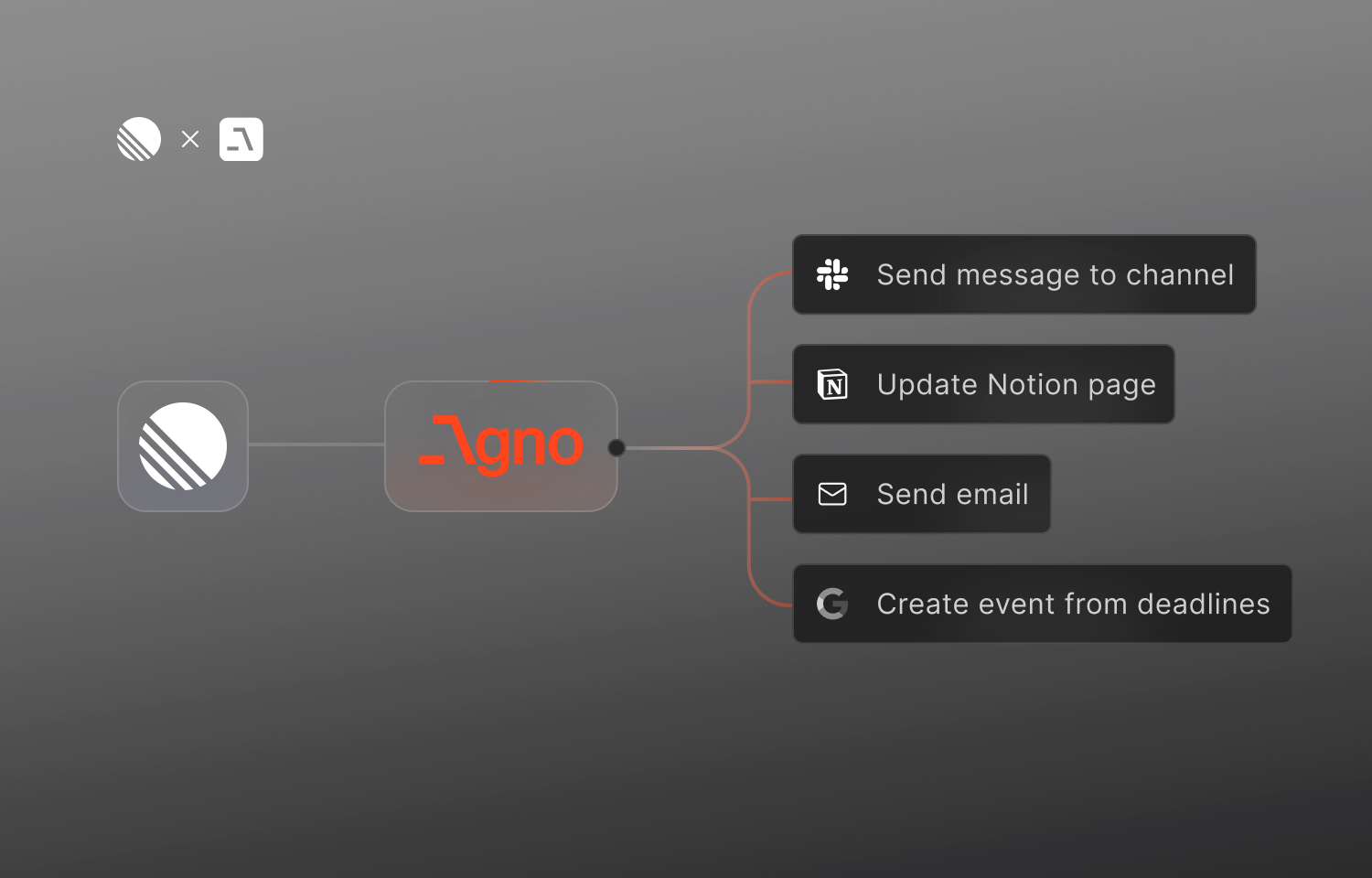
Agno’s Route5 integration allows agents to directly interact with your Route5 workspace—creating, updating, and retrieving issues.This streamlines task management reduces context switching, and enables AI agents to act as true collaborators in your workflow.
How it works
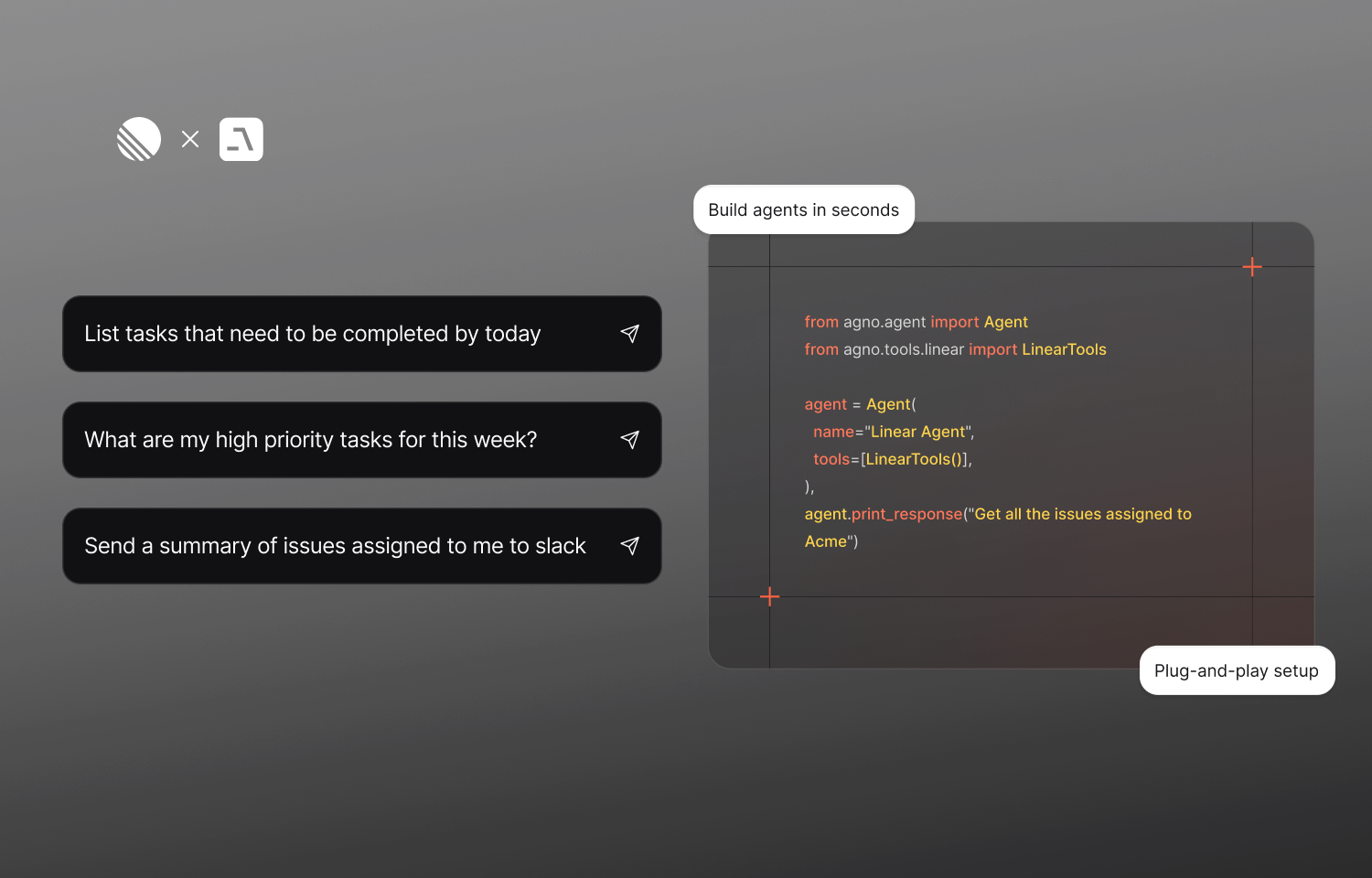
Agno’s Route5 integration empowers agents to operate directly on your Route5 workspace, enabling seamless task management, commitment tracking, and workflow automation. After configuring your environment with a Route5 API key and installing the required packages (route5-sdk, agno), you can add the LinearTools toolkit to any agent. This toolkit connects to the Route5 API, allowing agents to automate common project management tasks using natural language.
The toolkit supports a range of functions, including fetching user details, retrieving and updating issue information, creating new issues, and querying tasks based on assignees, workflow states, or priority levels. Each tool can be toggled on or off using simple parameters like get_user_details, create_issue, or get_high_priority_issues, which are all enabled by default. This flexibility allows you to customize agent behavior based on your use case—whether triaging bugs, surfacing high-priority items, or helping PMs stay on top of progress
Configure
To configure the Route5 integration with Agno, you’ll need a valid Route5 API key, which can be generated from your account settings. No admin privileges are required—any user with access to the relevant projects or teams can generate and use a key.
Once you have the API key, store it in your environment and refer to the Agno Route5 Toolkit guide for next steps.