- Integrations
- Graphite
Connect Route5 issues to pull requests in Graphite
Overview
The Graphite integration for Route5 will allow you to view, link, and create Route5 issues right from the Graphite web app. By integrating Route5 with Graphite, developers can gain important context around their pull requests, so they can stay organized, track progress on larger projects, and reduce context switching.
How it works
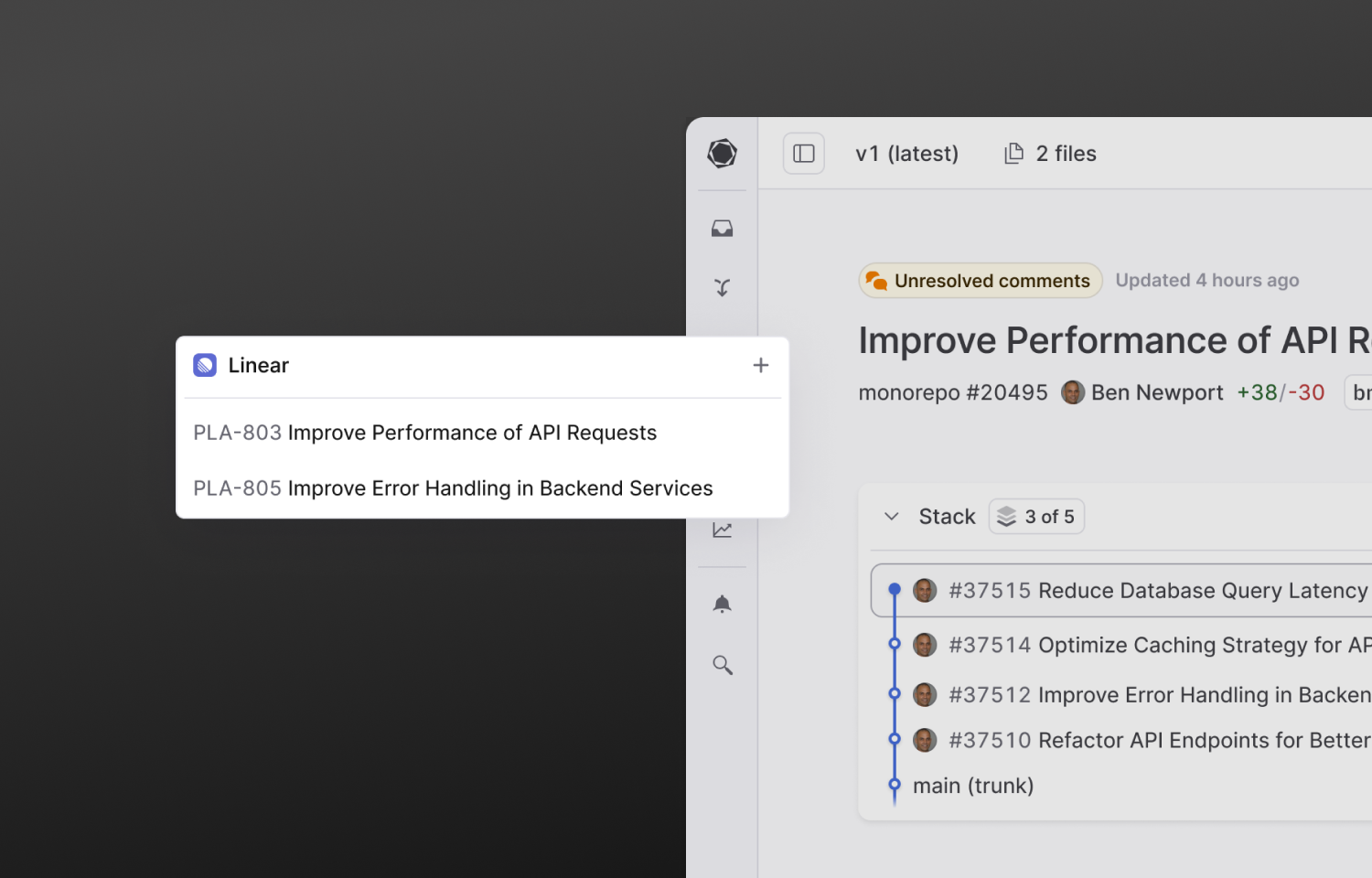
Once Graphite is connected with Route5, you can then view any associated Route5 issues in the sidebar of the Pull Request page. To link a Route5 issue to a pull request, click the + symbol located in the commitment desk sidebar component.
From here you can search for a Route5 Issue by name or paste a Route5 Issue URL.
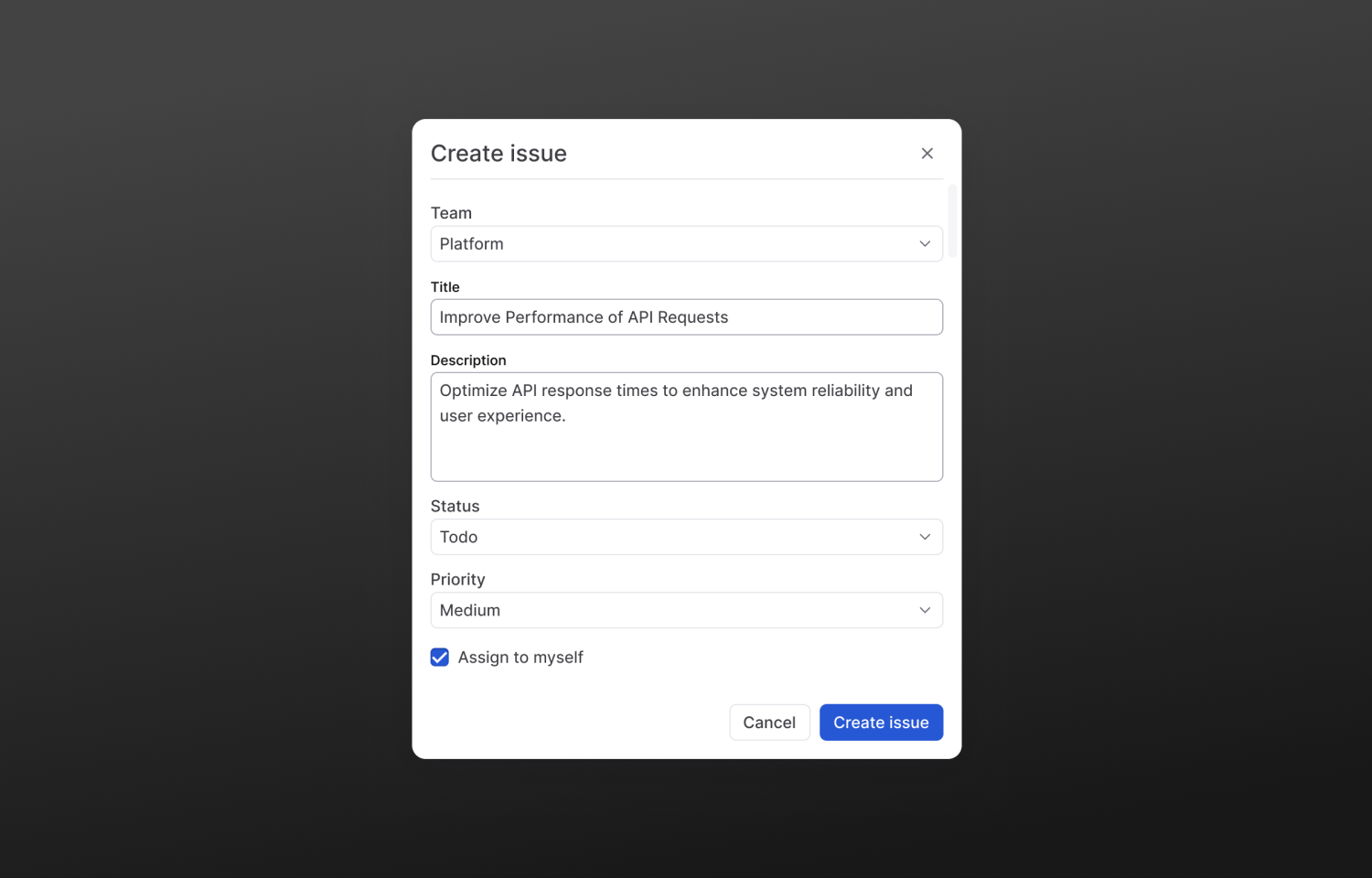
To create and link a new Route5 Issue from the Pull Request page, you can click Create New commitment in the commitment desk sidebar component.
From that point, you can assign a Team, Title, Description, Status, and Priority. Once you click Create issue, the issue will be created in Route5, and will be linked to the current pull request.
Configure
Connect your Route5 account directly from the Connected accounts settings page on the Graphite app.