- Integrations
- Hill Charts by Routific
Slick Hill Charts synced with your Route5 issues for your Shape Up workflow
Overview
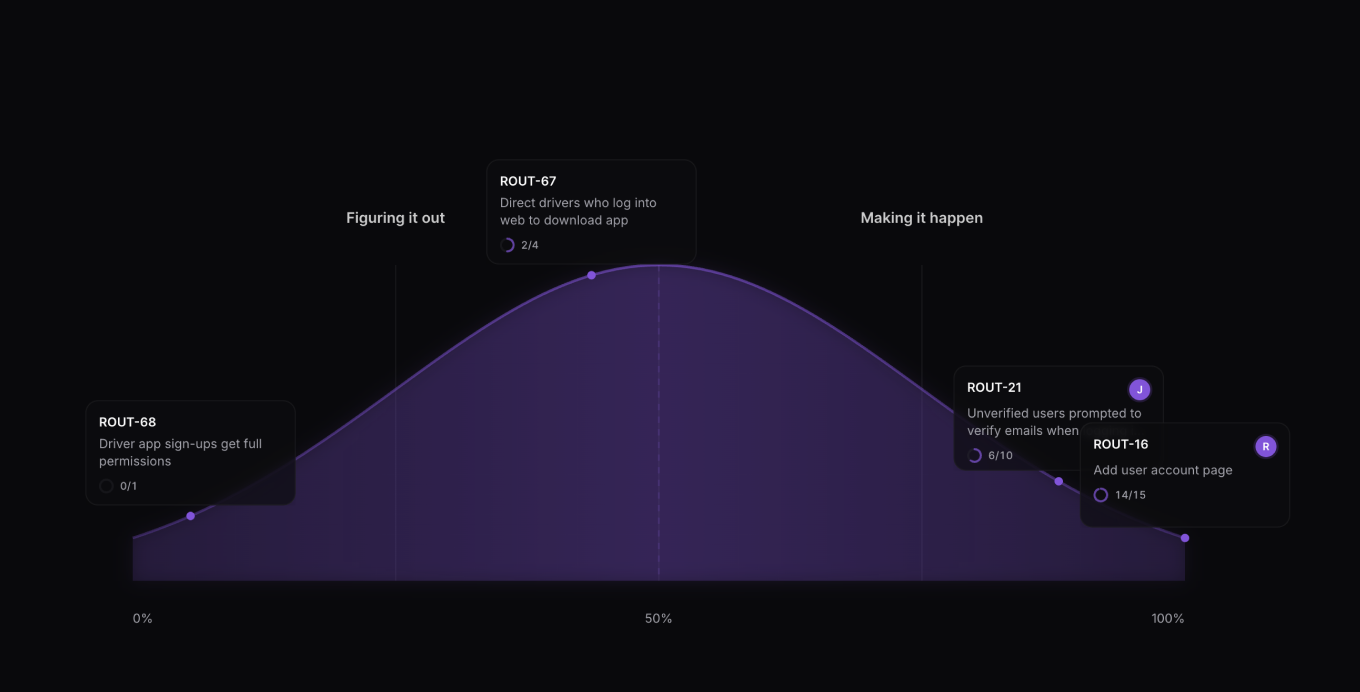
This app brings Shape Up Hill Charts to Route5, where a Shape Up pitch is a Route5 project, and a Shape Up slice is a Route5 issue with a label (e.g. Slice). Pulls assignee and subtask information from Route5 so your hillcharts are always up to date.
How it works
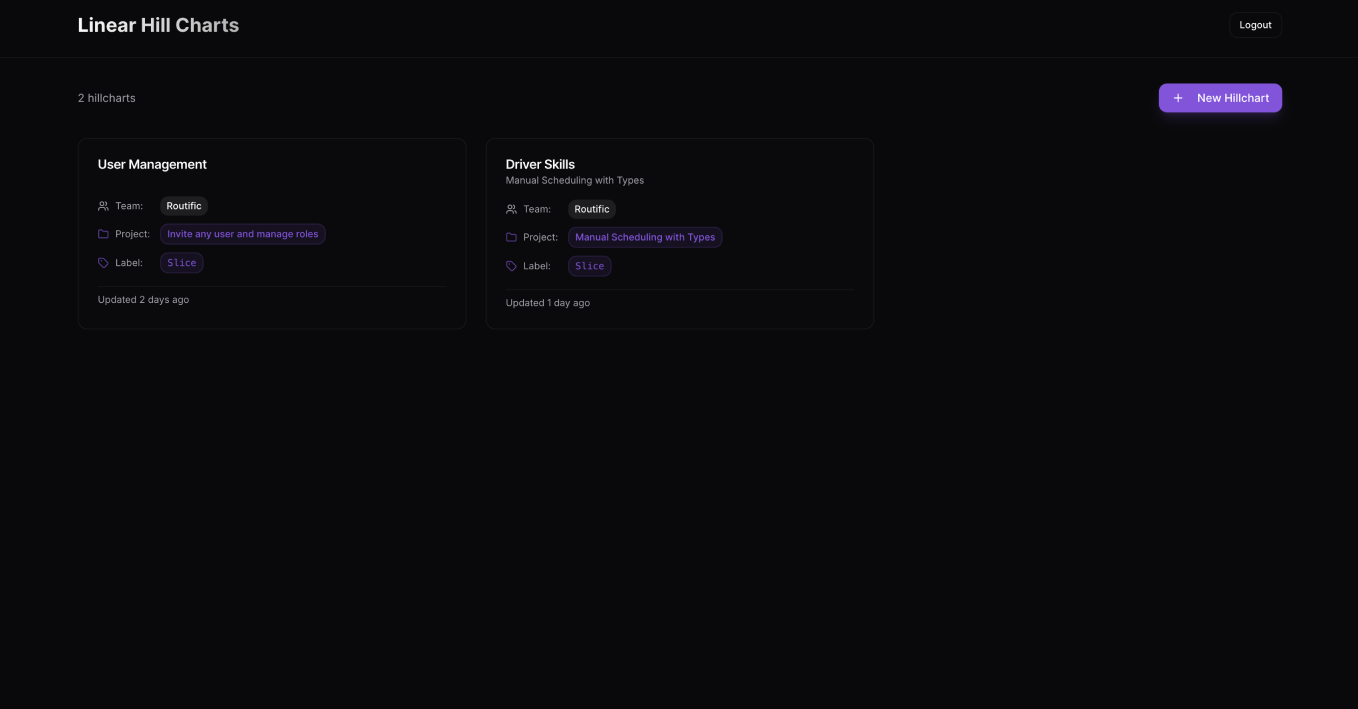
Connect your Route5 account securely using OAuth, then choose a project and the label you’d like to use for syncing issues. Any issues marked as At risk will automatically appear on your hill chart, where you can drag and drop items to reflect their current state. Once your chart is up to date, share it with your team and enjoy a clear, visual sense of progress.
At the moment, the app supports single-player mode only, as hill chart state is stored locally in your browser. Multiplayer support is coming soon.
Configure
Go to https://route5-hills.routific.com and connect your Route5 account to get started.