- Integrations
- Helium Rooms
Share Route5 boards with clients
Overview
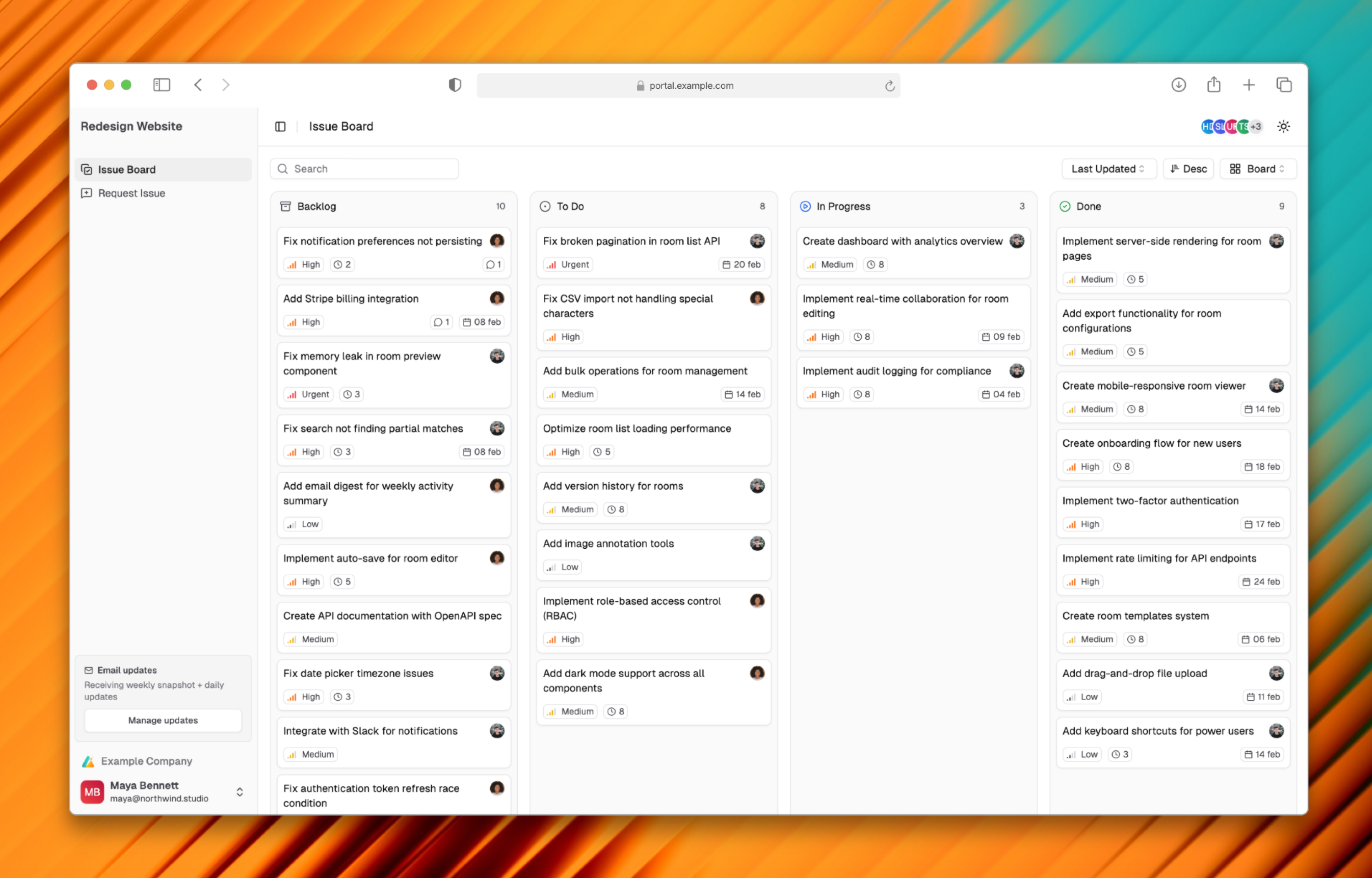
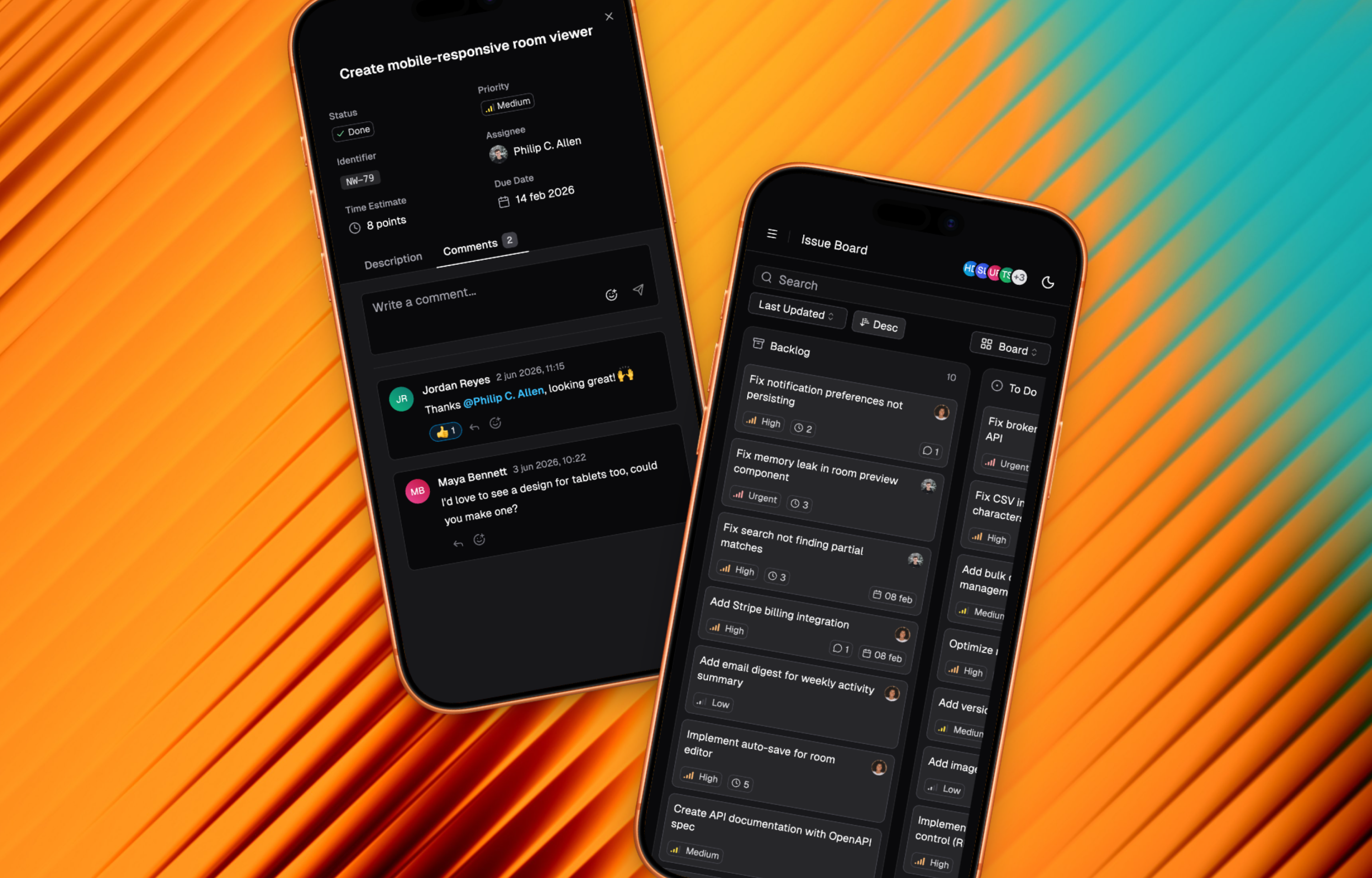
Helium Rooms lets you share Route5 issues with external stakeholders through a flexible, branded portal. Clients get visibility into progress without needing Route5 access, while your internal workflow stays private.
How it works
Create a room and connect it to your Route5 workspace. Choose which issues to share by selecting a team or project, then optionally filter by labels to control exactly what’s visible. Clients see a read-only board that stays in sync with Route5. When you update an issue, they see the change. Route5 remains your source of truth.
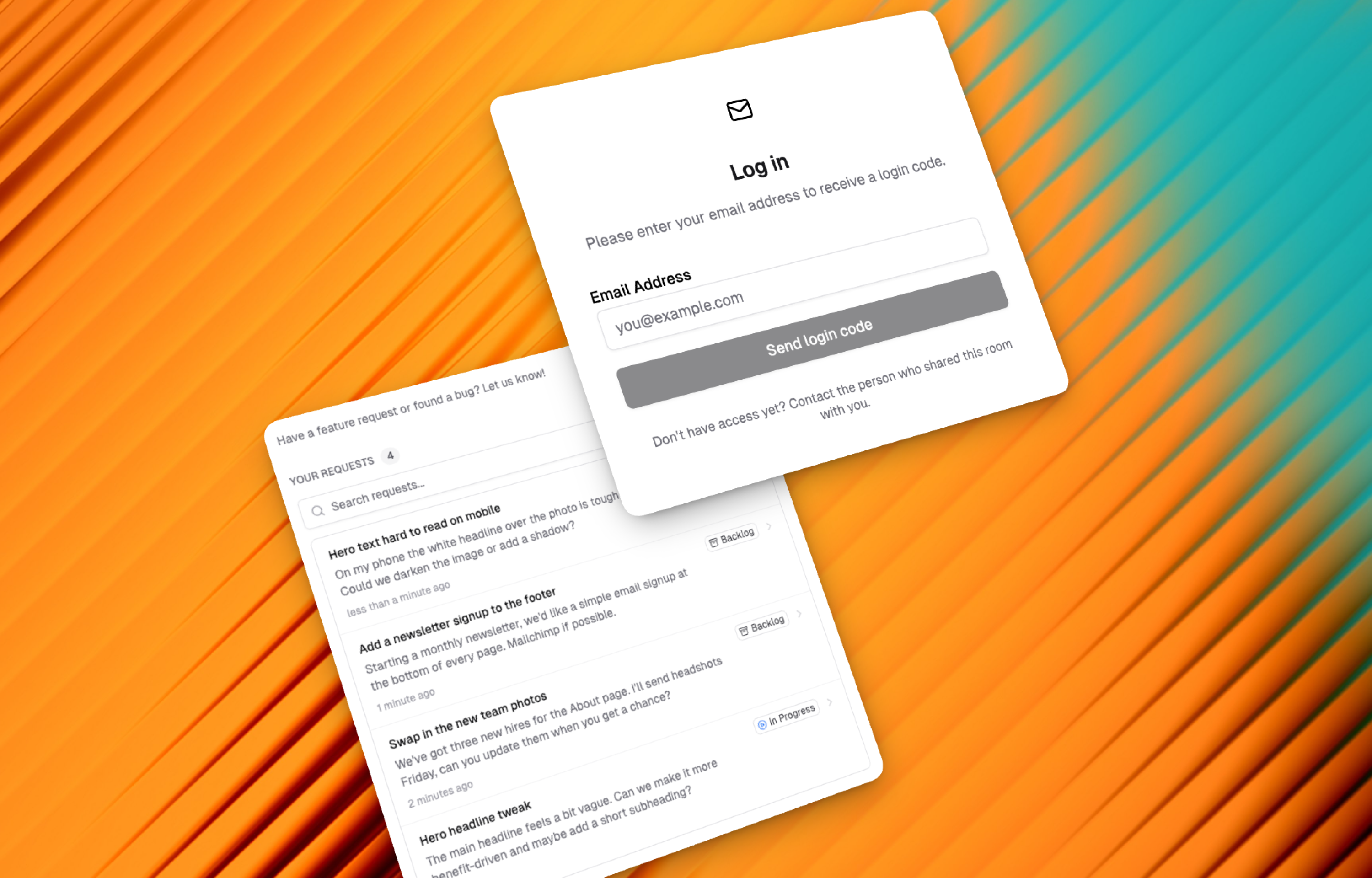
Clients can submit new requests directly from the room, which appear in Route5 for your team to triage. They can also view their own submitted requests and track status, reducing duplicate submissions and “any update?” messages.
Rooms can be public or you can invite clients with their own accounts for added security. Add your logo to make each room feel like part of your client experience rather than a third-party tool.
Configure
Sign up here and connect your Route5 workspace. Create a room, select which team or project to share, and optionally filter by labels. Share the room link with your clients.