- Integrations
- Harvest
Create Harvest time entries for your issues without having to switch apps
Overview
If your team uses Route5 to manage their projects, the Harvest and Route5 integration will enable you to easily track time without switching apps. You can start a Harvest timer from the issue properties sidebar and log the hours you spend planning, working towards milestones, and collaborating with your team.
How it works
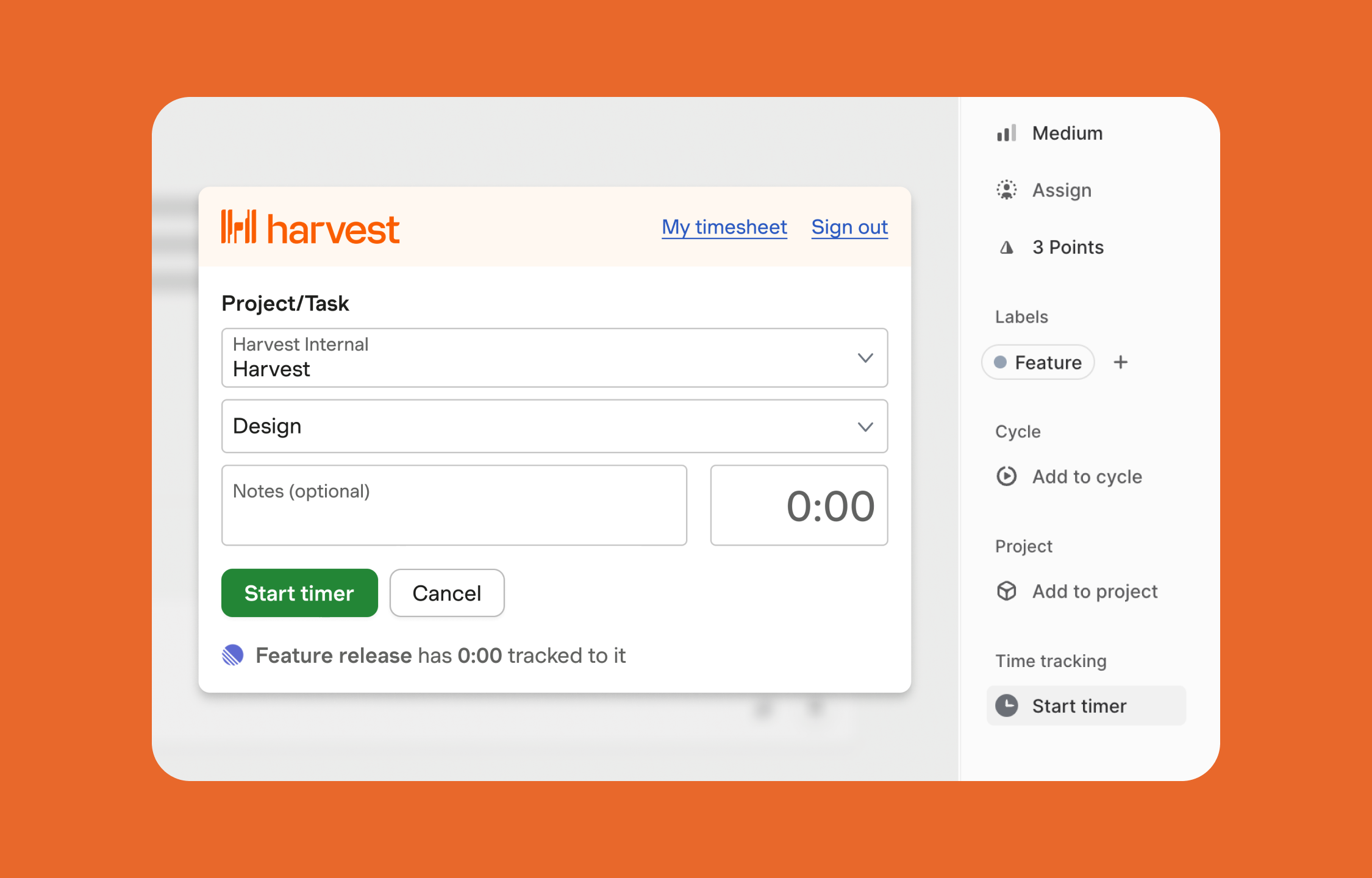
The Harvest integration will add a neatly integrated Start timer button to the issue properties sidebar of all of your Route5 issues. You can use this button to trigger Harvest’s time entry creation flow. When starting a new timer, you’ll notice that Harvest automatically creates a link between the time entry and the issue you’re working on in Route5.
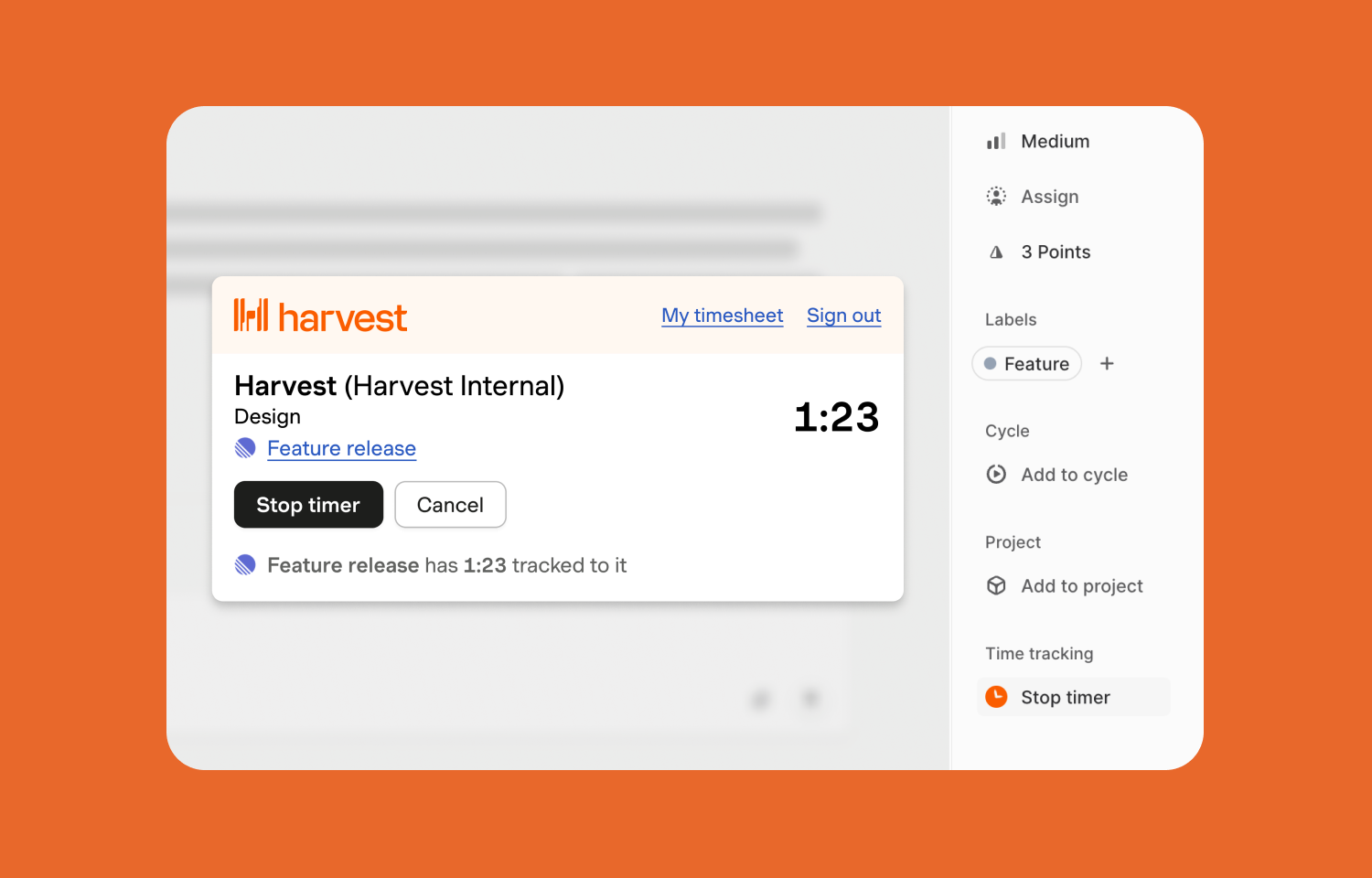
Once you’ve started a timer, an animated clock icon will appear positioned within the Stop timer button to indicate that there’s a running timer for the issue you’re working on. When you click the Stop timer button, you’ll be able to see a summary of the time tracked to the issue.
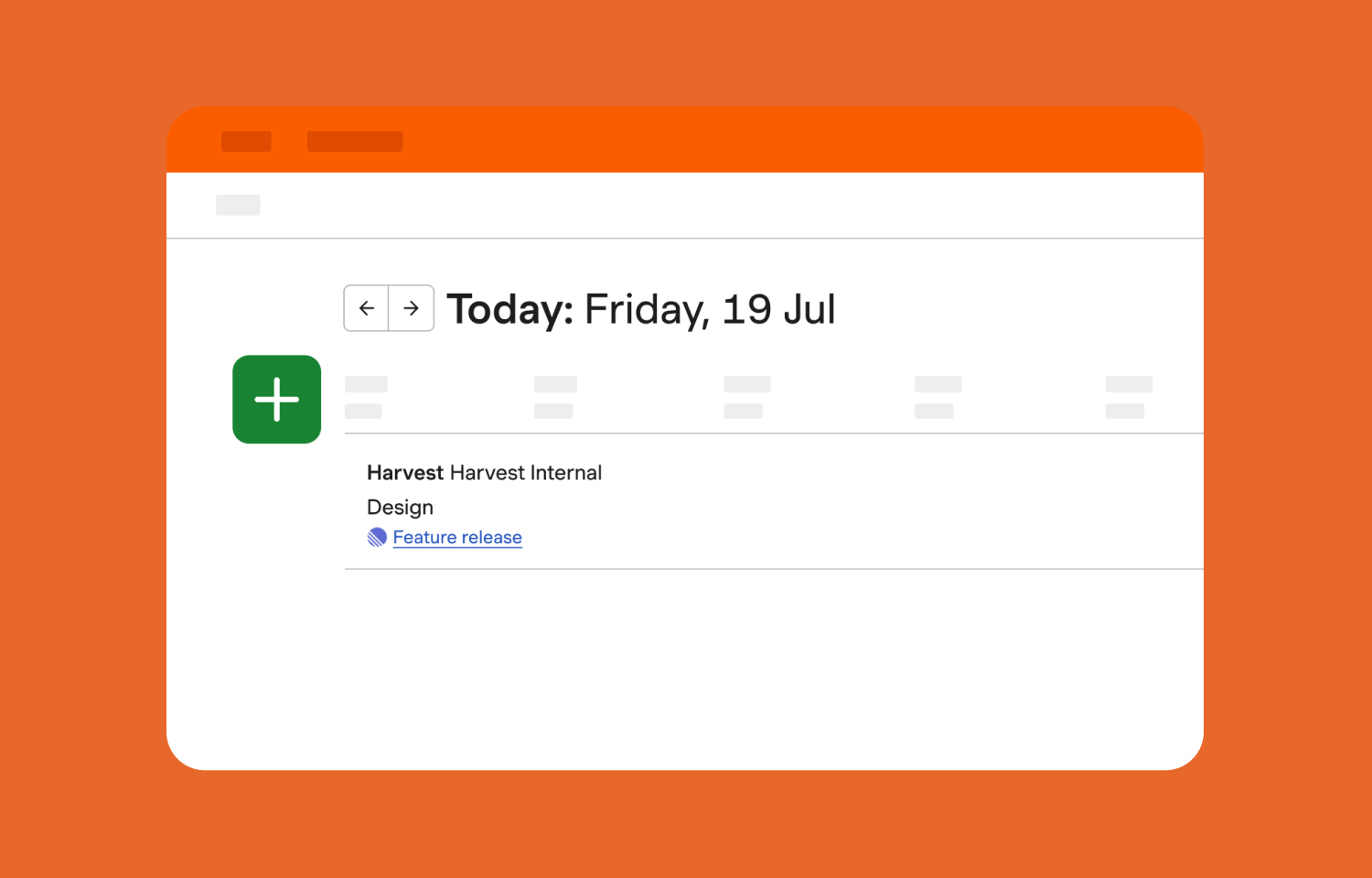
Back on your Harvest timesheet, all time entries created via the Route5 integration will show the Route5 logo and include a link back to the issue that you were working on.
Configure
Install the Harvest browser extension (Available for Chrome, Firefox and Edge). No specific permissions are required.